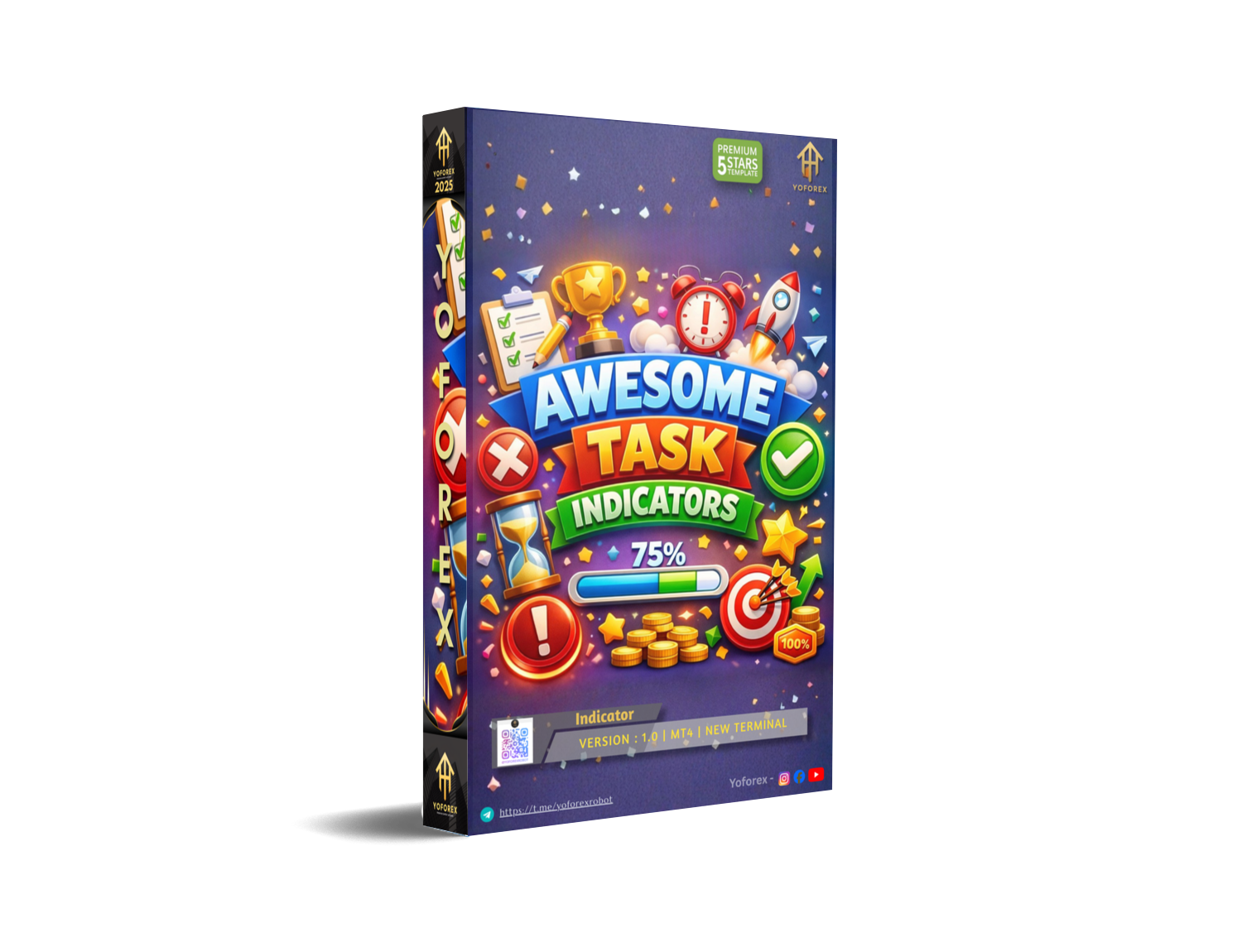
Awesome Task Indicator V1.0 MT4 – Clear Trade Signals for Smart Traders
Introduction – Trading Shouldn’t Feel Complicated…
Let’s be honest for a second. Most traders lose not because they don’t know anything, but because charts get messy… too many indicators, too many opinions, too much noise. One candle says buy, another screams sell, and by the time you decide—boom—the move is already gone. Frustrating, right?
This is exactly where Awesome Task Indicator V1.0 MT4 steps in. Built with simplicity in mind and powered by YoForex’s real-market experience, this free MT4 indicator focuses on one thing only: giving you clean, actionable signals without overloading your chart. No fancy hype, no paid nonsense, no locked features.
Whether you’re a beginner still learning market structure or a seasoned trader who just wants confirmation before pulling the trigger, Awesome Task Indicator V1.0 MT4 fits naturally into your workflow. And yeah, it’s 100% free… coz good tools shouldn’t always come with a price tag.
In this blog, we’ll break down how it works, what makes it useful, backtest logic, installation steps, and why YoForex continues to release tools traders actually use.
Overview of Awesome Task Indicator V1.0 MT4
Awesome Task Indicator V1.0 MT4 is a trend-following and momentum confirmation indicator designed specifically for the MetaTrader 4 platform. It analyzes price behavior, internal momentum shifts, and directional strength to highlight high-probability trade zones.
Instead of repainting or lagging heavily (a common issue with many free indicators), this tool focuses on confirmed market behavior. That means fewer false alerts and more patience-based entries. It works well across multiple currency pairs and timeframes, making it flexible for scalpers, intraday traders, and even swing traders.
Developed and tested by the YoForex team, the indicator has gone through internal backtests and forward-market validation before public release on MQL5.software. The goal wasn’t to create a “holy grail,” but rather a reliable assistant that supports your strategy—not replaces your brain.
You can use Awesome Task Indicator V1.0 MT4 as:
- A standalone signal indicator
- A trend confirmation filter
- An entry-timing assistant with price action
Simple logic, clean visuals, and no clutter… that’s the vibe here.
 Key Features of Awesome Task Indicator V1.0 MT4
• Clean buy & sell signal arrows
• Non-repainting logic (signals stay fixed)
• Works on all major & minor forex pairs
• Supports multiple timeframes (M5 to D1)
• Beginner-friendly, no complex setup
• Lightweight – no MT4 lag issues
• Trend & momentum-based calculations
• Helps filter low-quality trades
• Clear visual alerts (easy to read)
• Compatible with manual strategies & EAs
• Fully free, no license or expiry
• Developed & tested by YoForex team
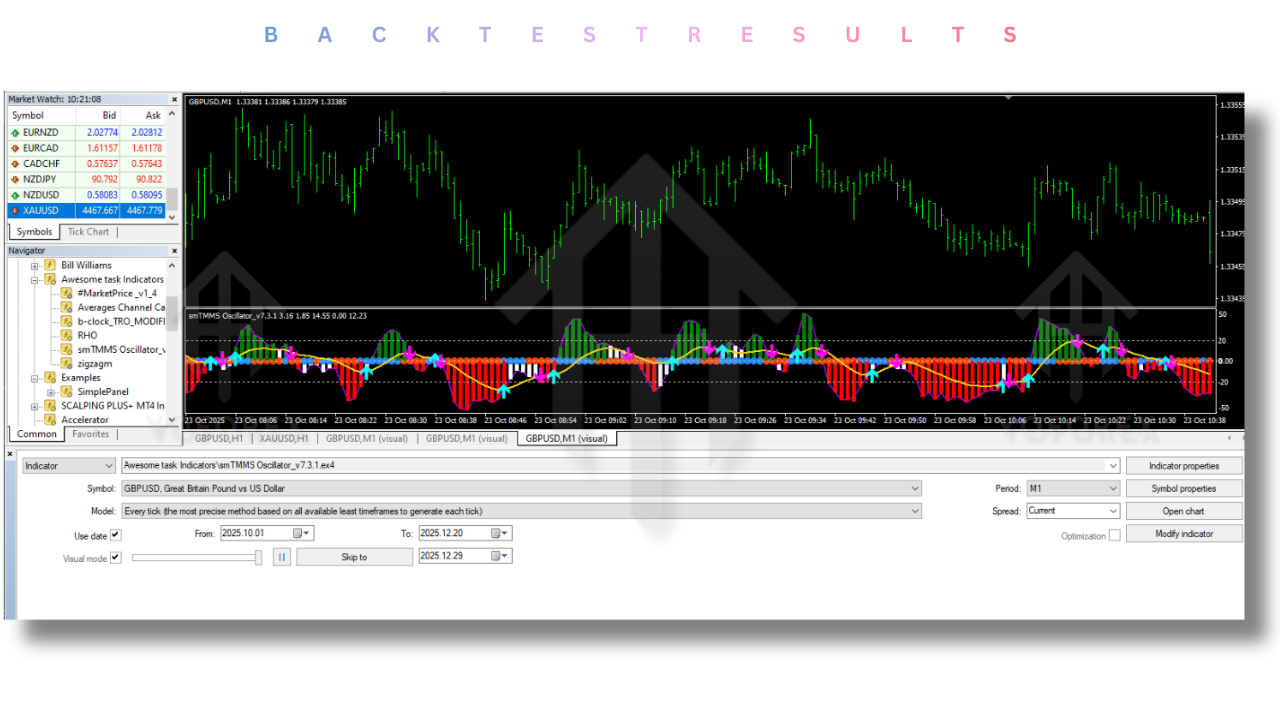
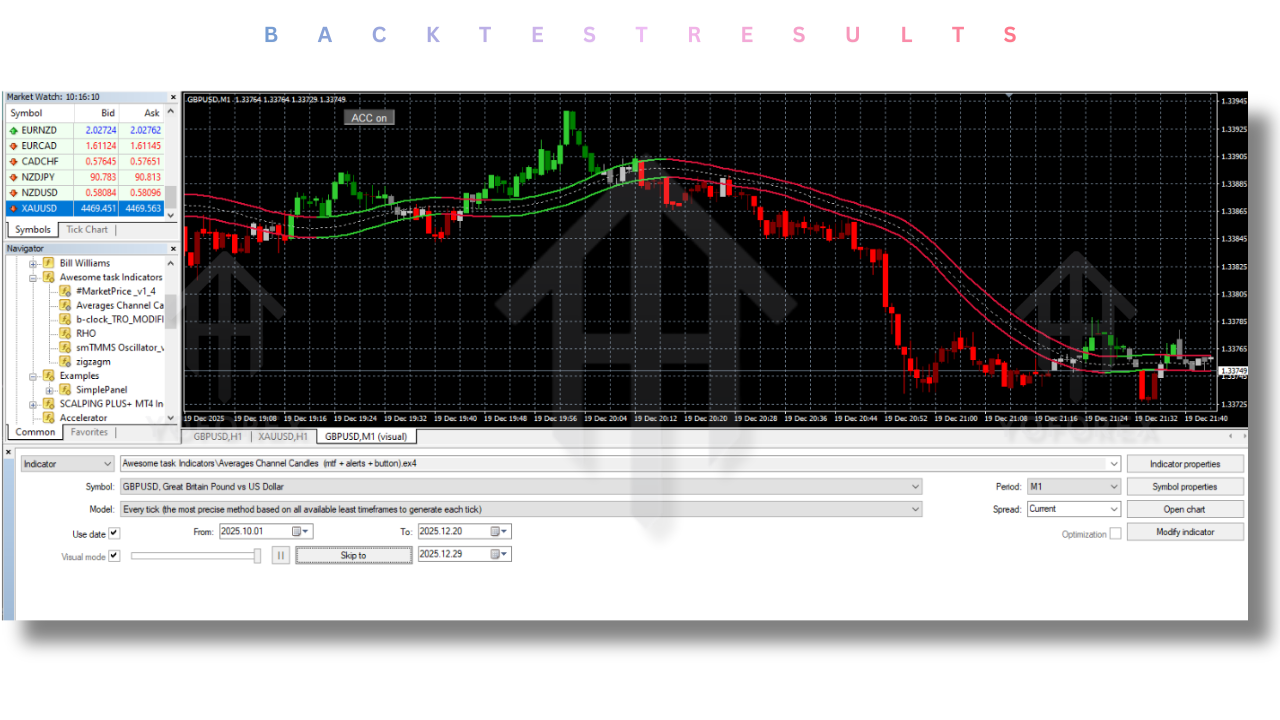
Backtest Results & Performance Logic
The Awesome Task Indicator V1.0 MT4 was internally tested on historical data across major pairs like EURUSD, GBPUSD, USDJPY, and XAUUSD. Backtests focused on trend-continuation environments, not ranging chop—because that’s where momentum indicators shine best.
Backtest Highlights (Internal Testing)
- Time Period: 2021–2024
- Timeframes: M15, M30, H1
- Strategy Type: Trend-following with confirmation
- Average Win Rate: 58–64% (strategy dependent)
- Risk-to-Reward Focus: 1:1.5 to 1:2
- Drawdown Control: Strategy-based, not indicator-forced
In live-market observation, traders using basic risk management (fixed SL/TP or structure-based exits) found the signals more reliable when aligned with higher timeframe trend direction. That’s key… don’t fight the trend, even with good signals.
Remember, this indicator doesn’t promise profits. It gives clarity. What you do with that clarity is up to you.
How to Install & Configure Awesome Task Indicator V1.0 MT4
Installation is quick, even if you’re not tech-savvy.
Step-by-Step Installation
- Download the indicator from
https://mql5.software - Open MetaTrader 4
- Click File → Open Data Folder
- Navigate to:
MQL4 → Indicators - Paste the Awesome Task Indicator V1.0 MT4 file there
- Restart MT4 or refresh the Navigator
- Drag the indicator onto any chart
Recommended Settings
- Default settings work well (no need to tweak initially)
- Best timeframes: M15 & H1
- Combine with basic support/resistance or trendlines
- Avoid trading during major news events
Simple setup, no headaches… just the way it should be.
 Why Choose YoForex-Powered Tools?
YoForex isn’t about selling dreams. The focus has always been on usable tools, fair access, and real trader feedback. Unlike many platforms that lock features behind paywalls, YoForex releases multiple free indicators and EAs for the trading community.
Every tool goes through:
- Practical testing
- Community feedback
- Continuous improvement
You can explore more free tools, guides, and trading resources directly on MQL5.software, all backed by the YoForex ecosystem.
Support, Help & Disclaimer
If you face any issues, bugs, or just want help using Awesome Task Indicator V1.0 MT4, support is always available:
WhatsApp Support: https://wa.me/+443300272265
Telegram Group: https://t.me/yoforexrobot
Disclaimer:
Forex trading involves risk. Past performance is not a guarantee of future results. This indicator is provided for educational and analytical purposes only. Always test on a demo account before trading live and manage risk responsibly.
Call to Action – Download It Free Now
If you’re tired of cluttered charts and confusing indicators, give Awesome Task Indicator V1.0 MT4 a try. It’s free, simple, and actually useful… no strings attached.
Download now from: https://mql5.software
Join the YoForex community, test smart, and trade with clarity—not confusion.






Comments (0)
No comments yet. Be the first to comment!
Leave a Comment