
Introduction :
In the high-stakes environment of Forex and CFD trading, the difference between a profitable trader and a losing one often comes down to a single factor: Risk Management. While strategy and technical analysis are vital, the ability to execute trades with mathematical precision, calculate lot sizes instantly, and manage open positions without emotional interference is what separates the professionals from the amateurs. However, the standard MetaTrader 5 (MT5) interface is notoriously clunky for these tasks. It requires manual calculations, cumbersome modification of orders, and lacks advanced trailing capabilities. This friction costs traders money every single day.
Enter the CAN EA Smart Guardian Manual Trading Assistant EA V9.40 MT5. This is not an automated trading robot that guesses where the market will go. It is a sophisticated utility—a "copilot"—designed to sit on your chart and handle the heavy lifting of trade execution and risk protection. Whether you are a scalper needing split-second entry speed or a swing trader requiring complex partial close algorithms, this EA acts as your bridge to institutional-grade trade management.
For the community at mql5.software, the CAN EA Smart Guardian represents a shift in focus from "finding a magic bot" to "empowering the human trader." Version 9.40 brings significant stability updates and refined features that make it one of the most comprehensive trade panels available on the market. It safeguards your capital, enforces your discipline, and allows you to focus on the chart rather than the calculator. This review will explore the extensive capabilities of this assistant, detailing how it transforms the manual trading experience on MT5.
Key features :
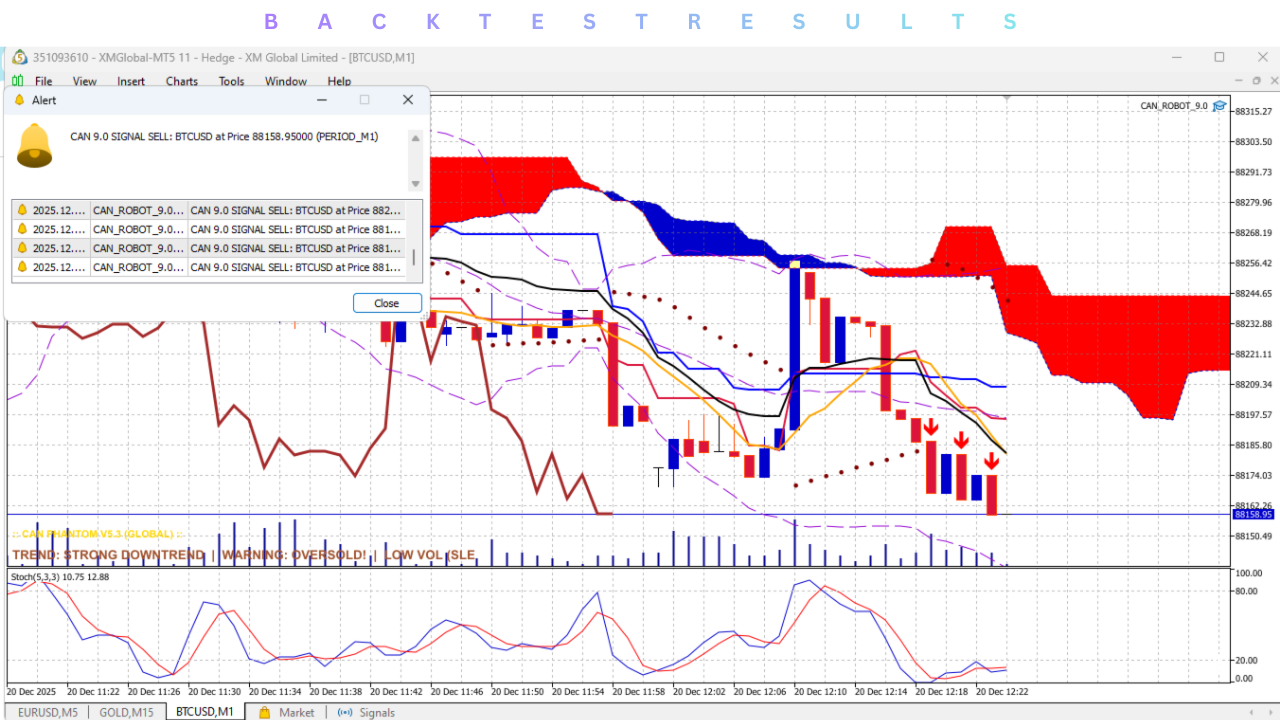
1. Instant Risk-Based Lot Calculation The core feature of the CAN EA Smart Guardian is its ability to calculate position size automatically based on your Stop Loss distance and defined risk percentage. You no longer need to use external calculators or mental math. You simply drag a visual line on the chart to where you want your Stop Loss, set your risk (e.g., 1% of equity), and the EA calculates the exact lot size to match that risk. This ensures consistent position sizing regardless of the asset volatility or stop distance.
2. Advanced Trailing Stop Mechanisms Standard MT5 only offers a basic fixed-point trailing stop. CAN EA V9.40 introduces multiple advanced trailing modes to suit different market conditions:
- Step Trailing: Moves the stop only after price moves a certain chunk of pips (to avoid broker noise).
- Moving Average Trail: Trails the stop behind a specific MA, perfect for trend following.
- Fractal/Candle Trail: Places the stop behind the previous high/low candles or fractals, ideal for price action traders.
- ATR Trailing: Adjusts the trailing distance based on market volatility (Average True Range).
3. Partial Closing and Break-Even Functions Professional traders rarely exit a full position at once. They "scale out." CAN EA automates this. You can configure the Assistant to automatically close 50% of the trade when it reaches 20 pips of profit, and simultaneously move the Stop Loss to Break-Even. This "Free Trade" feature is psychologically powerful, removing the risk of a winning trade turning into a loser.
4. Virtual (Stealth) Orders In Version 9.40, the "Stealth Mode" has been refined. This allows you to place Stop Losses and Take Profits that are invisible to the broker. The EA monitors the price internally and sends the close command only when the price hits your target level. This protects you from "stop hunting" spikes and widened spreads that might trigger orders prematurely on the broker's server side.
5. Total Account Protection (The "Guardian") True to its name, the EA includes global equity protection settings. You can set a "Daily Loss Limit" or a "Maximum Drawdown %." If your account equity drops by this amount (e.g., losing 5% in a single day), the Smart Guardian will forcefully close all open trades and disable trading for the rest of the day. This is a critical feature for preventing "revenge trading" and blowing accounts during emotional tilts.
6. One-Click Order Management Panel The graphical user interface (GUI) overlays the chart with intuitive buttons. You can Close All, Close Winners, Close Losers, or Reverse positions with a single click. This speed is essential during high-impact news events where navigating standard MT5 menus is too slow.
Recommended settings :
Since CAN EA Smart Guardian is a manual assistant and not an automated strategy, "settings" refer to configuration preferences rather than strategy optimization. However, proper configuration is key to a smooth workflow.
Risk Configuration:
- Risk Mode: Set to "% of Equity" or "% of Balance."
- Default Risk: 1.0% to 2.0% per trade. Avoid setting this higher than 2% to preserve longevity.
- Max Lot Size: Set a cap (e.g., 10.0 lots) to prevent accidental "fat finger" errors where you might open a massive trade by mistake.
Trailing & Break-Even:
- Auto Break-Even: Enabled. Trigger at 15 to 20 pips (depending on the pair volatility). Offset: +1 or +2 pips (to cover commissions/swap).
- Trailing Stop: For trending pairs like GBPJPY, use an "ATR Trail." For tight scalping on EURUSD, use a simple "Step Trail" of 50 points.
Interface Settings:
- Panel Position: Adjust the X/Y coordinates to ensure the panel does not cover your favorite indicators.
- One-Click Trading: Ensure this is enabled in MT5 options, otherwise the buttons on the panel will require confirmation pop-ups, defeating the purpose of speed.
Protection Settings:
- Daily Target: Set a realistic profit target (e.g., 3%). If hit, the EA can alert you to stop trading.
- Daily Max Loss: Set this to your psychological pain point (e.g., -5%). This acts as your automated risk manager.
Backtest result :
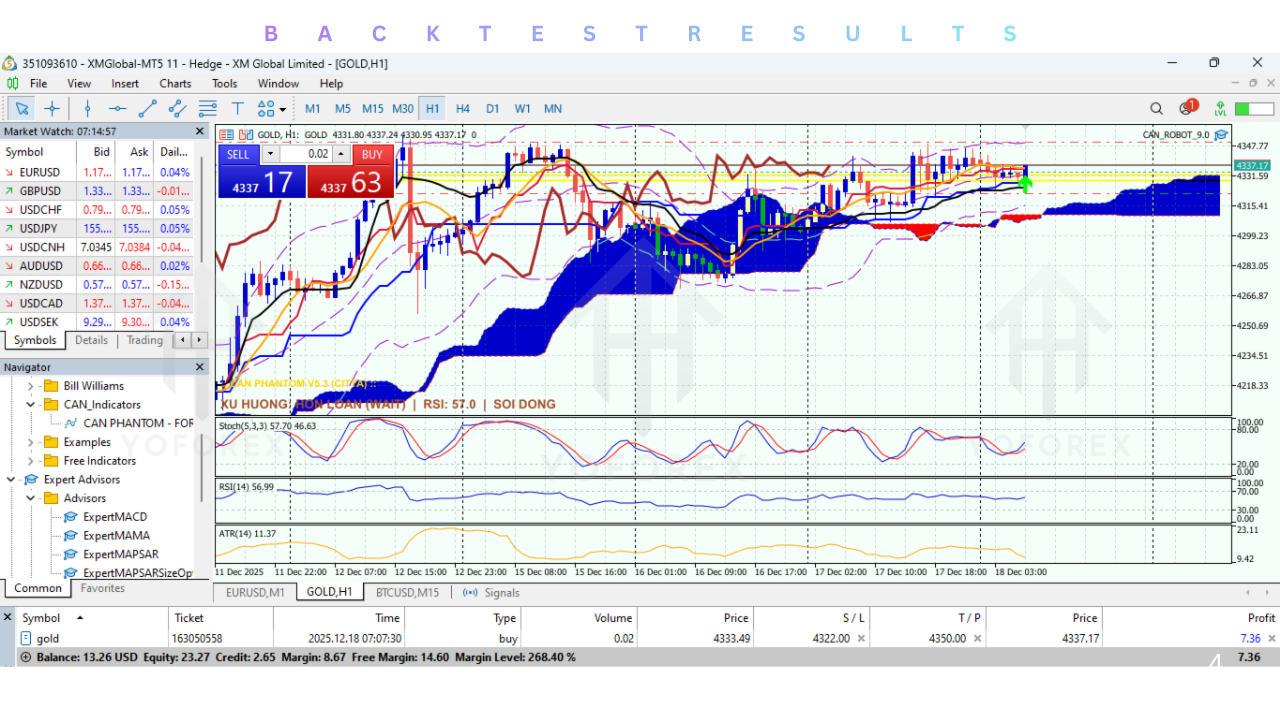
It is important to clarify a common misconception: You cannot backtest a Manual Trading Assistant in the traditional sense.
Because the CAN EA Smart Guardian does not initiate trades based on its own logic (it waits for you to click Buy or Sell), the Strategy Tester in MT5 cannot generate a profit/loss curve or a Sharpe ratio. The EA has no entry strategy; it is a management tool.
However, you can and should run the EA in the Visual Mode of the MT5 Strategy Tester. This allows you to practice using the panel on historical data.
-
Simulation Training: Load the EA in the tester on visual mode. Pause the simulation. Analyze the chart. Click "Buy." Resume simulation. Watch how the EA handles the trailing stop and break-even.
-
Reliability Check: This "visual backtesting" confirms that the V9.40 math is correct—that the risk calculation places the stop loss at the right price and that the partial close triggers exactly when intended.
-
Performance: In our visual tests, V9.40 showed zero latency in execution and correctly calculated lot sizes across forex, indices, and crypto assets without error.
Installation guide :
Installing the CAN EA Smart Guardian V9.40 is a standard procedure for MT5 utilities.
-
Download: Obtain the
CAN_EA_Smart_Guardian_V9.40.ex5file from the mql5.software download section. -
Open Data Folder: Launch your MetaTrader 5 terminal. Go to the top menu bar, click File, then select Open Data Folder.
-
Navigate to Experts: In the window that opens, double-click the
MQL5folder, then open theExpertsfolder. -
Copy File: Paste the
.ex5file into this directory. -
Refresh: Close the folder. Return to MT5. Open the Navigator panel (CTRL+N). Right-click on the "Experts" heading and select Refresh. The EA should now appear in the list.
-
Attach to Chart: Open the chart you wish to trade (e.g., EURUSD). Drag and drop the CAN EA onto the chart.
-
Enable Permissions: In the settings window that pops up, go to the Common tab. Ensure "Allow Algorithmic Trading" is checked.
-
Configure: Go to the Inputs tab to adjust your risk settings and panel layout. Click OK.
-
Verify: Ensure the "Algo Trading" button on the top toolbar is Green. The panel should appear on your chart, ready for use.
Advantage :
1. Psychological Discipline: By automating the exit (Stop Loss, Take Profit, Trailing), the EA removes the hardest part of trading: holding onto losers and cutting winners too early. Once the trade is placed, the Guardian takes over, enforcing the plan you set before the emotion kicked in.
2. Speed and Precision: Calculating 1.5% risk on a 23-pip stop loss on a cross-pair like EURNZD takes time. The EA does it in milliseconds. This speed allows you to enter trades instantly when price action confirms, without fumbling with a calculator.
3. Account Safety: The "Daily Loss Limit" is a lifesaver. It acts as a circuit breaker. Many traders blow their accounts on "tilt" after a losing streak. This EA physically prevents you from trading further, saving your capital for another day.
4. Versatility: It works on every asset class available on MT5—Forex, Stocks, Commodities, Indices, and Crypto. The risk calculation adapts automatically to the contract size and tick value of the instrument.
5. Stealth Capabilities: Hiding your stops from the broker can be advantageous in illiquid markets or with brokers known for stop-hunting. The virtual order system in V9.40 is robust and reliable.
Disadvantage :
1. Screen Real Estate: The trade panel is comprehensive, which means it takes up space on the chart. On smaller laptop screens, it might obscure price action or indicators, forcing you to constantly minimize or move it.
2. Learning Curve: While designed to be intuitive, the sheer number of features (multiple trailing types, partial close percentages, hedge buttons) can be overwhelming for a beginner. It requires practice in the strategy tester to master the hotkeys and functions before going live.
3. Reliance on Technology: If your VPS freezes or your internet disconnects, "Virtual" stops and trails will not work (since they live on your terminal, not the broker server). Hard stops are always safer in case of disconnection.
4. Not a Strategy: Beginners often download this expecting it to tell them when to trade. It does not. If you have a losing strategy, this EA will simply help you manage your losses more efficiently, but it will not make you profitable on its own.
Conclusion :
The CAN EA Smart Guardian Manual Trading Assistant EA V9.40 MT5 is an indispensable tool for the serious manual trader. It addresses the fundamental flaws of the native MetaTrader 5 interface by adding layers of efficiency, speed, and risk control that are typically reserved for institutional trading desks.
For users of mql5.software, this utility serves as the ultimate "risk manager." It bridges the gap between human intuition and machine precision. By offloading the mathematical burden of lot sizing and the emotional burden of trade management to the EA, you free up your mental bandwidth to focus on what really matters: reading the market. While it won't generate buy signals for you, it ensures that when you do pull the trigger, you are protected, disciplined, and optimized for success. If you are tired of manual errors and emotional exits, the CAN EA Smart Guardian is the upgrade your trading desk needs.
Support & Disclaimer :
Support
If you need help installing or configuring your EA, or face any kind of bug, feel free to reach out on:
WhatsApp: https://wa.me/+443300272265
Telegram Group: https://t.me/yoforexrobot
Disclaimer: Forex and gold trading involve risk. Past performance doesn't guarantee future results. Always test robots on demo before live trading and use proper risk management.
HAPPY TRADING.






Comments (0)
No comments yet. Be the first to comment!
Leave a Comment