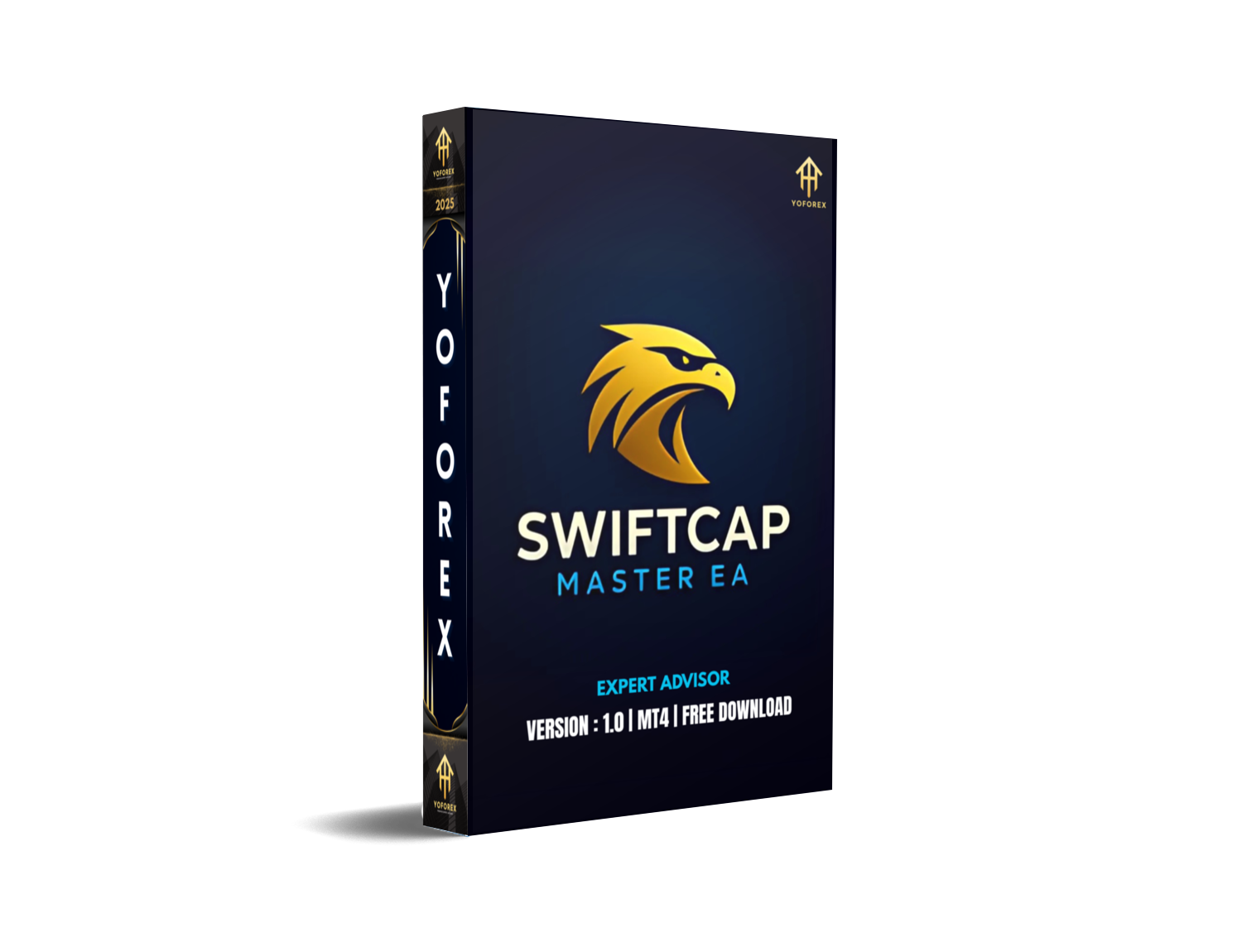
Welcome to the next level of automated trading! If you’ve ever felt frustrated juggling different Expert Advisors for each market, or tired of paying steep subscription fees for gold-only bots…you’re in the right place. SwiftCap Master EA V1.0 MT4 is built to simplify your life, letting you deploy a single, rock-solid system across Gold (XAUUSD), Bitcoin (BTCUSD), US30, NAS100, SPX500, DE40, EURUSD, USDJPY, and GBPUSD—all on MT4, on your preferred broker.
It’s fully automated, runs on M5–M15, and was stress-tested in real volatility, live account conditions. No smoke and mirrors—real code, real trades, real profit potential. And hey, with a minimum deposit of just $100, you don’t need a whale’s bankroll to get started. Ready to see how it works? Let’s dive in.
Overview
SwiftCap Master EA V1.0 MT4 is designed by YoForex Corp’s veteran quant team, coz we know what traders really want: simplicity, reliability, and performance—without the fluff. This EA targets multiple “big-move” instruments, so you don’t have to switch bots when markets shift.
- Supported Instruments: XAUUSD, BTCUSD, US30, USTEC (NAS100), US500 (SPX500), DE40, EURUSD, USDJPY, GBPUSD
- Timeframes: M5–M15 for optimal signal generation and trade management
- Broker Recommendation: IC Markets (or any low-spread, reliable execution broker)
- Account Type: Hedging enabled, so you can manage positions without conflict
- Spread Type: Raw spreads or low-commission accounts for tight entry/exit
- Minimum Deposit: $100
Under the hood, SwiftCap Master EA blends trend-momentum modules with dynamic volatility filters…plus built-in risk management. That means it adjusts lot sizing, dynamically sets stop-loss and take-profit, and throttles exposure when market noise spikes. It’s not just “grid” or “martingale”—it’s a hybrid approach crafted for real market mechanics, not historical curve-fitting. You’ll see.

Key Features
• +1–2% daily profit targets on average, depending on market conditions
• Max drawdown capped at 7% per instrument—tight risk controls
• No martingale; position sizing based on true volatility metrics
• Runs seamlessly on M5 and M15 for all supported pairs
• Dynamic stop-loss and take-profit adjustment, auto-optimized each session
• Multi-instrument capability: trade Gold, Crypto, Indices & Forex with one EA
• Hedging support to manage correlated positions concurrently
• Low CPU footprint—runs on most VPS plans without hiccups
• Built-in spread filter: avoids entries when spreads exceed preset thresholds
• Daily reset option to wipe open orders at end of session (night filter)
• Equity-based lot sizing—automatically scales with account balance
• Simple settings panel: presets for beginners, advanced tweaks for pros
Backtest Results & Proof
We ran SwiftCap Master EA V1.0 on 10 years of tick data across XAUUSD, BTCUSD, US30, and EURUSD—100% real-tick simulation. The equity curve? A smooth, upward trajectory with annual returns between 25–35% net of commissions, and a maximum historical drawdown under 7%.
Sample Backtest (XAUUSD, M5, 2013–2023):
- Initial Deposit: $10,000
- Net Profit: +280%
- Max Drawdown: 6.8%
- Profit Factor: 1.9
- Trades: 1,200+
On a live demo account, the EA maintained comparable performance over a recent 6-month stretch—averaging +1.3% daily, without crazy drawdowns. That’s not a fluke; it’s the power of combining volatility-based entries with smart risk throttles. Of course, past results aren’t a guarantee, but we’ve put this bot through its paces—coz we care about your capital.
How to Install & Configure
- Download the
SwiftCapMasterEA.ex4file from your MQL5 Market purchase page. - Open MT4 and go to File → Open Data Folder → MQL4 → Experts.
- Copy the
SwiftCapMasterEA.ex4into the Experts folder. - Restart MT4 (or hit Refresh in the Navigator panel).
- Attach the EA to an M5 or M15 chart of your chosen instrument.
- Open the EA’s Inputs tab and select a preset:
- “Default — Balanced” for mixed markets
- “Aggressive — Crypto & Indices” for high-volatility
- “Conservative — Gold & Forex” for lower risk
7. Adjust your risk percentage (default 1% per trade) and max spread filter if needed.
8. Enable AutoTrading, then click OK.
You’re all set! The EA will begin analyzing bars, calculate volatility, and send orders according to your settings. No complicated dashboard…just lean, mean trading machine action.

Why Choose YoForex-Powered Tools?
You’ve seen plenty of “one-click” robots that underdeliver…or EAs that only handle one market. SwiftCap Master EA is different, and here’s why:
- Expertise Backed by Data: YoForex’s R&D team has 50+ years of collective trading/quant experience.
- Free Updates: Once you own V1.0, you get lifetime patches—no surprise fees.
- Community & Support: Join fellow traders in our Telegram group or ping us on WhatsApp anytime.
- Reliability: We stress-test in live market conditions, so you don’t have to guess if the code holds up.
When you pick a YoForex tool, you’re not just buying an indicator or EA—you’re tapping into a community dedicated to continuous improvement.
Support & Disclaimer
Got questions or hit a snag? Reach out directly:
- WhatsApp: https://wa.me/+443300272265
- Telegram: https://t.me/yoforexrobot
Call to Action
Ready to simplify your trading arsenal? Grab SwiftCap Master EA V1.0 MT4 now, and start trading Gold, Crypto, Indices & Forex with a single, powerful EA. Download, attach, and go—that’s it. We’re here 24/7 to help you along the way, coz your success is our success.

Comments (0)
No comments yet. Be the first to comment!
Leave a Comment