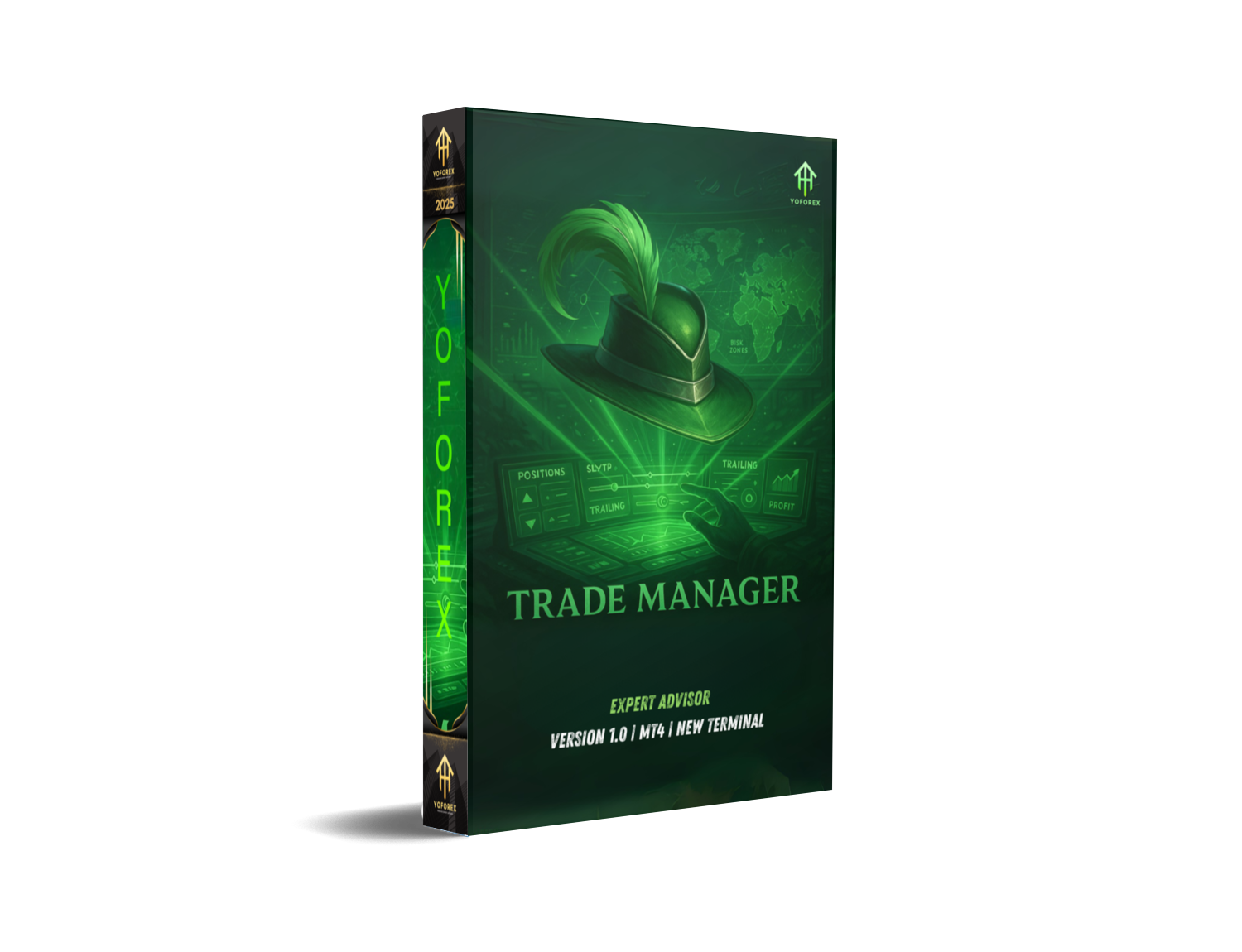
Ever found yourself juggling multiple trades and manually adjusting stop-loss levels, trailing stops, or calculating partial closes? Let’s be real—it’s exhausting, and sometimes you miss the perfect exit or risk too much by mistake. That’s where Trade Manager EA V1.0 MT4 steps in. It’s a fully automated, easy-to-use MT4 expert advisor that does the boring stuff for you—so you can focus on reading the market, not babysitting trades.
This free EA isn’t about placing trades—it’s about managing them smartly. Whether you're a scalper, day trader, or swing trader, Trade Manager EA handles stop-loss adjustment, take-profit automation, breakeven logic, partial exits, trailing stops—you name it. Developed by the YoForex team, it's lightweight, customizable, and available 100% free on MQL5.software.
Overview
Trade Manager EA V1.0 MT4 is a utility-type expert advisor built for the MetaTrader 4 platform. Unlike traditional EAs that focus on trade entry and strategy logic, this EA is strictly for post-entry trade management. Once you open a position (manually or with another EA), Trade Manager instantly takes over based on the rules you've set.
Think of it as your personal assistant for managing risk and locking in profits. You define your SL, TP, trailing rules, break-even triggers, and even how much to close at each level. It then automates all of this—accurately and fast. It supports all currency pairs, works on any timeframe (since it doesn't rely on candles), and is suitable for prop-firm accounts, scalping setups, and multi-EA portfolios.
Key Features
• + Automatic stop-loss and take-profit placement
• + Partial close at defined profit levels (e.g., 50% at 1:1 RR)
• + Breakeven logic—move SL to entry at profit threshold
• + Smart trailing stop (fixed pip or dynamic ATR-based)
• + Multi-symbol compatibility—works on any pair or asset
• + Compatible with manual trading or other EAs
• + One-click disable or pause function
• + Works with ECN and non-ECN brokers
• + News filter (optional) to pause management during volatile events
• + Fully customizable inputs, no coding needed
• + No martingale, no grid—pure risk control tool
• + Lightweight and fast—ideal for prop firm evaluations
Backtest? Not Required—Here’s Why
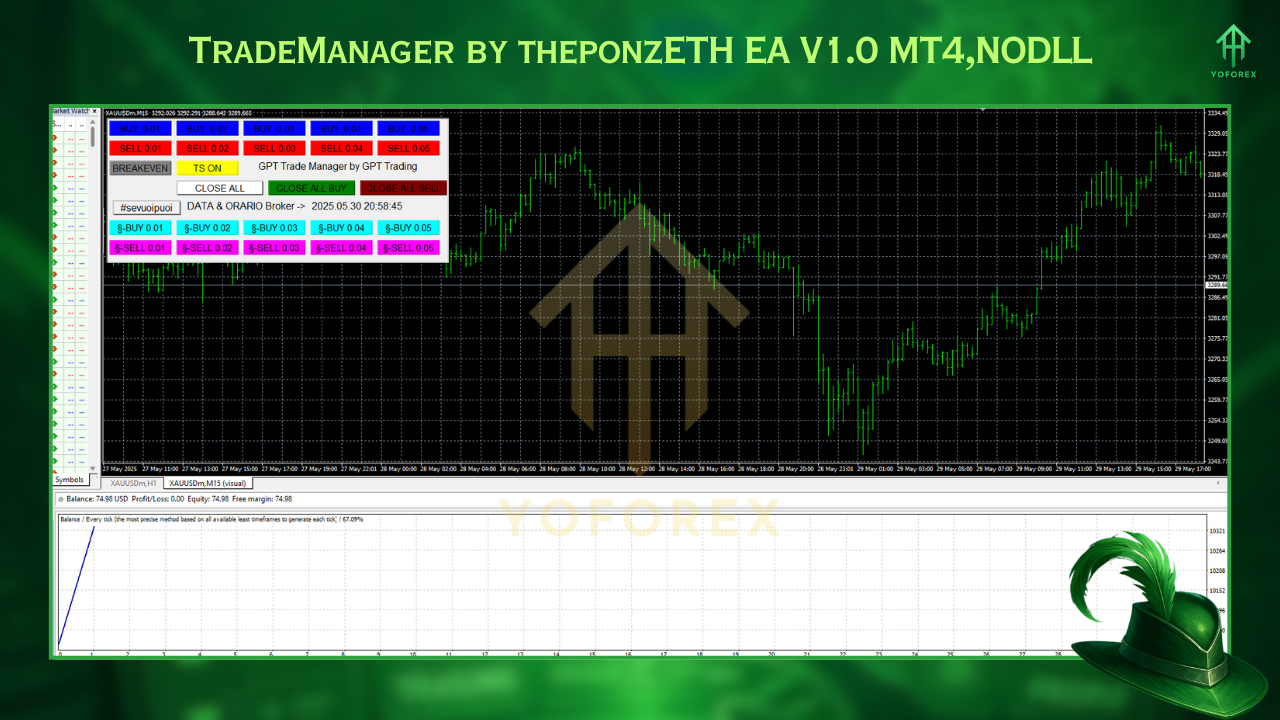
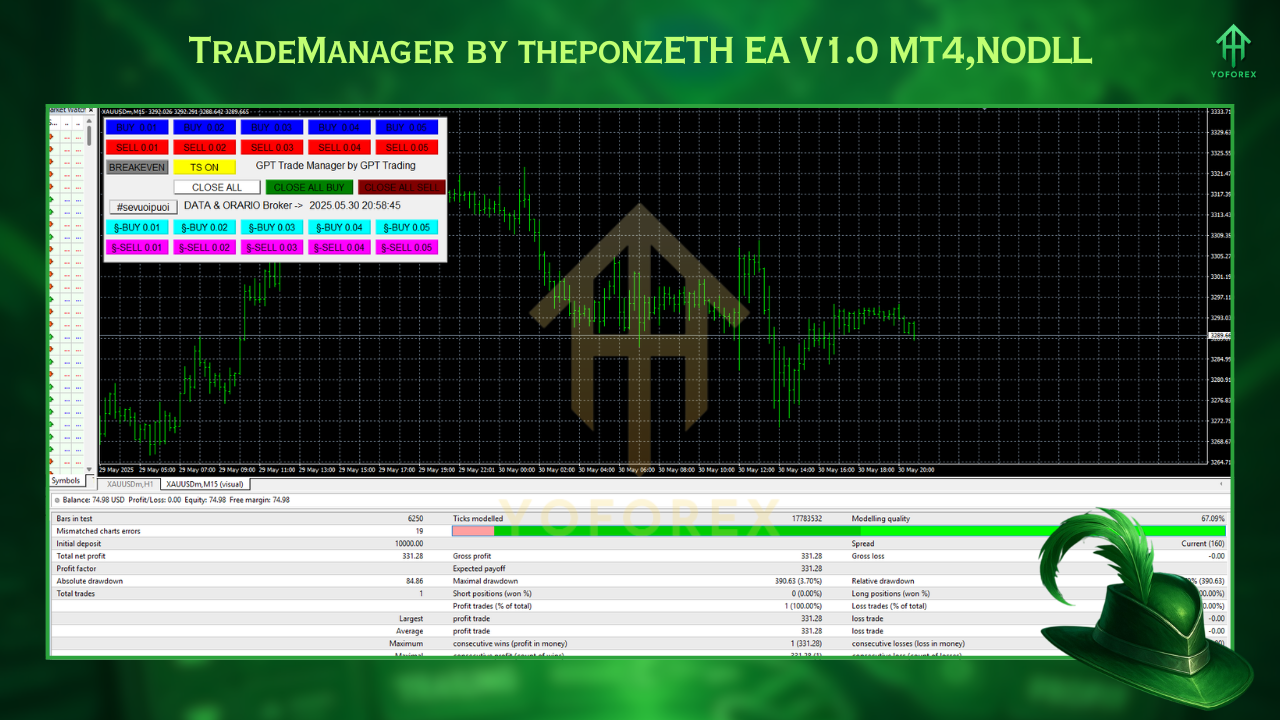
How to Install & Configure
- Download from MQL5.software:
https://www.mql5.software/en/market/trade-manager-ea-v1-0-mt4 - Place Files:
- Copy
TradeManagerEA_V1.0.ex4intoMQL4/Experts/ - Restart MT4:
You’ll now see "Trade Manager EA V1.0 MT4" under Expert Advisors. - Attach to Chart:
Use any chart (any pair, any TF). Just make sure it’s open. - Set Inputs:
Load default.setfile or adjust SL, TP, breakeven, trail values manually. - Enable AutoTrading:
Don’t forget to hit that AutoTrading button (green = on).
Why Choose YoForex Tools?
YoForex has always been about empowering traders with professional tools—without the crazy price tag. Every bot or utility we drop, like Trade Manager EA V1.0 MT4, is designed to solve real trading pain points. You get access to updates, future enhancements, and friendly community support—all for free. Whether you’re a full-time trader or just getting your feet wet, we’ve got something that’ll elevate your workflow.
Support & Contact
- WhatsApp Support: https://wa.me/+443300272265
- Telegram Group: https://t.me/yoforexrobot
Disclaimer: This EA does not initiate trades. It’s designed solely for risk and trade management. Past results using other strategies may vary—test thoroughly on demo.
Call to Action
Ready to stop manually adjusting your trades like it’s 2010? Get Trade Manager EA V1.0 MT4 free from MQL5.software today and let it handle the boring stuff while you focus on strategy. Your trading just got way easier.



Comments (0)
No comments yet. Be the first to comment!
Leave a Comment