Ever wondered why so many traders still rely on Bollinger Bands after decades? Because they simply work. They visualize volatility, highlight overbought/oversold conditions, and give clues about breakouts. But the standard version has its limits.
That’s why Advanced Bollinger Bands V1.0 Indicator MT4 is such a big deal. Developed by YoForex and released free on MQL5.software, this upgraded indicator takes the classic Bollinger Bands concept and makes it far more powerful.
Whether you’re into scalping, swing trading, or gold trading, this indicator is designed to give you clearer entry and exit signals while keeping charts simple and intuitive.
Overview of Advanced Bollinger Bands V1.0 Indicator MT4
The standard Bollinger Bands use a 20-period SMA and standard deviation envelopes. While that’s useful, markets have evolved. High volatility in forex and gold requires more dynamic filters.
The Advanced Bollinger Bands V1.0 adds:
- Adaptive deviation control.
- Signal arrows when price closes outside the band.
- Alerts for band squeeze breakouts.
- Multi-timeframe analysis (check M15, H1, H4 bands from one chart).
It’s plug-and-play for MetaTrader 4 and works on any pair and any timeframe. Many traders use it specifically for EURUSD, GBPUSD, and XAUUSD, but it performs just as well on indices and crypto.
Key Features
• Enhanced Bollinger Bands with adjustable sensitivity
• Multi-timeframe support (analyze higher TF bands on a lower chart)
• Alerts for band squeeze and volatility expansions
• Color-coded signals for trend continuation vs. reversal
• Works on forex, gold, indices, and crypto
• Scalper & swing trader friendly
• Clean and minimal chart design
• No repainting – signals stay locked after close
• Adjustable input parameters for custom trading styles
• Lightweight, won’t slow down MT4
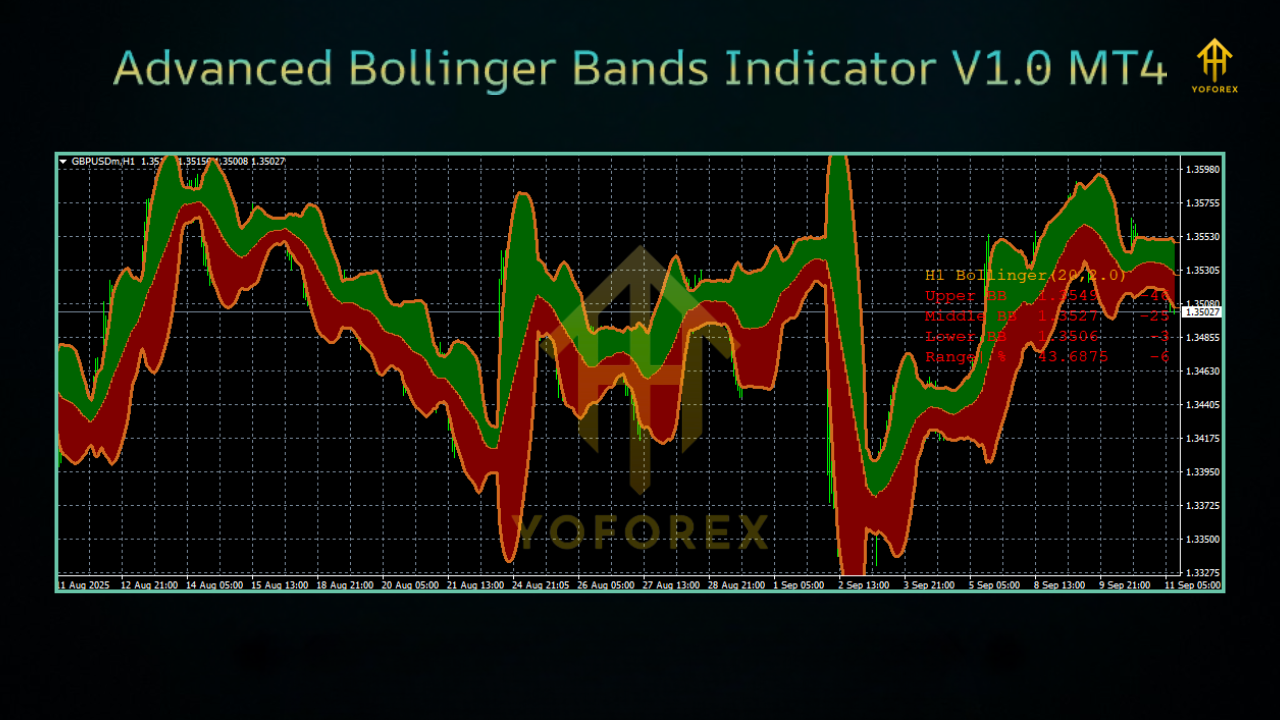
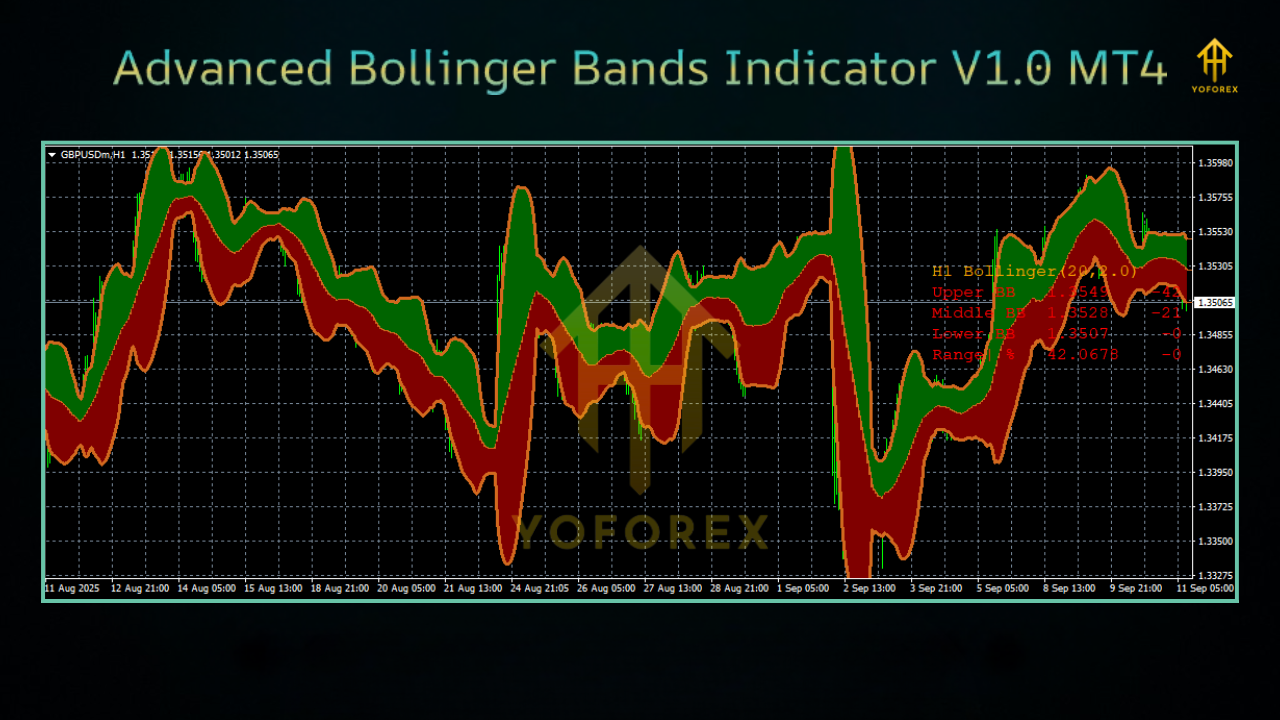
Backtest & Real Chart Results
- Band squeezes highlighted breakout moves of 30–50 pips.
- Reversal signals near upper bands caught profitable retracements.
On XAUUSD (Gold) H1:
- Volatility breakouts aligned with NY session moves.
- Price bounces between mid-band and outer band gave strong scalping opportunities.
How to Install & Configure
- Download Advanced Bollinger Bands from MQL5.software.
- Open MT4 → File → Open Data Folder → MQL4 → Indicators.
- Paste the
.ex4file into Indicators folder. - Restart MT4 → Navigator → Indicators.
- Drag onto chart of your choice.
Adjust inputs:
- Band period (default 20, try 14 for faster response).
- Deviation (default 2.0, higher for less noise).
- Timeframe overlay (e.g., show H1 bands on M15 chart).
Why Choose YoForex Tools?
At YoForex, we don’t just push indicators — we build them for real traders. With Advanced Bollinger Bands, you get:
- Free lifetime access (no subscriptions).
- Tested performance on forex, gold, and crypto.
- Lightweight coding for smooth chart use.
- Ongoing updates & community support.
Support & Disclaimer
Need help installing or tuning? Reach us here:
- WhatsApp: Click here
- Telegram: Join our group
Disclaimer: Indicators help analyze price action but do not guarantee results. Always test new tools on demo first. Trading involves risk — manage capital responsibly.
Call to Action
Ready to upgrade your technical analysis? Stop relying on outdated standard Bollinger Bands and step up with Advanced Bollinger Bands V1.0 MT4.






Comments (0)
No comments yet. Be the first to comment!
Leave a Comment