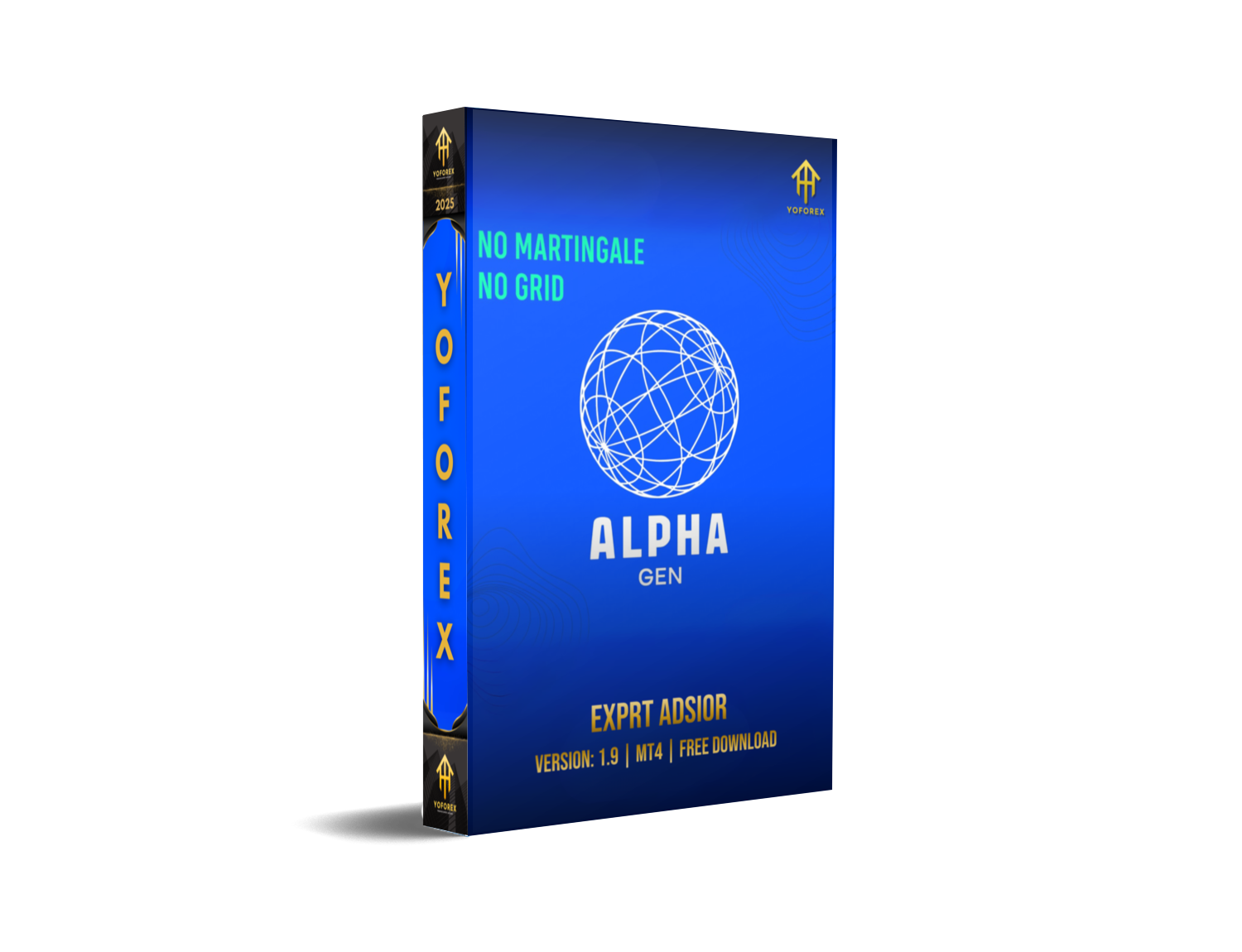
Then Alpha Gen EA V1.9 MT4 might just be your next favorite weapon. This advanced Expert Advisor is not your average grid/martingale ticking time bomb. It’s built around logic, precision, and sustainable profit generation—hence the name Alpha Gen (short for Alpha Generation).
Created by the YoForex team and 100% FREE on MQL5.software, Alpha Gen EA V1.9 MT4 focuses on trend-following entries with strict risk control and no wild overtrading. If you're aiming for long-term profitability with reduced drawdown, this EA’s already doing it.
Overview
Alpha Gen EA V1.9 is a smart trend-tracking Expert Advisor built for MetaTrader 4, designed to trade all major forex pairs with precision.
Using a hybrid strategy that combines momentum filters, trend confirmation, and volatility-based entries, the bot places high-probability trades and actively manages them using dynamic stop-loss and take-profit logic. It does not use any form of martingale, averaging, or hedging—making it suitable for prop firm challenges and real accounts alike.
It thrives best on M15 and H1 charts with low-spread brokers and performs especially well during London and New York sessions.
Key Features
• 100% FREE to download on MQL5.software
• Built-in trend detection system
• No martingale, no grid, no hedging – 100% clean logic
• Adaptive SL/TP based on market volatility
• Works on EURUSD, GBPUSD, USDJPY, AUDUSD, XAUUSD
• Timeframes: M15 & H1 (best results)
• Momentum + breakout entry logic
• Risk-based lot sizing (fixed or % of equity)
• Max trades per pair: 2–3 open at a time
• News filter & trading session filter
• VPS-friendly, works on low-latency execution
• Fully customizable settings for pros
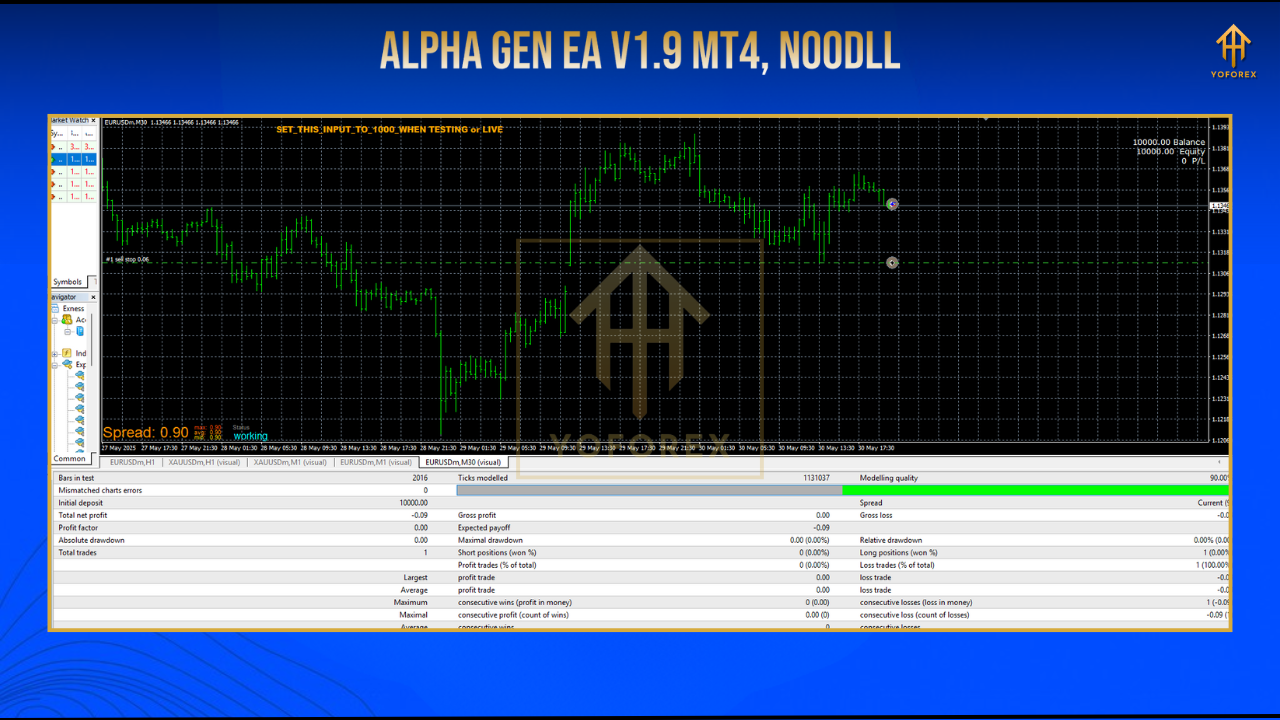
Backtest Results & Real Market Performance
Backtest Parameters:
• Pair: EURUSD
• Timeframe: M15
• Period: Jan 2021 – Jan 2024
• Initial Balance: $5,000
• Max Drawdown: 6.2%
• Average Monthly Return: 8–12%
• Win Rate: ~72%
• Profit Factor: 1.85
• Average Trade Duration: 1–6 hours
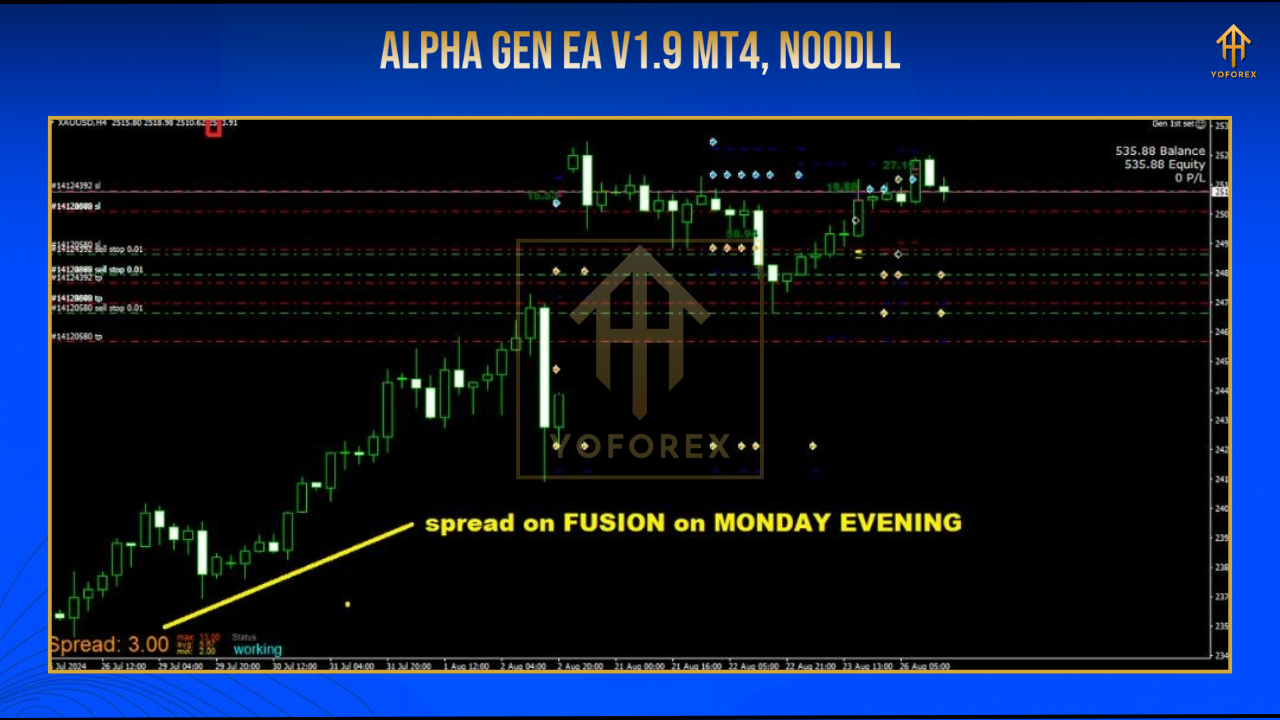
Live Performance Note:
Accounts using IC Markets, Pepperstone, or similar ECN brokers showed smooth drawdown curves and steady monthly growth, especially on trending pairs like GBPUSD and XAUUSD.
How to Install & Use
Setting up Alpha Gen EA is super simple. Just follow these quick steps:
1. Download from MQL5.software
Download Alpha Gen EA V1.9 MT4
2. Install into MetaTrader 4
• Open MT4 → File → Open Data Folder → MQL4 → Experts → Paste .ex4 file
• Restart MT4
3. Attach to Chart
• Open EURUSD or GBPUSD chart → M15 or H1 timeframe
• Drag Alpha Gen EA from the Navigator onto the chart
4. Recommended Settings:
• Lot sizing: 1–2% risk per trade
• Max trades: 3
• News Filter: ON
• Session Filter: London + NY only
• Stop Loss: Dynamic
• Take Profit: 1:2 ratio (default)r
Why Alpha Gen Is Different (And Better)
Many EAs rely on volume, luck, or sketchy averaging to hit profits. Alpha Gen doesn’t. It focuses on consistent edge and low-risk trading logic that performs well even in choppy markets.
Why traders are loving it:
• No crazy drawdowns
• No emotional second-guessing
• No confusing dashboards
• No cost
Support & Disclaimer
• Telegram Group: https://t.me/yoforexrobot
• WhatsApp Support: https://wa.me/+443300272265
Disclaimer: Forex trading involves risk. Past performance is not a guarantee of future results. Use demo accounts first and never risk more than you can afford to lose.
Final Call to Action
Want smarter trades and sustainable profits?
Download Alpha Gen EA V1.9 MT4 for FREE now
Trade smarter, trade cleaner—let Alpha Gen do the hard work while you focus on strategy.






Comments (0)
No comments yet. Be the first to comment!
Leave a Comment