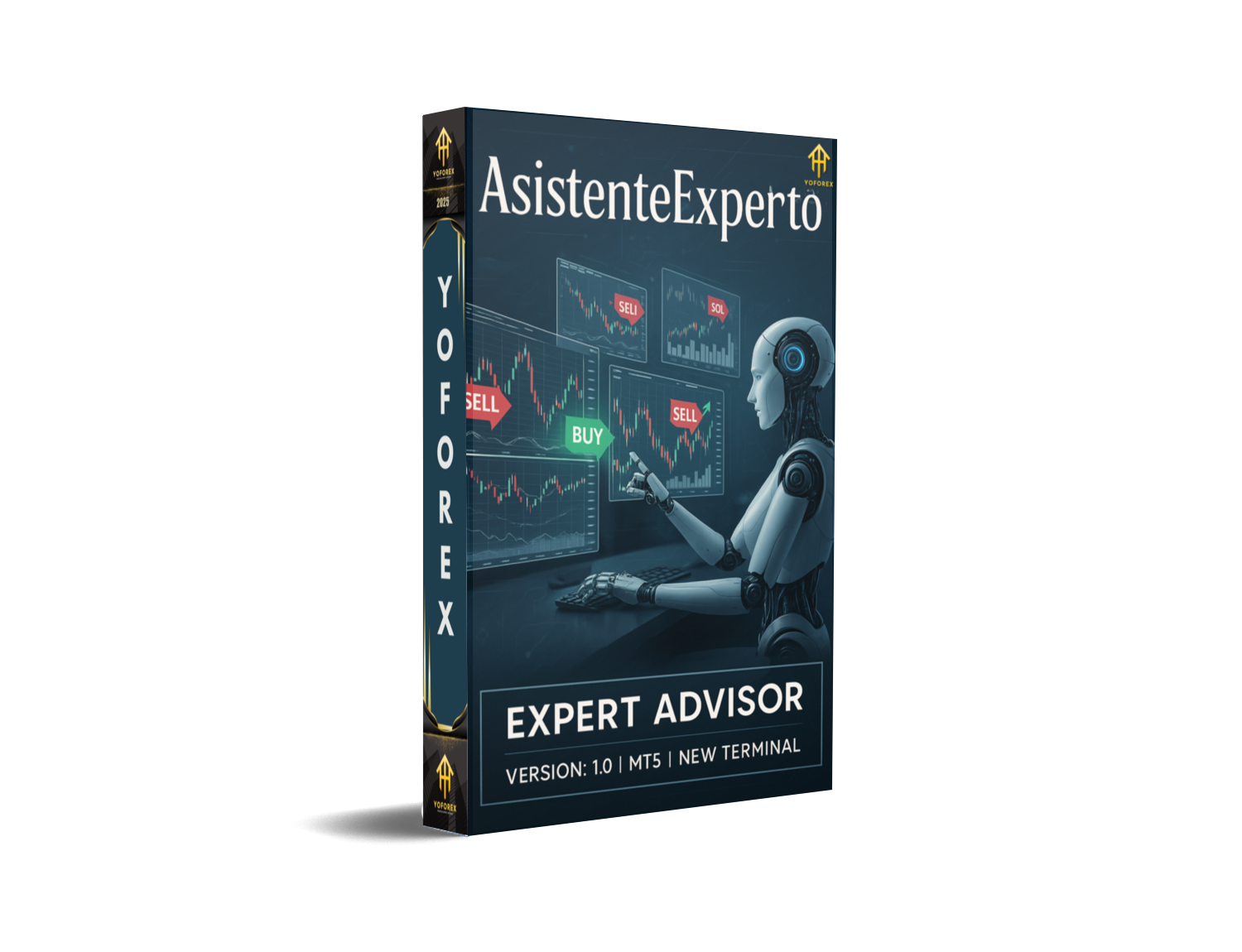
AsistenteExperto EA V1.0 MT5 — Multi-Timeframe, Multi-Market, Risk-First Automation
If you’ve been hunting for an MT5 robot that doesn’t lock you into one pair, one timeframe, or one rigid playbook, AsistenteExperto EA V1.0 is the flexible workhorse you can actually mold to your plan. It runs on any symbol and supports M1, M5, M15, M30, H1, H4, and D1. You choose the market, you choose the pace. The engine’s risk layer is baked in—ATR-style volatility stops, 3-stage trailing, and an automatic equity protection via MaxLossPercent—so you stay in charge even when markets get loud.
Below is a clean, no-fluff rundown: what it does, how to run it, and smart starter settings that won’t blow up your risk.
What Makes AsistenteExperto Different
- 1) Truly symbol-agnostic.
EURUSD, GBPJPY, XAUUSD, NAS100, BTCUSD (CFD)—if your broker streams it in MT5, AsistenteExperto can attach and trade. That means one logic, many markets, so you can keep risk rules consistent while diversifying. - 2) Any timeframe you like.
From M1 scalps to D1 swings, the EA adapts its risk math to the chart volatility. Lower TFs = more trades, more noise; higher TFs = fewer trades, cleaner structure. Pick your lane. - 3) Built-in risk governance.
- Volatility-aware Stop Loss (ATR or equivalent) so the SL isn’t parked on market noise.
- 3-stage trailing to protect open profit progressively (e.g., move to BE, then trail modestly, then tighten late).
- MaxLossPercent — an account-level safety switch that stops trading after a defined % drawdown so bad days don’t spiral.
- 4) Simple operation modes.
Switch between Buy Only / Sell Only / Both depending on your directional view (or your strategy’s bias). Great for news-day hedging or for running asymmetric baskets across symbols.
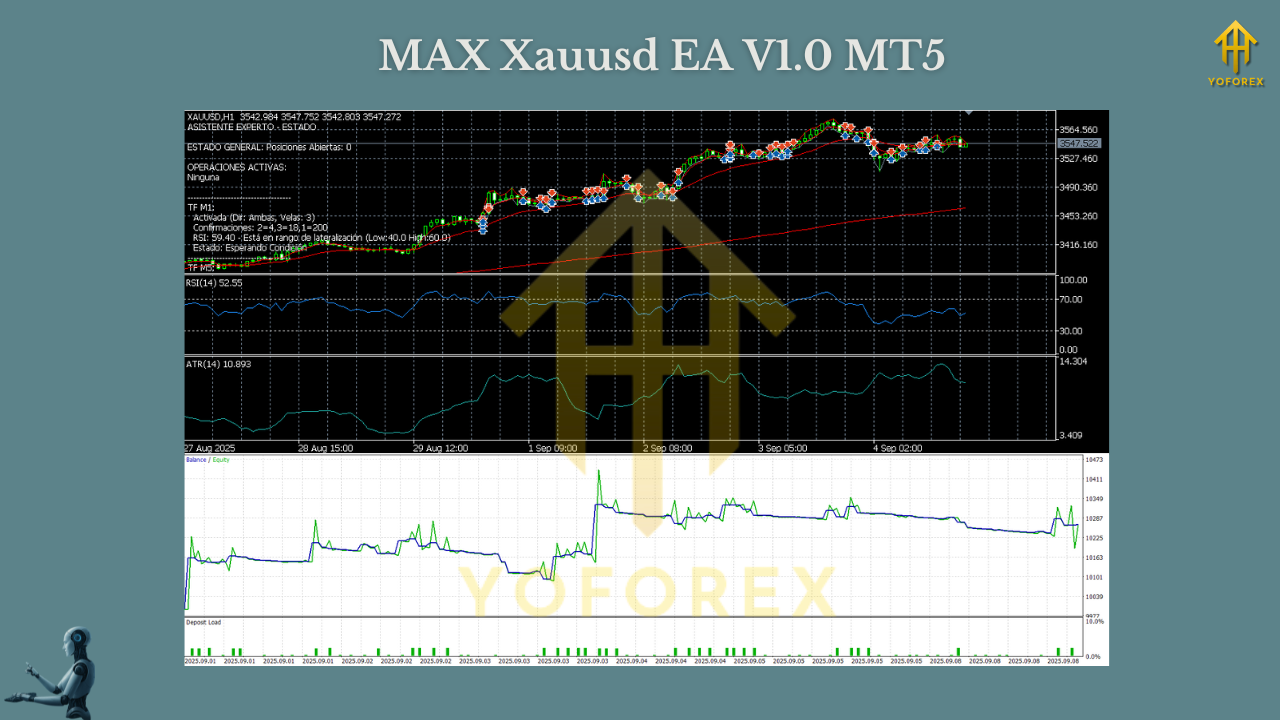
Core Feature Set (Quick List)
- • Timeframes: M1, M5, M15, M30, H1, H4, D1
- • Instruments: Any symbol your broker offers in MT5
- • Risk Engine: ATR-based SL, 3-stage trailing, MaxLossPercent auto-stop
- • Modes: Buy Only, Sell Only, or Both
- • Sizing: Fixed lot or % risk per trade
- • Filters: Optional spread/slippage caps to avoid toxic fills
- • Session windows: Limit trading to your preferred market hours
- • News awareness (manual or via input): Pause around major events if your broker widens spreads
- • Logging & alerts: Clear, human-readable entries for audit and tuning
How It Trades (Plain English)
- Assess volatility on the active timeframe and instrument to compute a dynamic SL (ATR or similar).
- Place entries according to your chosen direction mode and signal recipe (you can keep it neutral in “Both” or bias to Buy Only / Sell Only when trend is obvious).
- Manage winners with a 3-phase trail:
- Phase 1: Lock break-even after a small favorable move.
- Phase 2: Trail with a wider step to allow the run to develop.
- Phase 3: Tighten aggressively once price expands and the move matures.
- Protect the day/week with MaxLossPercent. If equity slides beyond your threshold, the EA stops trading—coz discipline should be automatic, not optional.
No martingale, no dangerous “recovery” ladders by default. You keep it clean; the EA keeps it consistent.
Recommended Starter Profiles
These are starting points—forward test and adapt.
A) Calm Swing (D1 / H4)
- Symbols: Major FX (EURUSD, USDJPY), indices (US500), Gold (XAUUSD)
- Risk per trade: 0.5%
- ATR SL: 2.0 × ATR(14)
- Trail: Step from BE at +0.8R → moderate trail → tight late trail
- MaxLossPercent: 3–4% daily, 8–10% weekly (EA pauses after breach)
- Why: Less screen time; lets trends breathe without micro-noise
B) Balanced Momentum (H1 / M30)
- Symbols: EURUSD, GBPUSD, XAUUSD
- Risk per trade: 0.5–0.8%
- ATR SL: 1.8–2.0 × ATR(14)
- Trail: Partial at 1R, trail remainder with ATR; BE once partial hits
- MaxLossPercent: 3% daily
- Why: Enough signals for progression with decent structure quality
C) Tactical Scalps (M5 / M1)
- Symbols: Only with tight ECN spreads (EURUSD, XAUUSD on RAW)
- Risk per trade: 0.25–0.4%
- ATR SL: 1.4–1.8 × ATR(14)
- Trail: Faster BE; tighter final stage to bank volatility pops
- MaxLossPercent: 2% daily
- Why: Higher frequency; protect against noise. Use a reliable VPS.
Operation Modes — When to Use What
- Buy Only: Uptrends, positive macro drift, pullback buys. Great if higher-timeframe MA slope is up and dips keep getting bought.
- Sell Only: Downtrends, risk-off phases, aggressive mean-reversion sells when the big picture is bearish.
- Both: Neutral conditions or when you don’t want to forecast direction—let the engine take what the tape offers.
Tip: Many traders map mode to HTF bias: e.g., run Buy Only when H4/D1 slope is up; Sell Only when it’s down; Both in ranges.
Installation (MT5) — Quick Steps
- Download the EA file.
- Open MT5 → File → Open Data Folder → MQL5 → Experts and paste the file.
- Restart MT5, then drag AsistenteExperto EA V1.0 onto your chosen chart(s).
- In Inputs:
- Set Risk % or Fixed Lot
- Configure ATR SL parameters
- Set 3-stage trailing thresholds
- Choose Operation Mode (Buy/Sell/Both)
- Define MaxLossPercent (equity auto-stop)
- Optional: session window, max spread/slippage
- Enable Algo Trading and confirm broker permissions.
- Forward test on demo for 2–4 weeks before going live.
Smart Risk Practices (Please don’t skip)
- MaxLossPercent is your friend. Pick a number that keeps you in the game (e.g., 3% daily, 8% weekly).
- One change at a time. If you tweak the trail or SL multiple in the same week, you’ll never know what helped or hurt.
- Session discipline. Prefer London/NY overlap for FX & Gold; avoid thin liquidity if your broker’s spreads balloon.
- No revenge trading. If the EA pauses on a MaxLossPercent hit, leave it paused till your next review window.
Backtesting & Forward-Testing
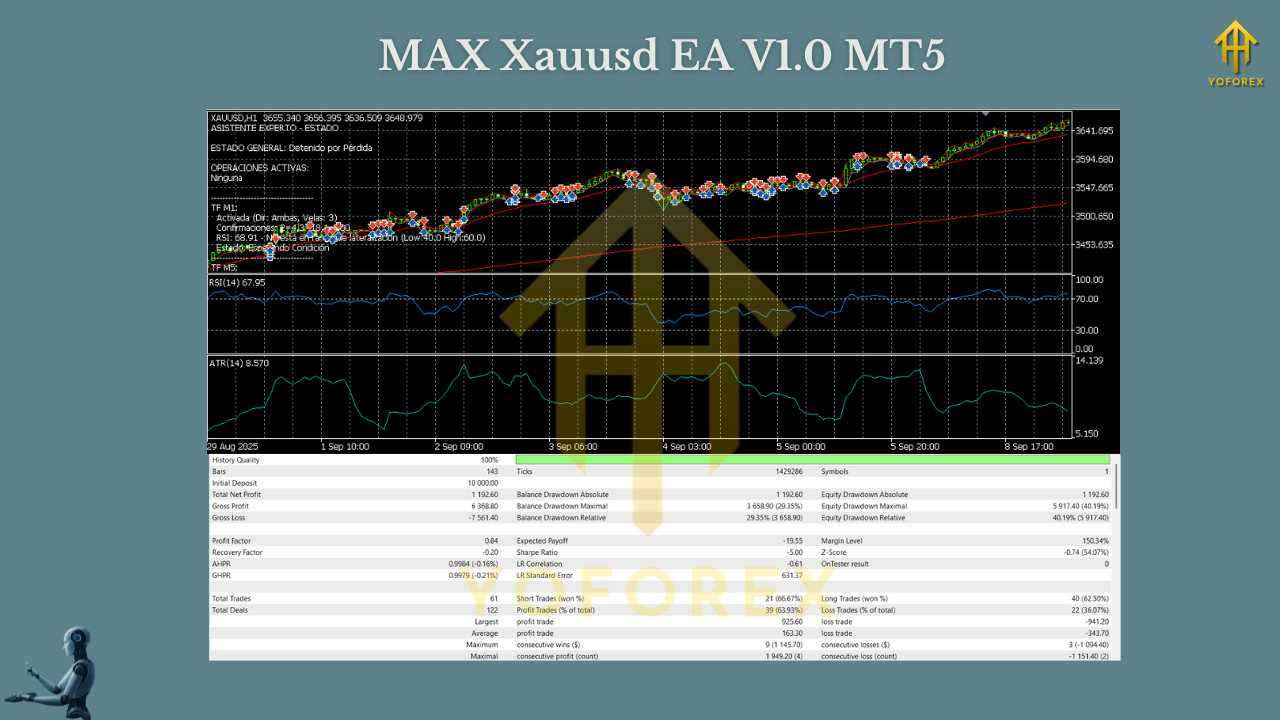
- Backtest: Use tick data with realistic spread/commission. Test across quiet and volatile years. Focus on max DD, R distribution, and exposure by session.
- Forward test (demo): Same broker/account type you plan to use live. Track spread patterns, slippage, and behavior around news.
- Go live gradually: Start with half your demo risk for the first 2–3 weeks. Scale only if fills and outcomes align with expectations.
Troubleshooting Cheatsheet
- No trades? Check market hours, symbol suffix (e.g., .pro, .m), max-spread gate, and operation mode (you might be on Buy Only in a clear downtrend).
- Too many tiny scratches? Increase ATR multiple slightly; slow the first trail step; prefer H1 over M15 for cleaner reads.
- Equity dips too fast? Lower risk % and MaxLossPercent, restrict to prime sessions, and avoid red-news windows.
Who Will Love This EA
- Traders who want one EA to manage multiple markets with consistent risk rules.
- Folks who appreciate volatility-based SLs and staged trailing rather than “hope.”
- Anyone needing Buy Only / Sell Only / Both toggles to align with a bigger-picture bias.
Final Word
AsistenteExperto EA V1.0 MT5 is all about control and clarity: any symbol, any timeframe, with risk baked into the core—ATR-style stops, 3-stage trailing, and a hard MaxLossPercent to prevent meltdowns. Start with conservative risk, forward test patiently, and let the data shape your tweaks. Consistency first; optimization later.
Join our Telegram for the latest updates and support






Comments (0)
No comments yet. Be the first to comment!
Leave a Comment