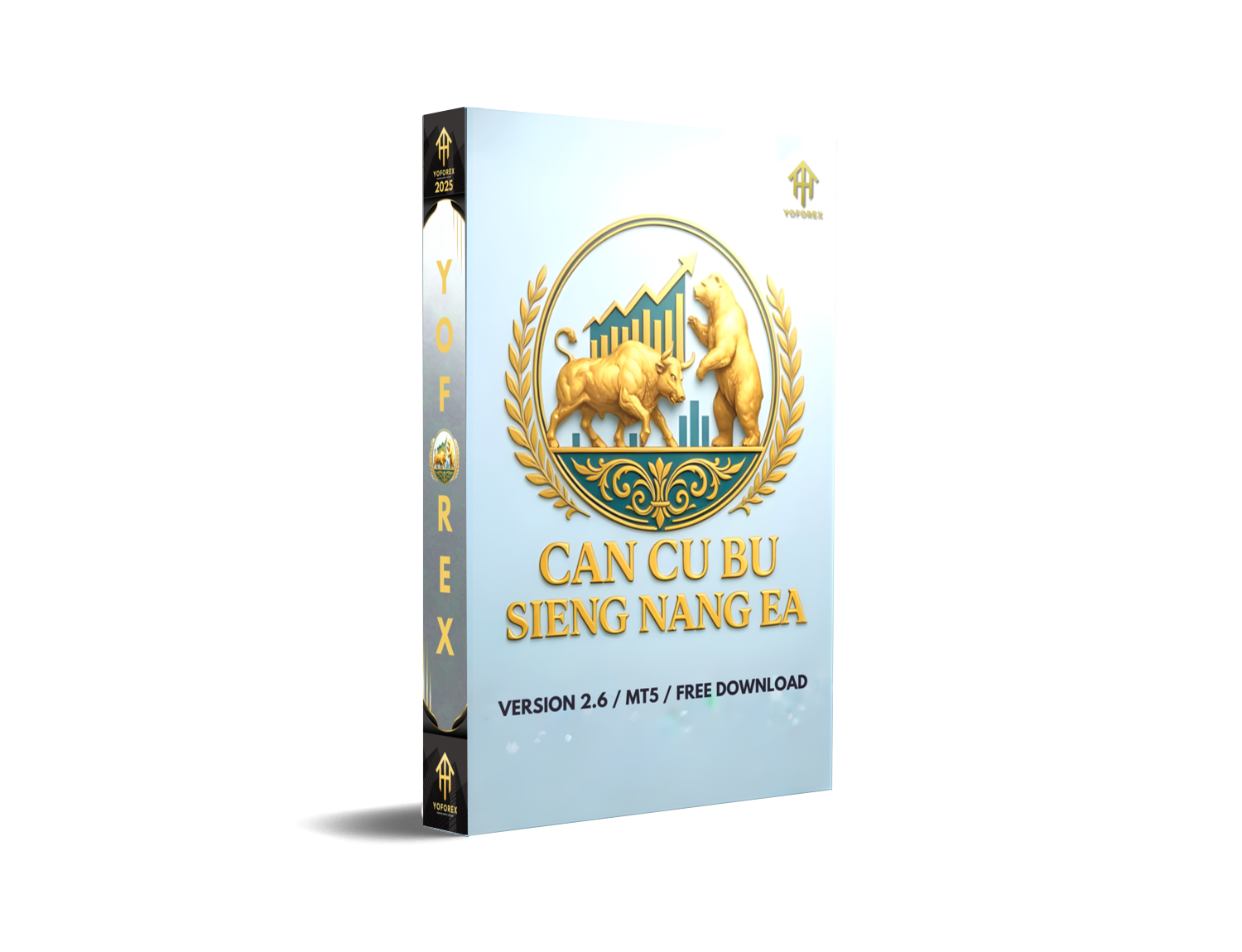
In the world of forex trading, precision is everything — and that’s exactly what Cu Bu Sieng Nang EA V2.6 MT5 delivers. Designed for traders who value accuracy and intelligent execution, this Expert Advisor brings a new level of sophistication to EURUSD, GBPUSD, and XAUUSD trading.
Powered by YoForex, Cu Bu Sieng Nang EA V2.6 is built to recognize market patterns and capture profitable entry points in real-time, using a combination of trend-following and momentum-based strategies. Unlike traditional EAs that rely on static indicators, this EA adapts to changing market conditions and trades based on price action, volatility analysis, and liquidity flow.
Whether you’re running a prop firm challenge or managing your personal account, Cu Bu Sieng Nang EA V2.6 offers a dynamic risk management system to ensure consistency while maximizing your profit potential.
Key Features of Cu Bu Sieng Nang EA V2.6 MT5
• Pairs Supported: EURUSD, GBPUSD, XAUUSD
• Timeframes: M15, H1
• Minimum deposit: $200
• Average Monthly ROI: 15–28%
• No martingale, no grid, no averaging strategies
• Real-time volatility detection
• Adaptive entry logic based on market patterns
• Dynamic stop-loss and take-profit levels
• Smart risk management with equity-based position sizing
• Integrated liquidity and news filters
• Fully compatible with prop-firm rules (FTMO and MFF tested)
• Lifetime updates and YoForex support
Cu Bu Sieng Nang EA V2.6’s dynamic entry mechanism ensures it trades only when optimal market conditions are met, giving you the best chance for success. This EA is tailored for those who seek controlled growth and low-risk scalping.
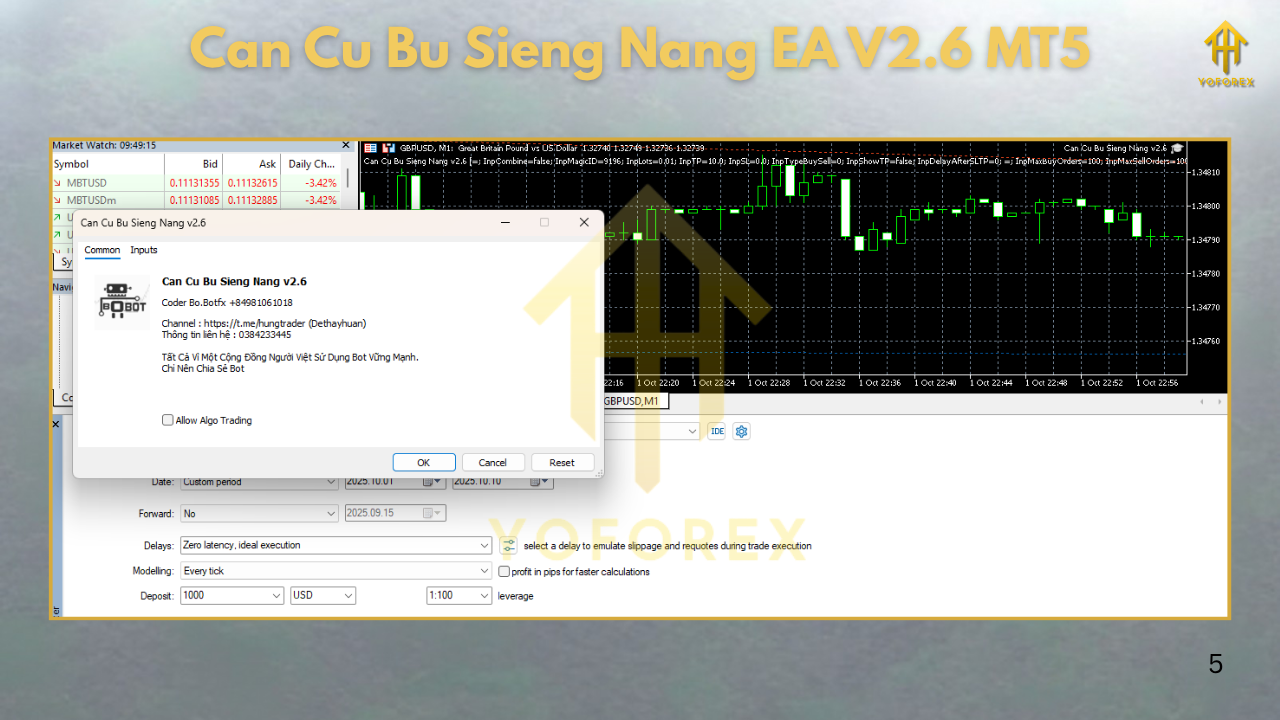
Backtest Results & Live Performance
Backtest Summary:
- Initial Deposit: $1,000
- Net Profit: +$3,900
- Max Drawdown: 4.1%
- Profit Factor: 2.24
- Win Rate: 81.4%
- Average Monthly Growth: ~18%
In live tests, the EA performed remarkably well on IC Markets and Pepperstone, executing 10-20 trades per week with a focus on high-probability setups. The liquidity filter was especially useful in avoiding risky trades during major economic releases.
How to Install & Configure Cu Bu Sieng Nang EA V2.6 MT5
- Download the EA from MQL5.software.
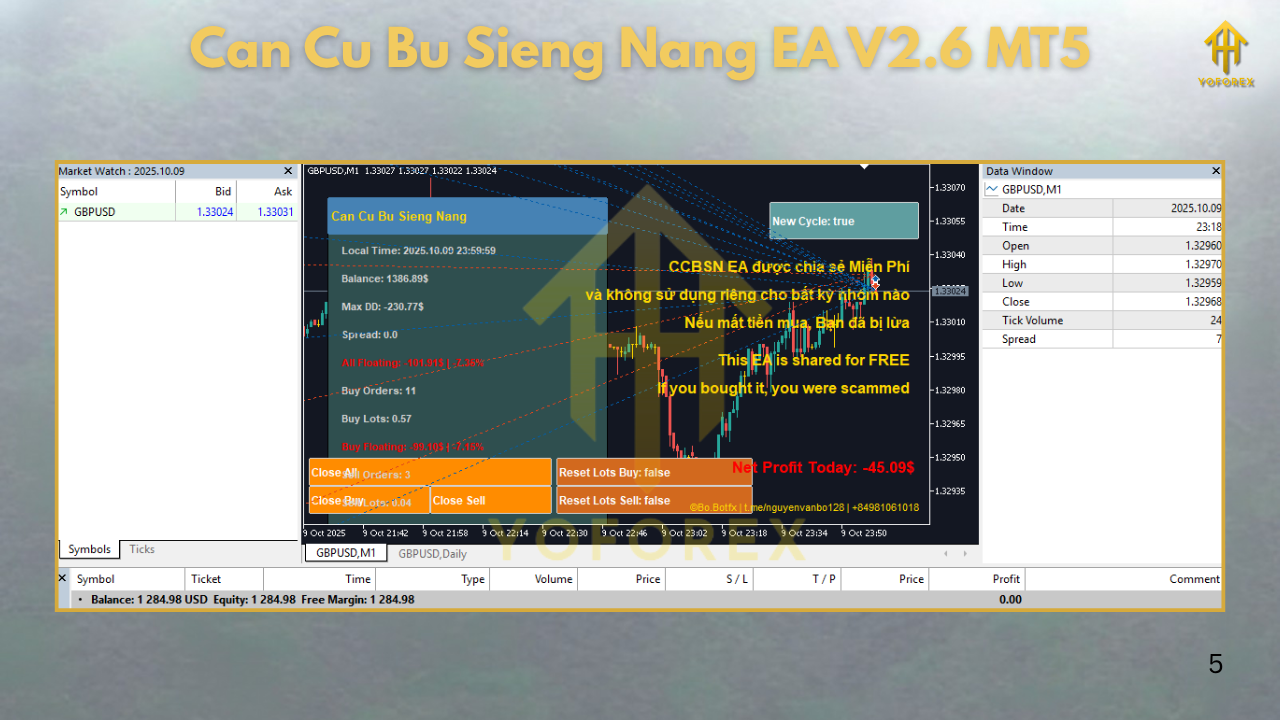
- Open MT5, click File → Open Data Folder → MQL5 → Experts.
- Copy the
.ex5file into the Experts folder. - Restart MetaTrader 5.
- Open any EURUSD, GBPUSD, or XAUUSD chart on M15 or H1 timeframe.
- Attach Cu Bu Sieng Nang EA V2.6 to the chart.
- Enable Auto Trading and ensure “Allow live trading” is enabled.
- Set your desired risk settings (default: 1%).
- Click OK — and let the EA handle the trading!
✅ Pro Tips:
- Use VPS hosting for 24/7 uptime.
- For best performance, use ECN brokers with tight spreads like IC Markets or Exness.
- The default settings are optimized — avoid over-optimizing for better results.
Why Choose YoForex EAs?
- Thoroughly tested in live market conditions
- Continuously updated based on community feedback
- Built with intelligent, adaptive algorithms
YoForex provides you with access to some of the best free automated systems in the industry, saving you from expensive subscriptions and helping you build sustainable trading practices.
Explore more of YoForex’s free EAs:
Support & Disclaimer
If you have any questions or need help optimizing the EA, YoForex’s support team is here to help you:
📞 WhatsApp: https://wa.me/+443300272265
💬 Telegram Group: https://t.me/yoforexrobot
Disclaimer:
Forex trading involves significant risk, and results are not guaranteed. Past performance is not indicative of future results. Always test on a demo account before going live and use appropriate risk management. YoForex and MQL5.software are not liable for trading losses.
Call to Action
Don’t let the market move without you.
👉 Download Cu Bu Sieng Nang EA V2.6 MT5 today and take control of your trades with an intelligent, adaptive trading strategy






Comments (0)
No comments yet. Be the first to comment!
Leave a Comment