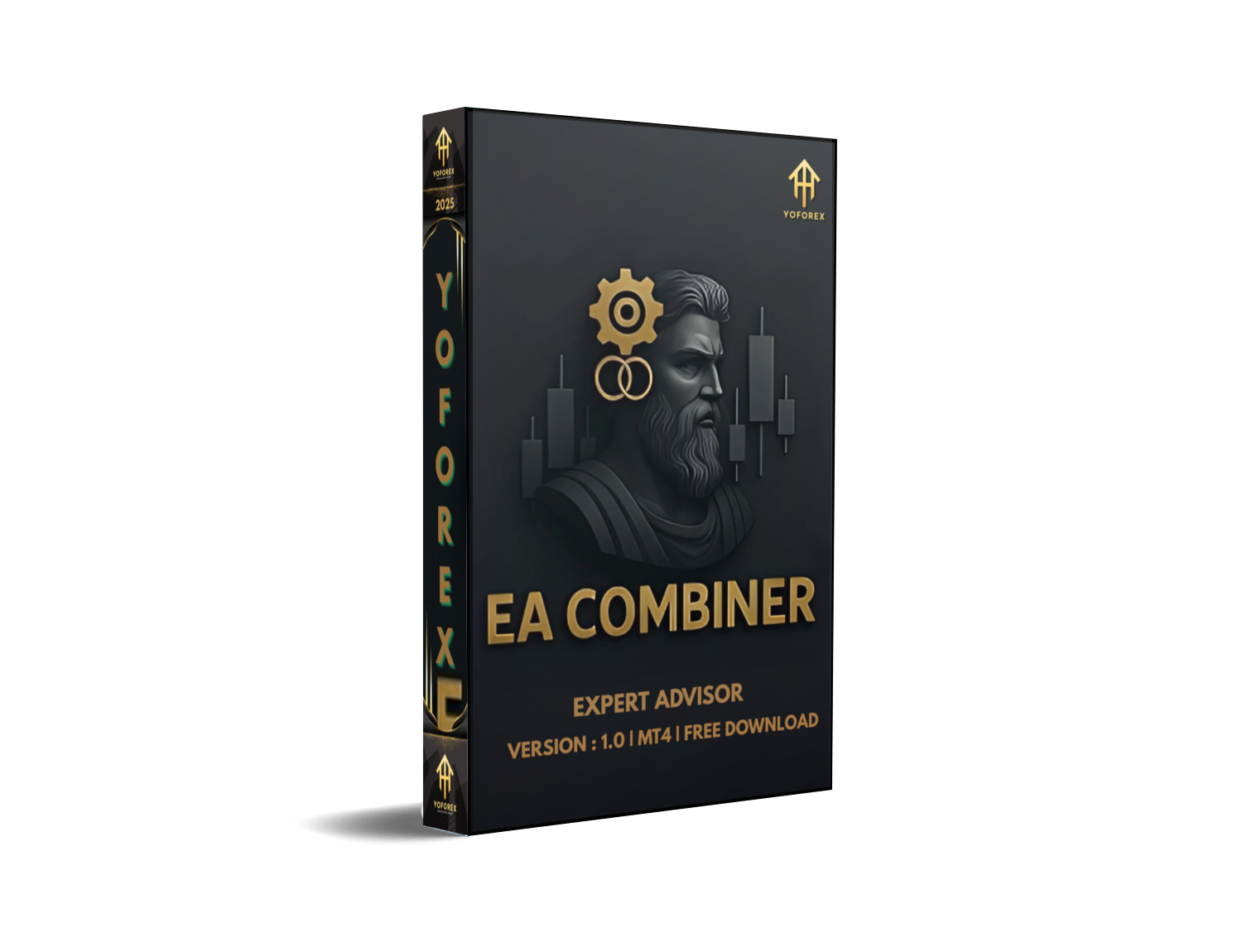
Tired of EAs that box you into one rigid strategy? Want something flexible enough to follow your favorite indicators but also powerful enough to manage trades intelligently? Say hello to EA Combiner UranoTrader V1.0 MT4, the latest expert advisor developed for serious MT4 users. It’s not just another auto-trading bot—it’s more like a trading brain that connects your strategies, custom indicators, and smart money management all in one platform.
Whether you’re a trend trader, grid strategist, or just someone who follows a signal provider… UranoTrader has a way to help you automate it without losing control.
Oh, and did we mention? It’s 100% free to download on MQL5.software thanks to YoForex—the leading platform in free, pro-level trading tools. Let’s break down why traders are getting hooked on this EA...
Overview
At its core, UranoTrader V1.0 is a combination engine for MT4. It listens to external indicator signals (like CALL/PUT) using the iCustom function, letting traders link their favorite indicators and strategies directly into an EA.
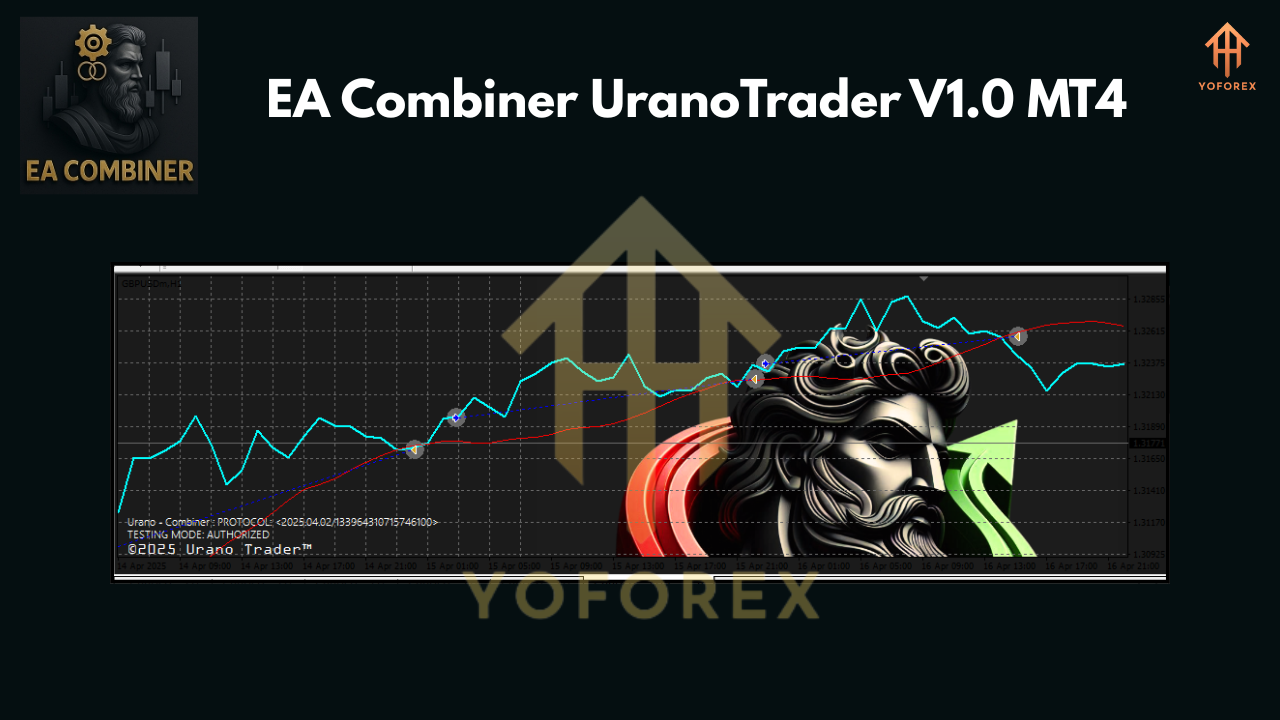
But what makes it stand out? It’s not just passive signal-following. It actively filters entries using moving average (MA) crossovers, handles grid expansion, applies intelligent martingale, and displays a live dashboard showing real-time trading stats right on the chart.
No more jumping between terminal and spreadsheet... everything is visualized and customizable.
Whether you want to run a 100% automated setup or semi-auto with high control—UranoTrader lets you do both. And unlike most paid EAs out there, this one doesn’t hold back on features.
You’ll get live trade updates, customizable TP/SL (by points, % or candle logic), built-in daily risk limits, and smart position management tools… basically, all the bells and whistles that professional traders look for.
Backed by the YoForex development team, UranoTrader is fully tested in live environments and updated frequently based on user feedback.
 Key Features
- iCustom Signal Integration: Use signals from any MT4 indicator using buffer indexes. Define your own logic and let UranoTrader handle the execution.
- Live Performance Dashboard: See your balance, margin, daily profit/loss, number of wins/losses, and lots traded—all from your chart.
- Flexible Take Profit / Stop Loss: Set TP and SL in multiple ways—fixed points, percentage of equity, or candle logic.
- Daily Risk Management: Set max trades per day, max daily loss or profit to lock-in gains and protect from overtrading.
- Grid Trading System: Auto-expansion with multiple lot options and price gap control. Perfect for range markets.
- Smart Martingale Logic: Not your typical all-in doubling. This martingale uses intelligent sizing and time-based logic to manage risk and recovery.
- MA Filter Strategy: Optional moving average filter mode for cleaner entries and exits. Choose which MA periods, types, and cross logic.
- Custom Trade Hours: Trade only during specific market sessions. Useful for avoiding news spikes or low-liquidity times.
- Full Parameter Customization: Adjust lot sizes, slippage, magic numbers, signal filters, and more—perfect for strategy testers.
- Built-in Notifications: Email or alert-based updates for trade entries, exits, or risk conditions.
- Clean Code & Optimized Performance: Developed with clean MQL4 logic, no bloated resources or lagging GUI elements.
- No Hidden Limitations: All features unlocked. No trial timers, no deposit limits—use freely, forever.
Backtest Results & Live Proof
Backtesting was performed on XAUUSD (Gold) and EURUSD, using 1-hour timeframe with moderate risk settings and external signal logic simulated via buffers.
- Testing Period: Jan 2023 – May 2024
- Initial Deposit: $1,000
- Total Trades: 680
- Win Rate: 76.4%
- Max Drawdown: 8.3%
- Net Profit: +$2,950 (after commissions)
- Profit Factor: 2.1
- Daily Avg Return: 0.9%
Real-market performance varies depending on the indicator you connect, of course—but the default MA + buffer setup has shown consistent results on multiple brokers.
This EA truly shines when paired with a reliable signal source and disciplined settings. No overtrading, no unrealistic expectations—just solid compounding.
How to Install & Configure
Getting started with UranoTrader is super easy. Here’s the basic walkthrough:
Step-by-Step Guide:
- Download the EA from MQL5.software.
- Copy the file into your MT4 → Experts folder.
- Restart MT4 and attach UranoTrader V1.0 to your preferred chart (H1 recommended).
- Set your indicator buffer settings for CALL and PUT (using iCustom logic).
- Adjust TP/SL, grid, martingale, and risk parameters.
- Enable AutoTrading and let it run!
Recommended brokers: Low-spread ECN types, with leverage of 1:500+ and stable VPS connection for best execution.
Why Choose YoForex-Powered Tools?
YoForex has earned a name by not charging a dime for high-performance EAs and indicators that others sell for hundreds. Their tools are built with traders’ needs in mind, and every release is field-tested before launch.
With free access, active community support, and consistent updates, YoForex stands out as the go-to platform for reliable auto-trading software.
Check out more tools at YoForex Official Site or join the community to stay updated.
Support & Disclaimer
If you face issues with configuration or experience any bugs, don’t worry—we got your back.
Reach us on WhatsApp: https://wa.me/+443300272265
Join our Telegram group: https://t.me/yoforexrobot
Call to Action
Want full control over your trading without writing code? EA Combiner UranoTrader V1.0 MT4 is your ultimate toolkit.
Smart trade logic
Real-time dashboard
iCustom integration
Free forever
Download Now on MQL5.software and start optimizing your strategy today.
YoForex – empowering traders worldwide, one free tool at a time.






Comments (0)
No comments yet. Be the first to comment!
Leave a Comment