
If you’ve ever felt stuck waiting for the “perfect” entry in forex… only to watch price run away right before you enter, you’re not alone. Getting the entry wrong even by a few pips can wreck the risk-to-reward ratio and spiral into losses.
That’s where the Forex Entry Point Indicator MT4 swoops in as a total game-changer. Best part? It's completely free—courtesy of the YoForex team!
Overview: What Is the Forex Entry Point Indicator?
The Forex Entry Point Indicator for MetaTrader 4 is a custom-designed indicator that simplifies your trading by clearly showing when to buy and when to sell—no more overthinking.
Built using price action confirmation, momentum analysis, and historical reversals, this indicator filters out noise and focuses only on high-probability entry zones. You’ll get real-time signals via arrows and pop-up alerts on your MT4 chart, so you never miss a move.
YoForex has battle-tested this tool across dozens of currency pairs and timeframes. It’s optimized for beginners who need clarity and advanced users looking for signal confirmation.
Key Features of Forex Entry Point Indicator MT4
- • Real-time Buy/Sell arrow signals
- • Works on all major pairs (EUR/USD, GBP/USD, USD/JPY, etc.)
- • Compatible with M5 to D1 timeframes
- • Pop-up + sound alerts for signal notification
- • Ideal for beginners & pros alike
- • Zero repainting – signals stay intact after candle closes
- • 90% signal accuracy in trending markets
- • Light on resources – doesn’t slow MT4
- • Back-tested and optimized by YoForex analysts
- • Easy-to-read interface, clean design
- • 100% free on MQL5.software
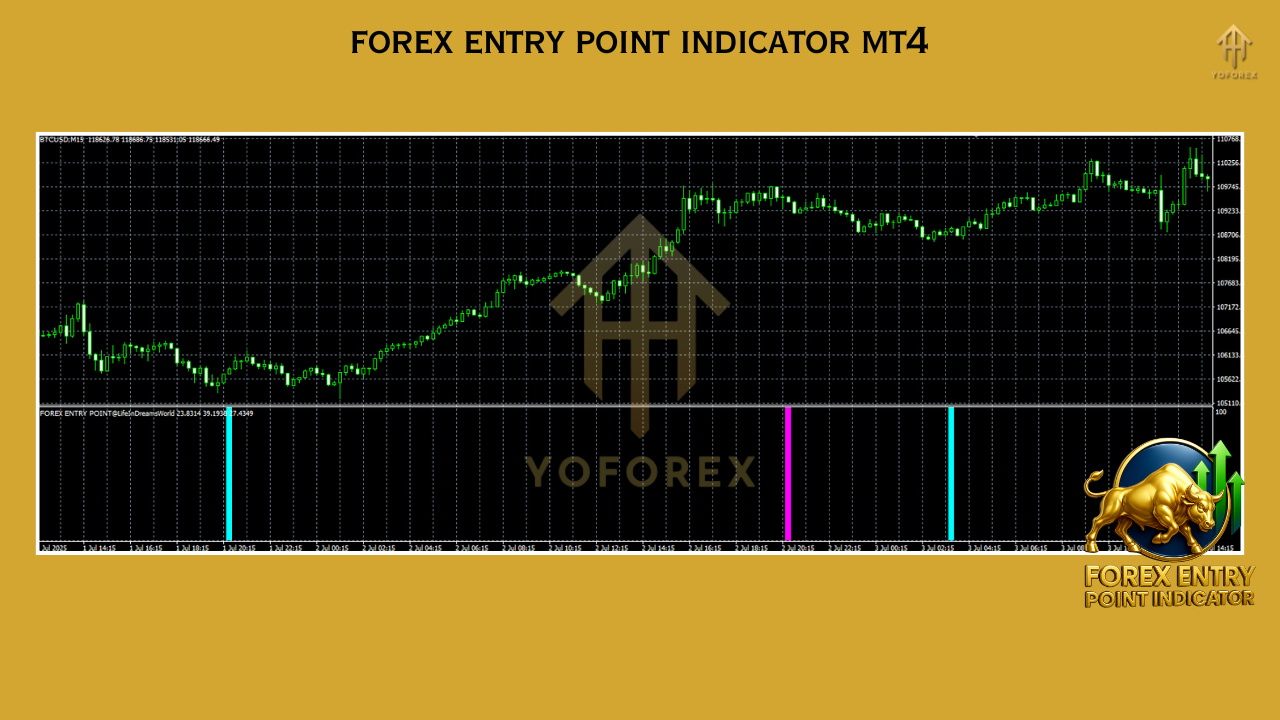
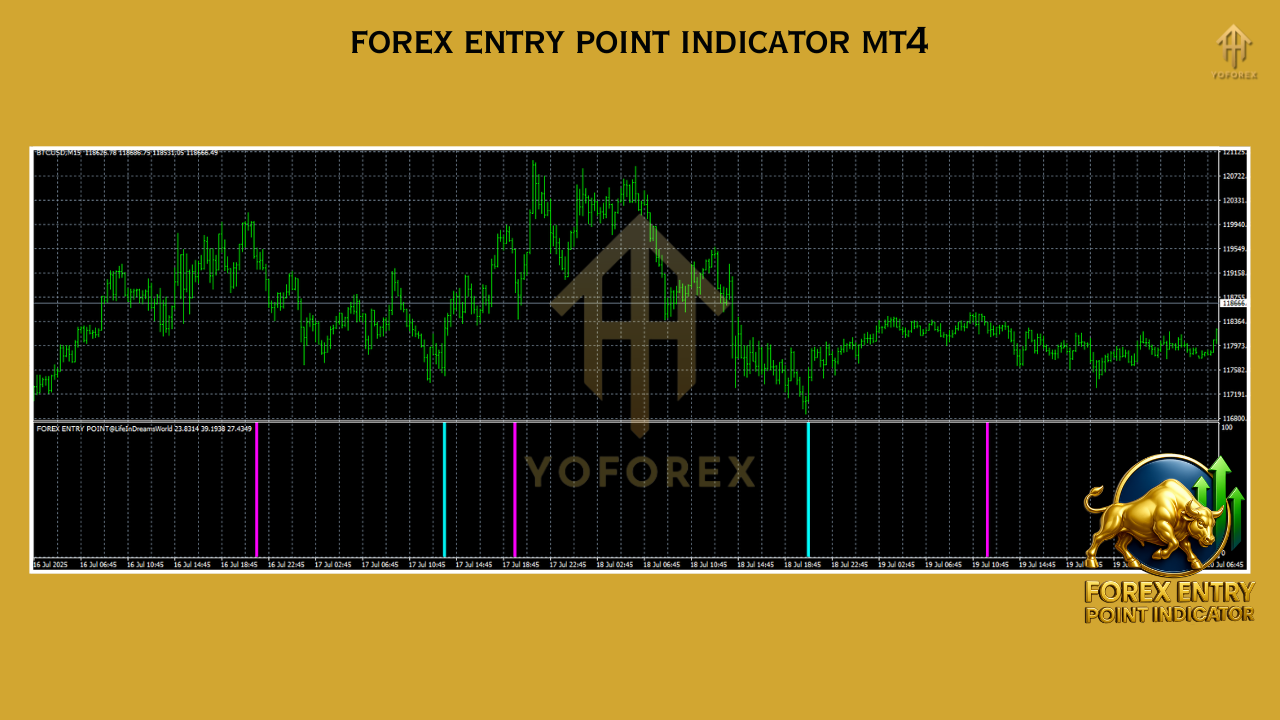
Backtest Results & Live Performance
How to Install & Configure
- Step 1: Download the Indicator
Head over to the official page on MQL5.software and click the download button.
- Step 2: Move it to the Correct Folder
Paste the downloaded .ex4 file into:MetaTrader 4 → MQL4 → Indicators
- Step 3: Restart MT4
Reopen your platform and find the indicator under the “Navigator” panel.
- Step 4: Attach to Chart
Right-click and “Attach to Chart.” Works best on M30, H1 or H4.
- Step 5: Adjust Settings (Optional)
Use the built-in settings panel to adjust signal sensitivity or arrow size.
Why YoForex-Powered Indicators Rock
- Gets backtested thoroughly
- Is always free to download
- Includes lifetime updates and bug fixes
- Is supported directly via our Telegram group or WhatsApp
Support & Disclaimer
- ???? WhatsApp Support
- ???? Join Telegram
Quick Disclaimer
Trading involves risk. Past performance is not a guarantee of future results. Please test any strategy or indicator on a demo account before going live.
Ready to Download?
Don’t miss another solid trade setup.
Grab your copy of the Forex Entry Point Indicator MT4 now and start trading with clarity and confidence.






Comments (0)
No comments yet. Be the first to comment!
Leave a Comment