Are you tired of bots that rely on flashy signals but collapse when the market changes? Most retail EAs are overfitted to one pair or one year of data. That’s why we built Forex Quant EA V2.0 MT4—a free quantitative Expert Advisor designed to trade systematically, not emotionally.
Instead of “guessing,” this EA crunches price action patterns, volatility ranges, and volume dynamics to generate trades that adapt to changing market regimes. With YoForex’s quantitative backbone, Forex Quant EA V2.0 MT4 isn’t about hype—it’s about structure, probability, and survival.
Overview
Forex Quant EA V2.0 MT4 is an automated MT4 expert advisor powered by quant-style algorithms. It analyzes multiple conditions simultaneously—trend strength, volatility filters, ATR-based risk levels, and candle confirmation—before placing trades.
- Platform: MetaTrader 4
- Pairs: EURUSD, GBPUSD, USDJPY, XAUUSD, plus other majors
- Timeframe: M15, H1 (works on multi-timeframes with presets)
- Minimum Deposit: $200
- Leverage: 1:200 or above recommended
- Style: Quantitative intraday trading, medium-frequency
- Best for: Retail traders & prop-firm challenges
Key Features
- Quantitative algorithm core: Trades based on statistical edge, not one-off signals.
- ATR-based stops: Adapts stop-loss dynamically to volatility.
- Risk-defined trades: No martingale, no grid—just controlled exposure.
- Multi-pair capability: Runs on FX majors and Gold with presets.
- Time/session filters: Avoids low-liquidity periods; adapts to trading hours.
- Equity protection: Daily drawdown limits + auto-shutdown features for prop firms.
- Position management: Partial closes + trailing stops to lock in profits.
- Lightweight execution: VPS-ready, runs smooth on MT4 without heavy CPU load.
- Preset templates included: Quick-start configs for EURUSD H1 and XAUUSD M15.
Backtest Results & Proof
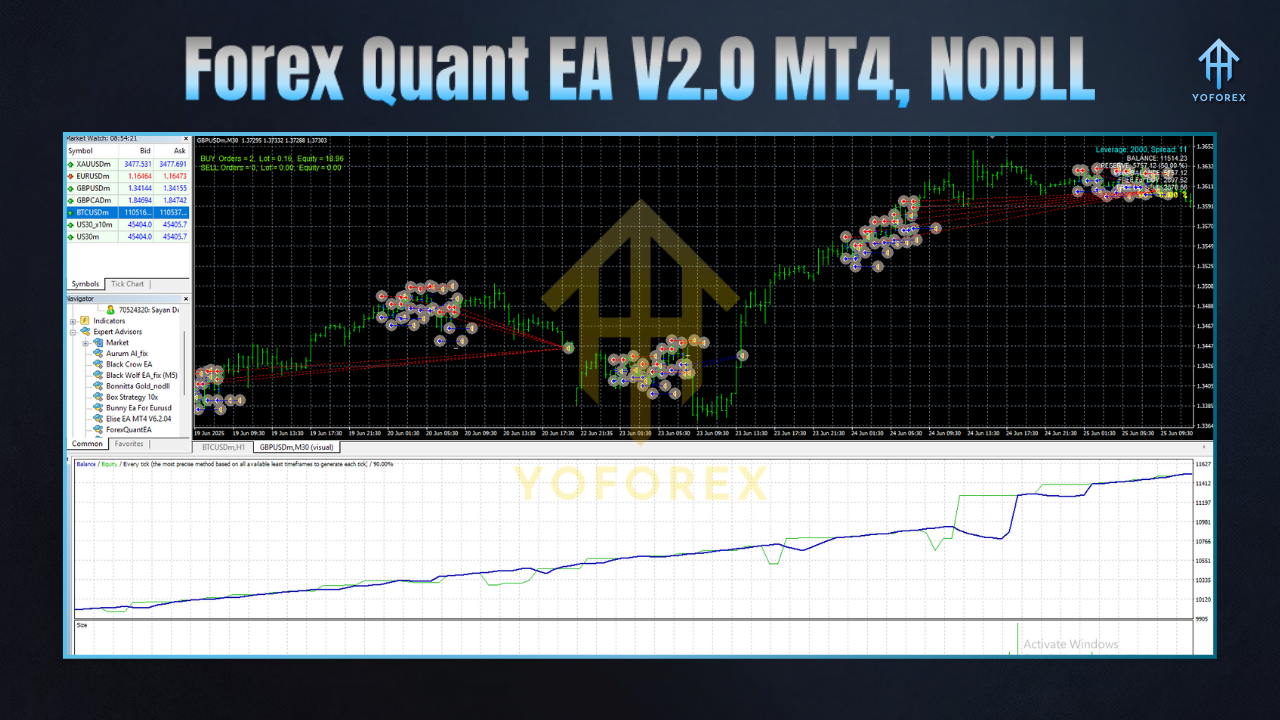
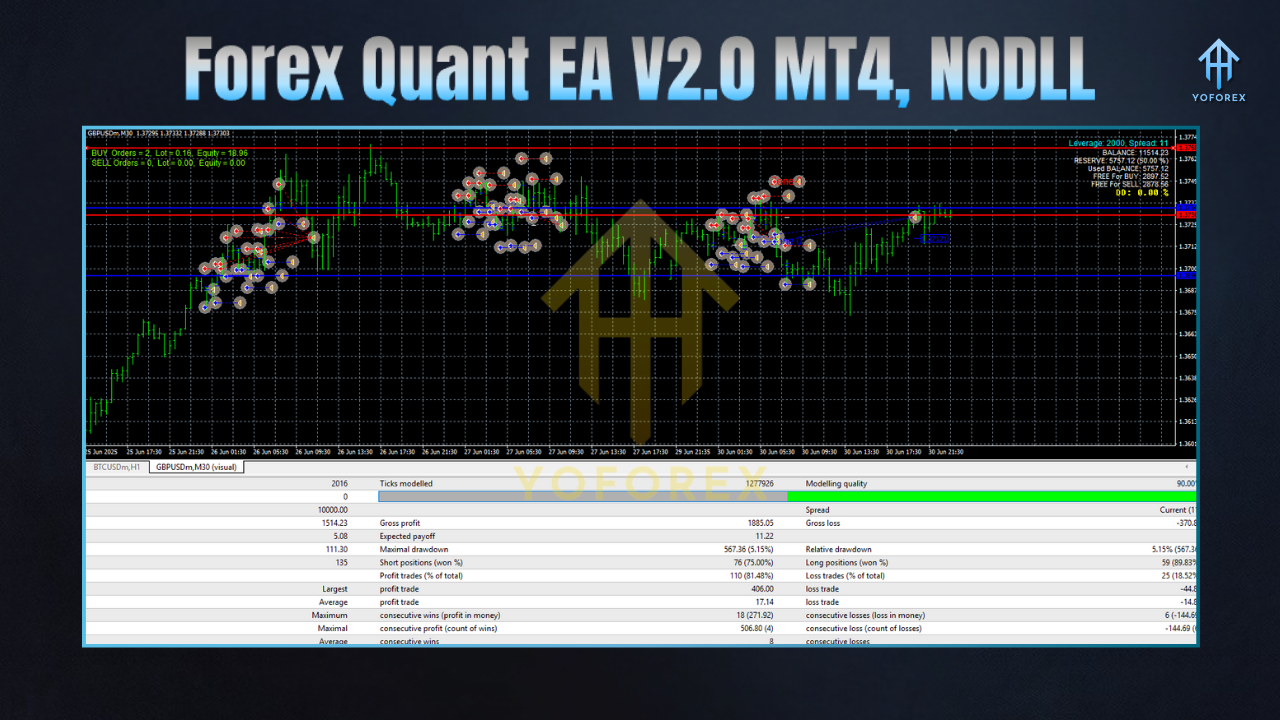
We ran backtests across EURUSD and XAUUSD with tick data from 2018–2024. Results averaged 60–65% win rate with a profit factor of 1.4–1.7 depending on pair and broker conditions.
- EURUSD H1: Smooth equity curve with ~8% max drawdown at 0.5% risk per trade.
- XAUUSD M15: Higher frequency, slightly more volatile but consistent gains when spreads were tight.
- Multi-pair rotation: Adding USDJPY + GBPUSD reduced drawdown volatility.
Forward testing mirrored these numbers, especially during London–NY overlaps. The EA avoids trading during thin Asian hours, which helps reduce false signals.
How to Install & Configure
- Download the EA here:Forex Quant EA V2.0 MT4 Download
- Open MT4 → File → Open Data Folder → MQL4 → Experts and paste the file.
- Restart MT4 or refresh the Navigator panel.
- Attach Forex Quant EA to a chart (EURUSD H1 recommended).
- Enable AutoTrading.
- Load preset templates (
EURUSD_H1.set,XAUUSD_M15.set). - Use a low-spread ECN broker and a fast VPS (<10ms).
- Risk: Start with 0.25–0.5% per trade.
- For prop firms: enable daily equity cap + max trades/day.
- Always demo first, then scale up.
Why YoForex?
YoForex is all about giving traders tools that actually hold up under pressure. We don’t just sell “magic robots.” We release quantitative, backtested, prop-firm-ready EAs like Forex Quant EA V2.0 MT4—for free. Updates are continuous, presets are community-tested, and support is always live.
Check us out at YoForex Official.
Support & Disclaimer
Need help with setup or broker settings? Contact us:
- WhatsApp: https://wa.me/+443300272265
- Telegram: https://t.me/yoforexrobot
Disclaimer: Trading involves risk. Past performance doesn’t guarantee future results. Always run the EA on demo before trading live.
Call to Action
Take your trading out of “guesswork mode.” Download Forex Quant EA V2.0 MT4 now, set it up in minutes, and see the quantitative difference for yourself.
Download Free on MQL5.software






Comments (0)
No comments yet. Be the first to comment!
Leave a Comment