
Fortress Hedge EA V1.0 MT4 — Adaptive Hedging For Calm, Controlled Growth
Tired of EAs that chase trends and then vanish the moment markets get choppy? Fortress Hedge EA V1.0 for MetaTrader 4 is built to do the opposite: it embraces volatility with an adaptive hedging core. Instead of guessing one-way direction, it manages exposure on both sides of the market, working to smooth equity swings while still aiming for steady, defensible gains. Whether you prefer majors like EURUSD and GBPUSD, commodities like XAUUSD, or even indices via MT4 symbols, the EA’s logic is flexible enough to operate across assets and timeframes.
The name “Fortress” isn’t hype; the EA focuses on risk first, profits second. It places balanced positions, offsets losers with hedged counterparts, and exits in clusters when net profit conditions are met. If you’ve struggled with over-leveraged grid bots or emotional manual trading, this approach can feel refreshingly calm.
What Is Hedging, Practically?
Hedging is holding long and short exposure on the same (or correlated) instrument to reduce net directional risk. Fortress Hedge EA choreographs that exposure using price action triggers and volatility filters. When the market ranges, it seeks to harvest mean-reversion moves. When it breaks out, it aims to rebalance, limit drift, and pivot to the new state with controlled increments.
Note: Some brokers (especially US-regulated) restrict hedging/FIFO. Always check your broker’s rules before running any hedging system.
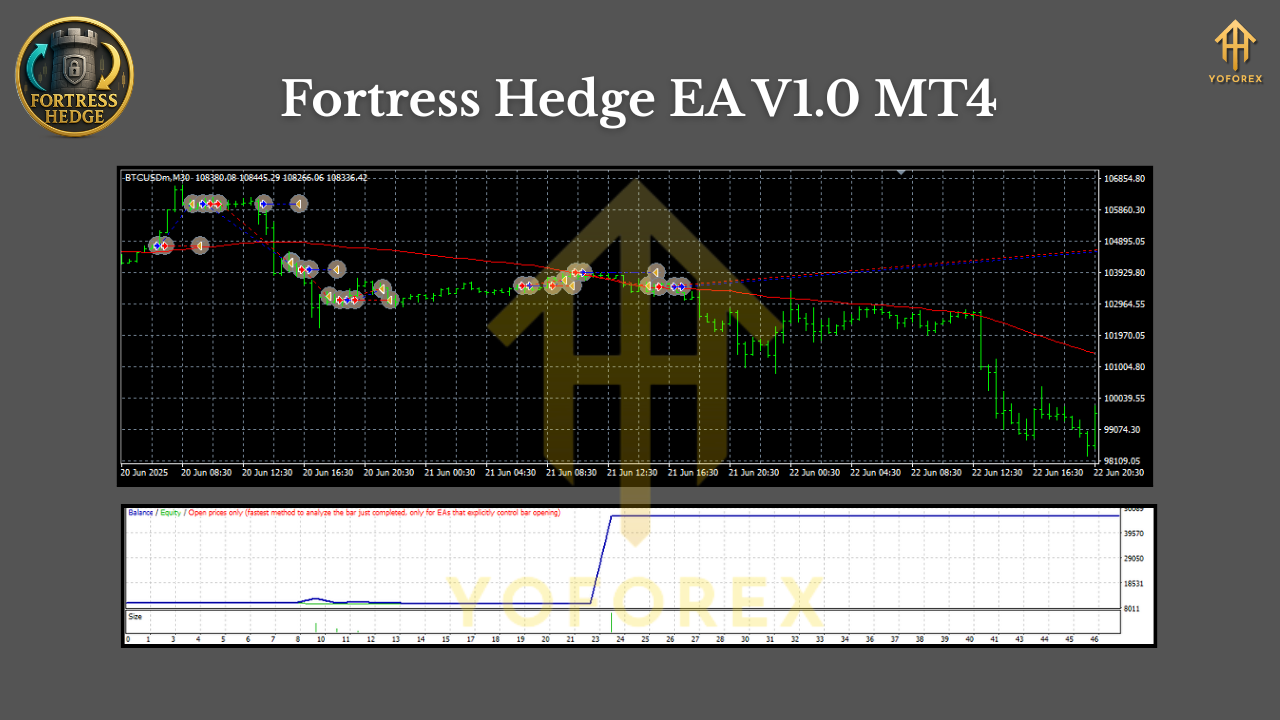
Why Fortress Hedge EA Stands Out
- It’s pair-agnostic and timeframe-agnostic. You can run it on any instrument that fits your risk profile and broker conditions.
- It attempts to avoid classic “grid doom” by capping exposure, spacing entries by volatility, and using dynamic partial closes.
- It offers “profit lock” logic: once clusters reach a net target, it closes both sides together, resets, and waits for the next cycle.
Key Features
- Adaptive hedging core — balanced long/short logic seeks to cut directional bias and reduce equity swings.
- ATR-based spacing — uses average true range to set distance between legs; scales with volatility instead of fixed steps.
- Net-profit cluster exits — closes groups of trades once combined P/L reaches a defined target.
- Drawdown guard — optional equity protection halts new entries and can reduce exposure if floating loss crosses a threshold.
- No hard martingale — position sizing defaults to fixed or proportional; an optional conservative multiplier exists but is off by default.
- Spread and slippage filters — avoids entering when conditions are too poor, improving execution quality.
- Session control — choose trading windows (e.g., avoid rollover or news hours).
- News pause (manual timing) — simple calendar awareness by user input (pause around high-impact events).
- Per-symbol risk caps — limit max open orders and total lot exposure for each chart.
- Broker-aware — optional minimum distance between orders to respect broker rules.
- Magic number segmentation — run on multiple symbols/timeframes without interference.
- Detailed on-chart stats — see net exposure, average price, floating P/L, and cycle history.
How The Strategy Works (In Plain English)
- Baseline Setup: You attach Fortress Hedge EA to a chart. It reads volatility (ATR) and current spread, then arms itself.
- First Engagement: On a signal (range reversion or a mild breakout filter), the EA opens an initial position, then places a counterpart hedge when price stretches beyond a volatility-scaled distance.
- Balance and Breathe: As price oscillates, the EA accumulates controlled exposure on both sides—never too dense, never too fast (ATR spacing helps).
- Net Profit Target: When the combined basket reaches your “cycle take-profit” (e.g., 0.5–1.0% account growth, or a fixed currency target), it closes the whole basket.
- Risk Failsafes: If floating drawdown nears your tolerance, new entries pause. Optional exposure trimming kicks in to keep the account intact.
- Reset and Repeat: After closing, the EA resets counters and waits for the next opportunity.
The effect: cycles of exposure rather than single hail-mary trades. You may not catch every runaway trend, but you can avoid many “blown account” patterns typical of brute-force grids.
Recommended Use Cases
- Ranging environments: Pairs like EURUSD during quiet sessions can be ideal; hedged legs capture back-and-forth moves.
- Commodities with rhythm: XAUUSD on M15–H1 when volatility is active but not chaotic.
- Multiple charts, small risk each: Rather than pushing one symbol hard, distribute risk across 3–5 symbols with conservative lots.
Setup & Installation (MT4)
- Copy the EA file: Place
FortressHedgeEA.ex4intoMQL4/Experts/. - Restart MT4: Or refresh the Navigator so the EA appears under “Experts.”
- Enable Algo Trading: In MT4, ensure AutoTrading is on and “Allow live trading” is checked in EA properties.
- Attach to Chart: Any pair, any timeframe. Start with M15 or H1 for stability.
- Input Settings:
- Risk per symbol (e.g., 0.5–1% per cycle).
- ATR period (e.g., 14) and ATR multiplier for spacing (e.g., 1.2–2.0).
- Max open orders per side (e.g., 3–6 to begin).
- Cycle take-profit (e.g., $10–$50 on a $1000–$3000 account, adjust to taste).
- Spread limit (e.g., 20–30 points on majors; adapt for gold/indices).
- Trading hours window.
Starter Presets (Guidelines, Not Rules)
- EURUSD (M30): Fixed lot 0.01 per $1000, ATR(14) multiplier 1.6, max 5 orders per side, cycle TP ~0.7% of balance.
- GBPUSD (M30): Slightly wider spacing (ATR multiplier ~1.8) due to volatility; same lot logic.
- XAUUSD (M15/H1): Start smaller (0.01 per $1500–$2000). Spread cap tighter during rollover; use 1.8–2.2 ATR multiplier.
- Indices (if available): Begin on H1 with very conservative lots, tight max exposure, and a smaller daily session window.
These are starting points. Every broker’s conditions vary (tick size, spread, execution), so refine in demo before going live.
Backtesting & Forward Testing Tips
- Use “Every tick” modeling for more realistic hedging behavior.
- Test multiple regimes: low-volatility months vs. high-volatility spikes.
- Walk-forward style: split test data into in-sample/out-of-sample to avoid curve-fit illusions.
- Forward test on demo for at least 2–4 weeks. Watch how the EA manages cycles through news and rollovers.
- Latency and VPS: A reliable, low-latency VPS can improve consistency, especially if you trade multiple charts.
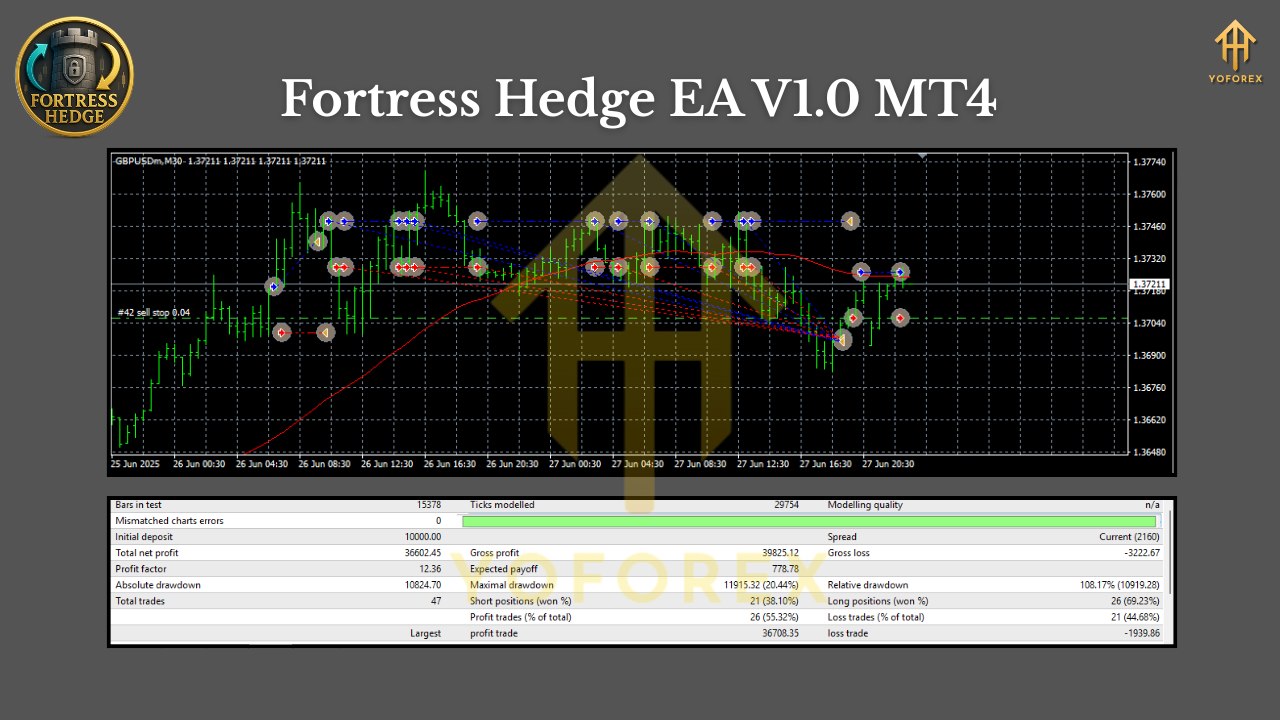
Risk Management Philosophy
Hedging is not a magic shield; it’s a way to organize risk. A few principles to respect:
- Keep position sizes small and exposure capped per symbol.
- Let baskets work; don’t manually close early unless your plan says so.
- Pause the EA if conditions become extreme or spreads explode.
- Never enable aggressive multipliers until you’re deeply familiar with the EA’s behavior.
FAQ (Quick Hits)
- Does it martingale? No by default. A light multiplier exists but is off; use only if you fully understand the risk.
- Will it work on my broker? Most non-US brokers that allow hedging will be fine; always check rules.
- What’s the best timeframe? The EA is timeframe-agnostic. Many users start on M15–H1 for a balance of signal frequency and stability.
- Can I run multiple pairs? Yes—assign unique magic numbers and conservative risk per chart.
- What account size is ideal? Even $500 can work if you size lots carefully, but more capital gives more room for hedged cycles.
Final Thoughts
Fortress Hedge EA V1.0 MT4 is designed for traders who want calmer equity behavior and structured, rules-driven exposure. It won’t promise moonshot growth; instead, it aims for consistency and drawdown control. Start slow, test smart, and scale only when you’re confident with the cycles and settings.
Join our Telegram for the latest updates and support






Comments (0)
No comments yet. Be the first to comment!
Leave a Comment