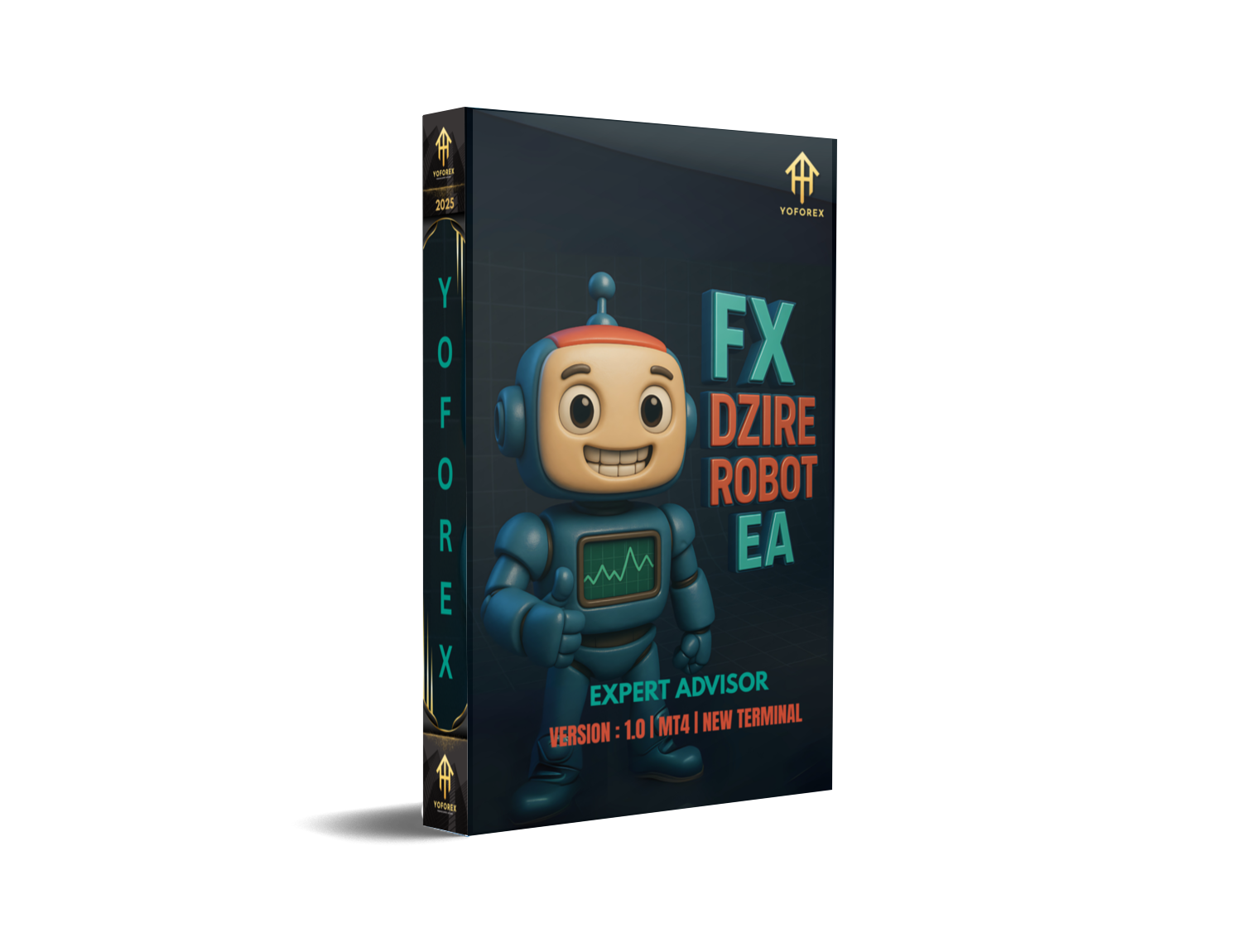
FX Dzire Robot EA V1.0 MT4 – The Adaptive Auto-Trader You Can Actually Use
If you’re tired of over-hyped bots that promise the moon but blow up your account, you’ll like this one. FX Dzire Robot EA V1.0 is designed as a fully automated Expert Advisor for MetaTrader 4 (MT4) that aims to adapt to different market conditions—ranging from quiet Asian-session drifts to fast London/NY breakouts. The developers position it as “plug-and-trade,” but with enough configuration depth that advanced traders won’t feel boxed in.
Below, you’ll find a complete, practical guide: how it works, core features, setup in MT4, suggested risk parameters, backtest tips, and sensible best practices. It officially supports any pair on any timeframe, yet there are still smart ways to deploy it so you’re not testing blind.
What Is FX Dzire Robot EA?
FX Dzire Robot EA V1.0 is an algorithmic trading system that analyzes price action and volatility to generate entries, manage stops, and trail profits without manual intervention. Its logic blends:
- Trend/mean-reversion filters: to avoid chasing exhausted moves or shorting strong breakouts.
- Volatility-aware execution: position sizing and stop distances respond to changing ATR/volatility.
- Trade management automation: automatic break-even shifts, trailing stops, and partial closes.
Because it’s coded for Any Pair, Any Timeframe, the EA won’t block you from experimenting on EURUSD M15, XAUUSD H1, GBPJPY M5, or even indices/CFDs your broker exposes via MT4. That said, “can trade anywhere” doesn’t mean “should trade everywhere.” The big edge is in selecting pairs/timeframes that suit your risk tolerance and the EA’s logic (see suggestions below).
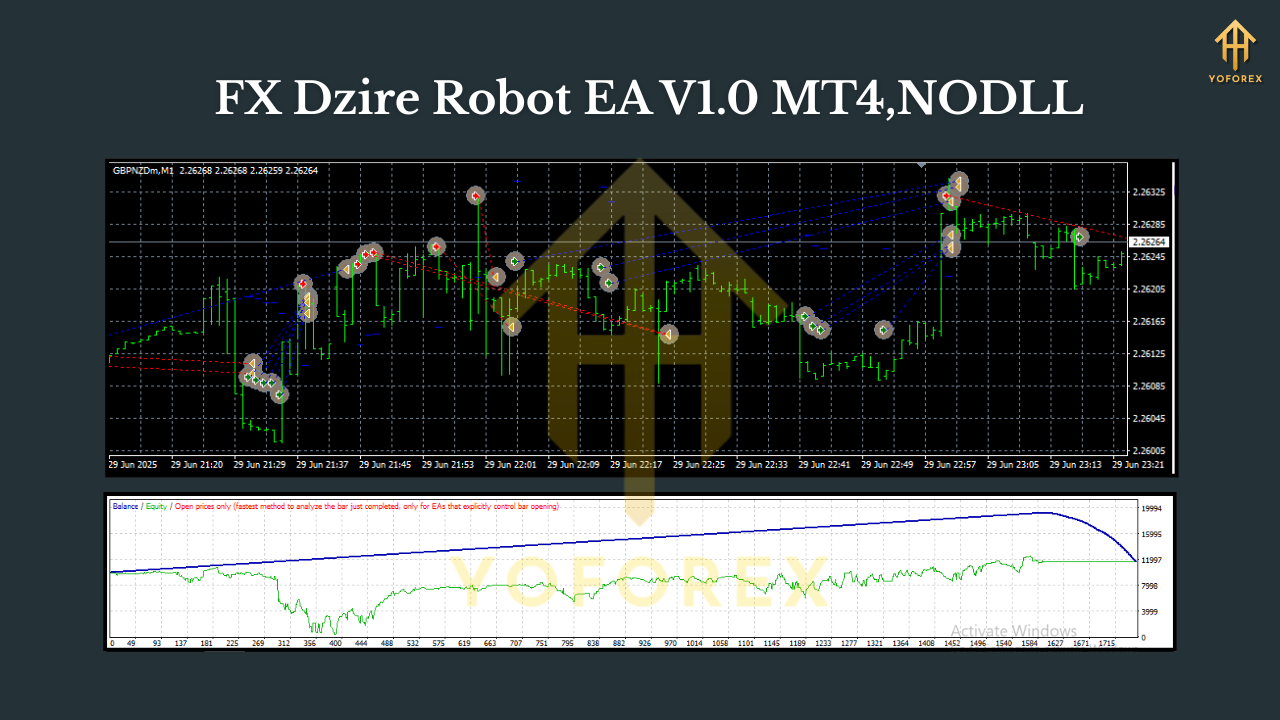
Why Traders Consider FX Dzire
Most retail traders struggle with two things: consistency and discipline. FX Dzire tackles both. Once attached to the chart with defined risks, it executes the plan without hesitation, panic closes, or revenge trades. You get fewer “I should’ve stayed out” moments, and more systematic, rules-driven outcomes.
Key goals behind the EA’s design:
- Versatility: handle ranging sessions and trendy spikes with different parameter clusters.
- Capital protection first: built-in risk capping, equity guardrails, and optional max daily loss.
- Low babysitting: once running, it watches the market 24/5 so you don’t have to.
Core Features (At a Glance)
- • Fully automated MT4 Expert Advisor — one-click attach, hands-off execution.
- • Any pair, any timeframe support — flexible deployment across FX majors, minors, and metals/CFDs (broker dependent).
- • Volatility-adaptive stops — ATR-based SL and dynamic trailing mechanics.
- • Rule-based entries — confluence of trend bias + micro-structure (pullbacks, breakouts).
- • News/quiet-time filters (optional) — pause around high-impact events or during low-liquidity conditions.
- • Equity & daily loss guards — cap drawdown per day or per session; pause after max loss.
- • Break-even & partial close — lock profits early, scale out near targets; reduce open risk.
- • Magic Number isolation — safe to run multiple instances on multiple pairs.
- • Email/Push alerts (optional) — get notified on entries, exits, or pauses.
- • Robust logs — transparent trade reasons and management actions for performance review.
Suggested Pairs, Timeframes, and Risk
Although FX Dzire supports Any Pair and Any Timeframe, these starter configurations are beginner-friendly:
- Pairs: EURUSD, GBPUSD, USDJPY, XAUUSD (gold)
- Timeframes: M15 or H1 for a balanced signal frequency vs. noise
- Risk per trade: 0.5%–1.0% of account equity (new users: start at 0.25%–0.5%)
- Max trades per pair: 1–3 simultaneous positions (or 1 if you prefer simplicity)
- Trading session: London + early NY often yield the cleanest momentum (skip late Fridays)
Tip: If you’re set on ultra-short timeframes (M1–M5), consider a VPS close to your broker and tight spreads. High-frequency scalping is more sensitive to latency and costs.
Installation & Setup (MT4)
- Download & place files: Copy the .ex4 or .mq4 EA file into
MQL4/Expertsinside your MT4 data folder. - Restart MT4: Or right-click “Expert Advisors” in the Navigator and hit Refresh.
- Enable Algo Trading: Click the Algo Trading button (must be green).
- Attach to chart: Open your chosen pair + timeframe (e.g., EURUSD, H1), then double-click FX Dzire Robot EA.
- Inputs configuration:
- Lot sizing: fixed lot or risk-based (e.g., 0.5% risk per trade).
- Stop/TP: ATR-based stops with a moderate multiple; enable trailing after TP1.
- Session filters: allow London/NY, disable late Friday; toggle news filter if available.
- Equity guard: set max daily loss and max total drawdown (EA will pause when hit).
6. Confirm “smiley face” in the chart corner (EA is running). If not, check permissions (Tools → Options → Expert Advisors) and broker trade settings.
How the Strategy Operates (Under the Hood)
Signal Generation: Dzire evaluates the prevailing bias (trend slope/MA alignment/structure) and only triggers when price pulls back to value or breaks a defended level with confirming momentum. This reduces random entries in choppy zones.
Order Protection: Initial stop is typically volatility-aware (ATR multiple). Dynamic trailing activates after the trade gains traction—either step-based (trails behind swing points) or volatility-based (stays a fixed ATR distance).
Position Management: Depending on inputs, the EA can partial close near the first target (TP1), move to break-even once a threshold is met, and let the remainder ride to TP2/TP3—this improves payoff asymmetry during trends.
Backtesting & Optimization Tips
You’ll get the best signal of “fit” vs. “fluke” by testing multiple years and multiple market regimes:
- Data span: At least 3–5 years per pair; include both trending and range-bound periods.
- Spread/commission: Use realistic broker costs—inflated backtests are worse than no backtests.
- Modeling quality: 99% tick data if possible; otherwise acknowledge the limits of MT4’s default.
- Walk-forward logic: Optimize on one period, forward-test on a different period; avoid overfitting.
- Portfolio approach: Try 2–4 uncorrelated pairs instead of one “perfect” pair. Diversification often smooths equity curves.
Live Trading Best Practices
- Start on demo: Run at least 2–4 weeks to verify execution, slippage, and settings.
- Use a VPS: For 24/5 uptime and lower latency.
- Gradual sizing: Begin with micro lots; scale only after you see stable results.
- Risk caps: Keep total daily loss under 2%; pause after a losing streak.
- Broker choice: Low spreads, fast execution, and no funny business with stop distances.
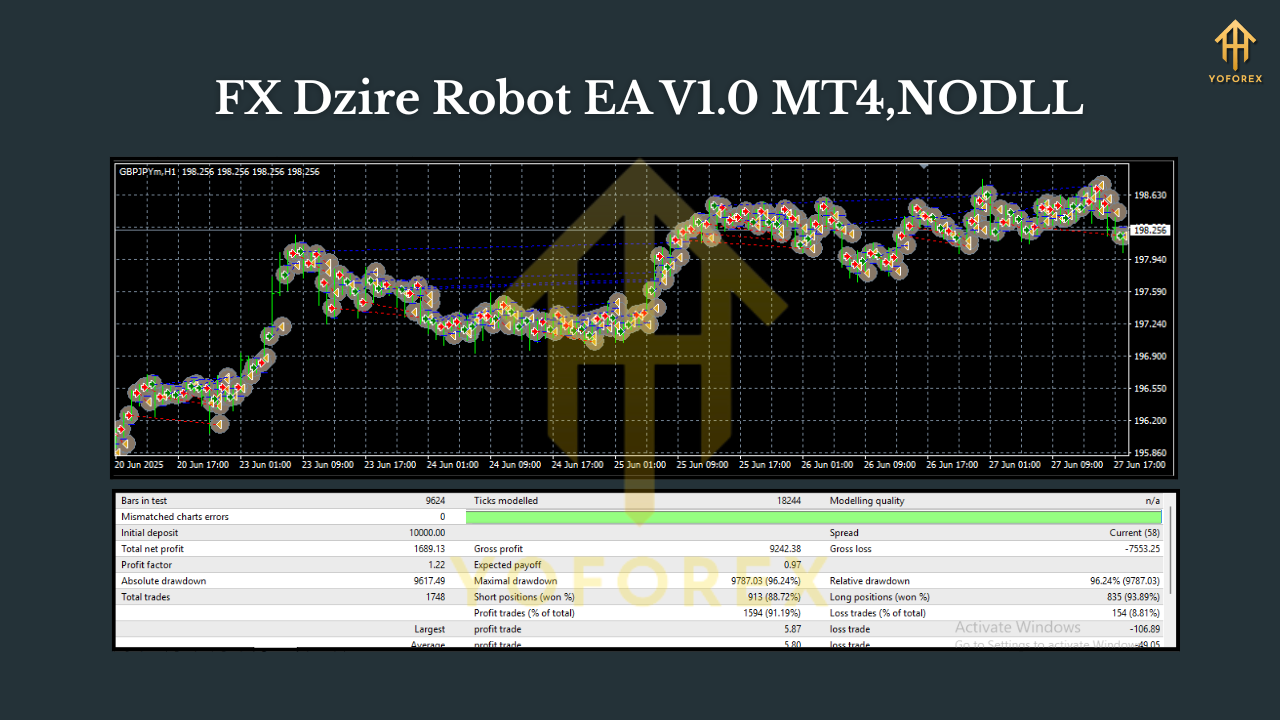
Who Is FX Dzire Best For?
- Beginners who want a clear, rules-based auto-trader with sane defaults.
- Intermediate traders who enjoy tuning filters, sessions, and risk to match lifestyle and capital.
- Systematic pros looking to add a volatility-aware module alongside other EAs in a portfolio.
If you prefer full manual discretion and screen time, Dzire can still be useful as an auxiliary strategy—running on pairs/timeframes you’re not actively monitoring.
Risks & Disclaimer
No EA wins all the time. Sudden news shocks, flash volatility, broker conditions, and changing regimes can cause losing streaks. Past performance does not guarantee future results. Always test on demo, understand the inputs you’re changing, and never risk funds you cannot afford to lose.
Quick Start Checklist
- Install EA and enable Algo Trading
- EURUSD H1 + risk 0.5% per trade (starter profile)
- Enable trailing stop and break-even after TP1
- Daily loss limit at 2% and equity guard on
- Demo for 2–4 weeks → then go small live
- Review logs weekly; iterate responsibly
Final Word
FX Dzire Robot EA V1.0 MT4 aims to deliver an adaptive, disciplined approach without drowning you in complexity. It’s flexible enough for multi-pair portfolios yet simple to get running in minutes. Pair it with sensible risk management, and you’ve got a no-nonsense framework to evaluate and improve—one setting at a time.






Comments (0)
No comments yet. Be the first to comment!
Leave a Comment