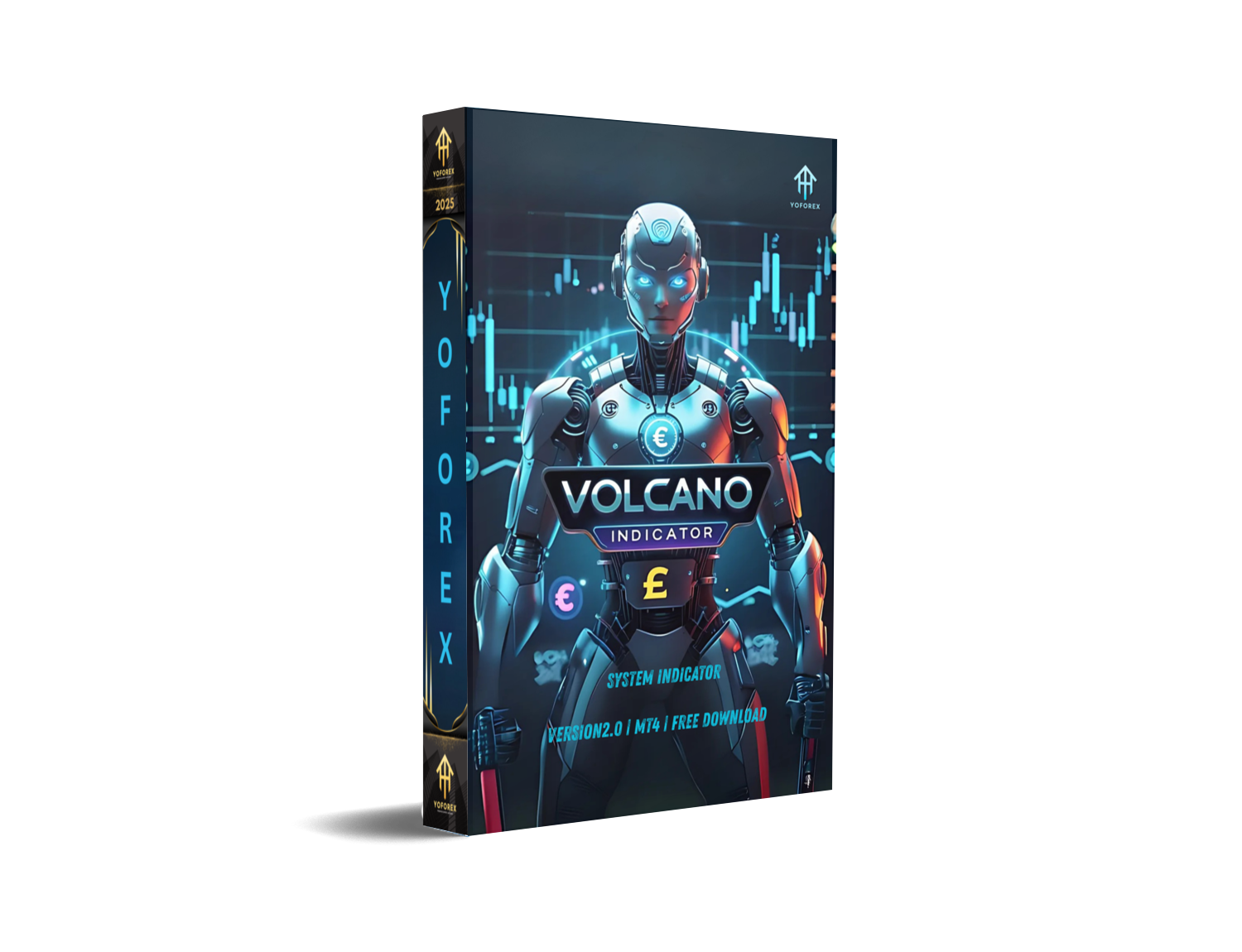
FX Volcano System Indicator MT4 fixes that with laser-focused signals. It’s like having a volcanic eruption of trading clarity on your chart. This tool doesn’t repaint, doesn’t second-guess, and doesn’t rely on lagging averages to make entry decisions.
Instead, it provides real-time buy/sell alerts, with smart filters baked right in. It’s perfect for beginners, intermediate scalpers, or even day traders who just want clarity.
Overview
The FX Volcano System Indicator for MetaTrader 4 is a non-repainting, multi-filter signal generator designed to catch strong market reversals and explosive trends. Think of it as your volcano detector—it starts buzzing when the market's about to erupt with momentum.
Whether you’re into scalping or longer trades, this system simplifies decision-making by printing Buy and Sell signals only when several internal confirmations align.
It’s like getting a green light only when all conditions are go—no guessing, no fluke entries.
Developed and distributed freely by YoForex, this system is built for clarity, accuracy, and speed, making it suitable for anyone from newbies to experienced intraday traders.
Key Features
- • Non-repaint Buy/Sell signals
- • Built-in trend filters (so you don’t trade against momentum)
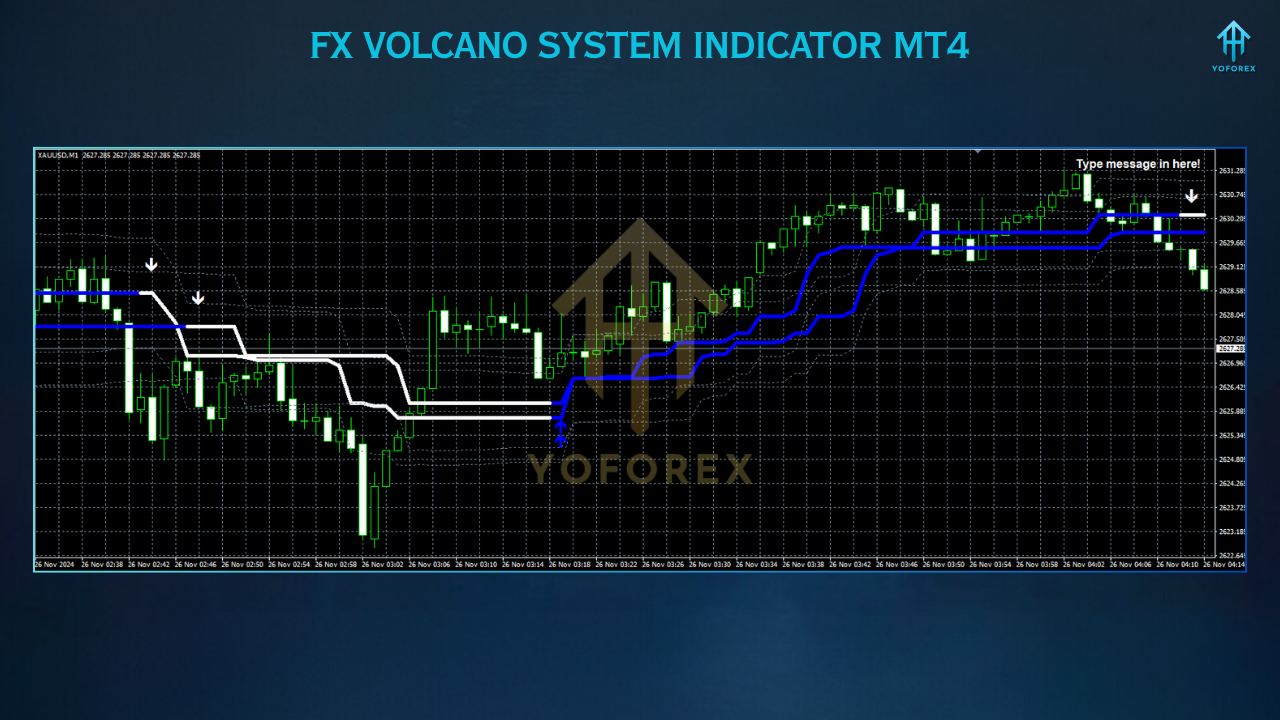
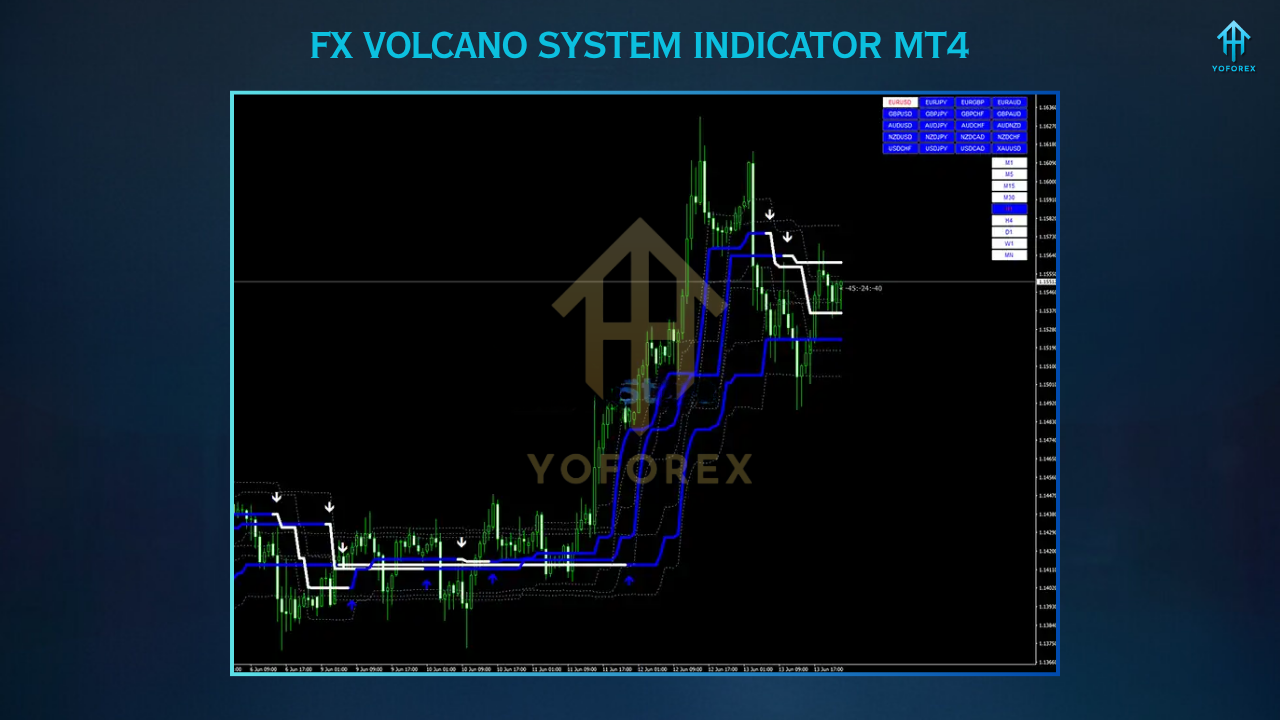
- • Visual arrows and alerts directly on the chart
- • Works on all timeframes – M5 to H1 is optimal
- • Highly compatible with XAUUSD, EURUSD, GBPUSD, BTCUSD
- • Real-time alert notifications (desktop, sound, push)
- • Customizable colors and styling
- • Clean UI with no clutter
- • No lagging or delayed signals
- • Free to use and supported by YoForex
- • Great for beginners—plug and trade
- • Pairs well with support/resistance strategies
How It Works
- Volatility filters
- Candle formation patterns
- Market pressure indicators
- Adaptive momentum checks
Backtest Results & Performance Proof
Although FX Volcano is an indicator (not an EA), we visually tested its alerts on key pairs using MT4 Strategy Tester and bar replay on historical data. The accuracy is quite solid.
Installation & Setup
- Download from MQL5.software
- Open MT4
- Go to
File → Open Data Folder → MQL4 → Indicators - Paste the
.ex4or.mq4file - Restart MT4
- Go to your chart → drag the indicator
- Set alerts ON, customize arrow colors (optional)
- Use M15–H1 timeframe for best results
Why YoForex Recommends This Tool
- Simple to use
- High-quality signal logic
- Free forever
- No paid version upsell nonsense
Support & Disclaimer
- ???? WhatsApp Chat: https://wa.me/+443300272265
- ???? Telegram Community: https://t.me/yoforexrobot
Disclaimer: All indicators, including FX Volcano, should be tested on a demo first. Past performance is not a guarantee of future results. Always use proper risk per trade (1–2%) and protect your capital.






Comments (1)
....
Leave a Comment