
Golden Apex EA V1.0 MT4 — Smart Gold & GBPUSD Scalper
If you’ve been hunting for a clean, no-drama scalper that actually respects risk while still chasing those quick market bursts… Golden Apex EA V1.0 might be your new daily driver. Built for MetaTrader 4 and handcrafted for gold traders first, it leverages a lean, modern algorithm stack to find high-probability micro-moves and manage exits with discipline. It’s tuned for XAUUSD (Gold) and GBPUSD, thrives on M1 and M5, and is comfortable starting from a $500 minimum deposit. You’ll still want good spreads and stable execution (ECN/Raw if possible), coz low friction matters when you’re skimming pips in fast markets.
Below, you’ll get the full picture: how it works, what to expect, recommended setup, risk controls, and step-by-step installation. No hype, just the details you need to deploy it responsibly.
What Is Golden Apex EA?
Golden Apex EA V1.0 is a lightweight, event-aware scalping Expert Advisor designed for XAUUSD (Gold) and GBPUSD. The core idea is simple: identify intraday impulse windows where volatility expands, then engage with a predefined risk profile. Entries prioritize momentum confirmation and micro-pullbacks; exits combine dynamic take-profit logic with time-based trade hygiene (you don’t want to overstay a scalp).
Key design choices:
- Focus on speed and clarity: M1 and M5 workspaces, streamlined checks, and minimal indicator lag.
- Two-pair specialization: XAUUSD is primary. GBPUSD is supported for traders who want a secondary flow with more stable spreads.
- Risk-first mindset: Every decision in the EA assumes you want staying power—so max exposure, session filters, and spread guards are all part of the plan.
Working pairs: XAUUSD (Gold), GBPUSD
Recommended timeframe: M1, M5
Minimum deposit: $500
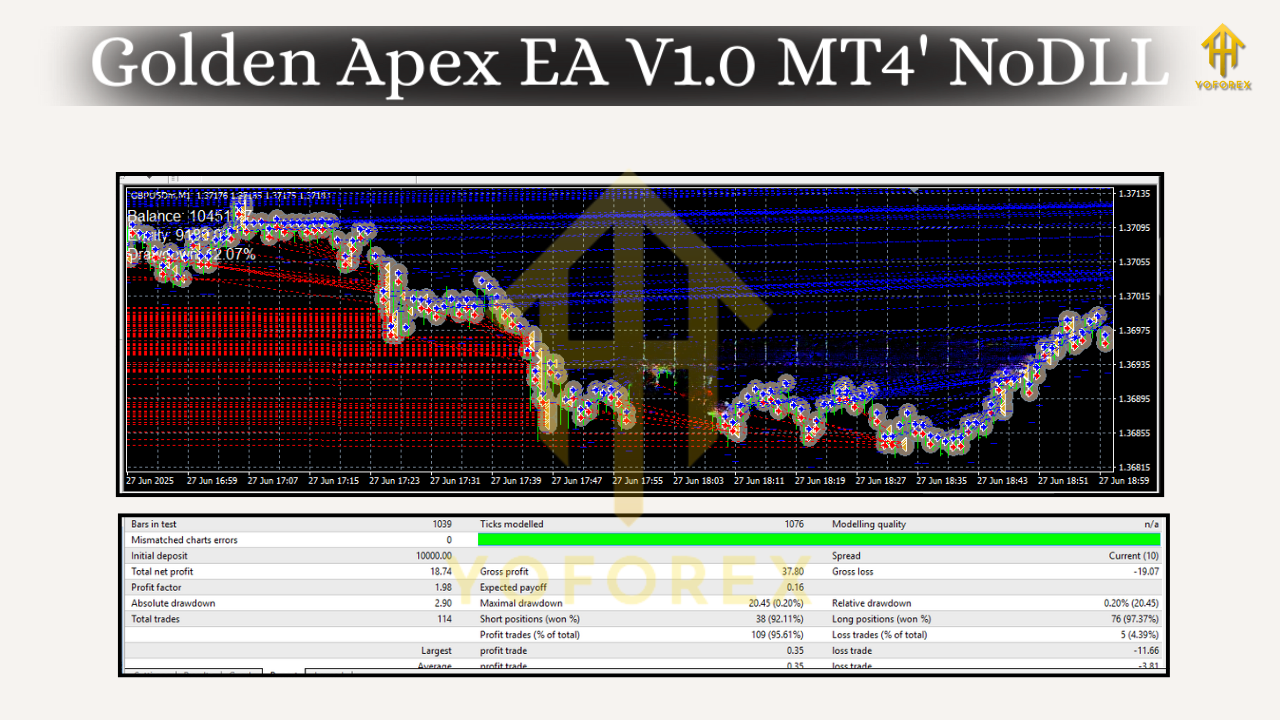
How Golden Apex EA Works (In Plain English)
The EA watches for three things:
- Volatility ignition – short bursts suggest momentum may carry; the EA sniffs for that signature on micro timeframes.
- Structure alignment – it avoids taking impulse entries into obvious nearby blockers; think recent swing clusters or micro supply/demand shelves.
- Execution quality – spread filter, slippage tolerance, and max concurrent orders ensure the EA doesn’t fight poor conditions.
When all three align, Golden Apex deploys a position with a predefined stop-loss and adaptive take-profit. If the push extends quickly, the EA aims to bank. If it stalls, a time-based hygiene rule can close the trade, protecting the equity curve from churn.
You won’t see martingale or “double-down” antics here. The lot sizing is straight, controlled, and fully configurable, so you remain the adult in the room.
Why M1 and M5?
Scalping on gold and cable reacts best when you’re close to the tape. M1 gives you the most signals but demands high-quality execution and tight risk. M5 slows things a touch, helps filter noise, and suits traders who like fewer but clearer setups. Many users run two charts per pair (M1 and M5) with distinct magic numbers; it’s a nice way to diversify entry cadence while keeping the same capital pool.
Key Features
- • Specialized for XAUUSD & GBPUSD – tuned logic that respects each symbol’s behavior
- • M1 & M5 Optimized – quick detection of impulse moves, minimal lag
- • No Martingale, No Grid – fixed, transparent risk on every position
- • Spread & Slippage Guards – avoids poor fills during spikes or news bursts
- • Time-Based Trade Hygiene – auto-close logic if momentum fades
- • Adaptive Take-Profit – aims to bank when pushes extend; avoids “greed hold”
- • Session Filters – focus on London/NY overlap or your preferred window
- • Max Concurrent Trades – hard cap to protect margin and sanity
- • Magic Number Isolation – easy multi-chart or multi-pair management
- • News Buffer Option – optional pre/post-news quiet period to reduce whipsaw
- • Lightweight CPU Footprint – designed to run smoothly on a basic VPS
- • Clear Inputs & Comments – trade labeling for audits and prop logs
Recommended Settings & Risk Management
Account Type & Broker:
- Prefer ECN/Raw spread accounts.
- Keep commission + spread competitive; scalping thesis depends on it.
- A VPS near your broker helps reduce latency.
Lot Size & Risk:
- Start conservative: 0.01 lots per $500–$700 on XAUUSD; GBPUSD can tolerate slightly higher sizing due to narrower spreads.
- Keep risk per trade at or under 1% until you’re comfortable.
- Avoid stacking too many concurrent orders; use a max trades limit (e.g., 2–4 total).
Spread & Slippage:
- Set a max spread appropriate for each symbol (e.g., 30–50 points for XAUUSD on many brokers, 10–20 points for GBPUSD — adapt to your broker’s quoting format).
- Slippage tolerance should be realistic; over-tight and you’ll miss fills; too loose and fills degrade. Start moderate.
Sessions & News:
- Primary window: London into NY.
- If you prefer news safety, enable the news buffer (e.g., block entries 10–15 minutes before and after high-impact events).
Stop-Loss & Take-Profit:
- Use the default SL/TP to start.
- If volatility is elevated (e.g., CPI week), widen stops slightly and reduce lot size to keep dollar risk consistent.
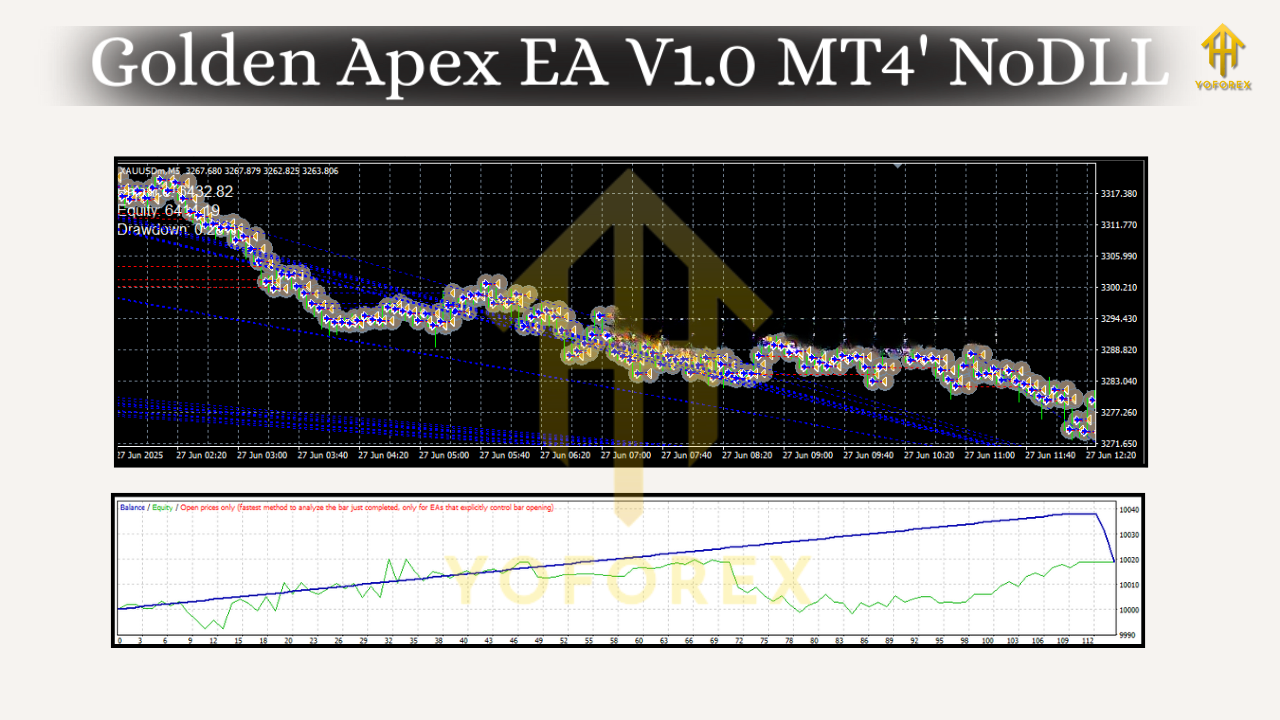
Installation & Setup (MT4)
- Open MT4 → File → Open Data Folder
- Navigate to MQL4 → Experts, then paste the EA file (GoldenApexEA.ex4).
- Restart MT4 (or right-click Expert Advisors → Refresh in the Navigator).
- Open a XAUUSD M1 chart (and optionally M5; repeat later for GBPUSD).
- Drag Golden Apex EA from the Navigator onto the chart.
- In the Inputs tab, set:
- MagicNumber (unique per chart, e.g., 11001 for XAU M1, 11002 for XAU M5)
- Lots (start small), MaxTrades, MaxSpread, Session Filters, News Buffer (optional)
7. Check AutoTrading is enabled (the green play icon in MT4).
8. Verify a smiley face in the chart’s top-right corner and watch the Experts tab for any messages.
Tip: Run a demo for a few market days to ensure your broker’s spread/commission profile plays nicely with the EA before going live.
What To Expect Day-to-Day
Golden Apex EA isn’t a “firehose of trades” bot; it’s selective. On M1 you’ll likely see more frequent entries, especially on XAUUSD, while M5 will be calmer and often cleaner. Expect clusters during volatility (London open, NY crossover) and quiet patches when markets compress. The EA’s hygiene rules try to keep your equity curve tidy—cutting laggard trades before they decay into churn.
You might have a day where it banks a few quick wins, then shuts it down as spreads widen; other days, it may sit on its hands for an hour waiting for cleaner momentum. That patience is a feature, not a bug.
Backtesting & Forward Monitoring (Best Practices)
- Backtest by session: Compare London, NY, and Asia separately; XAUUSD behaves differently across sessions.
- Model realistic costs: Commission + spread assumptions must match your live account, or results will be inflated.
- Forward test on demo/VPS: Let it run at least a full week across key events; confirm fills, slippage, and trade frequency.
- Journal & iterate: Keep notes on days with unusual behavior (NFP, CPI, FOMC). Gradually refine spread guard, max trades, and session windows to your broker’s reality.
Final Notes & Disclaimer
Golden Apex EA V1.0 is designed to be practical, transparent, and risk-aware. It still trades live markets—no system wins every trade. Use small size till you’ve seen a few full cycles, especially on Gold where volatility can go from sleepy to wild in seconds. Past performance doesn’t guarantee future results, and you should always test on demo first, then scale up slowly.






Comments (0)
No comments yet. Be the first to comment!
Leave a Comment