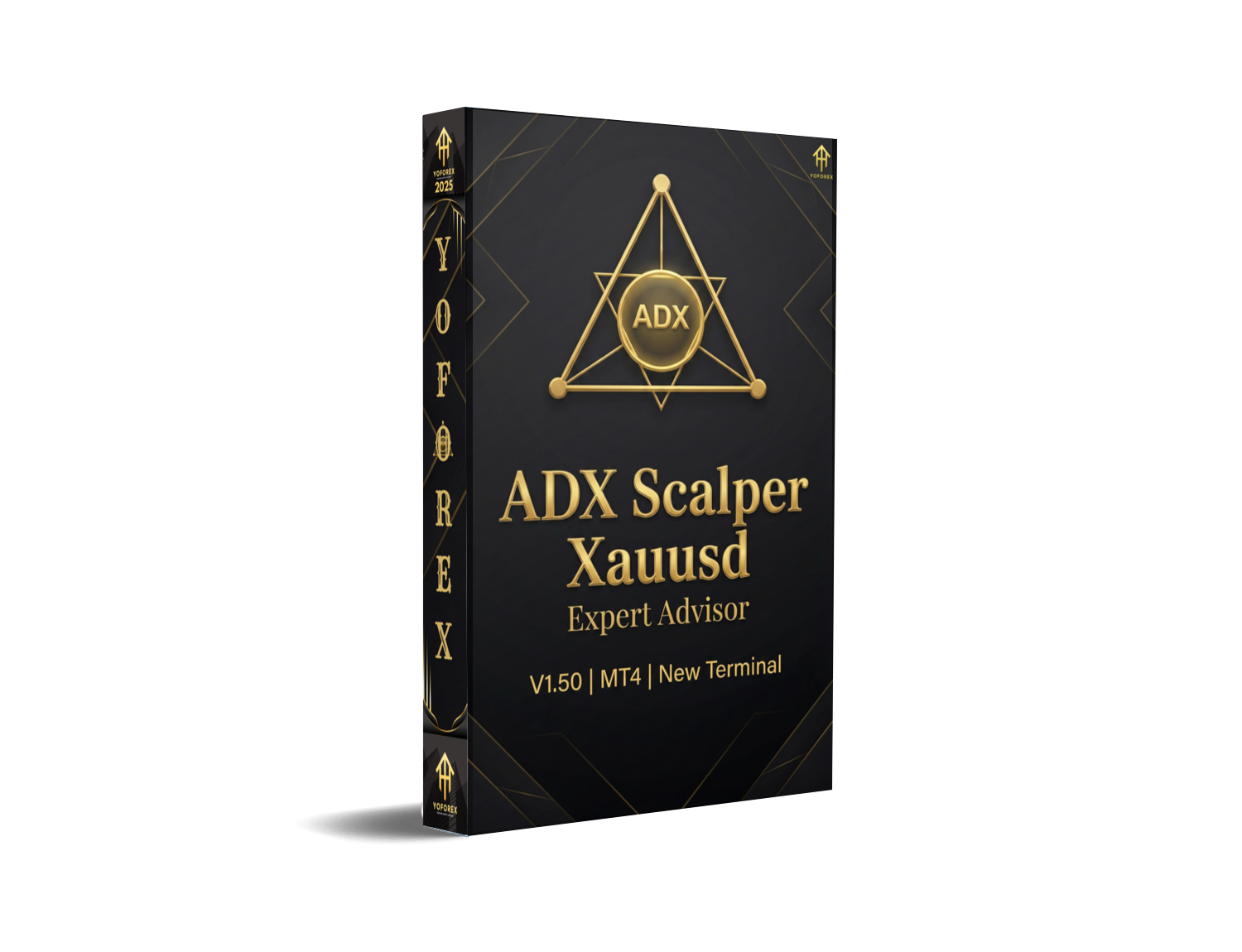
In the world of forex trading, automation has become a key driver for success, particularly for those looking to take the emotion out of trading. Among the various Expert Advisors (EAs) available in the market, Golden Dome EA V1.25 MT4 has been making waves as a versatile and reliable solution. Designed to leverage powerful indicators like RSI, MACD, Bollinger Bands, and Moving Averages, Golden Dome EA aims to provide traders with consistent, automated trading results. This blog post will explore its features, advantages, installation process, and more.
What is Golden Dome EA V1.25 MT4?
Golden Dome EA V1.25 is an automated forex trading robot that runs on MetaTrader 4 (MT4), one of the most widely used trading platforms in the world. This EA is designed to trade forex, commodities, stocks, and even crypto with minimal user intervention. The core strategy behind Golden Dome EA relies on a combination of technical indicators to make trading decisions.
The EA uses a combination of RSI, MACD, Bollinger Bands, and Exponential Moving Averages (EMA) to identify optimal entry and exit points. The idea is to filter market noise and make data-driven decisions based on well-known technical analysis tools.

Key Features of Golden Dome EA V1.25 MT4
- Indicator-Based Trading: Golden Dome EA uses popular indicators like RSI, MACD, Bollinger Bands, and EMA to help identify trends and reversals in the market. These indicators are widely trusted in the trading community, making this EA an attractive choice for those who prefer traditional technical analysis.
- Multi-Asset Support: Although optimized for XAUUSD (gold), Golden Dome EA can be used to trade forex pairs, commodities, and even crypto. This flexibility allows traders to diversify their portfolios while utilizing a single automated trading system.
- Grid Trading Option: Golden Dome EA offers an optional grid trading feature that allows the EA to open multiple positions in different directions, depending on market conditions. However, this feature should be used with caution due to the higher risk associated with grid trading strategies.
- Risk Management Features: Golden Dome EA includes features like trailing stop, stop-loss, and take-profit settings, which help to manage risk and protect profits. These tools ensure that your trades are closed at optimal points, safeguarding your capital.
- Optimized for MetaTrader 4: As a MetaTrader 4 EA, it’s compatible with many brokers offering MT4 accounts. This makes it easily accessible to a wide range of traders.
Advantages of Golden Dome EA V1.25 MT4
- Automated Trading with Minimal Intervention: The EA does the heavy lifting for you, taking trades based on predefined strategies, allowing you to focus on other tasks.
- Reliable and Well-Tested Indicators: By utilizing well-known technical indicators, Golden Dome EA brings a level of reliability to your trading that can be hard to achieve manually.
- Flexibility Across Different Markets: The EA is designed to work across multiple asset classes, providing you with more opportunities to profit in various market conditions.
- Advanced Risk Management: With features like trailing stop, stop-loss, and take-profit, the EA offers a strong risk management framework to protect your trading capital.
- Free Lifetime Updates: When you purchase Golden Dome EA, you’re promised free lifetime updates. This means you’ll always have access to the latest features and improvements.
Disadvantages of Golden Dome EA V1.25 MT4
- Grid Trading Can Be Risky: While the grid feature can help capitalize on market volatility, it can also lead to significant drawdowns, especially in choppy or unpredictable markets. Traders should use this feature with caution and be sure to set appropriate risk management parameters.
- No Guarantee of Profits: As with any EA, there are no guarantees of profits. Market conditions can change, and the EA may not always perform as expected, especially during extreme market movements.
- Requires Continuous Monitoring: While the EA is automated, continuous monitoring is still necessary to ensure everything is running smoothly. Issues like broker-specific limitations, spread changes, or server downtime could affect performance.
Installation and Setup
Installing Golden Dome EA V1.25 MT4 is simple and can be done in just a few steps:
-
Download the EA: After purchasing the EA, you will receive a file containing the robot and instructions.
-
Install the EA on MetaTrader 4:
-
Open your MT4 platform and go to File > Open Data Folder.
-
Copy the EA file into the Experts folder located in your MQL4 directory.
-
-
Activate the EA:
-
After restarting MetaTrader 4, you will find the Golden Dome EA in the Navigator panel under Expert Advisors.
-
Drag and drop the EA onto your chart, configure the settings, and click OK.
-
-
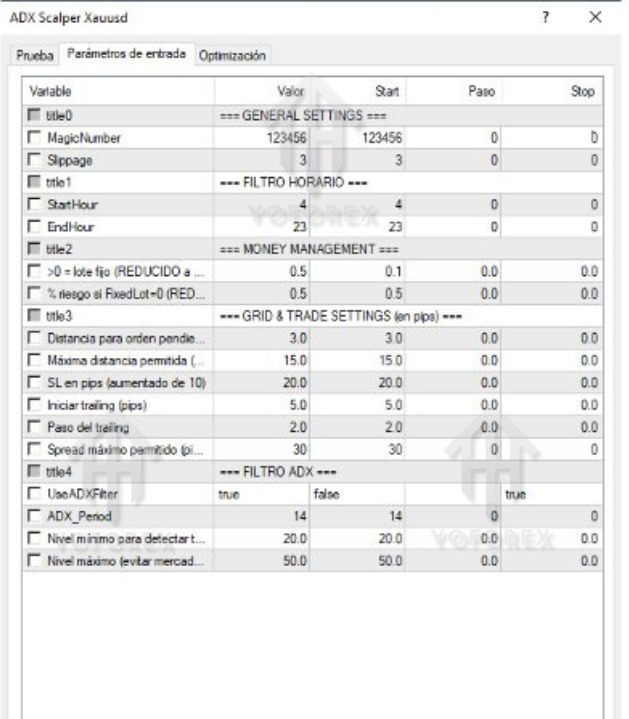
Adjust Risk Settings: Before starting the EA, ensure that you have adjusted the risk management settings to suit your trading style. You can set the lot size, take-profit, stop-loss, and trailing stop parameters.
-
Start Trading: Once the EA is configured, it will begin executing trades according to its strategy.

Performance and Backtesting
Like any forex robot, backtesting is essential to understand how Golden Dome EA would have performed under various market conditions. Golden Dome EA has been tested on historical data for XAUUSD, and the results show consistent profitability under various market conditions.
However, it’s important to conduct your own forward testing on a demo account before going live with real money. This helps to ensure that the EA performs as expected on your chosen broker and account type.
Conclusion
Golden Dome EA V1.25 MT4 offers a reliable, flexible solution for traders who want to automate their trading while relying on proven technical indicators. Its grid trading option, risk management features, and multi-asset support make it a versatile tool for forex and commodity traders alike. However, like all EAs, it carries risks, particularly with the grid trading feature, so traders should exercise caution and conduct thorough testing.
WhatsApp: https://wa.me/+443300272265
Telegram Group: https://t.me/yoforexrobot






Comments (0)
No comments yet. Be the first to comment!
Leave a Comment