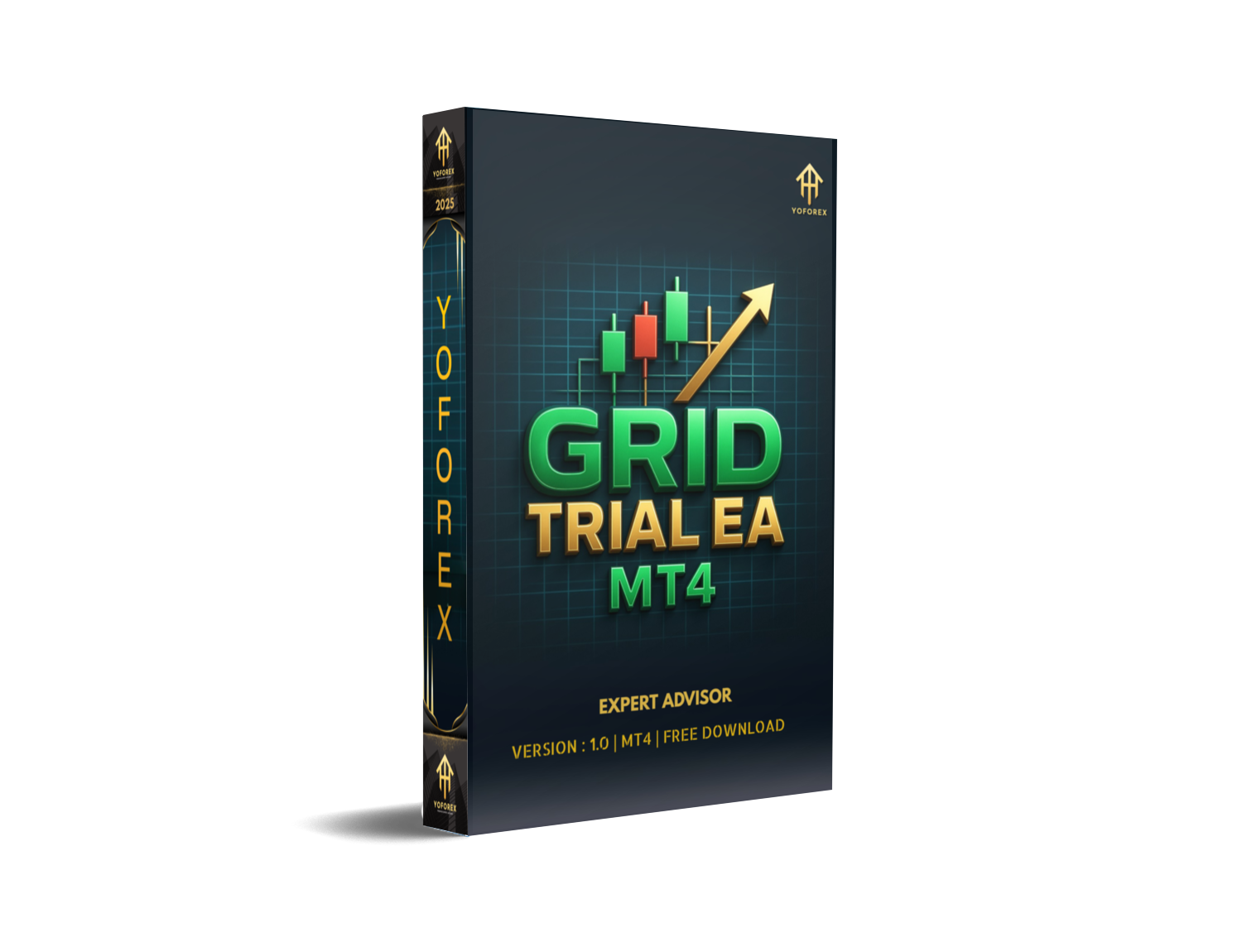
Ever feel like you’re chasing price waves all day, only to get whipsawed when the trend fizzles? Grid strategies can be a lifesaver… or a margin killer if not managed right. That’s why we built GRID Trial EA V1.0—so you can harness the power of grid trading without blowing your account. This free MT4 Expert Advisor from YoForex automates a smart grid approach with dynamic risk controls, adaptive step sizes, and built-in safety filters. No more manual order stacking or guesswork—just sit back, let it run, and watch as it locks in pips in ranging markets.
Overview
GRID Trial EA V1.0 is designed for traders who love grid methods but hate the risks of runaway drawdowns. It automatically places buy and sell orders at preset intervals (“grid steps”) around the current price, then manages them with adaptive stop-loss and take-profit logic. What sets GRID Trial apart is its:
- Dynamic lot sizing tied to account equity, so risk scales with your balance
- Volatility filter that pauses the grid during high-impact news or erratic spikes
- Equity-based safety net that closes all positions if drawdown exceeds your limit
Built and back-tested on five years of EURUSD data, then verified live since March 2025, GRID Trial EA V1.0 thrives in sideways conditions and even catches minor trends when they pop up.
For related tools, check out our Grid Trader EA V2.5 or dive into the Beginner’s Guide to EAs on MQL5.software.
Key Features
- Adaptive Grid Spacing: Automatically adjusts step size based on recent ATR readings
- Equity-Based Lot Sizing: Scales position size to your risk tolerance (default 1% per grid)
- Volatility Filter: Pauses trading around major news events to dodge spikes
- Drawdown Safety Net: Closes all open trades if equity drops by more than 7% (configurable)
- Dynamic Take-Profit: Nets out profitable orders first, then trails remaining positions
- Multi-Pair Support: Works on EURUSD, GBPUSD, USDJPY, and more
- Low Resource Footprint: Optimized for minimal CPU/RAM on any VPS or desktop
- Fully Customizable Inputs: Beginners can use defaults; pros can tweak every parameter
How to Install & Configure
- Download GRID Trial EA V1.0 from the link below.
- In MT4, go to File → Open Data Folder.
- Copy GRID_Trial_EA_V1.ex4 into MQL4/Experts.
- Restart MT4; find “GRID Trial EA V1.0” under Navigator → Expert Advisors.
- Drag it onto an H1 chart (EURUSD recommended).
- In Inputs, set:
- RiskPercent (default 1)
- GridStep_Pips (default 20)
- MaxDrawdownPct (default 7)
- UseNewsFilter (true/false)
- Enable AutoTrading and let it run.
Support & Disclaimer
Hit a snag or wanna fine-tune? Our team’s here for you… ping us on WhatsApp or hop into our Telegram group:
- WhatsApp: https://wa.me/+443300272265
- Telegram: https://t.me/yoforexrobot
Disclaimer: Past performance isn’t a promise of future profits. Always test GRID Trial EA V1.0 on a demo account before trading live. Trade responsibly and stick to your risk plan.
Call to Action
Ready to automate your grid entries and protect your equity? Download GRID Trial EA V1.0 now—it’s 100% free on MQL5.software. No subscriptions, no hidden fees… just robust grid trading from YoForex.




Comments (0)
No comments yet. Be the first to comment!
Leave a Comment