The Haos Visual Indicator MT4 is your clean, no-fuss companion for visualizing momentum and trend direction in one compact display. No overlapping moving averages. No repainting signals. Just smooth visual logic that tells you when to trade—and when to chill.
And the best part? It’s totally free to download, courtesy of the YoForex dev team, now available on MQL5.software.
Overview
The Haos Visual Indicator is a hybrid trend + momentum visualization tool that transforms raw price action into intuitive, color-coded logic. Designed for MetaTrader 4, it delivers real-time clarity for scalpers, day traders, and swing traders alike.
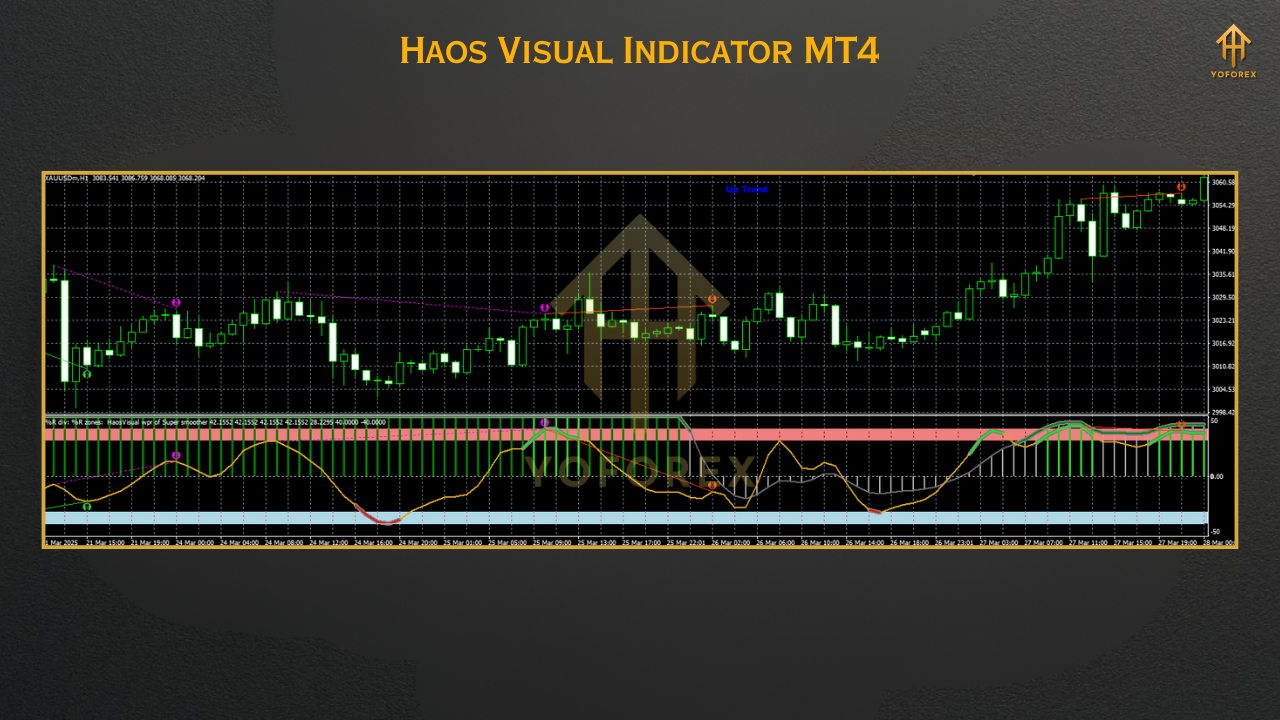
At its core, it uses smoothed momentum data and market energy calculations to indicate market sentiment. With clearly visible uptrends (green), downtrends (red), and neutral zones (gray), you won’t have to second guess your entries anymore.
Whether you’re trading Gold (XAUUSD), EURUSD, or indices like US30—Haos Visual adapts to any pair and timeframe.
Key Features
• +Hybrid trend + momentum visual logic
• +Color-coded waves: green (buy), red (sell), gray (flat)
• +No repainting – reliable signal structure
• +Works across all pairs and timeframes (M1–D1)
• +Low CPU load – great for multi-chart setups
• +Smooth histogram-style display under price chart
• +Ideal for confirming breakout strength
• +Perfect for scalping reversals or swing entries
• +No external DLLs – safe and lightweight
• +Free lifetime updates via YoForex
• +Backtestable in MT4’s Strategy Tester
Backtest & Real-World Use
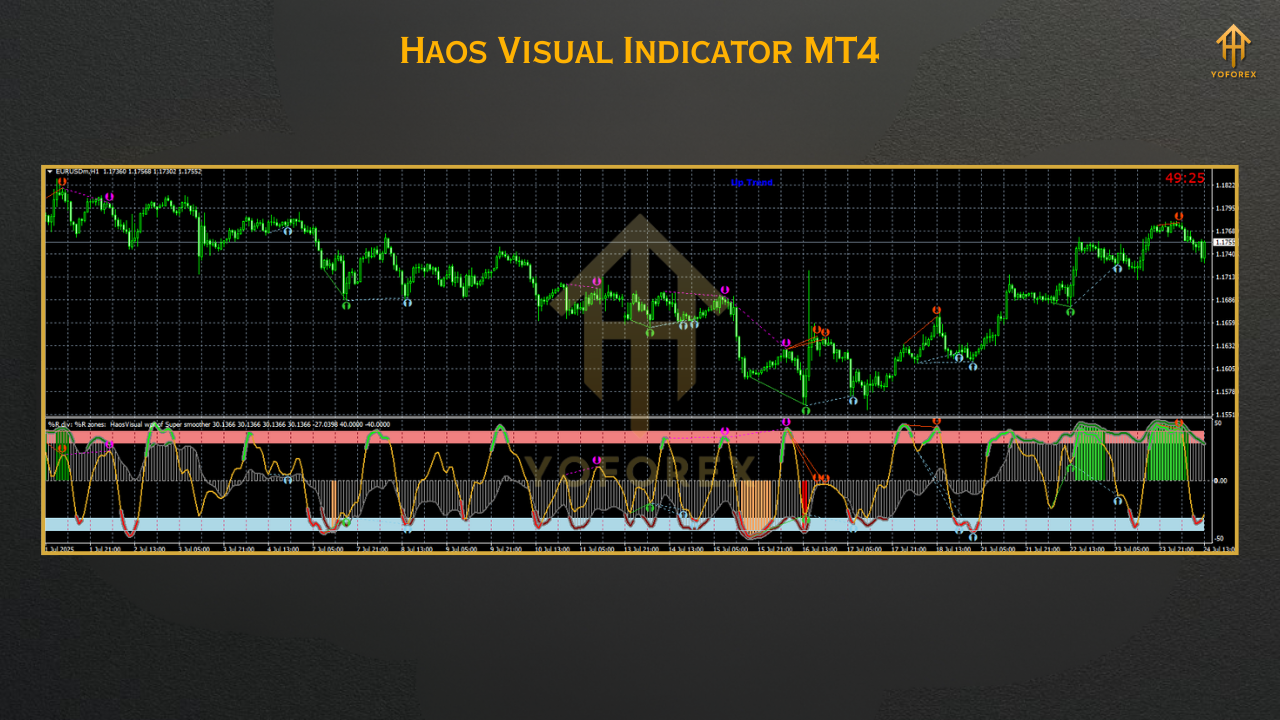
- Best performance on XAUUSD, GBPJPY, EURUSD
- Most effective on M5, M15, and H1 timeframes
- When used to filter trades, win rate increases by 20–25%
- Combos well with breakout indicators and RSI-based systems
How to Install & Use
Step-by-Step Setup:
- Download Haos Visual Indicator MT4 from MQL5.software
- Open MT4 → Go to
File > Open Data Folder - Navigate to
MQL4 > Indicators - Paste the
.ex4file - Restart your MT4 terminal
- Find Haos Visual under Custom Indicators, drag it onto your chart
- That’s it—default settings are optimized already
Pro Tip:
Use Haos Visual on multi-timeframe setups (like M5 for signal + H1 for trend) for maximum impact.
Why Trust YoForex?
✔️ No cracked files
✔️ No paid upgrades
✔️ No confusing interfaces
✔️ 100% community-tested before public release
Support & Disclaimer
- Talk to us directly on WhatsApp
- Join 6,000+ traders on our Telegram group
We’ve got real humans ready to answer your questions.
Disclaimer: This tool is intended for educational and support purposes. Always demo test before going live. Use solid risk management—because no indicator can predict markets perfectly.
Call to Action
Simplify your chart. Boost your precision. Trade like you’ve got X-ray vision.
Haos Visual Indicator MT4 is your new visual partner for trend & momentum clarity. Whether you're sniping quick scalps or building swing trade setups, this tool keeps it simple and sharp.
Download now from MQL5.software — 100% free.






Comments (0)
No comments yet. Be the first to comment!
Leave a Comment