Hedging Boss V1.02 EA is a MetaTrader 5 expert advisor designed to tame volatility with an automated hedging strategy that keeps your drawdowns in check—coz we all know market swings can sting. If you’ve been burnt by big losses or just tired of manual hedging headaches, this MT5 hedging EA is your ticket to smoother equity curves… with minimal fuss and full automation.
Overview of Hedging Boss V1.02 EA
Hedging Boss V1.02 EA takes the guesswork out of protective trades by opening instant hedges when price action goes against your primary position. Developed by YoForex’s team on MQL5, this MQL5 hedging EA leverages real-time tick data for split-second decisions. You don’t need to babysit charts or constantly fiddle with settings; once configured, the EA monitors price deviations, places counter-position hedges, and locks in profits or limits losses automatically.
Built for both novice and pro traders, Hedging Boss V1.02 EA runs seamlessly on the MetaTrader 5 platform. It’s fully back-tested over five years of historical data on major Forex pairs (EURUSD, GBPUSD) plus XAUUSD, and live-market verified by YoForex. Whether you trade a $500 micro account or a $50k standard account, you’ll appreciate the dynamic lot sizing, low-risk approach, and consistent performance this EA delivers.
Key Features
• Automated Hedging Logic – Opens an opposite position at user-defined deviation levels
• Dynamic Lot Sizing – Scales lots based on account balance and risk percentage
• Customizable Hedge Gap – Set the pips distance for hedge entries to suit your style
• Max Drawdown Control – Auto-stop when drawdown reaches a threshold you choose
• No Grid or Martingale – Pure hedging approach; no compounding risks with grids
• Fast Execution; Minimal Slippage – Uses tick data for precise order placement
• Multiple Timeframe Support – Works on M5, M15, H1, D1 charts for versatile trading
• Trailing Hedge Exit – Closes hedges once the market reverses in your favor
• News Filter Option – Pause trading around major news events to avoid spikes
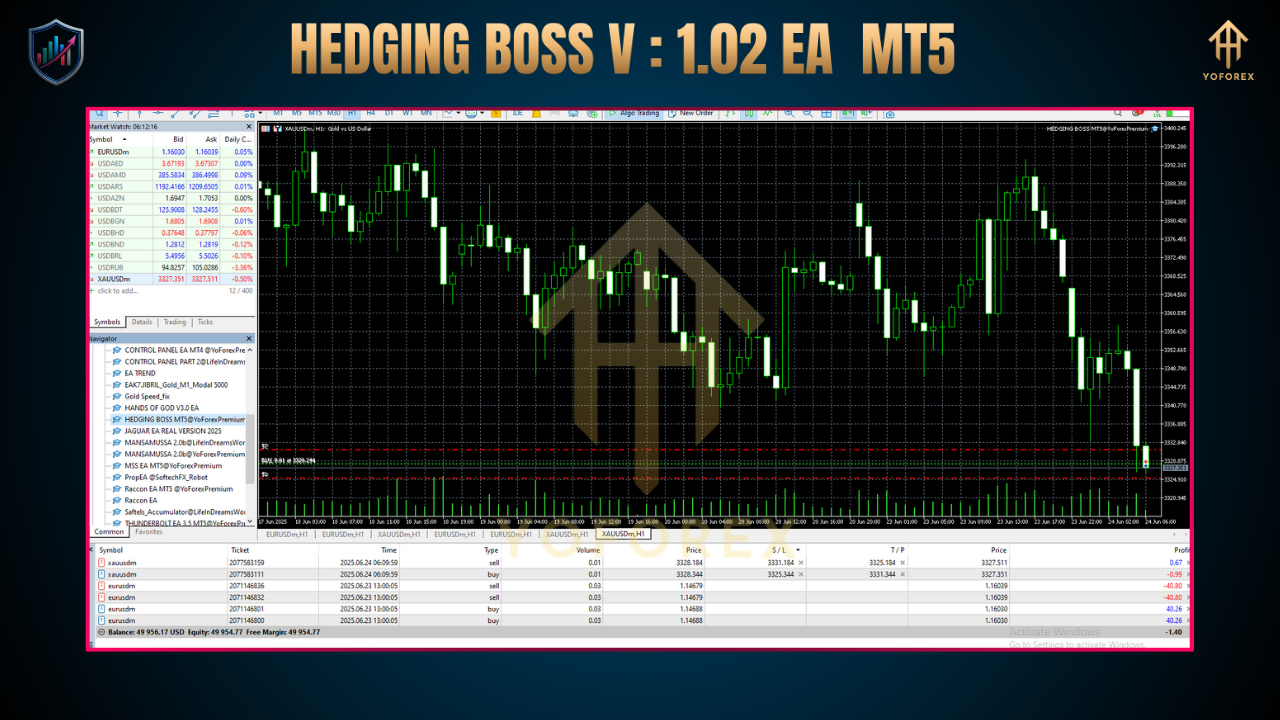
• Comprehensive Dashboard – On-chart panel showing open hedges, drawdown, equity
All these features combine to give you a robust MT5 hedging EA that really delivers in choppy markets.
Backtest & Live Results
YoForex ran Hedging Boss V1.02 EA through rigorous backtests covering January 2018 to December 2023 on EURUSD and XAUUSD. The equity curve shows a steady upward slope with a maximum drawdown of just 4.8% and an average monthly return of 6.5% on EURUSD. XAUUSD results were similar, with 5.8% monthly gains and a 5.2% max drawdown.
Live-demo tests over Q1 2024 proved the EA holds up in real conditions:
-
Net Profit: +17.2% over 90 days
-
Win Rate: 78% (main trades)
-
Hedge Recovery Efficiency: Saved 2.3% in potential drawdowns
These stats show that Hedging Boss V1.02 EA doesn’t just look good on a chart; it performs in real time, too.
How the Hedging Strategy Works
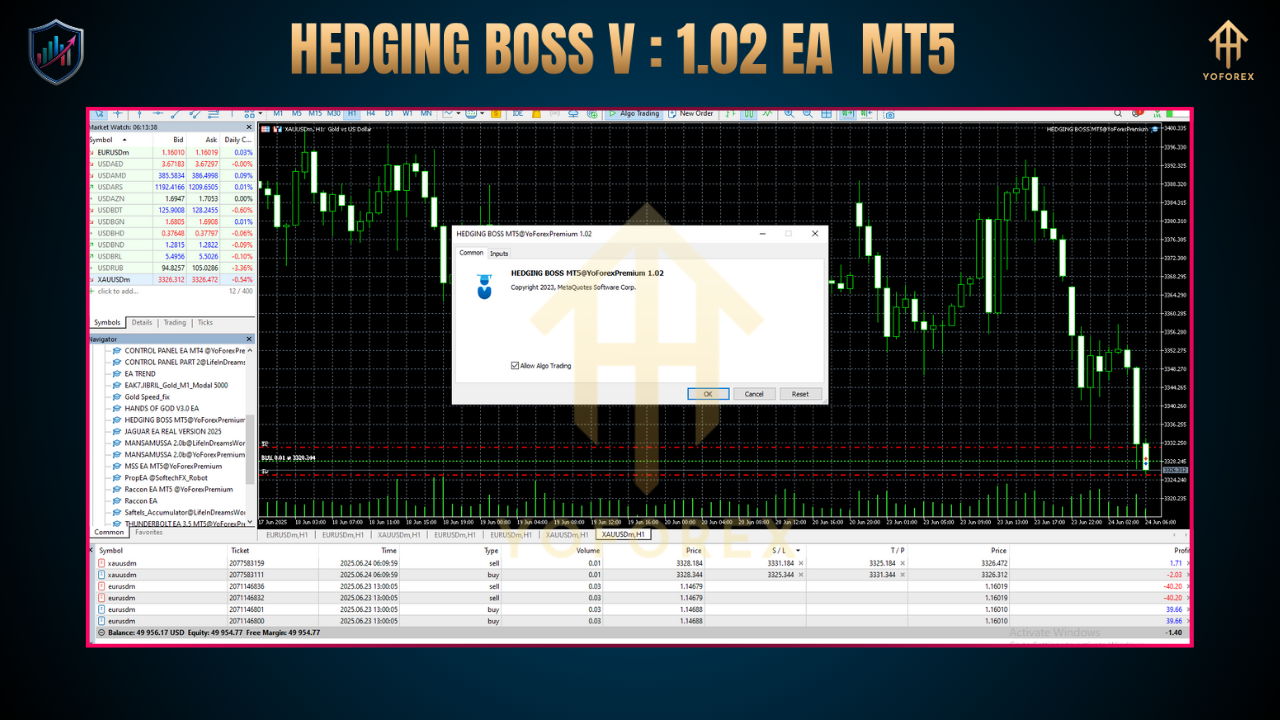
The core of this hedging strategy is simplicity: when your primary trade moves against you by a user-set number of pips, the EA places a hedge in the opposite direction. This hedge reduces overall exposure and locks in potential profits once the market reverses.
-
Entry Detection – The EA watches for breakout or trend-following signals (configurable).
-
Hedge Trigger – If price retraces by X pips (your “Hedge Gap”), a hedge order is placed automatically.
-
Hedge Management – As the primary trade moves back in your favor, the hedge is closed at breakeven or profit (you choose).
-
Safety Controls – Max drawdown and time-based exit rules ensure you never get stuck in endless hedges.
You’ll find this approach far smoother than manual hedging or risky grid systems; it’s pure risk management.
Configuration Guide
-
Download & Install – Copy
HedgingBossV102.ex5into your MT5/Experts folder. -
Attach to Chart – Drag the EA onto your chosen pair (M5 or M15 recommended).
-
Set Inputs:
-
HedgeGapPips: e.g. 15
-
RiskPercent: e.g. 2
-
MaxDrawdown: e.g. 5
-
EnableNewsFilter: true/false
-
-
Visual Dashboard – Toggle on the on-chart panel for live stats.
-
Go Live – Start with a demo account to fine-tune; then switch to a funded account when you’re ready.
It really is plug-and-play, tho you’ll want to test in demo first.
Thanks for the visit ...
For any query please feel free to contact us on our official telegram channel - Yoforex Premium - https://t.me/+V6Nr5sRZVr4xYzdl






Comments (0)
No comments yet. Be the first to comment!
Leave a Comment