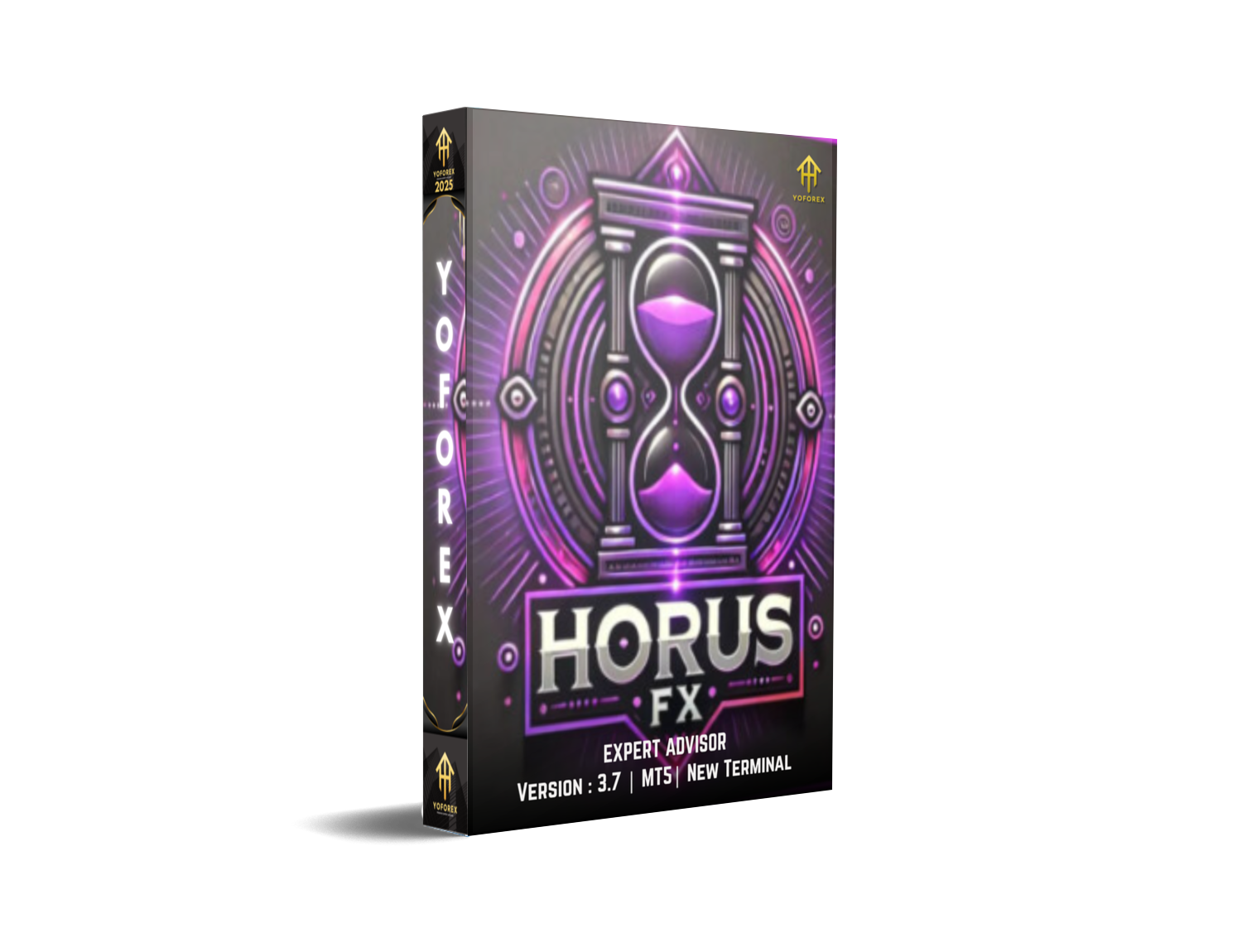
Horus FX Pro EA V3.7 MT5 — Breakout + Trend Clarity for US30 & Gold
Tired of messy grids, hidden martingale, and charts that look like airplane cockpits? Horus FX Pro EA V3.7 for MetaTrader 5 (MT5) takes the opposite route: structure first, profits second. It focuses on clean breakout logic and disciplined trend participation, opening single trades with precise risk controls instead of stacking positions or averaging down. The result is a workflow you can actually understand, monitor, and scale.
Optimized for US30 (Dow) and XAUUSD (Gold)—and flexible enough for other major indices—Horus FX scans market structure, volatility regimes, and session timing. When conditions align, it triggers breakout entries at pre-defined structure levels, then manages the position with a trail—simple, transparent, and no surprise pyramids. You’ll get fewer but higher-quality trades; it’s built to minimize noise and whipsaws rather than chase every micro-tick.
YoForex’s team has battle-tested this approach across multiple market phases. We don’t promise magic (nobody can), but we do push for repeatable execution, well-documented logic, and tight risk controls. If your goal is a calmer equity curve on assets that can move like a rocket (hello, US30…), Horus FX is designed to help you keep your nerve… and your account.
Key Features
- Breakout + Trend Confirmation — Entries trigger only when structure and volatility align; no random impulse buys/sells.
- Single-Trade Risk Model — One position per symbol per signal; no martingale, no grid, no averaging-down—ever.
- US30 & XAUUSD Focus — Tuned for index momentum and gold volatility; extendable to other indices with your own presets.
- Session Filter — Optional New York/London session windows to avoid dead hours or chop; run when liquidity’s real.
- Fixed-Lot or Risk-% Sizing — Choose fully predictable exposure (fixed lots) or a %-of-equity model for scaling.
- Dynamic SL & Trailing TP — Protective stops placed on entry; trailing logic attempts to lock gains without choking the move.
- News Buffer (Optional) — Skip entries near high-impact events to reduce slippage and wicked spikes.
- Spread & Slippage Guards — Blocks entries when market conditions blow out; quality over quantity.
- Prop-Friendly Defaults — No position stacking, clean risk, and stop discipline—suited for most prop firm rules.
- Minimal Chart Footprint — Lightweight interface; key info only (entry, SL/TP, trail status).
- Error Handling & Logging — Clear logs for backtesting/optimization; easy to debug or fine-tune.
- Preset Packs — Starter sets for US30 and XAUUSD so you’re not guessing on day one.
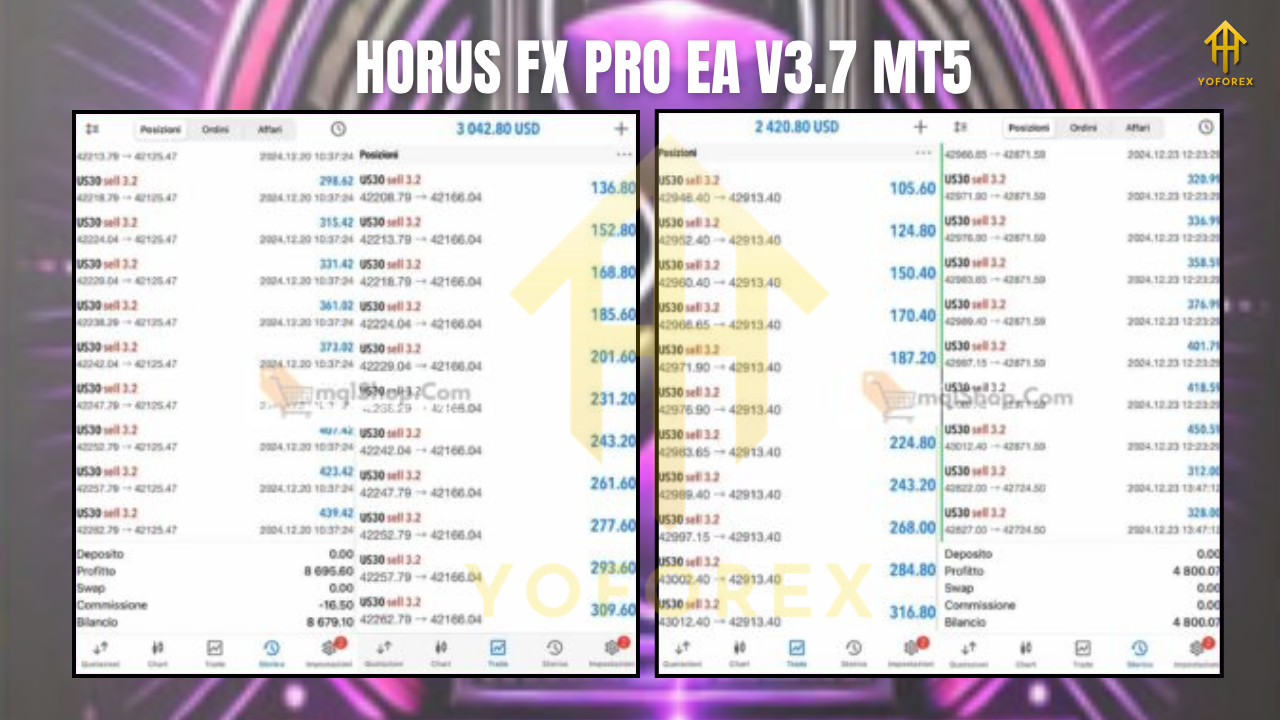
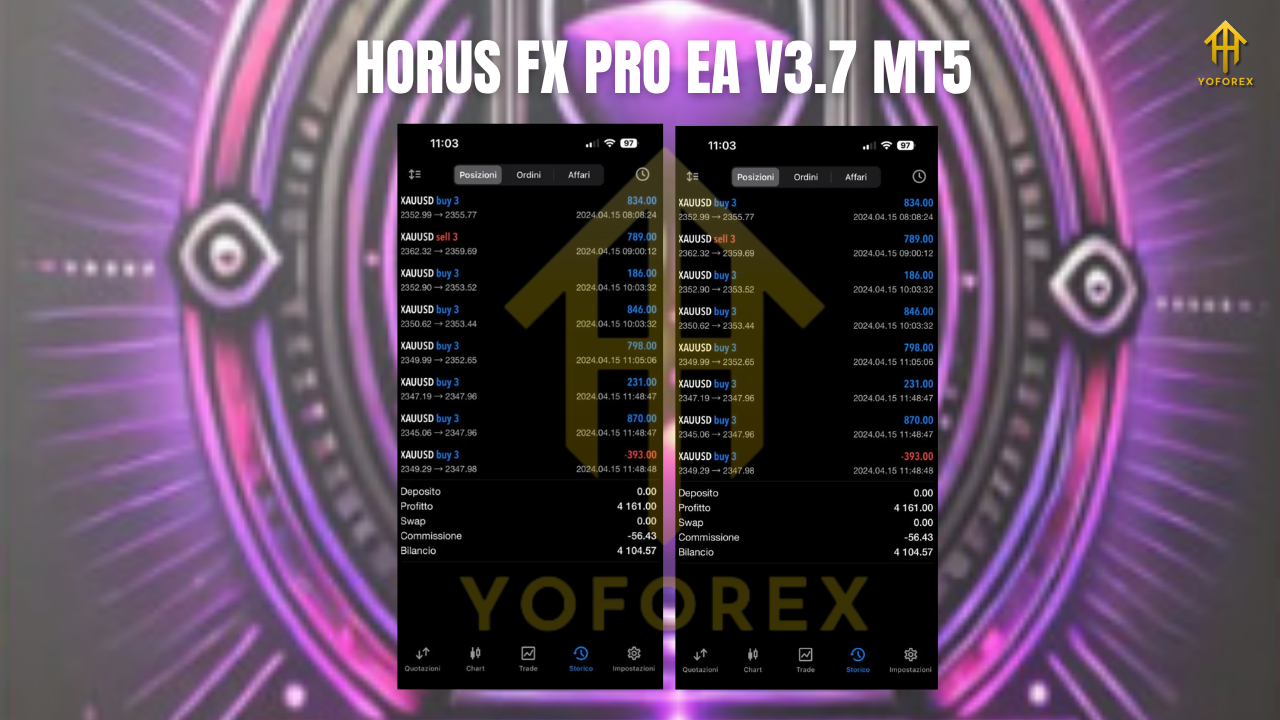
Backtest Results & Proof (What to Look For)
Backtests aren’t crystal balls, but they’re useful when done right. When you test Horus FX Pro EA V3.7, keep the following checklist in mind:
- Data Quality & Timeline: Use high-quality tick data where possible and test at least 2–3 market cycles (e.g., 2019–2025).
- Symbols & Timeframes: Start with US30 and XAUUSD on M5–M15 to capture clean intraday structure.
- Slippage & Spread: Model realistic broker conditions—especially critical on US30.
- Equity Curve Shape: Expect fewer, more decisive swings. The equity line should reflect controlled drawdowns and trend bursts rather than noisy up/down saw-teeth.
- Drawdown Discipline: We’ve designed for single-trade risk specifically to cap adverse sequences. If your DD spikes, re-check position sizing and session filters.
- Live Forward Sample: After historical tests, run a demo forward test for 2–4 weeks during NY/London overlap; verify execution quality and slippage on your broker.
If you already have US30 forward results that show short-term compounding or steady week-on-week growth—great. Context matters: note the broker, spreads, and VPS latency so readers don’t assume apples = oranges.
Reminder: Past performance ≠ future results. What we optimize for is clarity + control—because that’s the only edge you can truly keep.
How to Install & Configure (MT5)
Step-by-step
- Download the EA
Grab Horus FX Pro EA V3.7 (MT5) from the official download page on MQL5.software (use your member login). - Copy to MT5
Open MT5 →File→Open Data Folder→MQL5/Experts/→ paste the .ex5 file. - Restart MT5
Close and reopen MT5 so it recognizes the new EA. - Attach to Chart
Open US30 or XAUUSD chart → preferred timeframe M5 or M15 → drag Horus FX Pro EA V3.7 from Navigator onto the chart. - Allow Algo Trading
Check “Allow Algo Trading” in the Inputs/Commons tab and ensure Algo is enabled in the terminal toolbar. - Load Presets
Use the included US30 and XAUUSD presets (lot model, SL/TP, trail, session windows). Start conservative. - Session & Risk Settings
- Turn on Session Filter (e.g., London–NY overlap) to avoid low-liquidity hours.
- Either set Fixed Lot (predictable exposure) or Risk % (e.g., 0.5–1.0% per trade).
9. News & Guardrails (Optional)
Enable news buffer, max spread, and slippage filter if your broker environment is volatile.
10. Run on Demo First
Forward test with your broker for at least 1–2 weeks. Make sure execution matches your backtest assumptions.
11. Go Live (Gradually)
If results align, move to live with modest risk. Scale only after a stable track record.
Strategy Logic — Why It’s Built This Way
Horus FX isn’t trying to be a “do-everything” bot. It’s designed for fast-moving symbols where breakout momentum is real but risk can explode if you over-expose. That’s why we:
- Use a single-position model per signal. No stacking into drawdown, no rescue orders.
- Combine structure-based breakouts with volatility confirmation, so we’re not just buying every new high.
- Employ trailing logic that gives the move room to breathe; tight enough to protect, loose enough to ride.
- Offer session filters—coz time of day matters. Liquidity windows can make or break a breakout strategy.
- Keep the UI and logs simple. You’ll know what it did and why, without decoding spaghetti.
The net effect: fewer trades, clearer decisions, and a calmer equity experience. That’s the whole point.
Why Choose YoForex-Powered Tools?
YoForex backs this EA with a clear documentation ethos, frequent iteration, and community-driven presets. We’d rather release one focused tool with transparent risk than five flashy bots that hide the fine print. You get:
- Ongoing improvements based on real trader feedback.
- Practical presets for US30 and XAUUSD to reduce setup friction.
- Educational content (how-to’s, backtest tips, risk primers) so you know exactly what you’re running.
We believe access shouldn’t be a gate kept by price tags alone; knowledge and discipline beat hype all day.
Support & Contact
Hit a snag? Need a hand tuning risk or sessions?
- WhatsApp: https://wa.me/+443300272265
- Telegram Group: https://t.me/yoforexrobot
We usually recommend sharing your broker, VPS latency, spread profile, and a brief description of your risk settings when you ask for help. That short context saves everyone time.
Disclaimer: Trading involves risk. Past performance does not guarantee future results. Use demo first, trade responsibly, and never risk funds you can’t afford to lose.
Call to Action
Ready to trade with more structure and less noise? Grab Horus FX Pro EA V3.7 for MT5 and start with the US30/XAUUSD presets. Run it on demo, verify execution with your broker, then go live gradually. If you need help, we’re right here—WhatsApp or Telegram, your call. No fluff, just a clean breakout workflow you can scale.






Comments (0)
No comments yet. Be the first to comment!
Leave a Comment