
Ilan EA V6.10 MT4 – Adaptive Grid & Set Files (M15/H1)
If you’ve been hunting for a battle-tested grid EA that doesn’t take forever to configure, Ilan EA V6.10 MT4 might be your sweet spot. It’s designed for EURUSD, EURGBP, and CADCHF, runs cleanly on M15 and H1, and—good news for busy traders—comes with ready-to-use SetFiles so you can get going fast. Minimum balance? $1,000 (recommended), which keeps the position sizing sensible while giving the grid room to breathe during volatile moves.
Before we dive any deeper: grid EAs can be powerful but they’re not magic. They work by averaging into positions and capturing ranges or mean-reversions; when trends stretch, you want strict controls. Ilan V6.10 gives you those controls—filters, caps, and equity protection—so you can tailor the risk to your comfort. That’s the whole point: flexible control rather than off-the-shelf gambling. Let’s unpack it.
What Is Ilan EA V6.10 MT4?
Ilan EA V6.10 MT4 is a modern take on the classic Ilan logic: a grid/averaging engine with adaptive spacing and optional lot scaling that seeks to harvest profit from consolidations and swing pullbacks. It’s tuned for EURUSD, EURGBP, CADCHF—pairs that historically respond well to structured grid tactics thanks to their liquidity and tendency to range intra-week. You can operate on M15 for more entries or H1 for fewer, cleaner cycles.
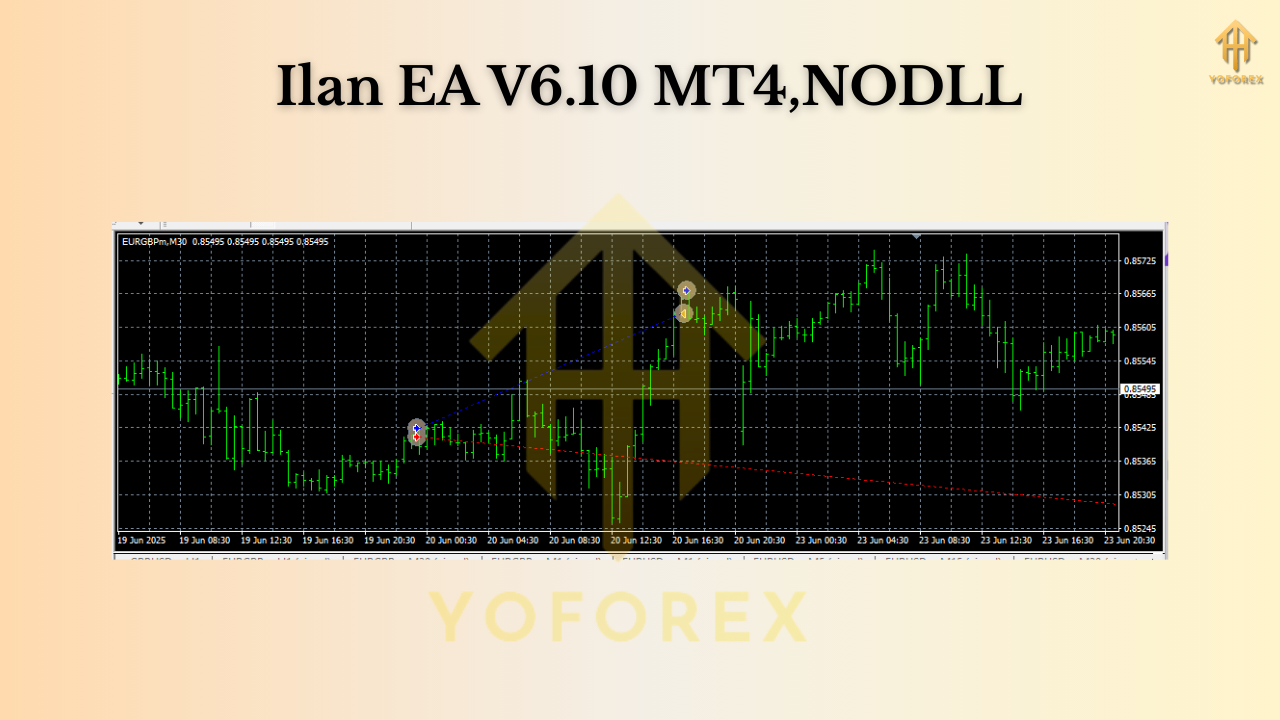
Highlights at a glance:
- Platform: MetaTrader 4 (MT4)
- Pairs: EURUSD, EURGBP, CADCHF
- Timeframes: M15, H1
- Minimum balance: $1,000 (baseline; more is safer)
- SetFiles available for plug-and-play deployment
Ilan V6.10 isn’t just “add more trades and pray.” It’s a toolkit. You choose the grid step, cap the number of orders, set equity protection, and decide whether to scale lots dynamically or stick with fixed lots. That blend of control is what separates durable grid approaches from reckless ones.
How the Strategy Works (Plain-English)
At its core, Ilan V6.10 tries to buy dips/sell pops within a structure you define:
- Signal logic triggers the first entry (often after a pullback or micro-reversion).
- If price moves against the first entry, the EA adds positions at pre-defined grid intervals (fixed step or volatility-aware).
- As price snaps back toward the mean, partial or full take-profit closes the basket.
To prevent runaways:
- Max orders per cycle hard-stops the grid.
- Equity protection / daily loss cap cuts exposure if conditions get ugly.
- Spread/slippage guards avoid trading during poor liquidity.
- Session filters can restrict trading to calmer hours (helpful on EURGBP/CADCHF).
Used responsibly, the idea is to harvest small-to-medium rebounds more often than not, while limiting tail risk with the protections above.
Key Features You’ll Actually Use
- • Ready SetFiles for EURUSD, EURGBP, CADCHF on M15 & H1 (plug-and-play).
- • Adaptive grid step (fixed pips or ATR-based spacing).
- • Dynamic or fixed lots (risk-based auto-lot or manual 0.01/0.02 etc.).
- • Hard cap on max positions per basket to prevent runaway stacking.
- • Basket take-profit with partial close and optional trailing logic.
- • Equity guardrails: overall equity stop, daily loss limit, trade pause on hit.
- • Session & day filters to avoid news spikes or thin liquidity windows.
- • Spread/slippage filters for ECN conditions only (strongly recommended).
- • Magic numbers per symbol for tidy multi-pair management.
- • Detailed on-chart status (cycle count, distance to TP, current DD, etc.).
- • VPS-friendly: lightweight and stable for 24/5 execution.
- • Clean logging for troubleshooting and optimization.
Recommended Conditions & Risk Notes (Read This!)
Grid/averaging systems need sane broker conditions and sane risk:
- Broker type: ECN/RAW spread, fast execution, consistent liquidity.
- Leverage: 1:200 or better helps with margin headroom (use responsibly).
- VPS: Yes—keep latency low and uptime high.
- Baseline capital: $1,000 per symbol is the minimum; many traders prefer more cushion, esp. if running 2–3 pairs concurrently.
- Risk mindset: Aim for small, persistent gains, not lottery tickets. Keep a max-orders cap and equity stop in place. Always.
Quick reality check: Grid EAs can hit prolonged trends (EURUSD post-news, CADCHF during risk events, etc.). Your protections—max orders, pause rules, equity stops—are your moat. Use them.
Installation & Quick Start
- Copy files: Place the EA in
MQL4/Expertsand restart MT4. - Allow trading: Enable “AutoTrading” and allow DLL/imports if prompted.
- Attach to chart: Open EURUSD, EURGBP, or CADCHF on M15 or H1 and attach Ilan EA V6.10.
- Load SetFile: Click Load, choose the provided SetFile for that pair/timeframe.
- Broker filters: Confirm Max Spread and Max Slippage match your broker reality.
- Risk per cycle: Start conservative—fixed 0.01 lots per $1,000 or a low risk-based auto-lot; expand only after you’re comfy.
- Run on VPS: Keep it on 24/5 and monitor the on-chart info panel.
That’s it—no wrestling dozens of variables from scratch. The SetFiles give you a safe baseline; you can refine later.
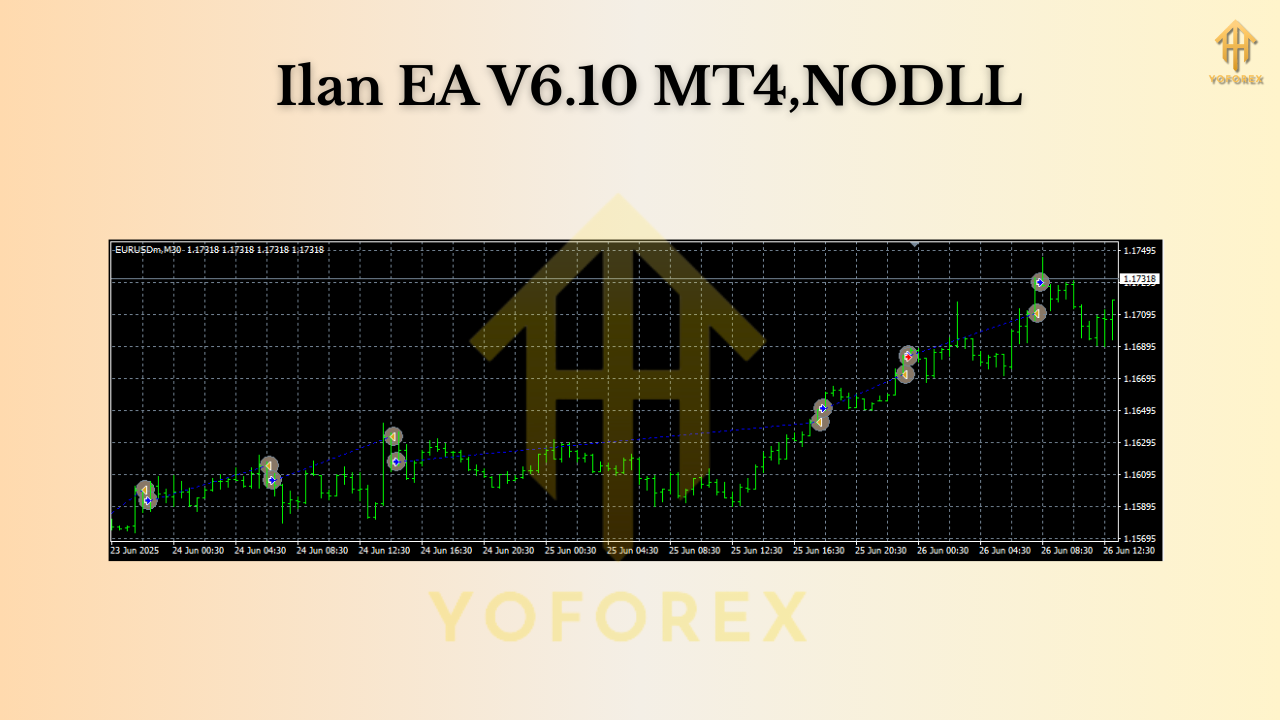
Suggested Parameters (Starting Points)
These aren’t “holy grails,” just sensible baselines to learn the EA’s rhythm:
- Lot mode: Start fixed at 0.01 per $1,000.
- Grid step: 15–35 pips on M15; 25–45 pips on H1. Consider ATR-based if you want adaptation.
- Multiplier: Keep it modest (e.g., 1.2–1.4) if you enable scaling—over-aggressive multipliers spike DD.
- Max orders: 7–11 per basket (pair/timeframe dependent).
- Basket TP: A blended TP that clears the cycle with a small net gain; many traders anchor to a target in $ or pips.
- Equity stop: 20–30% is common for grid systems; pick a level you’ll actually respect.
- Trading hours: Disable around high-impact news if you prefer calmer entries.
Pair nuances:
- EURUSD: Often the cleanest flow; M15 is more active, H1 calmer.
- EURGBP: Tight cross; session filtering can help.
- CADCHF: Can drift; consider a wider step or H1 to reduce noise.
Backtesting & Forward Monitoring (Your Game Plan)
Instead of chasing “best year ever” screenshots, run a practical test plan:
- Backtest span: At least 3–5 years per pair/timeframe, including both quiet and volatile periods.
- Quality: Use high-quality tick data with realistic spread/commission.
- What to track: Max drawdown, worst cycle length (in days), average basket profit, % time in drawdown, and the impact of your max-orders cap.
- Walk-forward: After you like the backtest, run demo forward for 2–4 weeks. Watch how the EA behaves around news and thin sessions.
- Go live small: When you switch to real money, keep lots tiny at first. Scale only after you’ve seen a few full cycles complete in the wild.
This approach beats cherry-picked equity curves every single time, coz you learn how the EA behaves—not just what it made in one lucky period.
Final Thoughts & Call-to-Action
Ilan EA V6.10 MT4 gives you a structured grid engine with sensible protections and ready SetFiles for EURUSD, EURGBP, and CADCHF on M15/H1. Start conservative, respect your caps, and focus on consistency over flash. If you treat it like a professional tool—measured
Join our Telegram for the latest updates and support






Comments (0)
No comments yet. Be the first to comment!
Leave a Comment