
M1 GOLD ARROW Indicator V1.0 MT4 — Laser-Focused Entries on XAUUSD M1
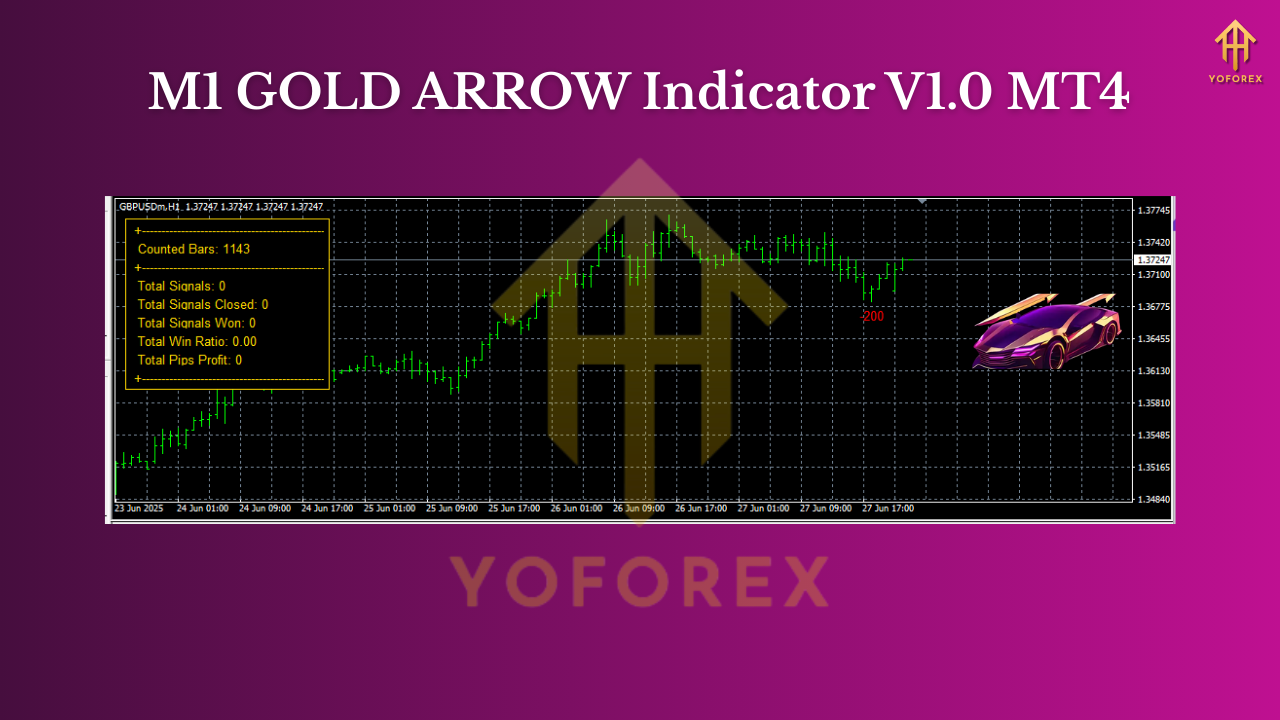
If you’re hunting for a clean, quick, and no-nonsense way to trade gold on the one-minute chart, the M1 GOLD ARROW Indicator V1.0 MT4 is built exactly for that niche. It’s an arrow-type, non-repaint / non-backpaint signal tool created specifically for XAUUSD on the M1 timeframe. Under the hood, it merges two custom arrow engines and a trend filter (Max Payne system) to keep you aligned with momentum and avoid the typical “whipsaw arrows everywhere” problem. It even ships with a compact backtesting panel that crunches your historical signals—win rate, winners vs losers, and total pips captured—based on the number of history bars you choose. Fast to read, fast to act, and fast to verify… that’s the whole point.
Below is a complete, practical walkthrough so you can start strong.
What Makes M1 GOLD ARROW Different?
Scalping gold on M1 is a game of precision and discipline. Many arrow indicators look fine in hindsight but repaint (or worse, backpaint) in real time, making them unreliable once you actually place trades. M1 GOLD ARROW is coded to avoid those pitfalls. Once a candle closes and an arrow prints, that signal stays.
The signal engine blends:
- Two proprietary arrow detectors: These identify sharp micro-impulses and pullbacks that historically lead to quick follow-through on M1.
- Max Payne trend filter: This filter (often spelled “Max Payne” by traders) acts like a “do we have the wind at our back?” check. When conditions are choppy, it gets stricter; when momentum is clean, it lets more signals through.
The result is a leaner feed of higher-quality arrows, not a spray-and-pray stream that burns you with spread and slippage. And because scalpers need feedback loops, the built-in backtesting panel lets you sanity-check performance right on the chart.
Key Benefits at a Glance
- Non-repaint / non-backpaint signals—what you see is what you trade.
- Built for XAUUSD M1—no vague “works on anything” claims; it’s targeted.
- Dual arrow logic—merges two custom detectors for robust confirmation.
- Max Payne trend filter—helps skip counter-trend traps and range noise.
- Backtesting panel—instantly see win rate, winners/losers, total pips.
- History-bars control—expand the lookback to stress-test on more data.
- Alert options—pop-up, sound, push notifications (if you enable them).
- Minimal chart clutter—clean arrows and an unobtrusive panel.
- Scalper-friendly—low latency logic and decisive entries.
- Beginner-friendly defaults—sensible out-of-the-box settings.
How the Backtesting Panel Saves Time
The panel is designed for rapid iteration. Change your History Bars input (e.g., 5,000; 10,000; 20,000) and the panel recalculates:
- Win Rate (%) over the chosen sample
- Number of winning vs. losing trades
- Cumulative pips won (or lost)
This matters because M1 gold has micro-regimes—what worked over the last 2,000 bars might look different over 20,000. By toggling the history depth, you see stability vs. variance. If a configuration holds a steady win rate across multiple depths, that’s a green flag. If it swings wildly, you know to re-tune the filter.
Tip: Keep notes. For each history depth you test, jot down win rate, trade count, and net pips. Patterns emerge faster than you think.
Suggested Settings (Start Here, Then Tweak)
Every broker and session behaves a bit differently. Consider these starter suggestions, then adapt:
- History Bars: 10,000 to 20,000 for a reasonably broad sample.
- Trend Filter Sensitivity (Max Payne): Medium. Tighten it if you’re seeing too many arrows during chop; loosen it if you’re missing clean runs.
- Min Signal Distance (pips): A modest minimum distance between consecutive arrows to avoid cluster entries.
- Arrow Shift: 0 (draw on the signal candle close).
- Alerts: On-screen + sound to start. Add push/mobile once confident.
- Trading Session Filter: Prefer London + early New York, when XAUUSD usually has the best liquidity and momentum.
- Spread Guard: If your broker spreads widen unexpectedly, skip signals above your maximum spread threshold.
Practical Trading Playbook
1) Confirm the Bias
- If the Max Payne filter shows bullish tone, prioritize buy arrows.
- If bearish, prioritize sell arrows.
- Mixed tone or flat? Reduce size or wait. Patience beats forcing trades.
2) Entry
- Enter at or right after the arrow candle closes. On M1, hesitation often costs R:R.
- If spread explodes or slippage is extreme, stand down.
3) Stop-Loss & Take-Profit
- SL: 0.5×–1× of the recent average M1 candle range (ATR-style).
- TP: 1×–2× that same measure, or trail behind micro-structure (swing lows/highs).
- For scalpers, 1:1 to 1:1.5 R:R with higher hit rate can work; test both.
4) Filters that Help
- News filter: Skip high-impact news spikes unless you’re practiced.
- Time filter: Focus on the first ~3 hours of London and first ~2 hours of NY.
- Structure: If price is in a tight box, stand aside until a clean break.
5) Risk Management
- Keep per-trade risk tiny on M1 (0.25%–0.5%).
- Stop if you hit your daily loss cap (e.g., 2R or 2%—whichever comes first).
- Track expectancy weekly, not hour-by-hour; M1 can mentally whipsaw you.
Reading the Arrows Like a Pro
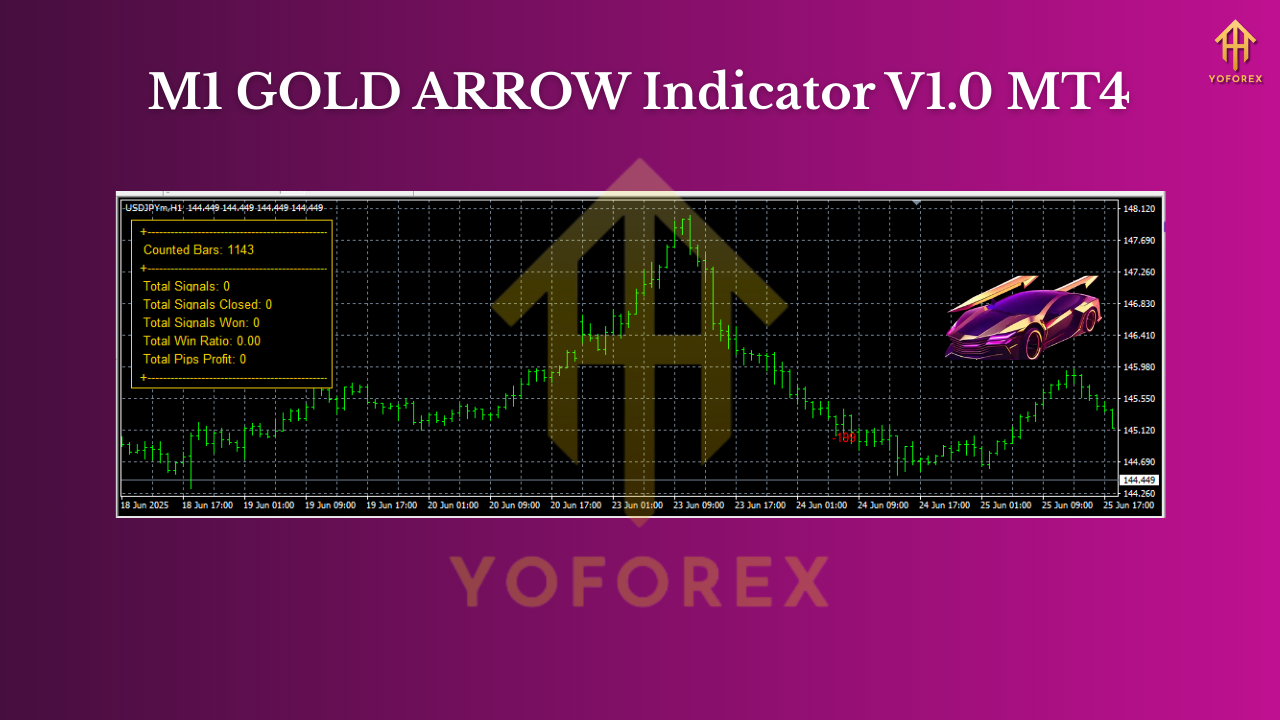
- Sequence matters: A buy arrow after a shallow pullback in a rising micro-trend is higher quality than the first arrow after a huge vertical spike.
- Context matters: Arrows near micro-support or after reclaiming a broken level often carry more follow-through.
- Spacing matters: If you get a cluster of arrows in a tight range, it’s the market telling you “no trend.” Tighten the filter or call a timeout.
Installation (MT4)
- Download the M1 GOLD ARROW Indicator file.
- In MT4, go to File → Open Data Folder.
- Navigate to MQL4 → Indicators and paste the file there.
- Restart MT4 (or refresh the Navigator panel).
- Drag M1 GOLD ARROW onto your XAUUSD M1 chart.
- Adjust inputs (History Bars, filter sensitivity, alerts) and hit OK.
- The backtesting panel appears; confirm calculations run on your chosen history.
Final Notes & Best Practices
- Treat the backtesting panel as your compass, not a promise. Use it to tune filters, compare history depths, and check consistency.
- Keep a trade journal with screenshots. You’ll quickly spot which arrows align with your personal edge.
- Start on demo, then go small live. Scale only after 2–4 weeks of consistent execution.
Join our Telegram for the latest updates and support






Comments (0)
No comments yet. Be the first to comment!
Leave a Comment