Introduction
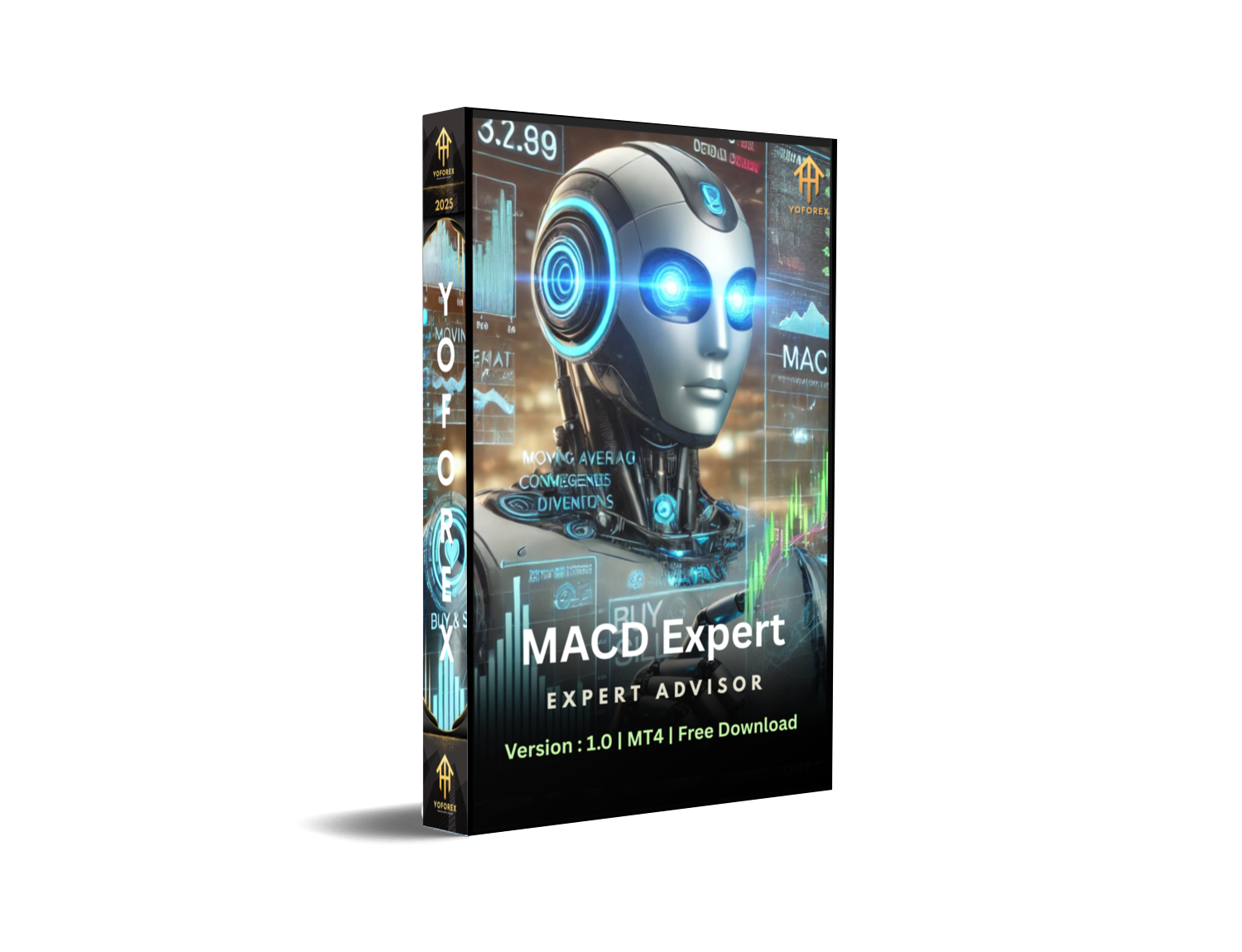
Are you looking for an automated Forex trading solution that can help you maximize profits with minimal effort? The MACD Expert EA V1.0 MT4 is a cutting-edge trading robot designed to trade the GBPUSD currency pair efficiently on H1 and M1 timeframes. With a minimum deposit of just $200, this expert advisor (EA) is perfect for both beginners and experienced traders.
In this comprehensive guide, we’ll explore:
✅ How the MACD Expert EA V1.0 works
✅ Best settings for GBPUSD trading
✅ Key features and benefits
✅ How to set it up on MetaTrader 4 (MT4)
✅ Risk management tips
 What is the MACD Expert EA V1.0?
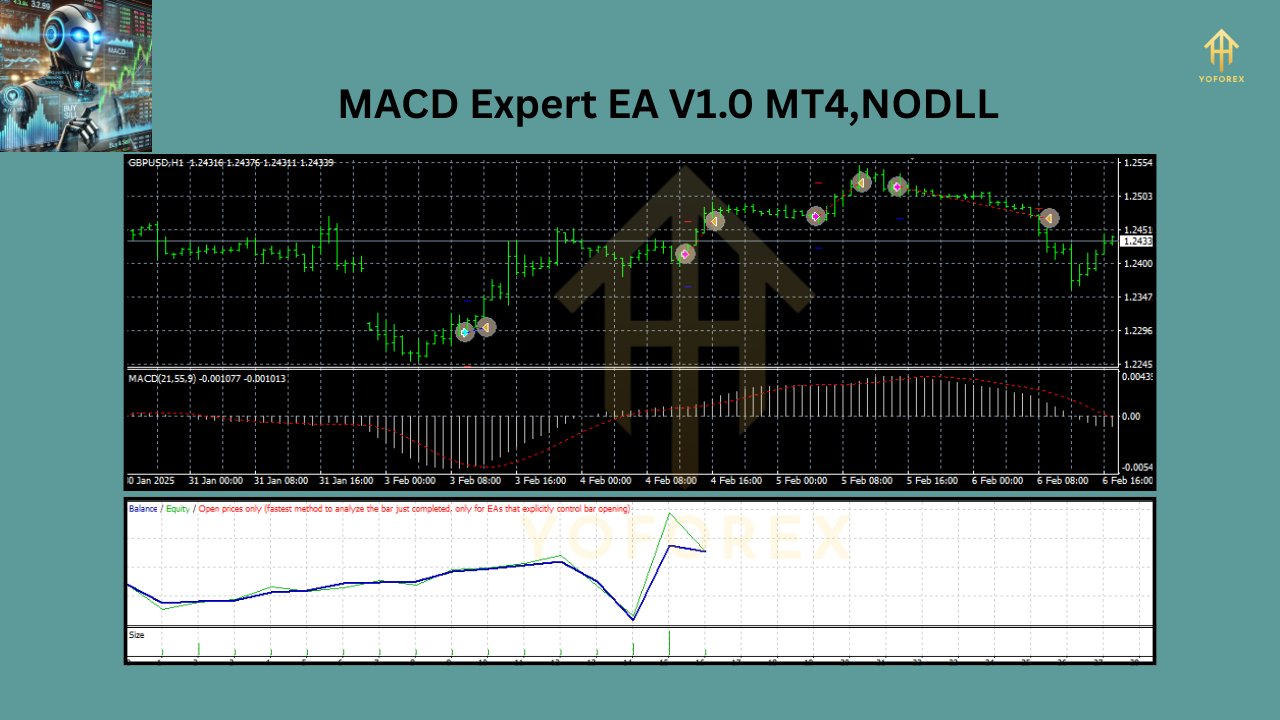
The MACD Expert EA V1.0 is an automated trading system built for MetaTrader 4 (MT4) that uses the Moving Average Convergence Divergence (MACD) indicator to identify high-probability trading opportunities.
Key Features:
✔ Fully Automated Trading – No manual intervention required
✔ Optimized for GBPUSD – Works best on H1 and M1 timeframes
✔ Low Minimum Deposit – Start with just $200
✔ Risk Management – Built-in stop-loss and take-profit
✔ User-Friendly – Easy installation and setup
How Does the MACD Expert EA V1.0 Work?
The EA relies on the MACD indicator, a popular momentum-based tool that helps identify trend reversals and continuations. Here’s how it works:
The EA relies on the MACD indicator, a popular momentum-based tool that helps identify trend reversals and continuations. Here’s how it works:
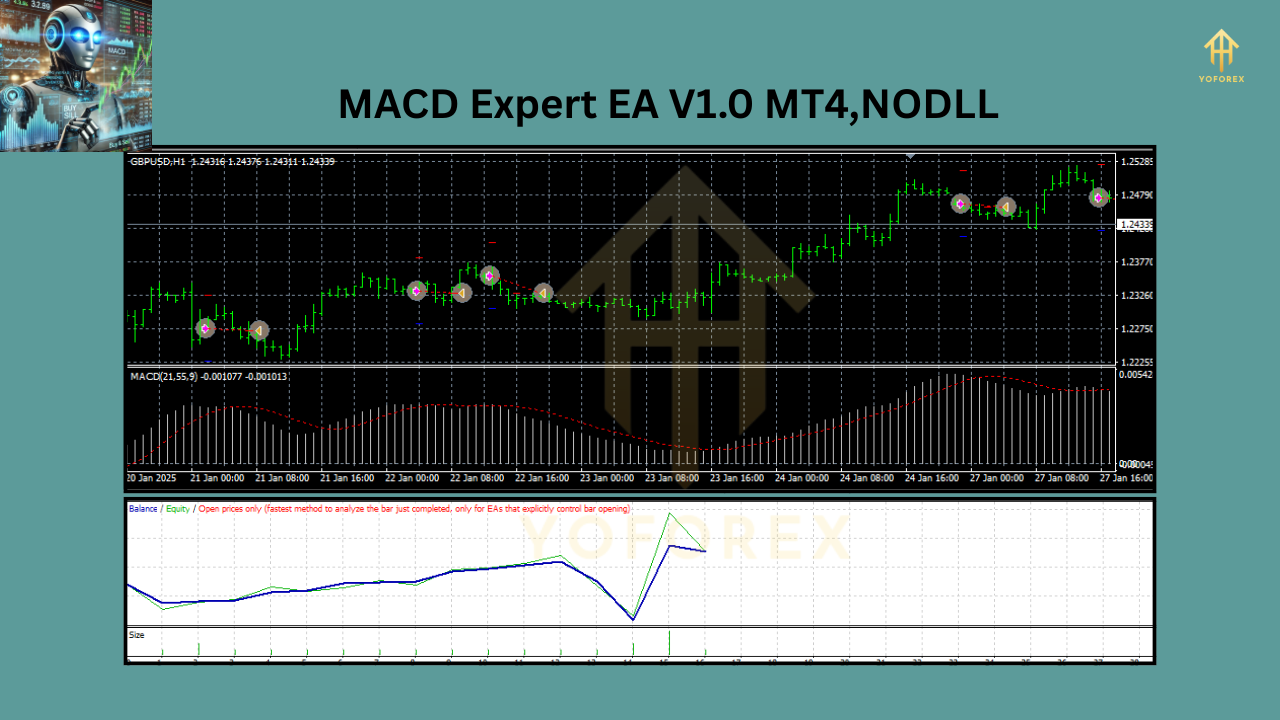
- Signal Generation – The EA scans for MACD crossovers and histogram changes.
- Entry & Exit – It opens trades when bullish/bearish signals are confirmed.
- Risk Control – Uses stop-loss (SL) and take-profit (TP) to protect capital.
Best Settings for GBPUSD
Parameter Recommended Setting
Timeframe H1 (1-hour) & M1 (1-minute)
MACD Fast EMA 12
MACD Slow EMA 26
MACD Signal 9
Stop Loss (SL) 50 pips
Take Profit (TP) 100 pips
 Benefits of Using MACD Expert EA V1.0
✅ Saves Time – Trades automatically 24/5
✅ Removes Emotions – Follows strict algorithmic rules
✅ Scalable – Works with small and large accounts
✅ Consistent Performance – Back-tested for reliability
How to Install & Set Up MACD Expert EA V1.0 on MT4
Step 1: Install on MetaTrader 4
- Open MT4 → Click File → Open Data Folder
- Go to MQL4 → Experts
- Paste the .ex4 file here
- Restart MT4
Step 2: Attach to GBPUSD Chart
- Drag & drop the EA onto the GBPUSD H1 or M1 chart
- Enable AutoTrading (click the green button)
- Adjust settings as needed
- Risk Management Tips
Start with a Demo Account – Test before going live
Use Proper Lot Sizes – Risk only 1-2% per trade
Monitor Performance – Check weekly results
Avoid Over-optimization – Stick to default settings first
 Final Thoughts
The MACD Expert EA V1.0 MT4 is a powerful tool for traders who want to automate their GBPUSD trading strategy. With its low minimum deposit requirement ($200) and optimized settings, it’s an excellent choice for both beginners and experts
Frequently Asked Questions (FAQ)
❓ Can I use this EA on other currency pairs?
While optimized for GBPUSD, you can test it on other majors like EURUSD or USDJPY with adjusted settings.
❓ What’s the best timeframe for this EA?
The EA performs best on H1 (1-hour) and M1 (1-minute) charts.
❓ Is this EA suitable for beginners?
Yes! It’s designed for easy setup and automated trading.
❓ Does it work with MetaTrader 5 (MT5)?
No, this version is only for MT4.
Conclusion
The MACD Expert EA V1.0 MT4 is a reliable automated trading solution for GBPUSD traders. Proper risk management it can help you achieve consistent profits with minimal effort.
Join our Telegram for the latest updates and support






Comments (0)
No comments yet. Be the first to comment!
Leave a Comment