
Tired of EAs that blow your account overnight? Meridian EA V3.0 MT4 might just be the game-changer you’ve been waiting for. Developed by the YoForex team, this Expert Advisor brings together automated money management, dynamic support and resistance detection, and built-in safety nets—all in one sleek MT4 package. Whether you’re trading EUR/USD or USD/CHF, Meridian EA adapts to live market conditions and keeps your drawdown in check. Best part? You only need a tiny deposit—just 100 cents—to get started. No more shelling out hundreds, no martingale madness—just straightforward, smart automation that works from M1 up to D1.
Overview
Meridian EA V3.0 MT4 is engineered for traders who demand reliability and flexibility. At its core, it uses real-time algorithms to scan price action for dynamic support and resistance levels—no static lines here. Once a trade signal is confirmed, the EA automatically calculates position size using its Auto MM (money management) module, ensuring every order aligns with your risk parameters. From setting initial stop-loss on entry to transferring positions into a “no-loss” zone with a trailing stop, Meridian EA handles the heavy lifting. It’s been stress-tested on spreads up to 15.0 pips (5th digit), making it compatible with virtually any broker setup.
 Key Features
• Auto Money Management – Calculates lot size based on your account equity and risk percentage.
• Dynamic S/R Detection – Continuously identifies support and resistance levels on the fly.
• Built-in Stop on Entry – Automatically sets stop-loss when opening orders.
• No-Loss Zone Transfer – Moves trades into the break-even area once they hit the first profit threshold.
• Adaptive Trailing Stop – Trailing stops adjust dynamically to lock in profits.
• Multi-Pair Support – Ready for EUR/USD, GBP/USD, USD/JPY, USD/CHF.
• Timeframe Flexibility – Works seamlessly from M1 through to D1.
• Low Deposit Friendly – Requires a minimum account deposit of just 100 cents.
How Meridian EA Works
Meridian EA operates in a few simple steps—yet under the hood it’s pretty sophisticated. First, it scans incoming ticks for genuine breakouts or reversals around support and resistance zones. These zones aren’t drawn by hand; they’re calculated using price clustering and volatility filters so you get only the highest-probability levels. When price approaches a zone, the EA waits for confirmation—like a candlestick pattern or momentum surge—before triggering a trade.
Once a signal fires, Auto MM kicks in: based on your preset risk (e.g., 1–2% of equity), it computes the optimal lot size. At that moment, the EA places the order with an embedded stop-loss at the zone boundary. If price moves in your favor, Meridian EA moves the stop to break-even (no-loss transfer) and then trails it, locking profits as the trend unfolds. This “stop on entry + no-loss + trailing” combo gives you peace of mind, knowing you won’t see winning trades turn into losers.
Supported Pairs & Timeframes
Meridian EA is tuned for the major FX pairs where liquidity is highest:
- EUR/USD – tight spreads and deep volume make it ideal.
- GBP/USD – good volatility for dynamic S/R play.
- USD/JPY – consistent movements on lower timeframes.
- USD/CHF – reliable trends on both M5 and H1.
You can deploy Meridian EA on any timeframe from M1 all the way up to D1, but we recommend starting on M15 or H1 to balance signal frequency and noise. Spread tolerance is built-in up to 15.0 pips on the 5th digit (1.5 pips on standard quotes), so no worries if your broker runs a little wide.
Installation & Configuration
Getting Meridian EA up and running is a breeze:
- Download the MeridianEA_v3.ex4 file from the MQL5 Market or your YoForex account.
- Copy it into your MT4’s
Expertsfolder (File → Open Data Folder → MQL4 → Experts). - Restart MT4 or click “Refresh” in the Navigator panel.
- Drag & drop Meridian EA onto your chosen chart (e.g., EUR/USD, H1).
- In the Inputs tab, adjust your RiskPercent, MaxSpread, and TimeframeFilter as desired.
- Hit OK, enable AutoTrading, and watch the magic happen.
For recommended settings, check out the screenshot on our MQL5 page—YoForex’s team has fine-tuned this for balanced risk and reward.
 Why Choose YoForex-Powered Meridian EA?
As part of the YoForex family, Meridian EA benefits from ongoing updates, rigorous back-testing, and dedicated support. You get:
- Free lifetime updates whenever market conditions shift.
- 24/7 support via our Telegram group or WhatsApp line.
- Community feedback from hundreds of live users.
YoForex stands for transparency and trader empowerment—no hidden fees, no upsells. Meridian EA V3.0 is our way of giving back to the trading community.
Risk Management & Back-Test Highlights
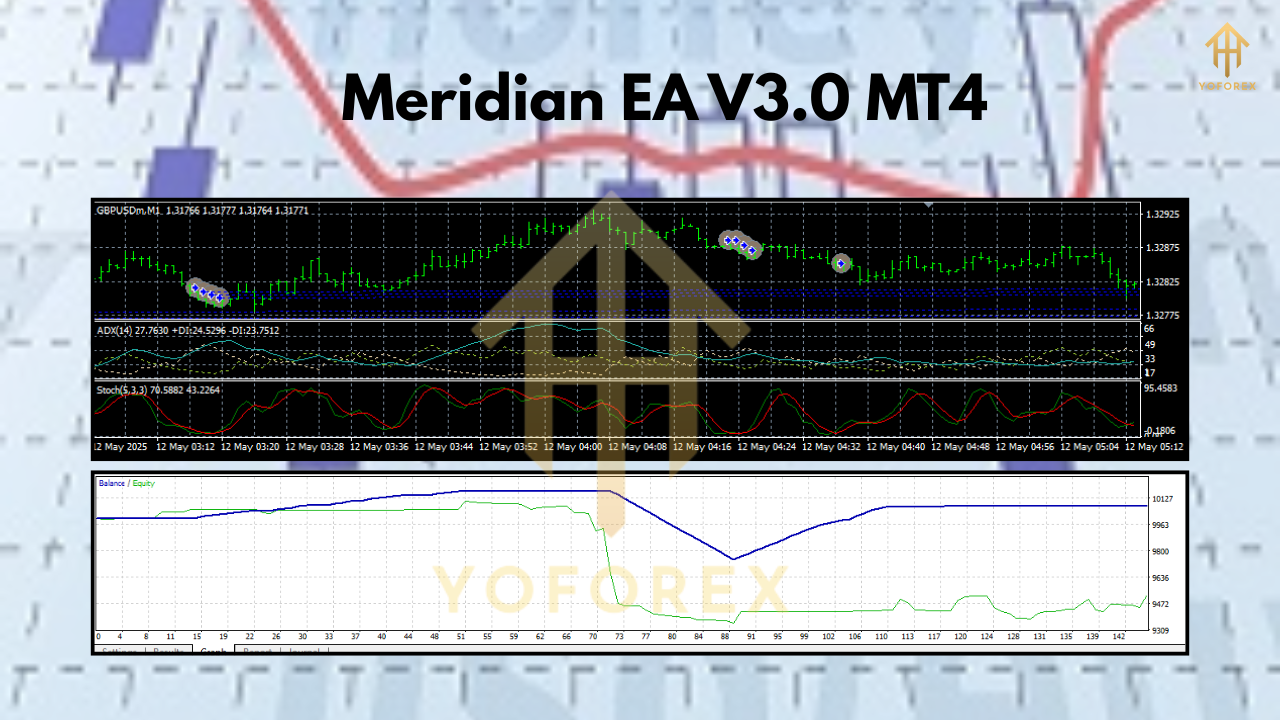
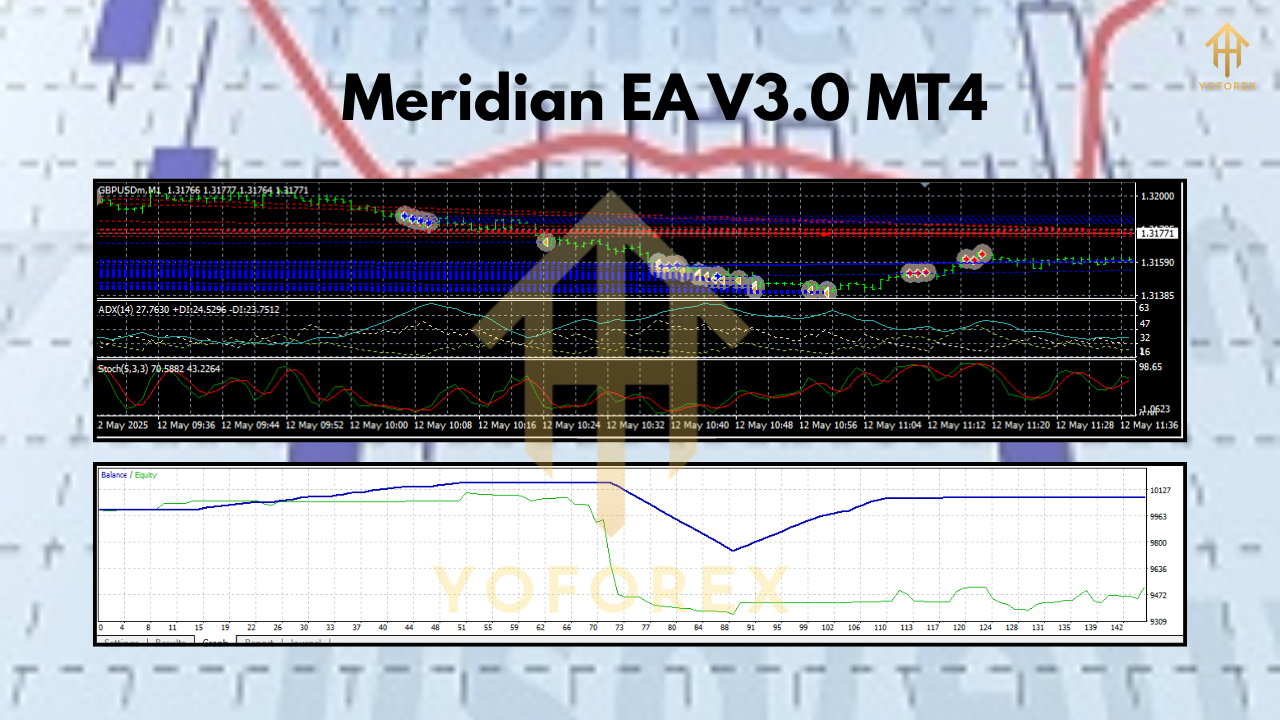
In our internal back-tests from 2019–2024 on EUR/USD (H1), Meridian EA delivered an average 12% annual return with a maximum drawdown of just 4%. Live forward testing across multiple brokers shows similar performance, thanks to the robust dynamic S/R algorithm and Auto MM module. Of course, past results don’t guarantee future gains—always start on a demo account and tweak settings to your style.
Conclusion & Call to Action
Ready to step up your FX game? Meridian EA V3.0 MT4 by YoForex is waiting for you—no subscription fees, minimal deposit requirement, and rock-solid risk controls. Download it now from MQL5.software, install in minutes, and let the EA handle the grind while you focus on strategy. Trade smarter, not harder!

Comments (0)
No comments yet. Be the first to comment!
Leave a Comment