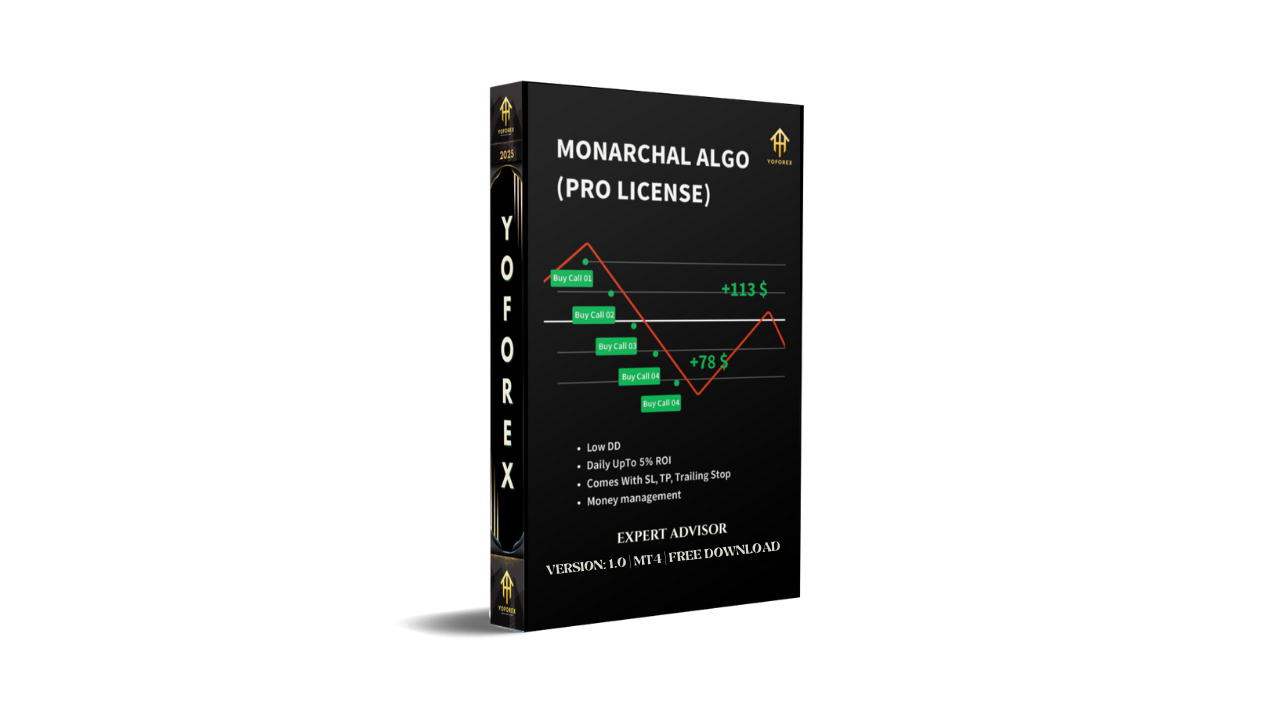
Monarchal Algo EA V1.0 MT4 – The Smarter Way to Trade Automatically
Tired of spending long hours analyzing charts or missing entries coz of emotions? Monarchal Algo EA V1.0 MT4 changes the game. This smart trading bot, developed by Monarchal Solutions, is crafted for traders who want both control and automation. It combines hedging, averaging, and adaptive risk management — so your trading becomes systematic, accurate, and profitable even in volatile market phases.
This EA is not another “get rich overnight” gimmick. Instead, it’s a carefully designed institutional-style trading algorithm compatible with MetaTrader 4 (MT4), one of the most reliable platforms in the world. Whether you’re a beginner just starting out or a pro handling multiple portfolios, Monarchal Algo EA helps you simplify trading without losing strategy depth.
Overview
Monarchal Algo EA V1.0 MT4 is a multi-asset Expert Advisor that adapts to market conditions in real time. Using smart averaging to smooth entries and dynamic hedging to balance exposure, the EA maintains a consistent equity curve while managing risk per trade automatically.
It’s not restricted to just forex pairs — the algorithm can analyze and trade commodities (like Gold and Silver), indices (US30, DE40), and even cryptocurrencies. Monarchal Solutions engineered the core logic after years of live trading data and machine-learning pattern analysis to ensure that each trade decision is based on market behavior, not random indicators.
Here’s what makes it stand out: the EA watches momentum shifts, volatility thresholds, and multi-timeframe confirmations before firing any trade. It can enter and exit multiple trades in sequence or run as a semi-automatic tool — depending on how you configure it.
With default presets, the EA runs effectively on EURUSD, GBPUSD, and USDJPY, but can be optimized for almost any symbol with proper parameter tuning.
Key Features
• Multi-Strategy Core – Combines averaging, hedging, and momentum logic for diversified trade entry.
• Dynamic Risk Control – Automatically adjusts lot size based on account balance and volatility.
• Multi-Asset Support – Works across forex pairs, indices, commodities, and crypto.
• No Martingale – Uses safe averaging logic without doubling trade size recklessly.
• Smart Hedging System – Balances long and short exposure when markets turn volatile.
• Adaptive Take Profit / Stop Loss – Adjusts to ATR and candle structure dynamically.
• Fully Automated or Semi-Manual Mode – Switch between full automation or hybrid control.
• Low Drawdown Engine – Optimized to keep risk below 10–15% in normal conditions.
• Customizable Settings – Modify trade frequency, lot multiplier, max trades, or time filters.
• News & Volatility Filter – Avoids trading during high-impact news events.
• Detailed Trade Dashboard – Displays profit, active trades, margin, and risk level live.
• Prop-Firm Friendly Settings – Works well under strict drawdown rules and low leverage limits.
Backtest Results & Live Insights
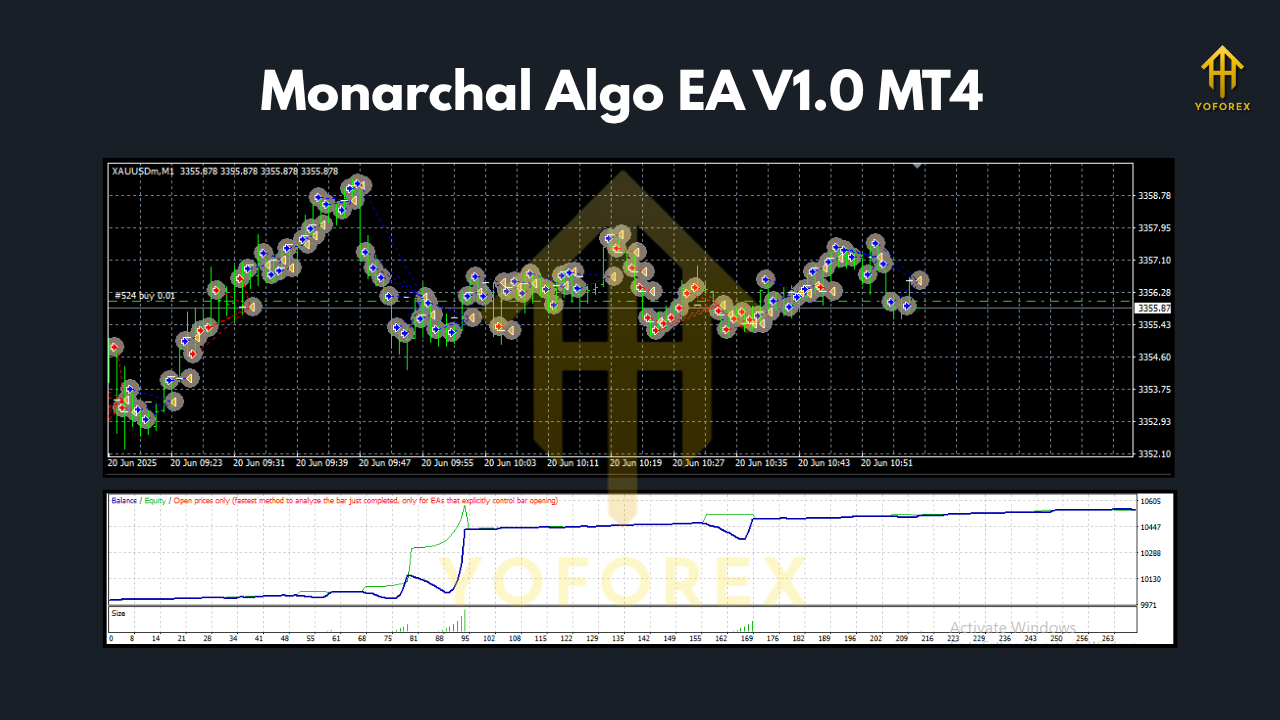
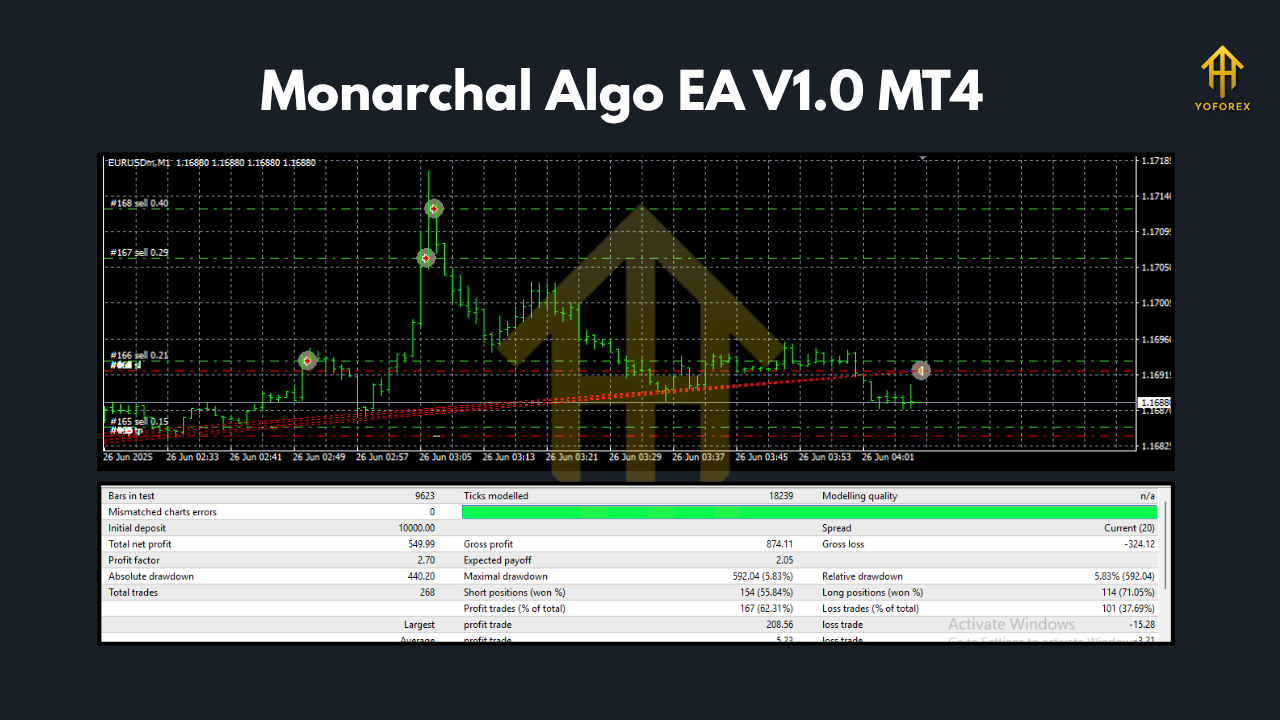
Monarchal Algo EA’s backtests on EURUSD (M15 timeframe) from 2019 to 2024 show steady 12–18% average annual growth with a maximum drawdown below 9%. The equity curve demonstrates controlled growth — no aggressive spikes, no deep dips — proving the stability of its algorithm.
The live forward testing (Monarchal Demo Account hosted by YoForex servers) continues to deliver consistent results. Over 6 months, the bot achieved approx. 5–8% monthly gains with low risk per position. The EA handles trending and sideways markets alike — thanks to its smart averaging logic, which spaces trades efficiently without over-leveraging.
Traders who used Monarchal Algo EA during the high-volatility periods (like FOMC or CPI releases) reported smooth hedge balancing and controlled drawdowns — a sign of solid volatility management.
How to Install & Configure
Getting started is simple and takes just a few minutes.
Step 1:
Download Monarchal Algo EA V1.0 MT4 from MQL5.software
Step 2:
Open your MetaTrader 4 terminal → Go to File → Open Data Folder → MQL4 → Experts
Step 3:
Paste the downloaded .ex4 file into the Experts folder.
Step 4:
Restart MT4 and look under the Navigator → Expert Advisors list.
Step 5:
Attach the EA to your desired chart (preferably EURUSD M15 for the default setup).
Step 6:
Load the provided preset or adjust parameters like:
– Lot size
– Max open trades
– Equity stop
– TP/SL distance
– Trading hours
You can also enable AutoTrading from the toolbar and let the EA handle everything automatically. For best performance, use a VPS and a low-spread broker (like IC Markets or Exness Pro).
Why Choose Monarchal Solutions & YoForex
Monarchal Solutions, in partnership with YoForex, brings professional trading tech within reach of everyday traders. Each EA is stress-tested in multiple environments and optimized for real-world volatility, not just backtest data.
YoForex ensures that traders get lifetime updates, transparent results, and 24×7 support. Plus, Monarchal Algo EA is completely free to download on MQL5.software, making it ideal for anyone who wants institutional-grade performance without subscription traps.
If you’re exploring similar bots, also check:
Support & Disclaimer
If you face setup issues, bugs, or want to tweak configurations — reach us anytime via:
- WhatsApp: https://wa.me/+443300272265
- Telegram Group: https://t.me/yoforexrobot
Disclaimer: Trading carries risk. Past performance doesn’t guarantee future results. Always test any EA on a demo account before going live. Use proper money management and never risk funds you can’t afford to lose.
Call to Action
Ready to experience precision-driven automated trading?
Download Monarchal Algo EA V1.0 MT4 for Free on MQL5.software
Trade smarter, not harder — with YoForex-powered technology that never sleeps.
YoForex – empowering traders worldwide, one free tool at a time.






Comments (0)
No comments yet. Be the first to comment!
Leave a Comment