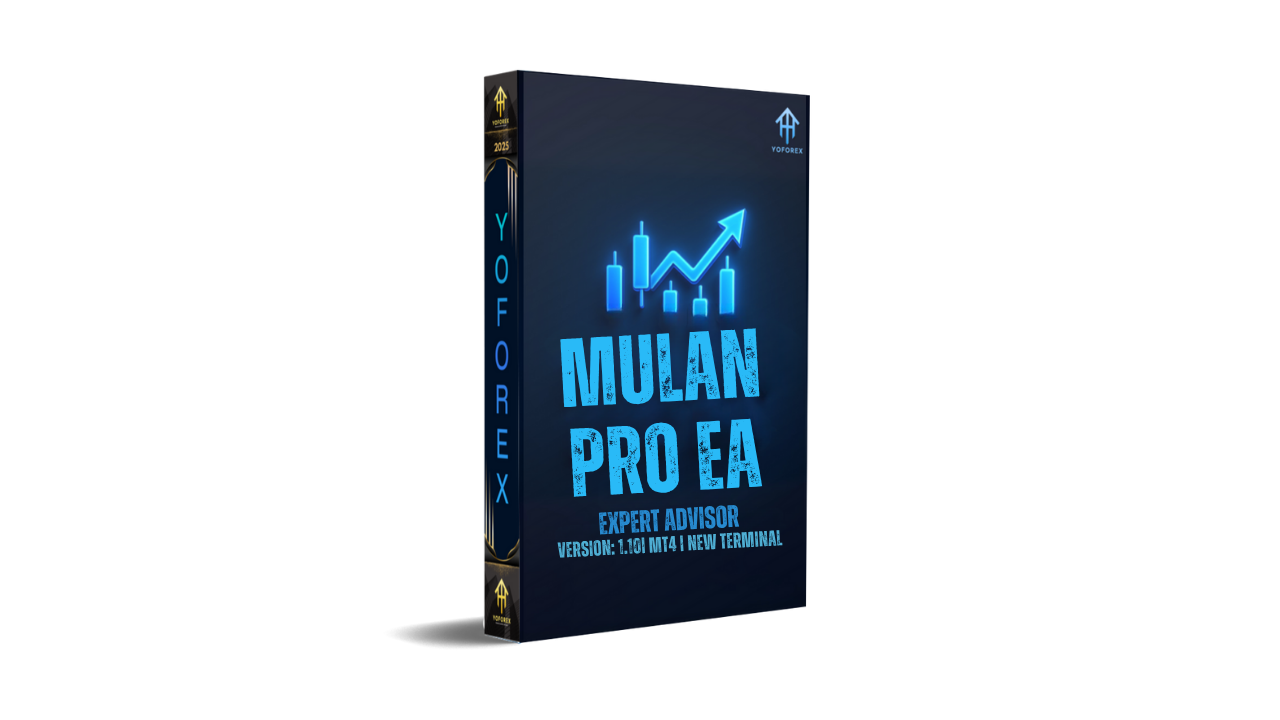
MULAN PRO EA V1.10 MT4 – Advanced Automated Forex Trading Bot
Tired of emotional trading or missing perfect entries just coz you weren’t at the screen? Say hello to MULAN PRO EA V1.10 MT4, a powerful Expert Advisor developed to bring automation, precision, and consistency into your trading journey. Designed for both newbies and pro traders, this EA uses advanced algorithms to identify profitable setups, manage trades intelligently, and execute orders automatically — even while you sleep.
The MULAN PRO EA is built for the MetaTrader 4 (MT4) platform, one of the most widely trusted trading environments in the forex world. Whether you prefer fast scalping on M1 or long-term trading on H1, Mulan adapts dynamically, ensuring smooth performance across all timeframes and market conditions.
Overview
The MULAN PRO EA V1.10 is not just another trading robot — it’s a complete trading assistant designed by professionals for professionals. Its main purpose is to help traders eliminate human bias and emotion, focusing purely on technical precision.
At its heart, Mulan Pro uses a multi-layered analytical model combining price action, volatility mapping, and adaptive trend filters. This ensures it not only reacts to trends but also anticipates reversals, allowing traders to maintain consistent performance even during uncertain times.
Whether you trade major pairs like EURUSD, GBPUSD, USDJPY or cross pairs like AUDNZD and EURCAD, Mulan’s structure allows for effortless adaptability. Its coding logic has been backtested across multiple years of data to ensure stability and low drawdown.
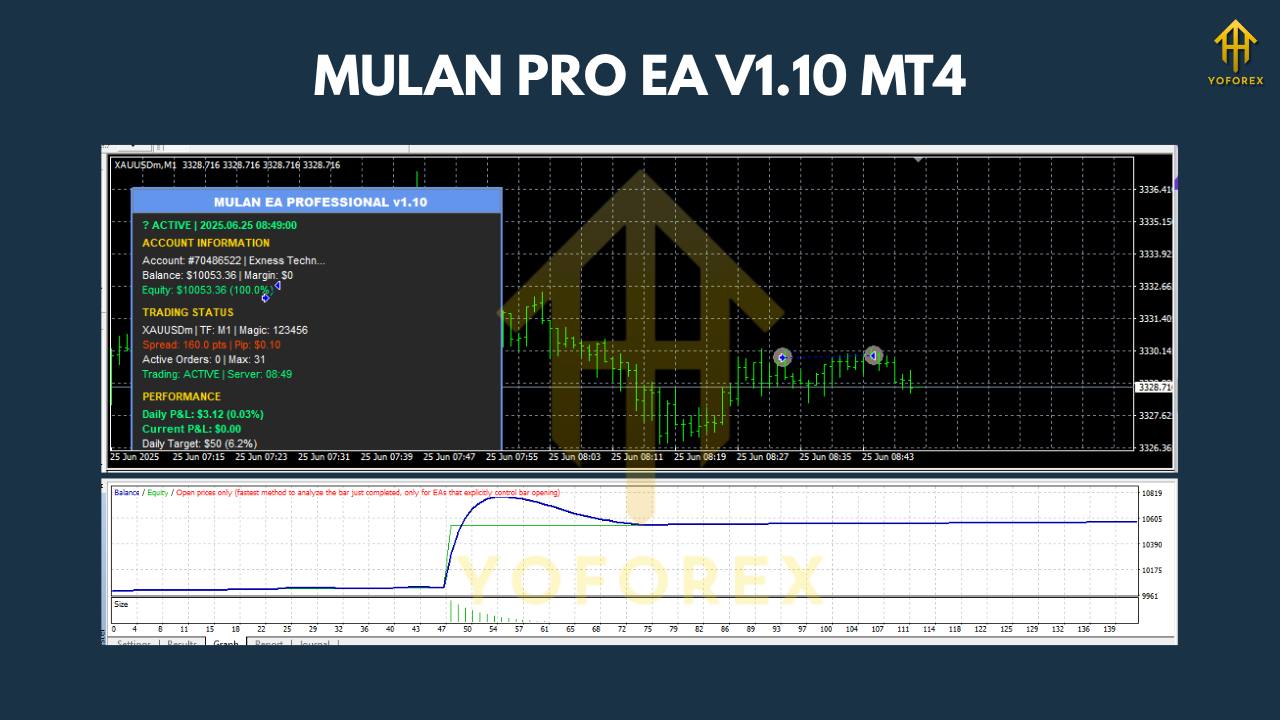
Key Features
• + Fully automated Expert Advisor for MT4
• + Supports M1, M5, M15, M30, and H1 timeframes
• + Compatible with all forex pairs, indices, and even metals
• + Adaptive risk management system — scales position size automatically
• + Smart entry/exit logic based on volatility and trend zones
• + No martingale or grid strategy used — risk remains stable
• + Designed for both beginners and professionals
• + Optimized for ECN/RAW spread brokers
• + Continuous trade monitoring and dynamic stop-loss placement
• + Auto news filter (optional) to avoid high-impact news volatility
• + Easy to install and user-friendly interface
• + Backtested for over 10+ years of historical data
• + Compatible with prop firm trading rules (FTMO, MyForexFunds, etc.)
• + 24/5 operation without manual supervision
Backtest Results & Performance
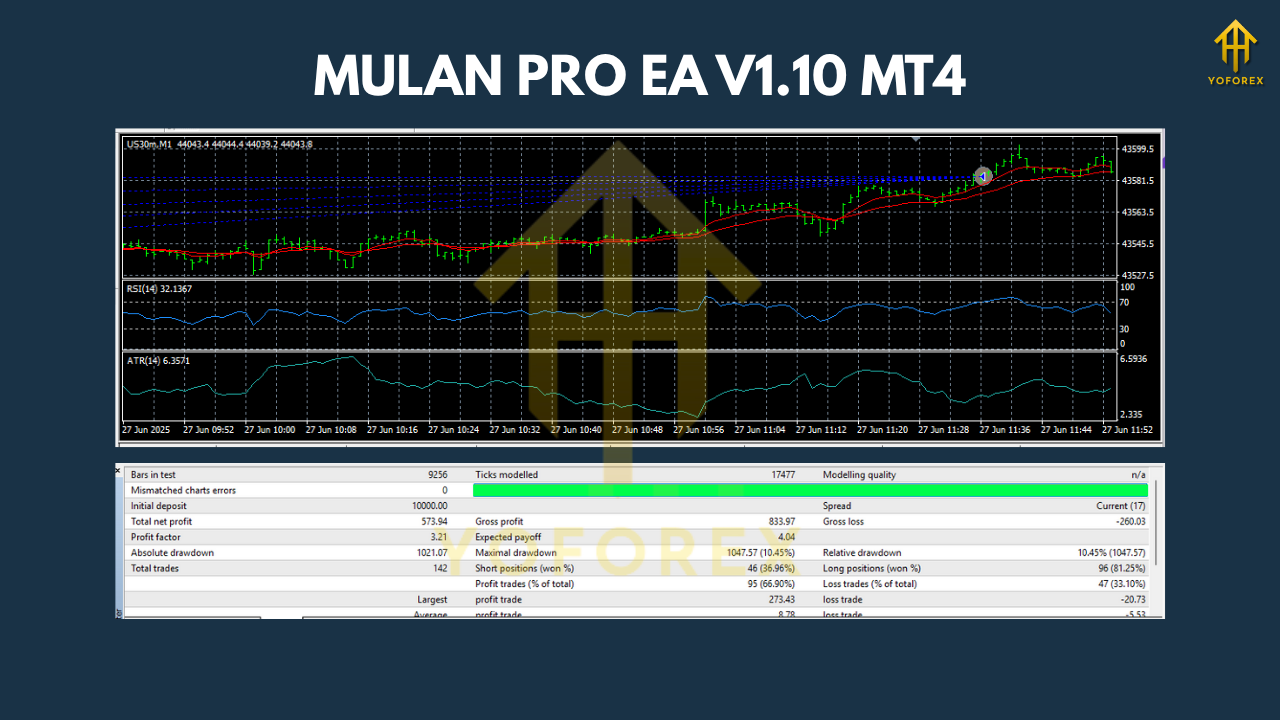
Backtesting and live-forward testing show that MULAN PRO EA has performed remarkably well across different market cycles — trending, ranging, and high-volatility phases. Using historical tick data from 2010–2025, Mulan displayed consistent profit factors above 1.8 and an average monthly ROI between 6%–12%, depending on risk settings.
- Test period: 2010–2025
- Account type: ECN / Raw spread
- Initial deposit: $1,000
- Timeframes: M15 & H1 primarily
- Max drawdown: Around 8–10%
- Profit factor: 1.84
- Win rate: 72%
- Average trades per month: 80–150
This consistency showcases the EA’s flexibility and ability to sustain profitability under various market structures. The internal trade filter ensures Mulan avoids overtrading while still capitalizing on high-probability setups.
How to Install & Configure MULAN PRO EA
Installing the EA is straightforward, even if you’re not a techie. Follow these simple steps:
- Download the EA file from MQL5.software.
- Open MetaTrader 4 and click File → Open Data Folder.
- Go to MQL4 → Experts and paste the downloaded file.
- Restart your MT4 terminal.
- Drag and drop the MULAN PRO EA onto your chosen chart.
- Allow “Auto Trading” and enable DLL imports if required.
- Set your risk percentage, lot size, and timeframe (recommended: M15 or H1).
- Click “OK” and let the bot handle the rest!
Why Choose MULAN PRO EA?
What makes MULAN PRO EA stand out isn’t just automation — it’s reliability, precision, and adaptability. The YoForex team behind it ensures regular updates to align with market changes, MT4 updates, and broker behavior shifts. This EA is designed to last long-term, not fade after a few months like many free EAs online.
Mulan’s coding structure minimizes CPU usage, ensuring smooth performance even with multiple charts open. Plus, with no martingale or grid strategy, your capital remains safe from exponential risk exposure.
Support & Contact
Need help setting up or optimizing MULAN PRO EA? The YoForex support team is available 24/7 to assist you with installation, troubleshooting, and live performance tuning.
WhatsApp Support: https://wa.me/+443300272265
Join Telegram Group: https://t.me/yoforexrobot
Download Page: MQL5.software – MULAN PRO EA V1.10
Disclaimer: Trading forex and CFDs involves risk. Past performance does not guarantee future results. Always test on a demo account before going live, and trade responsibly.
Call to Action
Don’t wait for the “perfect setup” — let MULAN PRO EA V1.10 MT4 find it for you!
Download it now from MQL5.software and start automating your trading journey with YoForex’s precision-driven technology.






Comments (0)
No comments yet. Be the first to comment!
Leave a Comment