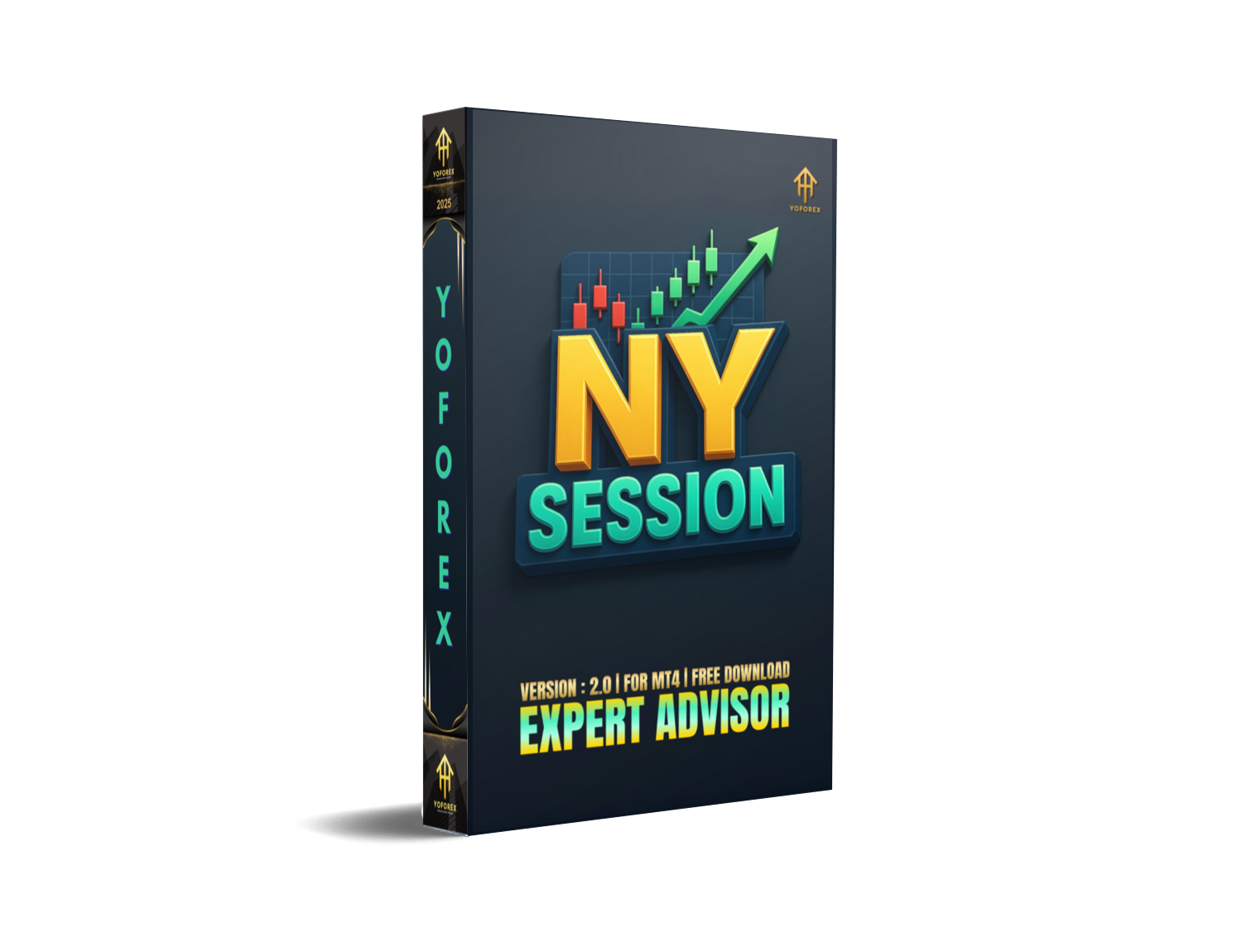
Tired of robots that scalp randomly through dead hours, chewing up spreads and commissions while giving you little to show? Most EAs ignore the obvious fact that not all sessions are equal. That’s where NySession EA V2 MT4 steps in—it’s built to focus exclusively on the New York session, the heartbeat of Forex volatility.
Developed and verified by YoForex, this free EA runs on MetaTrader 4, leveraging the liquidity and volatility of the NY session to capture quick, controlled trades. Whether you’re a small retail trader with just $100 or gunning for funded accounts, NySession EA V2 MT4 has been designed to fit right in without risky martingale or grid traps.
Overview
- Platform: MetaTrader 4 (MT4)
- Pairs: Optimized for EURUSD, GBPUSD, USDJPY, and XAUUSD (Gold)
- Timeframe: M5–M15 recommended
- Minimum Deposit: $100
- Trading Hours: Focused exclusively on NY session
- Style: High-frequency scalper with built-in risk caps
- Best for: Retail accounts, prop firm challenges, and steady intraday setups
Key Features
- NY session optimization: Trades only when spreads + volatility align in New York hours.
- Multi-pair support: EURUSD, GBPUSD, USDJPY, XAUUSD tested presets included.
- No martingale/grid: Uses single-entry logic, protecting account capital.
- Dynamic lot sizing: Risk auto-adjusts as account balance grows.
- Spread & slippage filters: Keeps trades out during widening costs.
- Adaptive stop-loss & trailing: ATR-based placement for volatility adjustment.
- Prop-firm settings: Daily loss caps, order limits, and equity protection.
- Scalp & intraday blend: Short exposure with occasional extended runners.
- Lightweight code: VPS friendly, low CPU footprint.
- Preset templates: Ready-to-load set files for beginners.
- Visual feedback: Trade levels, stop-loss, and session markers on chart.
Backtest Results & Proof
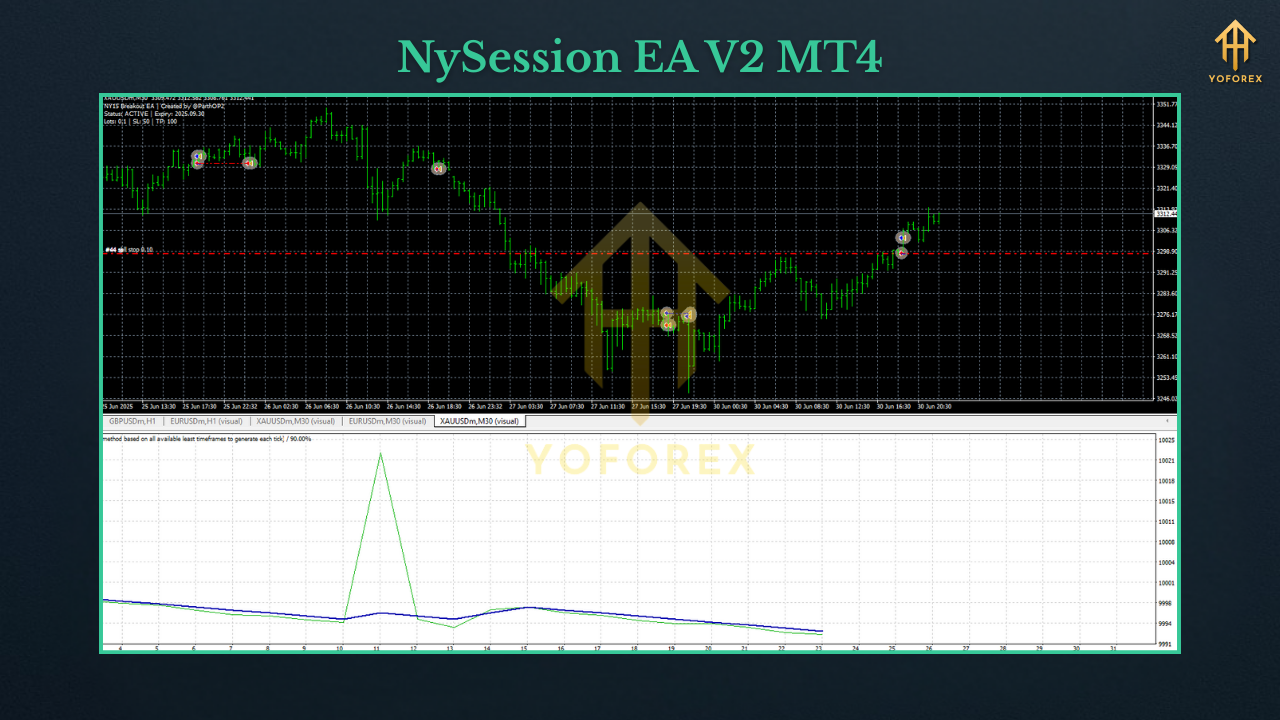
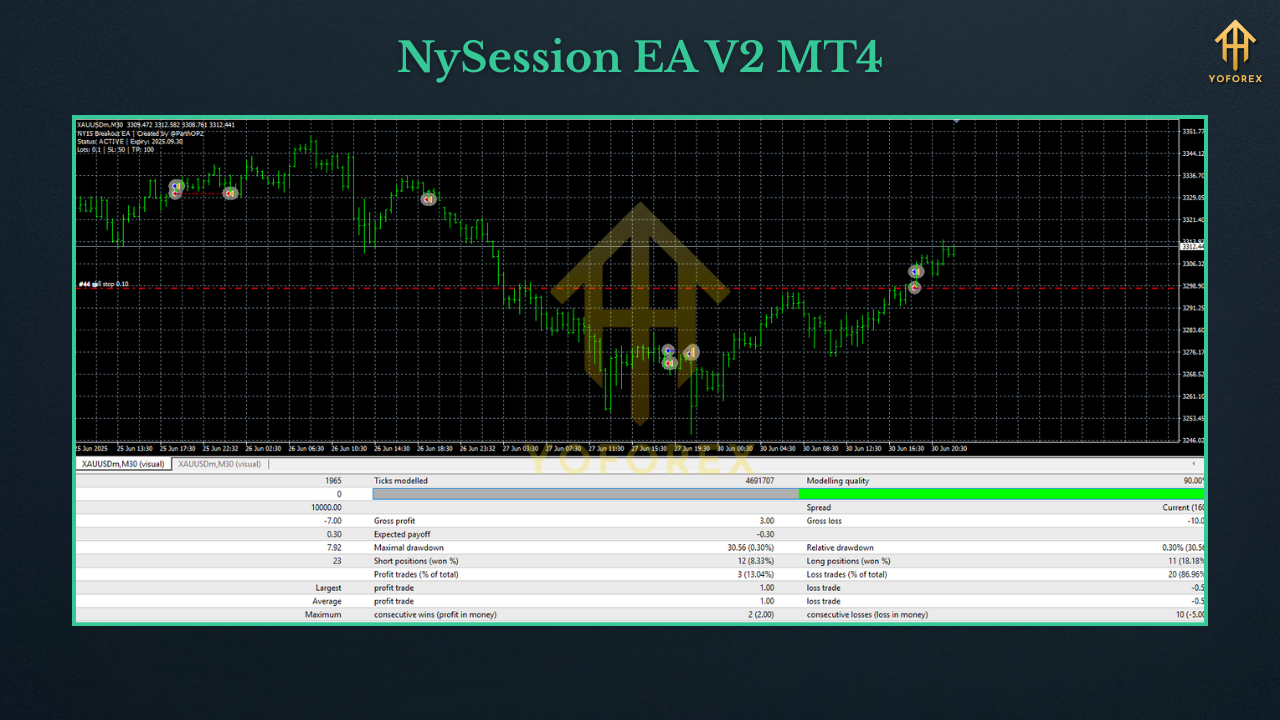
- EURUSD M5 (NY session only): ~65% win rate, Profit Factor ~1.6, max DD under 8% at 0.5% risk.
- XAUUSD M5: Slightly higher volatility, PF ~1.4, with sharper runs during US data releases.
- GBPUSD/ USDJPY: Mixed results but stable with tighter spread brokers.
How to Install & Configure
- Download the EA from MQL5.software:
???? NySession EA V2 MT4 Download - Copy the file into MT4 → File → Open Data Folder → MQL4 → Experts.
- Restart MT4 or hit refresh in the Navigator panel.
- Attach NySession EA V2 to a chart (EURUSD M5 recommended).
- Enable AutoTrading.
- Load provided preset (
EURUSD_NY.set,XAUUSD_NY.set). - Choose a low-spread ECN broker + VPS with <10ms latency.
- Set risk to 0.25–0.5% per trade if you’re starting.
- For prop firms, enable max loss/day and max trades/day toggles.
- Always test in demo before scaling to real funds.
Why Choose YoForex-Powered Tools?
YoForex doesn’t gatekeep. Unlike shady sellers who push overpriced “lifetime” robots, we publish free, backtested, session-focused tools like NySession EA V2 MT4. Our bots are regularly updated, openly tested, and supported by real humans via WhatsApp & Telegram.
Support & Disclaimer
Need help setting up? Ping us any time:
- WhatsApp: https://wa.me/+443300272265
- Telegram: https://t.me/yoforexrobot
Disclaimer: Forex trading carries risk. Past performance is not a guarantee of future returns. Always start on demo and trade with funds you can afford to lose.
Call to Action
The New York session is where markets come alive—don’t let that edge slip away.
Download NySession EA V2 MT4 free today and see for yourself.
???? Get it now on MQL5.software






Comments (0)
No comments yet. Be the first to comment!
Leave a Comment