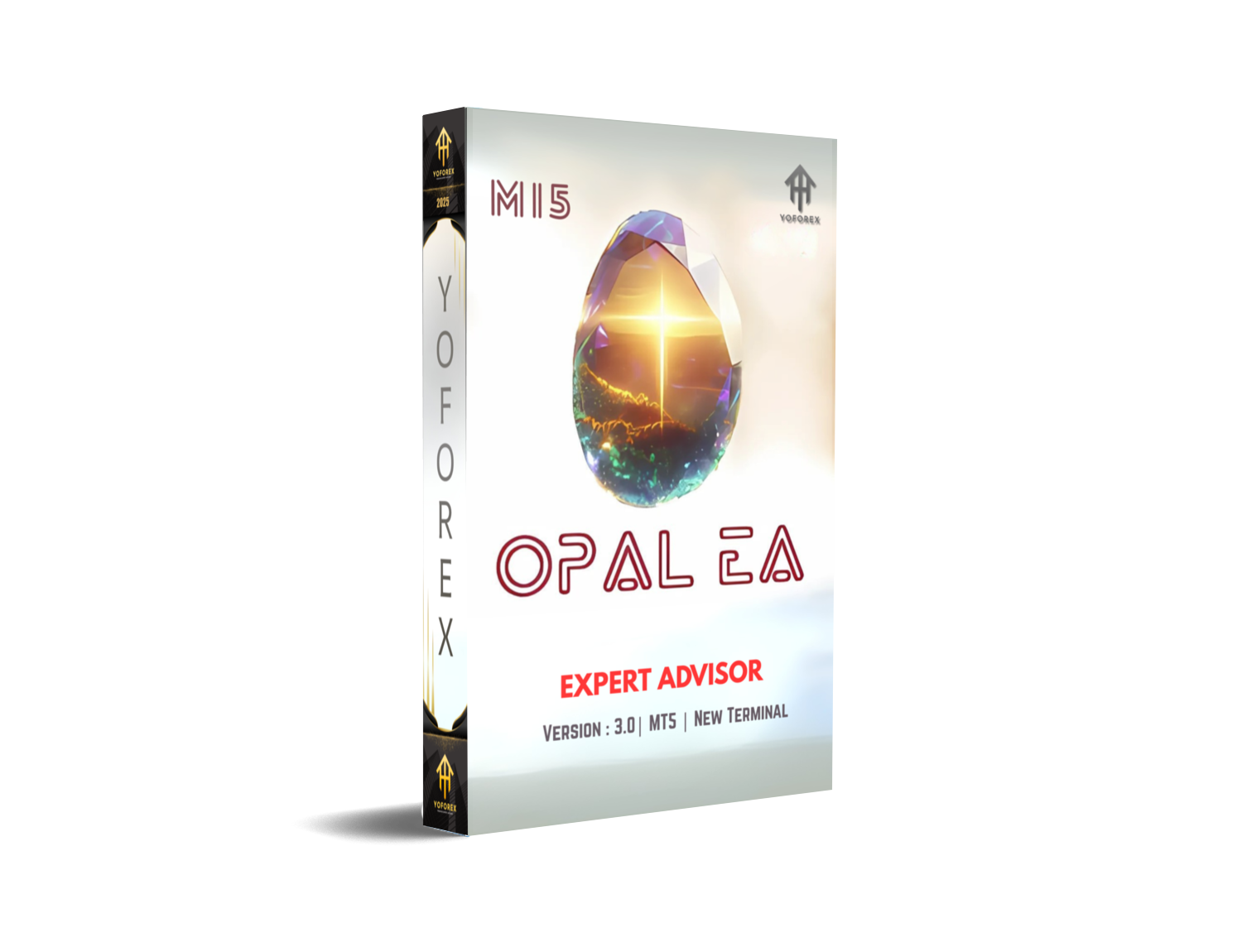
Ever felt tired of trading robots that blow up accounts or make unrealistic promises? Many EAs on the market rely on risky strategies like martingale or grid trading. While they may bring short-term gains, they often end in disaster. That’s exactly why Opal EA MT5 was developed—to offer traders a safe, AI-enhanced Expert Advisor with long-term profitability.
Opal EA is an automated trading system for MetaTrader 5, designed by YoForex and available for free on MQL5.software. It blends artificial intelligence, strict risk management, and flexible multi-currency support, making it suitable for beginners and advanced traders alike.
Overview of Opal EA MT5
- Trend-following strategies to capture long runs.
- Volatility filters to avoid fake signals.
- AI-powered decision making for adaptive trading.
It works across major forex pairs, gold (XAUUSD), and even crypto pairs on MT5. The EA is optimized for M15, H1, and H4 timeframes depending on your trading style.
Basic Requirements
- Platform: MetaTrader 5
- Pairs: EURUSD, GBPUSD, USDJPY, XAUUSD, BTCUSD
- Timeframes: M15, H1, H4
- Deposit: Minimum $200 (recommended $500+)
- Broker: ECN or Raw Spread broker (1:500 leverage ideal)
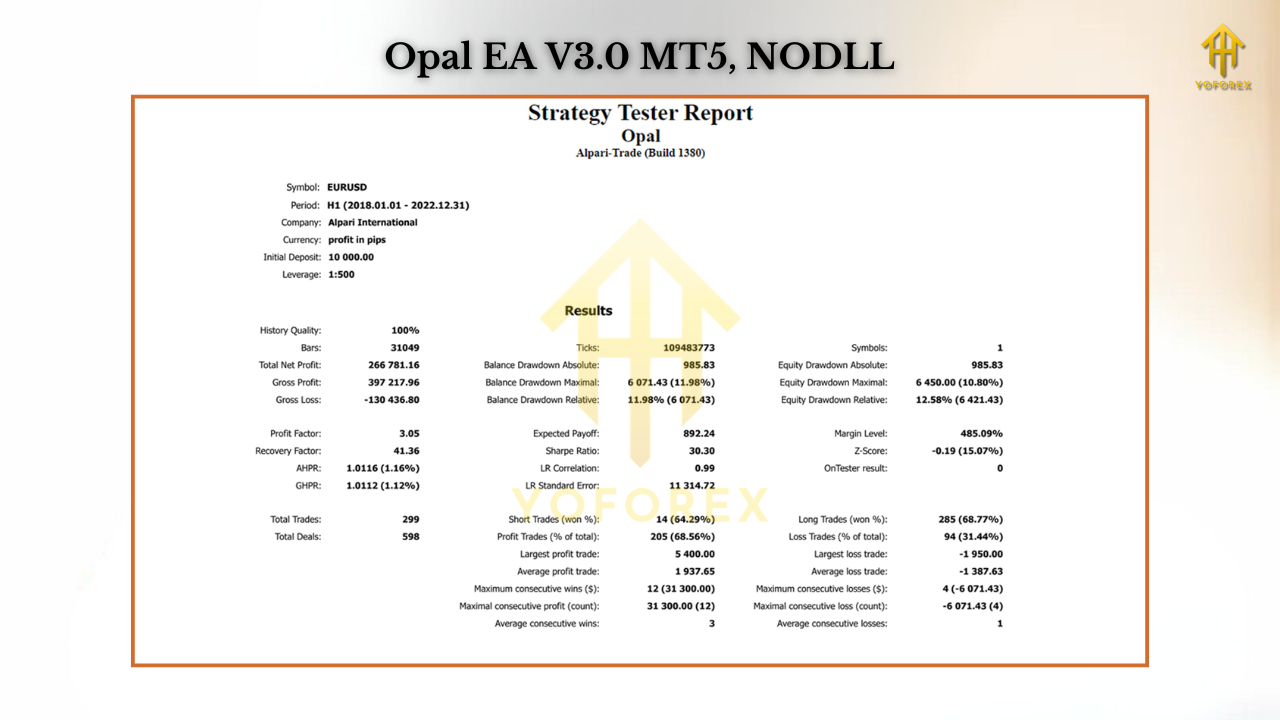
Key Features of Opal EA MT5
• AI-driven entry and exit logic
• Multi-currency support: Forex, gold, and crypto
• Optimized for M15–H4 timeframes
• No martingale, no grid—safe strategy design
• News filter to avoid high-impact volatility trades
• Dynamic lot sizing and equity protection
• Works on both demo and live accounts
• Compatible with prop firm risk rules
• Fully automated 24/5 trading with zero manual input
• Backtested with 99.9% tick data for reliability
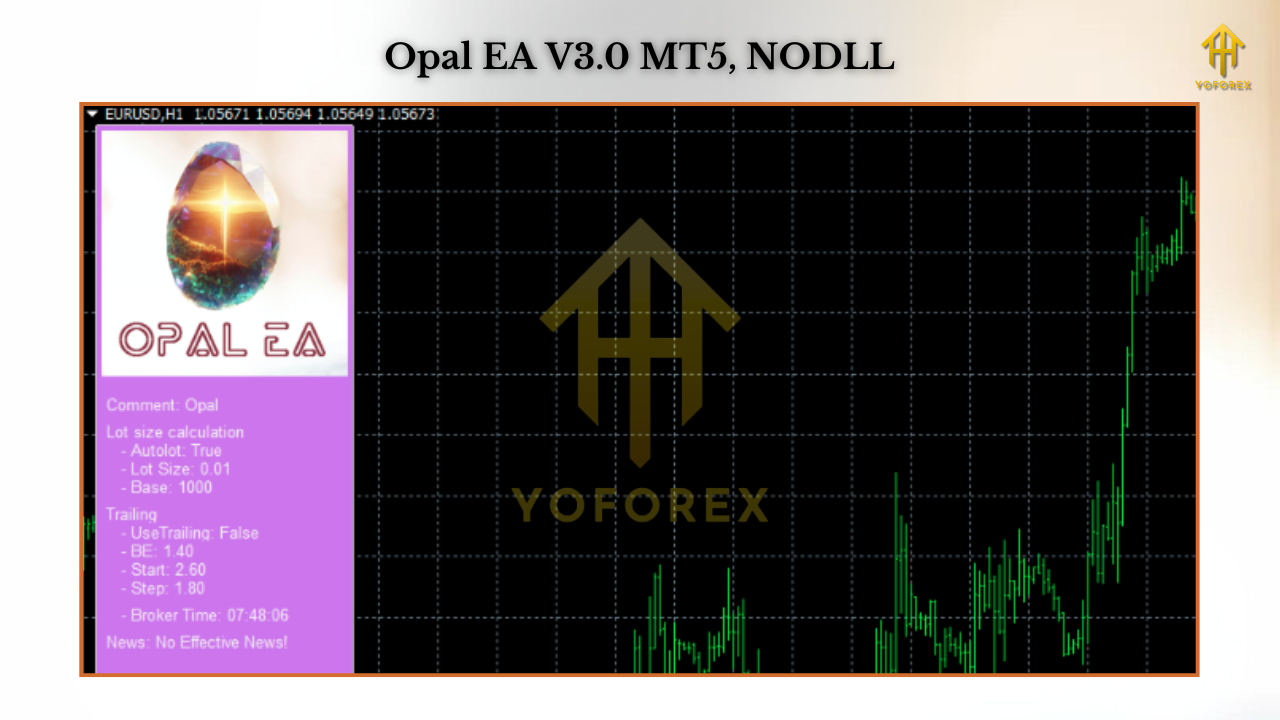
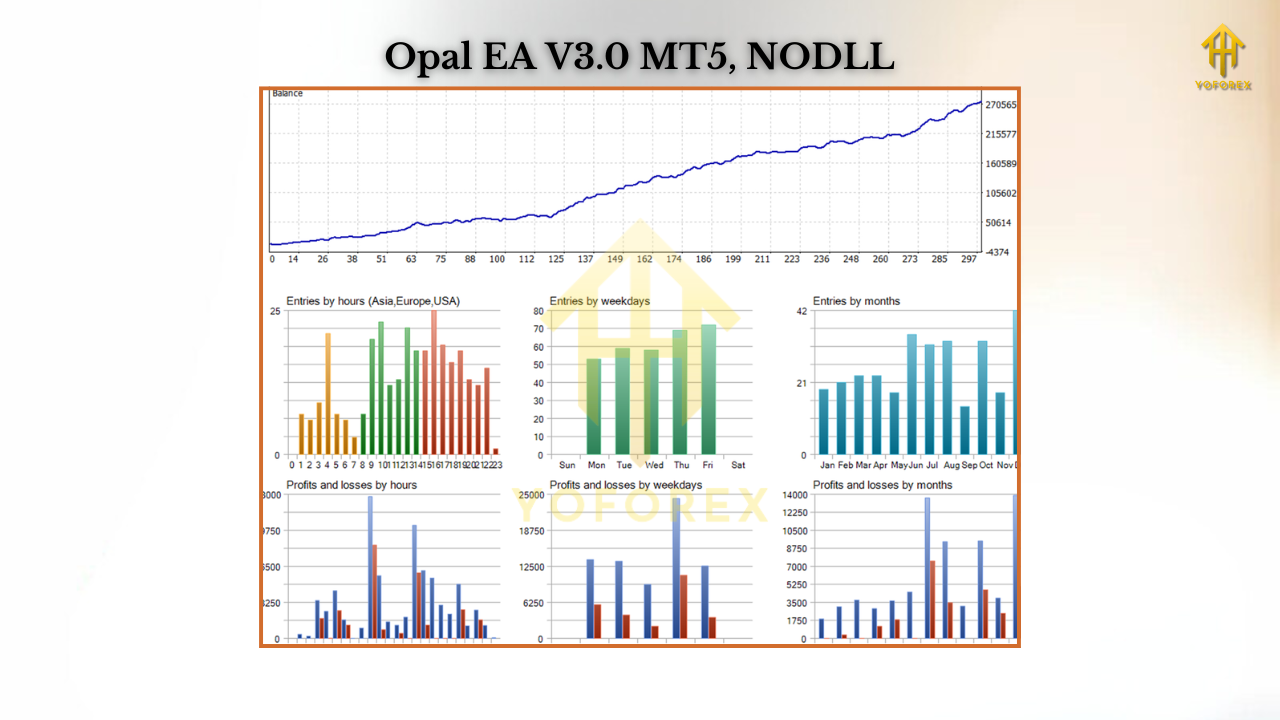
Backtest Results & Live Performance
- Profit factor: 2.5+
- Win rate: ~72%
- Monthly return: 8–12%
- Max drawdown: <9%
- Avg. trades per month: 80–120
How to Install & Configure
- Download Opal EA MT5 from MQL5.software.
- Open MT5 → File → Open Data Folder → MQL5 → Experts.
- Copy the EA file into the Experts folder.
- Restart MT5 and check under Navigator → Expert Advisors.
- Drag and drop Opal EA onto your chart.
- Enable AutoTrading.
Recommended Settings:
- Risk per trade: 1–2%
- Lot sizing: Auto mode for balance growth
- Max open trades: 3–5
- Time filter: Active during London & NY sessions
Why Choose YoForex Tools?
- Free to use – no hidden costs.
- Backtested & verified with real data.
- Regularly updated for new market conditions.
- Supported by a global community of traders.
Support & Disclaimer
- WhatsApp: Click here
- Telegram: Join group
Disclaimer: Trading involves risk. Past performance doesn’t guarantee future profits. Always start with a demo account before going live, and use responsible risk management.






Comments (1)
hi
Leave a Comment