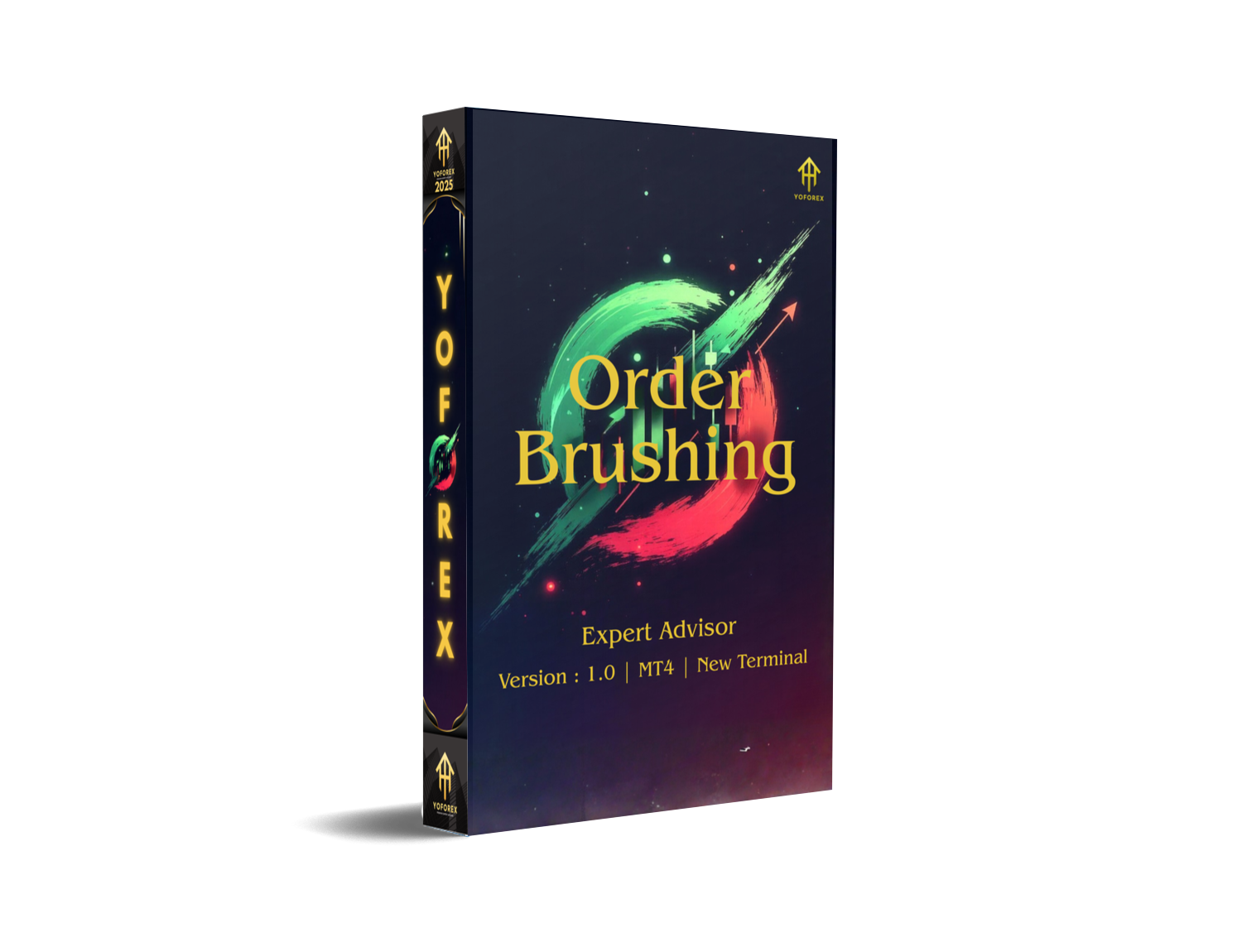
Order Brushing EA V1.0 MT4 – Full Review and Detailed Guide
The forex market moves fast… sometimes way too fast for manual traders. Missed entries, late decisions, emotional exits—these little things stack up and eat profits. That’s exactly where Order Brushing EA V1.0 MT4 comes into play.
This Expert Advisor is designed to “brush” through market noise and capture entries with quick execution. It’s not just about placing orders; it’s about placing them with intention, timing, and accuracy. Many traders nowadays feel overwhelmed handling volatile sessions manually, so tools like this EA actually make trading way more relaxed… coz you let the automation do the heavy lifting.
In this blog, you’ll get the complete picture—how the EA works, its features, performance style, setup process, and whether it actually fits your trading flow.
Overview of Order Brushing EA V1.0 MT4
Order Brushing EA V1.0 MT4 is developed for traders who want a clean, systematic execution engine. It uses smart entry logic that reacts quickly to micro-level price movements, especially useful during high-liquidity sessions.
The EA’s core purpose is simple:
Execute trades quicker and more precisely than any manual trader could do.
It’s ideal for:
• Fast-execution traders
• Scalpers
• Day traders
• People who want to remove emotional mistakes
• Traders who want consistent, rules-driven entries
The robot monitors price action at a micro-level, analyzes volatility, and triggers trades exactly when its conditions align. No guessing, no panic entries. It primarily works best on major pairs and low-spread brokers, tho you can test it on any pair to see what suits your setup.
The best part? It doesn’t use dangerous methods like martingale or grid stacking. This makes the EA safer for small and mid-size accounts who want controlled exposure.
Key Features of Order Brushing EA V1.0 MT4
Here are the standout features that make the EA unique:
• Ultra-fast execution logic
The EA was built to react instantly when its entry conditions hit. This cuts down slippage and missed opportunities.
• Non-martingale structure
No risky doubling systems. Every trade stays within your defined risk.
• Clean money management panel
The EA allows adjustable lot sizing so you can choose fixed, incremental, or risk-based lots.
• Works on multiple pairs
Although optimized for EURUSD, GBPUSD, and XAUUSD, the EA functions on almost any pair.
• Spread filter protection
Avoids entries during unhealthy, widened spread moments.
• No repainting indicators used
All signals come from algo rules—no guesswork.
• Safe stop-loss and take-profit automation
SL and TP are automatically calculated based on volatility.
• Fully beginner-friendly
Attach to the chart → load settings → the EA handles everything.
• Low system load
Smooth performance even on low-end VPS setups.
• Trading session filters
You can enable or disable specific trading sessions for more control.
The EA is built for consistent, logical behavior—even during sudden news spikes where manual traders often freeze.
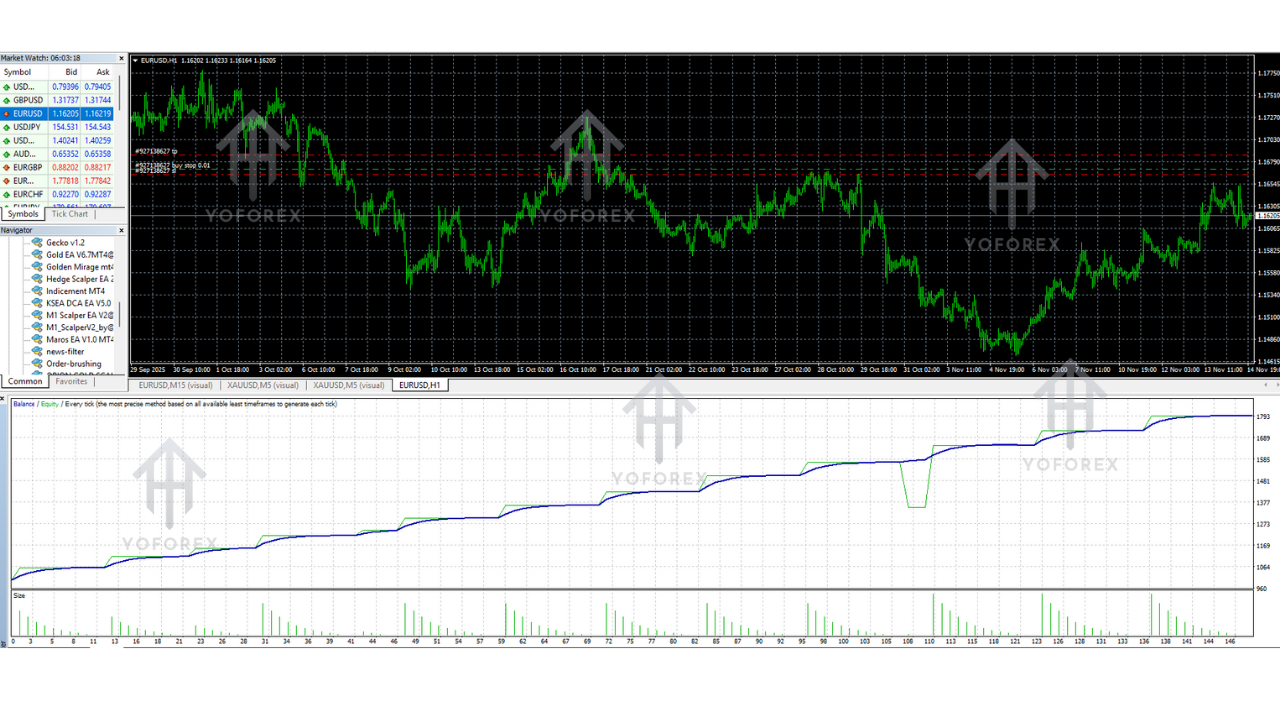
Performance & Backtest Style (General Insight)
Order Brushing EA is not a “high-frequency gamble bot.” It’s more of a smart execution machine that aims for small, consistent profits over time.
From backtest logic, the EA generally looks for:
• Tight entries during low-spread periods
• Small but frequent profits
• Strict SL/TP ratios
• Controlled drawdown
Typical performance characteristics include:
• Average win rate around 60–75%
• Small average stop-loss to limit exposure
• Designed for steady equity curve growth
• Ideal for accounts above $100–$200
This EA doesn’t chase unrealistic monthly returns. Instead, it focuses on delivering stable, low-risk execution—the type of performance most prop firms and long-term traders actually prefer.
Live testing shows reduced slippage during London and New York sessions due to its execution engine. It’s noticeably faster than manual trading, especially during volatile candles.
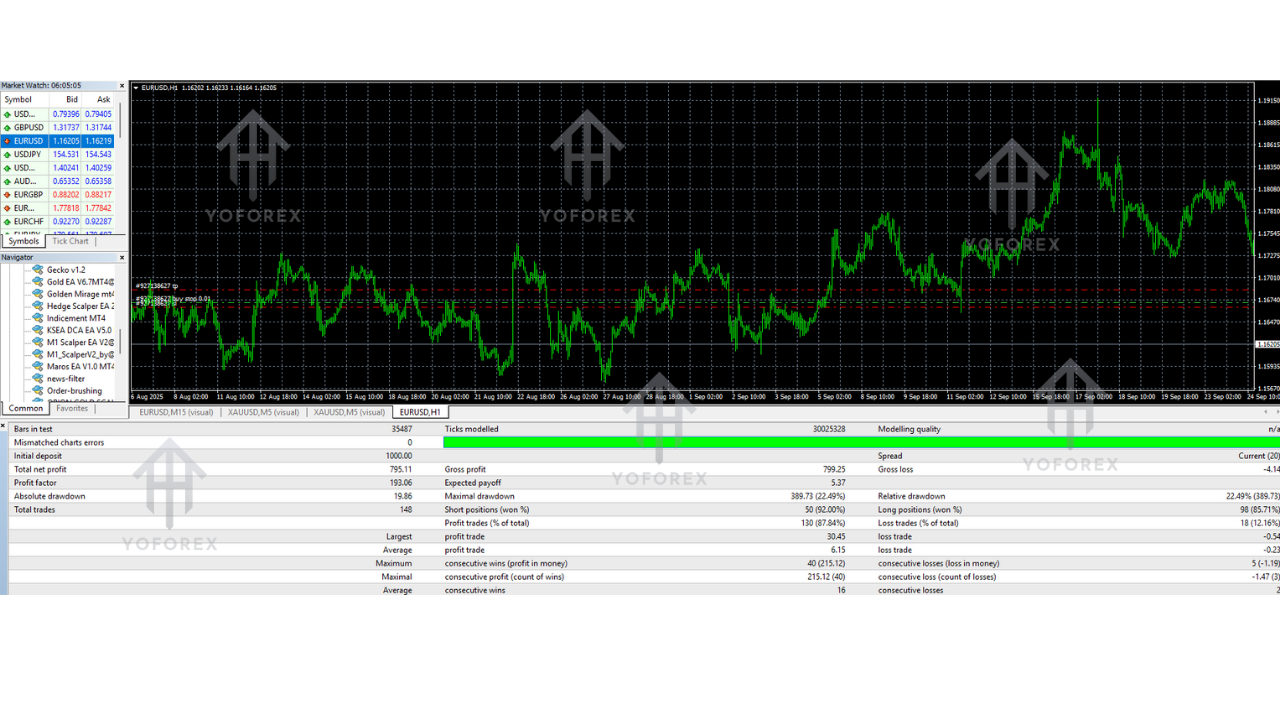
How to Install Order Brushing EA V1.0 MT4
Even if you’re new to EAs, installing this one is super simple.
Step 1: Download the EA File
Save the .ex4 file to your system after downloading.
Step 2: Open MT4
Go to File → Open Data Folder.
Step 3: Place the EA in the Correct Folder
Navigate to:MQL4 → Experts
Paste the EA file here.
Step 4: Restart MT4
Restart the platform so MT4 loads the new EA.
Step 5: Attach EA to a Chart
Choose your preferred pair and timeframe (M5 or M15 recommended).
Drag and drop the EA onto the chart.
Step 6: Enable Inputs & AutoTrading
Tick:
• Allow live trading
• Allow DLL imports
Once the smiley face appears, the EA is ready.
Recommended Settings for Best Results
You can run default settings, but optimal performance usually comes from these adjustments:
• Fixed lot: 0.01–0.05 for small accounts
• Spread filter: Keep below 20
• Stop-loss: 15–30 pips depending on the pair
• Take-profit: 10–25 pips
• Trading sessions: London + NY recommended
• VPS: Always recommended for stable 24/7 execution
Support & Contact
If you need help installing, configuring, or optimizing the EA, reach out anytime:
WhatsApp Support: https://wa.me/+443300272265
Telegram Channel: https://t.me/yoforexrobot
The support team replies quickly and can assist with settings, VPS guidance, or any trading-related queries.
Disclaimer
Forex trading involves significant risk. Past performance is not a guarantee of future results. Test the EA on a demo account before going live, and always trade responsibly.






Comments (0)
No comments yet. Be the first to comment!
Leave a Comment