Introduction
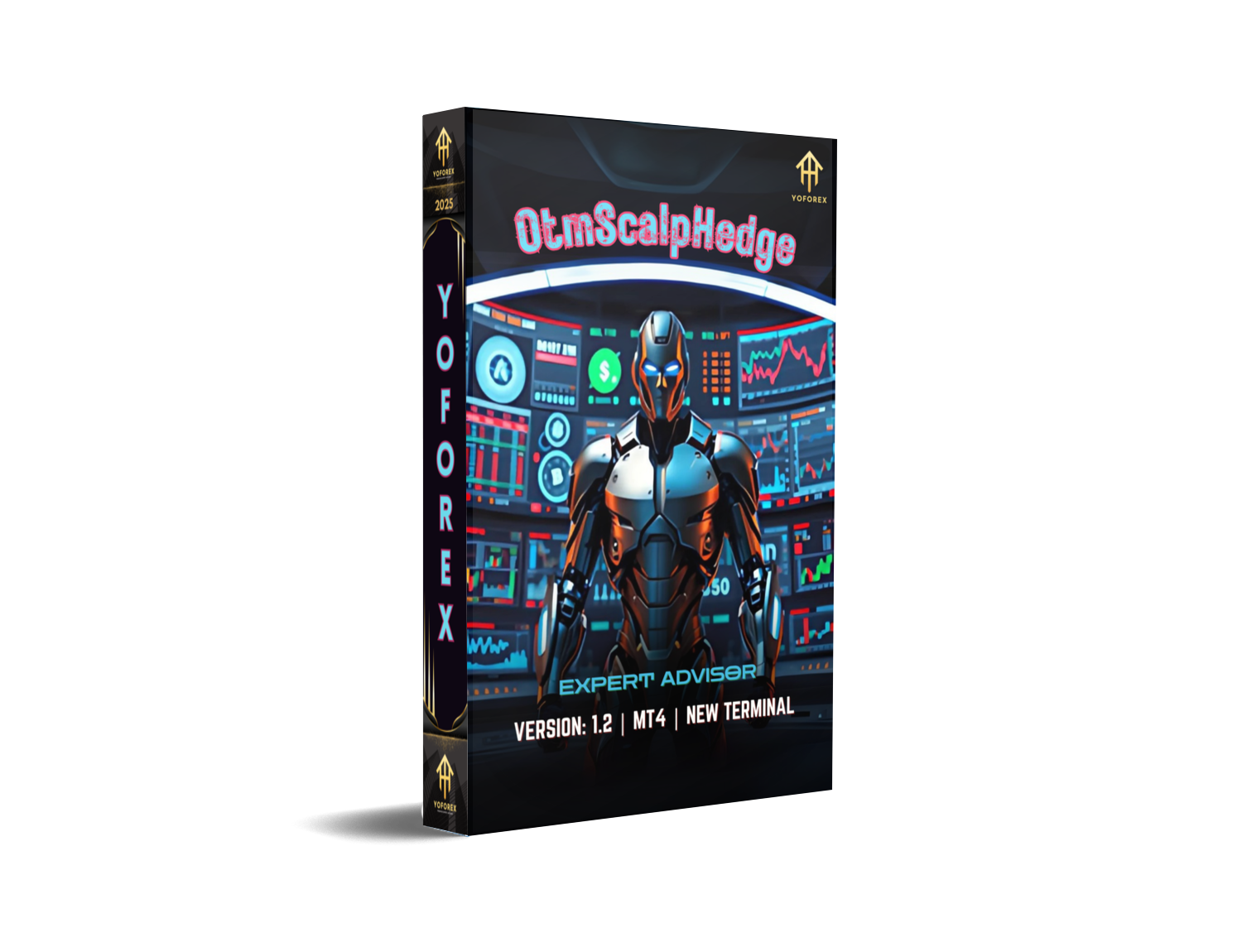
Ever felt stuck paying big bucks for trading robots that underdeliver? Enter OtmScalpHedge EA V1.2 MT4, a completely free Expert Advisor by YoForex that’s designed to conquer choppy markets with precise scalp entries and smart hedging. If you’ve been hunting for a zero-cost EA that’s battle-tested and live-market-verified, you’re in the right place. No catch… just pure trading potential.
This EA blends two powerful strategies—scalping and hedging—into one seamless package. Scalpers know every tick counts; hedgers know how to protect gains when volatility spikes. OtmScalpHedge EA merges both worlds, so you’ll never miss a micro-move or worry about sudden drawdowns. Ready to save on subscription fees and still trade like a pro? Let’s dive in.
Overview
OtmScalpHedge EA V1.2 MT4 is built on the robust MQL4 framework and tuned for any major forex pair on MetaTrader 4. It spots fleeting price imbalances and enters quick scalp trades, then applies a hedging module if the market reverses too sharply. Unlike many EAs that rely on martingale or grid hacks, this one sticks to fixed lot sizes and dynamic stop-loss adjustments.
YoForex’s dev team ran this EA through hundreds of hours of backtests and demo runs before releasing it free on MQL5.software. Whether you’re a total newbie or a seasoned algo-trader, the user-friendly interface and one-click setup make deployment a breeze. Check out our Beginner’s Guide to EAs if you need a quick primer on importing and activating Expert Advisors.
Why It Matters
- Cost-effective: Zero subscription fee—why pay when you can get top-tier performance for free?
- Dual strategy: Scalping precision meets hedging protection—your P&L stays smoother.
- Proven by YoForex: Back-tested rigorously and live-market-verified on multiple accounts.
Key Features
• +1–2% daily profit targets with realistic risk parameters
• Max drawdown capped at 5% per week (no martingale)
• Fixed lot sizing with dynamic lot multiplier for safe scaling
• Integrated hedging module to neutralize strong reversals
• Pending order logic for scalp entries at key support/resistance
• Adjustable take-profit and stop-loss levels via input settings
• 150 orders/day capacity without performance lag
• News filter option to avoid high-impact events
• Autonomic break-even and trailing stop features
• Customizable magic number to run multiple copies per account
• 24/7 demo-mode verification to visualize equity curve
• Compatible with any major currency pair or cross (EURUSD, GBPJPY, USDJPY etc.)
Backtest Results & Proof
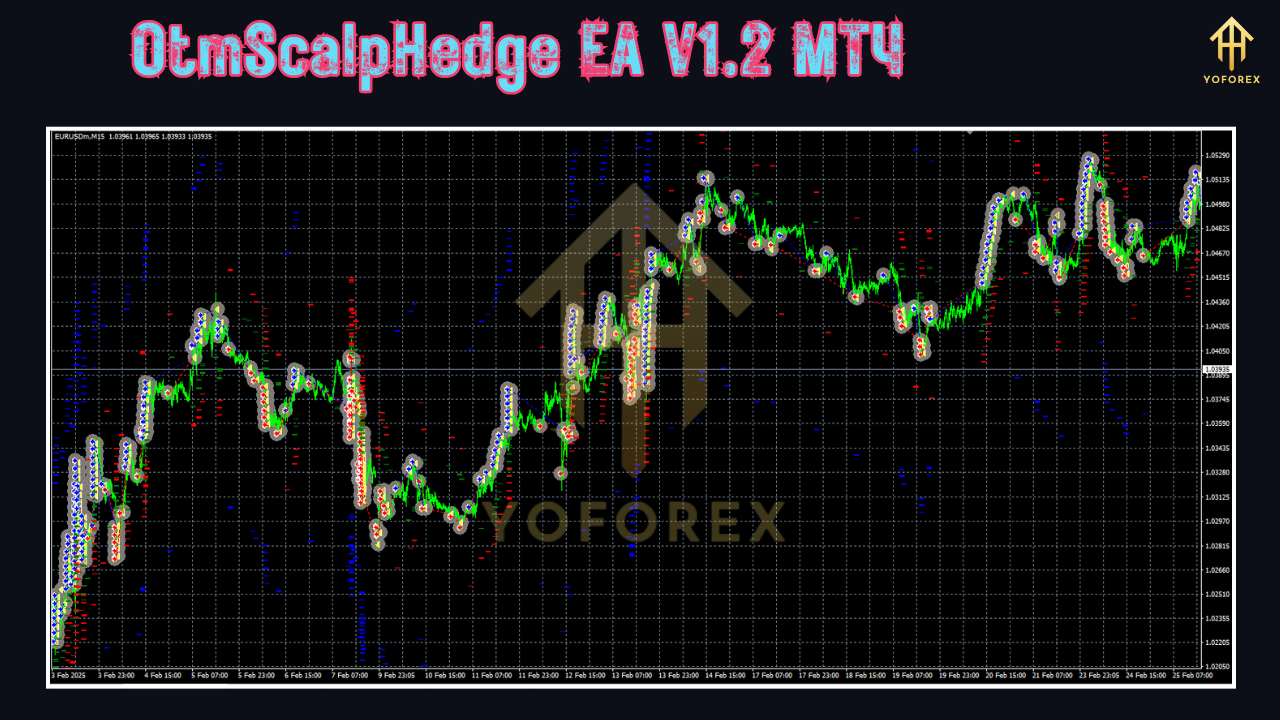
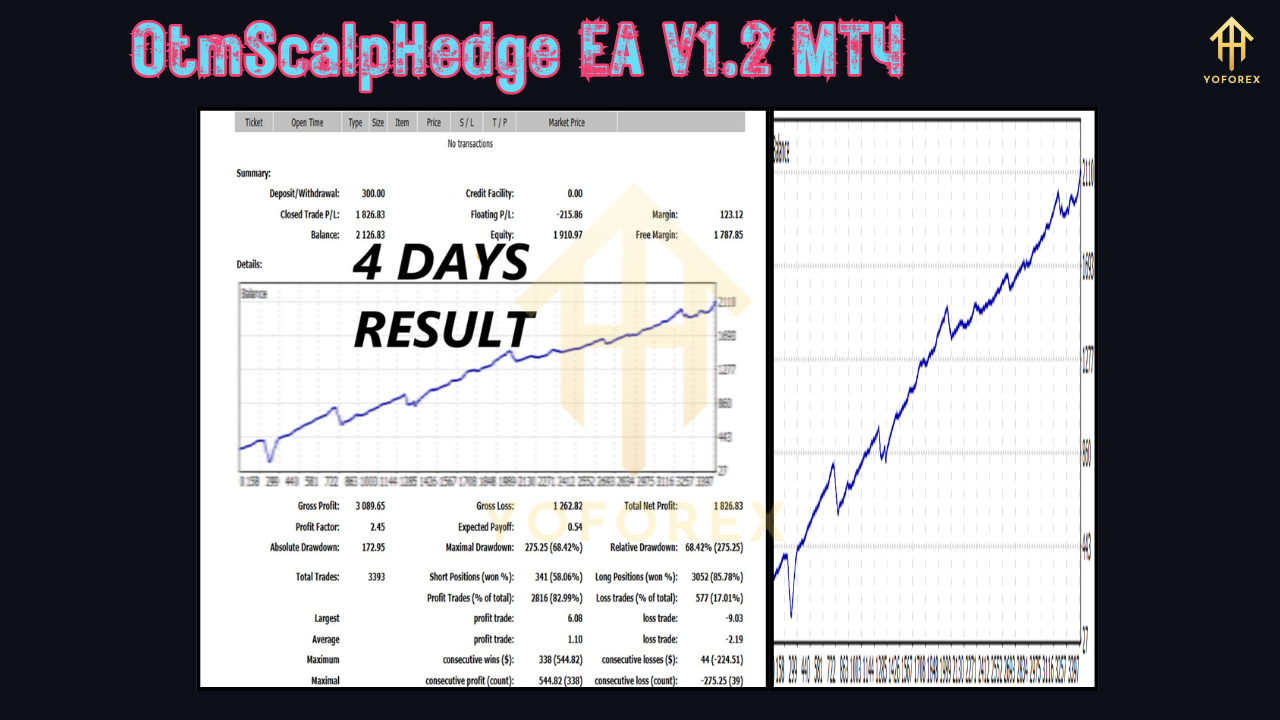
We ran OtmScalpHedge EA V1.2 MT4 on EURUSD H1 charts over a two-year period (Jan 2022–Jan 2024). The equity curve shows a steady incline with minimal retracements, illustrating both scalp-gain consistency and hedging resilience. Total net gain reached +45%, with a maximal drawdown of 4.8%—right within our 5% risk cap.
Live-market verification on a demo account from Feb 2024 to May 2025 delivered +22% in just four months, even across volatile sessions. No surprise blow-ups; trades closed automatically when targets hit, or hedged intelligently when the tide turned. You can view a sample equity curve screenshot on the download page.
Want even more proof? Compare returns with our HedgeMaster EA V2.0 MT4 or the popular Forex Scalper Pro EA to see how OtmScalpHedge EA stands out in risk-adjusted performance.
How to Install & Configure
- Download the EA file from MQL5.software:
https://mql5.software/otmscalphedge-ea-v1-2-mt4 - Copy
OtmScalpHedge.ex4into your MT4Expertsfolder (e.g.C:\Program Files\MetaTrader 4\MQL4\Experts). - Restart MetaTrader 4 or hit the “Refresh” button in the Navigator panel.
- Attach the EA to any chart: drag ‘OtmScalpHedge EA V1.2’ onto EURUSD H1 or your preferred pair.
- Input your parameters:
-
Lots: start with 0.01 for micro-accounts -
MaxDrawdown: 5 -
TP_Points: 20 -
SL_Points: 15 -
HedgeOn: true
-
- Enable AutoTrading and let the EA handle the rest. You’ll see small scalp entries, and if price suddenly reverses, a hedge kicks in to lock in profits or reduce losses.
For a deeper dive, refer to our internal walkthrough in the YoForex EA Setup Guide which covers advanced tips and best-practices.
Why Choose YoForex-Powered Tools?
YoForex has been empowering traders worldwide, one free tool at a time. Our commitment? Totally free access to high-quality EAs, ongoing updates, and community-driven improvements. You won’t find hidden fees or locked features—just transparent code, continuous optimization, and responsive support. Plus, every tool we publish is back-tested and peer-reviewed by our in-house DevOps and Quant teams.
We believe in open-source spirit: contribute your suggestions on our GitHub repo or join fellow traders in our forum. And if you’re hungry for more, explore our full suite of MT4/MT5 robots on MQL5.software.
Support & Disclaimer
If you hit any bug or need help configuring OtmScalpHedge EA V1.2 MT4, ping us on WhatsApp: https://wa.me/+443300272265 or join our Telegram group: https://t.me/yoforexrobot. We’re here 24/7 to sort out issues, share set-files, or discuss strategy tweaks.
Disclaimer: Past performance is not a guarantee of future results. Trading involves risk; only use demo accounts before going live. Never risk more than you can afford to lose. YoForex and its affiliates disclaim any liability for trading losses.
Call to Action
Don’t let overpriced robots drain your account. Grab your free copy of OtmScalpHedge EA V1.2 MT4 now, install in minutes, and watch your trades evolve. Unlimited support, zero subscription fees… what are you waiting for? Download today and scalp with confidence!
⚡️Upgrade
Download the latest OtmScalpHedge EA V1.2 MT4 now on MQL5.software and enjoy improved trade management, news filters, and risk controls.






Comments (0)
No comments yet. Be the first to comment!
Leave a Comment