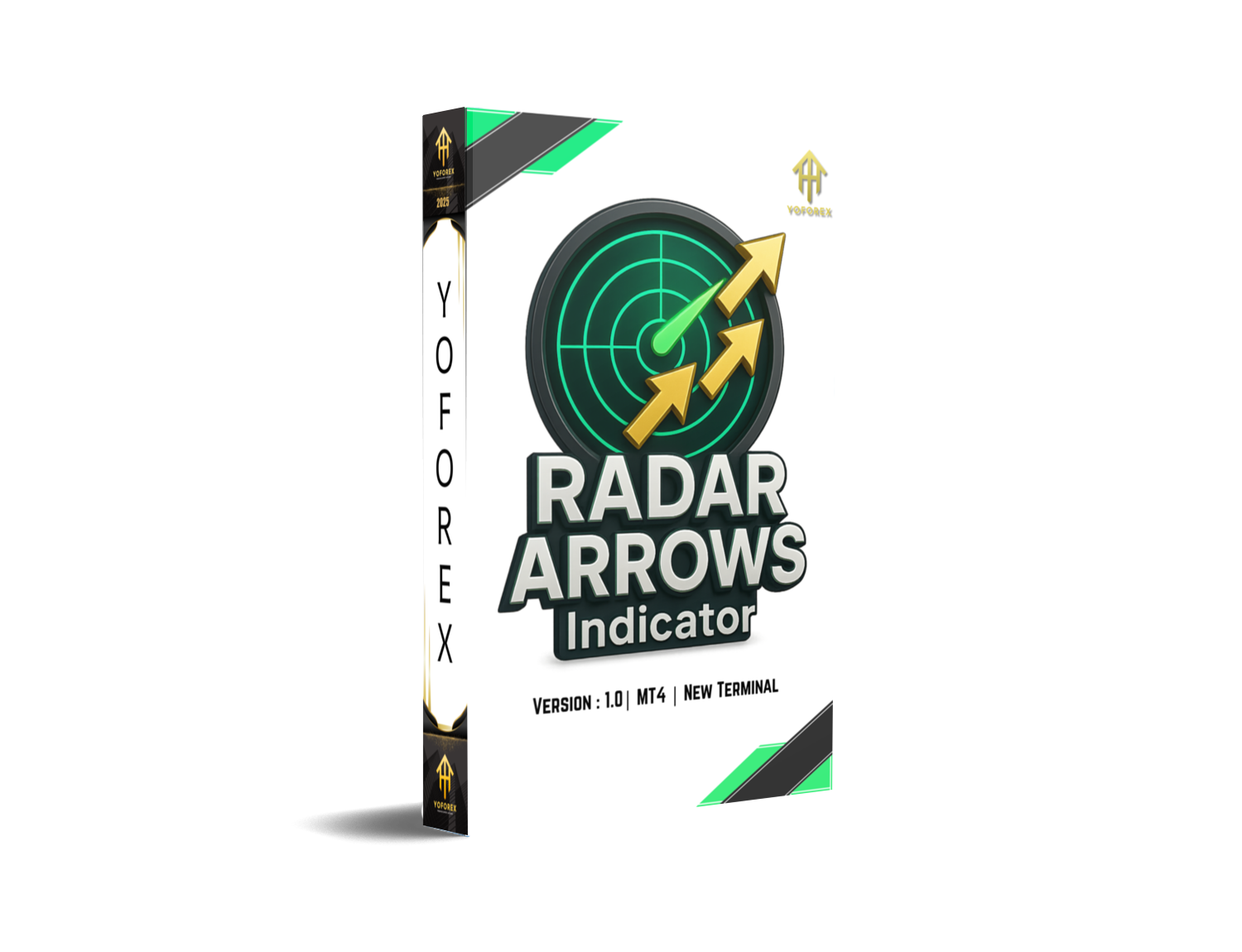
Radar Arrows Indicator V1.0 MT4 — Clean Buy/Sell Signals You Can Actually Use
Tired of cluttered charts and laggy indicators? Same. That’s why the Radar Arrows Indicator V1.0 for MT4 keeps things lightweight and practical—clear buy/sell arrows, smart filters, and simple settings you can tweak in a minute. If you’re scalping on M5, intraday on M15–H1, or swing trading H4, the whole idea is to spot momentum shifts early enough to matter without repaint drama. And yep, it’s aligned with YoForex’s keep-it-real approach: useful tools first, hype later.
Let’s break it down—what it is, how it works, and how to squeeze more signal and less noise from your charts.
What Is the Radar Arrows Indicator?
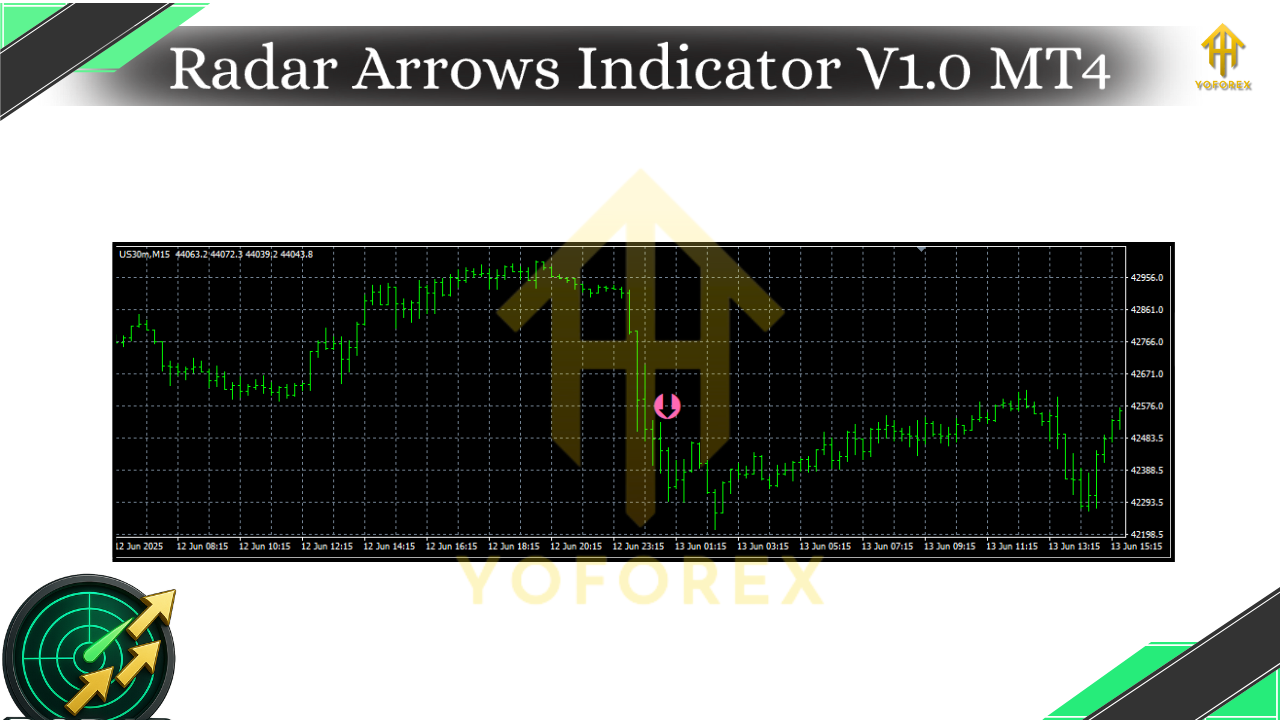
At its core, Radar Arrows is a directional signal tool for MetaTrader 4 (MT4) that marks potential entries using simple arrow icons directly on your chart. Under the hood, it blends trend and momentum logic (think moving average slope + volatility confirmation + candle structure), then prints up arrows for potential buys and down arrows for potential sells. Because signals are confirmed on candle close, you don’t get that annoying after-the-fact repainting; once the bar is closed, the arrow stays put. Nice and predictable.
Who’s it for?
- Traders who want clean signals without learning a dozen indicators.
- Scalpers who need quick, consistent prompts during active sessions.
- Intraday and swing traders who prefer “signal + context” instead of wall-to-wall overlays.
Why Traders Like It (in plain English)
The big win is clarity. Radar Arrows doesn’t try to be a full strategy in a box; it’s a signal layer you can combine with your current routine. It helps you:
- Spot directional bias faster
- Keep entries consistent (no second-guessing every candle)
- Build a rinse-repeat checklist: arrow → confirm confluence → place trade → manage risk
And coz it’s deliberately minimal, you stay focused on execution instead of fiddling with settings all day.
Key Features
• Clear buy/sell arrows on the chart with optional alerts (popup, sound, push)
• Non-repaint on candle close (once the bar closes, the arrow won’t jump)
• Multi-timeframe (MTF) confluence: check higher-TF bias before signaling
• Session filter: ignore dead hours or high-spread periods
• Volatility guard: avoid weak moves in flat markets
• Trend guard: skip counter-trend arrows if overall slope disagrees
• Alert throttling: reduce repeated pings when price dithers
• Directional mode: long-only or short-only if you want to specialize
• Arrow shift: tiny offset so arrows don’t cover candle wicks
• Lightweight code: smooth on VPS / older machines
• Works across pairs: majors, minors, gold (XAUUSD), indices, even crypto CFDs
• Beginner-friendly defaults with room to grow as you test
How the Logic Flows (without the math headache)
- Trend check: The indicator reads base trend (e.g., MA slope + price location).
- Momentum pulse: It looks for a fresh push, not just random chop.
- Volatility sanity: Filters out micro, low-energy candles.
- MTF bias (optional): If enabled, higher timeframe must agree.
- Session filter (optional): No signals outside your chosen hours.
- Confirm on close: Arrow prints after the candle closes, so you know what you’re trading.
End result: fewer accidental clicks in dead markets, more consistency in trending or post-breakout phases.
Best Timeframes & Markets
- Scalping: M1–M5 during liquid sessions (London, NY overlap)
- Intraday: M15–H1 (nice balance of signals vs. quality)
- Swing: H4 if you can wait; arrows are slower but stronger
Pairs? Start with EURUSD, GBPUSD, USDJPY, then expand. XAUUSD (Gold) works well when volatility is healthy. If you trade indices or crypto CFDs on MT4, test your broker feed—symbols differ, spreads can widen, and you’ll want to validate alert timing.
Recommended Setup (Quick Start)
- Trend Confirmation: ON
- MTF Filter: ON (higher TF = 1–2 steps above your chart; e.g., M15 → H1)
- Session Filter: ON (your local prime hours; avoid rollover)
- Volatility Filter: MED
- Alerts: Popup + Sound (add push if you use MT4 mobile)
- Directional Mode: Both (switch to long-only/short-only if testing a bias)
These are “steady first” settings. Once you’re comfortable, loosen or tighten filters to match your style.
How to Install on MT4 (Step by Step)
- In MT4, go to File → Open Data Folder.
- Open MQL4 → Indicators and paste the
RadarArrowsV1.mq4(or.ex4) file. - Close and restart MT4 (or right-click Indicators in the Navigator and hit Refresh).
- From Navigator → Indicators, drag “Radar Arrows Indicator V1.0” onto your chart.
- In Inputs, set filters (MTF, session times, volatility). Click OK.
- To enable alerts, open Inputs → Alert options, and set
true. - Save a template once you like your layout so you can reuse it on new charts in seconds.
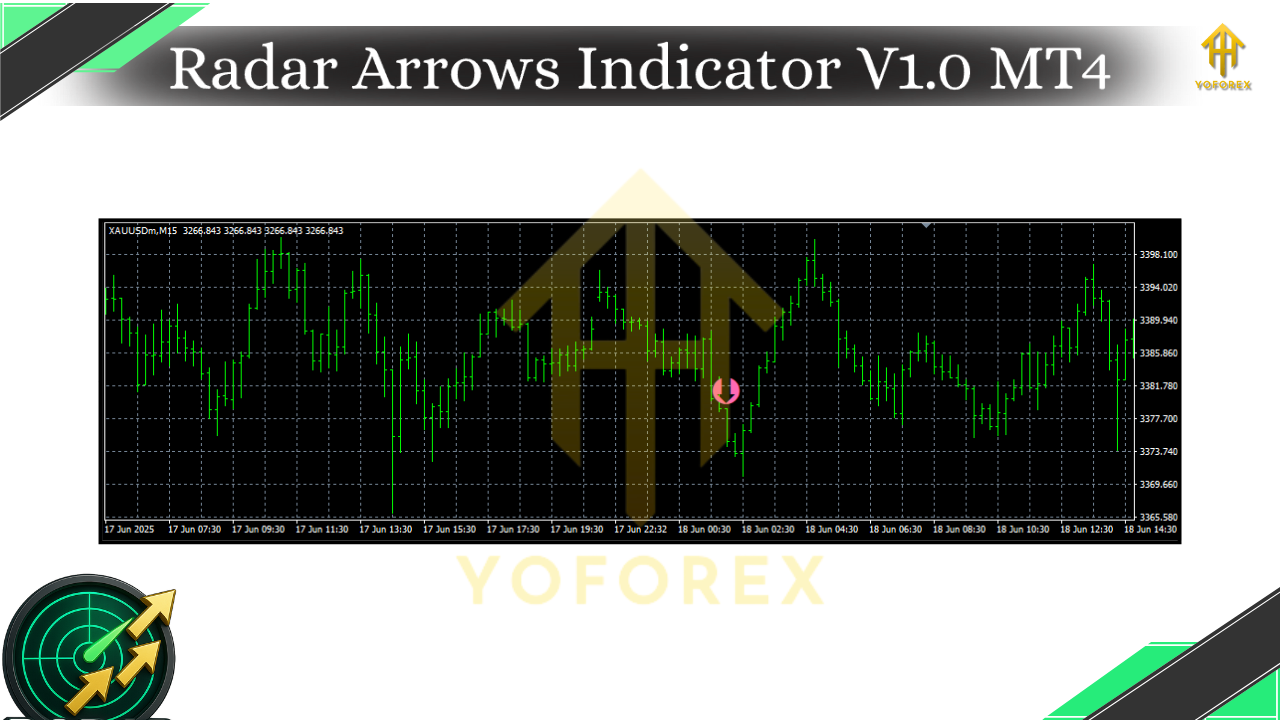
Using Radar Arrows in a Simple Plan (example)
Here’s a no-fluff routine many traders adopt:
- HTF bias: If you trade M15, glance at H1. Only take arrows with the H1 trend.
- Session sanity: Trade your prime session (e.g., London); skip illiquid times.
- Confluence: Combine the arrow with a zone—recent swing high/low, VWAP, or a clean SR level.
- Risk: 0.5%–1% per trade. Stop below/above the signal candle or recent swing.
- Exit: 1:1.2 to 1:2 R:R base target; trail when the next opposing arrow prints or when price closes beyond your structure line.
- Log it: Screenshot the setup; note session, TF, confluence, result. Patterns emerge.
It’s not magic; it’s a repeatable checklist. You’ll be surprised how much that alone helps.
Pro Tips (tiny tweaks, big results)
- Arrow after chop: If the market just chopped in a tight box, wait for a box break and then take the next arrow in the breakout direction.
- Avoid news spikes: Big releases can blow through any filter; either widen stops and reduce size, or sit out 10–15 minutes.
- One market, one week: Don’t hop pairs hourly. Stick to 1–2 instruments while you learn the indicator’s rhythm.
- Journal the filters: Note which filter + TF combo yields the cleanest equity curve for you. Keep that; ditch the rest.
Risk & Common Sense
Trading involves risk. Indicators suggest, you decide. Backtest and forward test on a demo before going live. Markets change; your discipline shouldn’t. YoForex tools are built to help you trade with clarity, not to guarantee profits.
Final Word
Radar Arrows Indicator V1.0 is for traders who want fewer decisions and clearer charts. It won’t do the work for you—but it will make the right work obvious: arrow, confluence, plan, execute. Keep the rules tight, the risk tighter, and iterate. That’s how you turn a good signal into a good month.






Comments (0)
No comments yet. Be the first to comment!
Leave a Comment