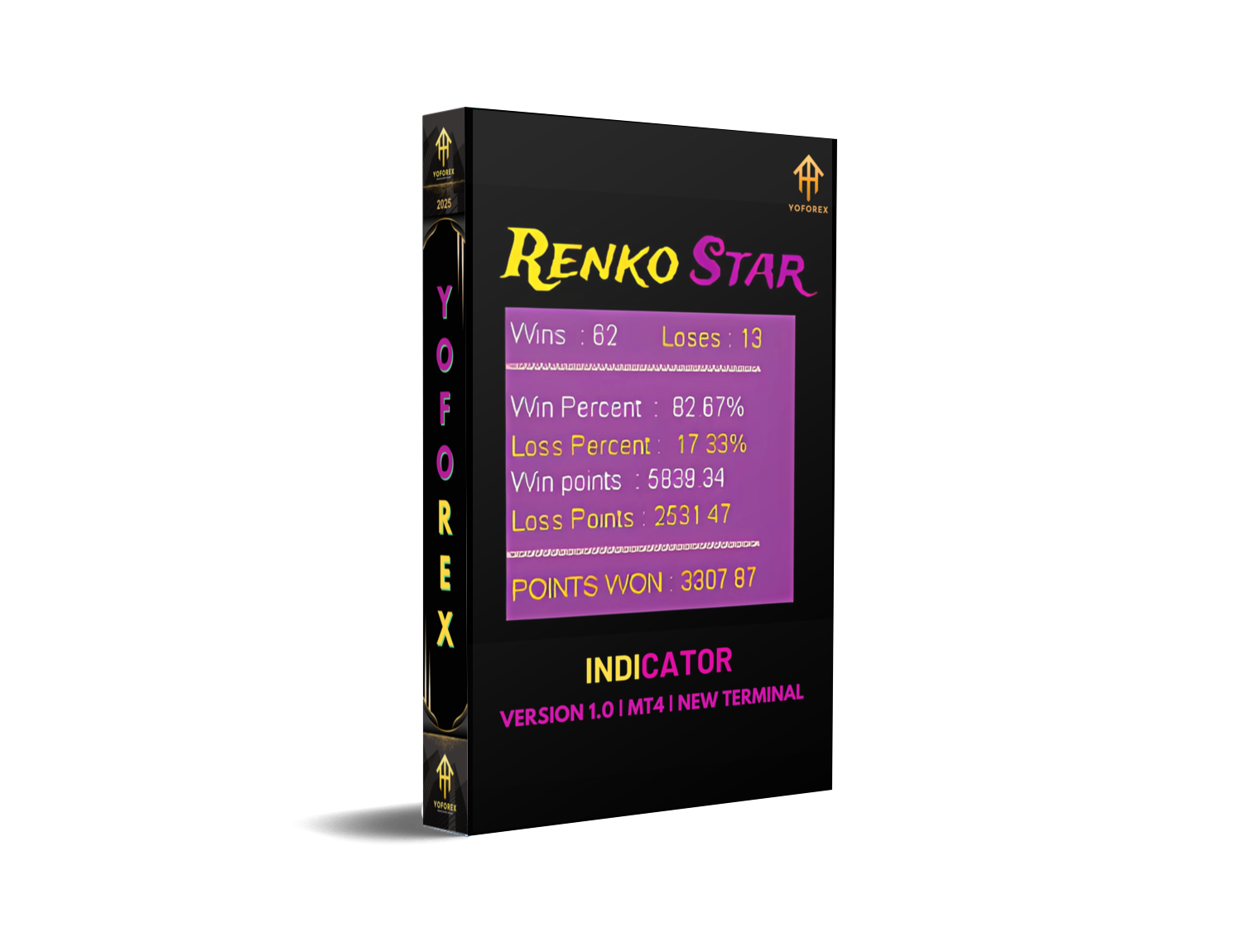
Renko Star Indicator V4.10 MT4 — Precision Brick-Based Signals for EURUSD, GBPUSD & Gold
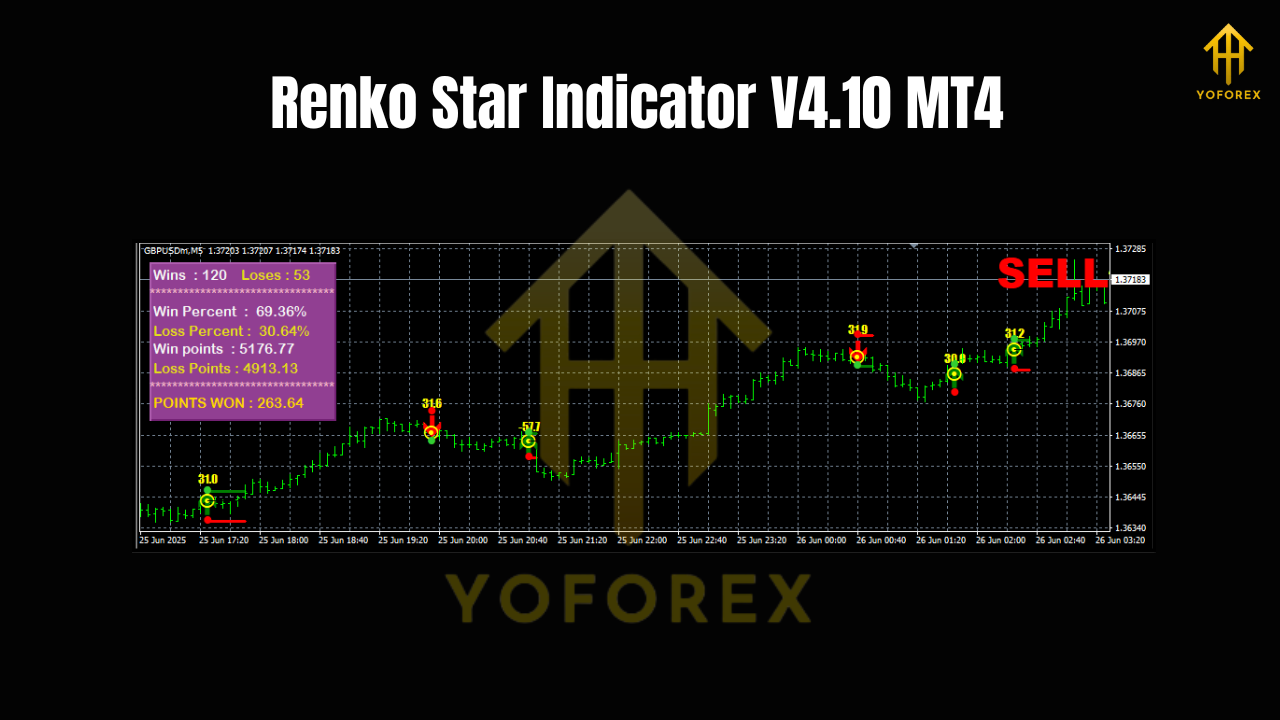
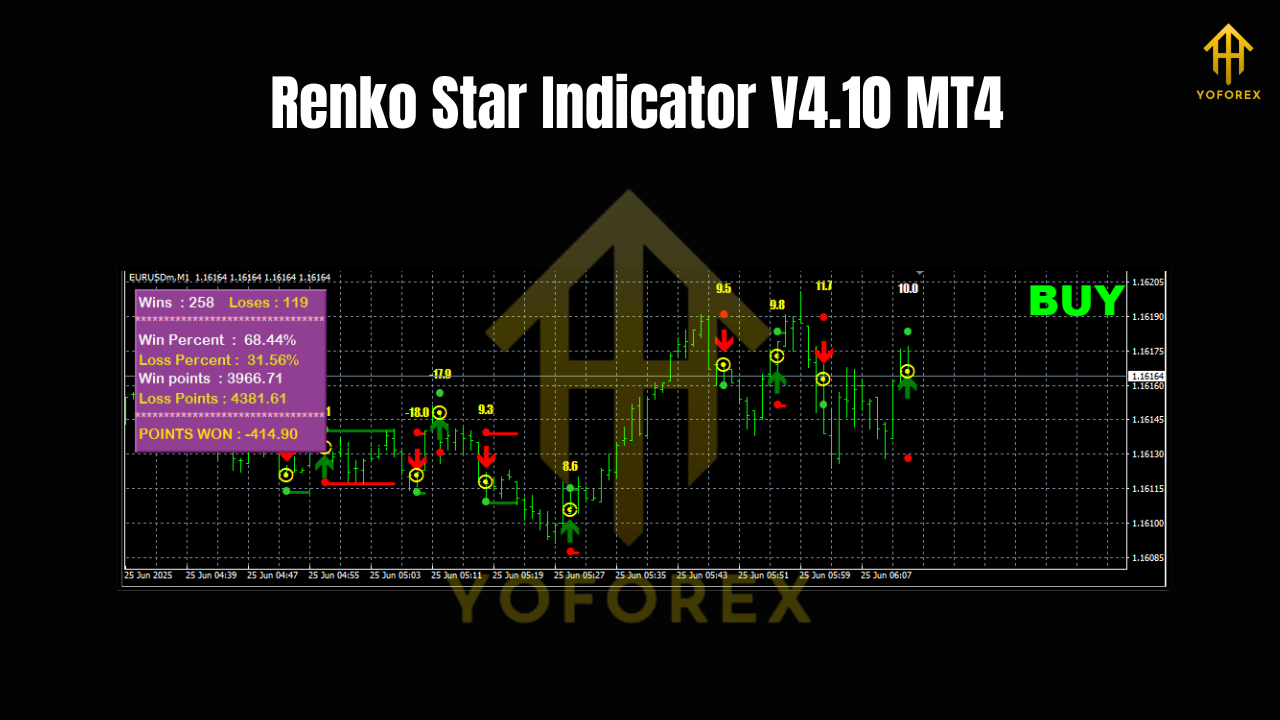
If you’ve ever felt “noise fatigue” on candlestick charts, Renko might be your new favorite lens. The Renko Star Indicator V4.10 for MT4 strips away time-based clutter and focuses on pure price movement. Whether you scalp quick moves on M1/M5 or track the bigger picture on H1/D1, this tool helps you spot structure shifts, momentum bursts, and cleaner trend continuations on EUR/USD, GBP/USD, and XAU/USD. No more second-guessing every little wick—just objective bricks, directional bias, and timely alerts you can actually act on.
What Makes Renko Different (and Why It Matters)
Unlike candles that print every X minutes, Renko bricks form only after price moves a fixed distance—your chosen brick size. That means fewer false flickers and a clearer map of higher highs/lows or lower highs/lows. The Renko Star Indicator V4.10 leans into this advantage with smart filters, visual cues, and alert logic designed to reduce whipsaws and confirm intent before you commit. If you’ve been struggling with overtrading or late entries, switching your lens to Renko is often the unlock.
Who This Indicator Is For
- Intraday scalpers who want clean trend legs on M1/M5 without the usual noise.
- Swing and position traders who prefer structure clarity on H1/D1 across EURUSD, GBPUSD, and Gold.
- MT4 users who want a plug-and-play Renko overlay with clear signals, not just bare bricks.
Key Features of Renko Star Indicator V4.10
- Clear trend bias overlay that adapts as bricks print and structure shifts.
- Smart entry markers when momentum aligns with trend direction and filter rules.
- Optional counter-trend signals with stricter confirmation, so you can fade extremes when it makes sense.
- Customizable brick size suggestions per instrument and timeframe.
- Multi-asset presets: quickly toggle profiles for EURUSD, GBPUSD, and XAUUSD.
- On-chart ATR guide to help you set brick sizes relative to live volatility.
- Alert system (pop-up, sound, push) for new signal bricks, bias flips, and structure breaks.
- Session filter to avoid low-liquidity hours or news spikes if you prefer.
- Clean visual design with color-blind-friendly palettes and minimal clutter.
- Lightweight coding for smooth performance on multiple charts.
Suggested Timeframes & Pairs
- Timeframes: M1/M5 for scalping; H1/D1 for swing context and confirmation.
- Pairs: EUR/USD, GBP/USD, XAU/USD (Gold).
You can mix and match: for example, use H1 Renko to anchor bias and M5 Renko to time entries. That top-down alignment frequently improves your win quality.
Brick Size Guidelines (Practical Starting Points)
Picking a brick size is part art, part math. The indicator offers suggestions, but here are pragmatic starting bands you can refine with ATR:
-
EURUSD
- M1/M5: 5–10 pips
- H1/D1: 15–30 pips
- GBPUSD
- M1/M5: 7–12 pips
- H1/D1: 20–35 pips
- XAUUSD (Gold)
- M1/M5: 50–100 cents ($0.50–$1.00)
- H1/D1: $1.50–$3.00
If you’re seeing too many flips, increase brick size; if entries feel late, reduce it. The built-in ATR guide is handy—set bricks around 0.5–1.0× of the active ATR for your timeframe as a working baseline.
How to Trade with Renko Star (Step-by-Step)
- Define Bias on Higher Frame: Open H1 or D1 Renko for your instrument. Note the dominant direction (higher highs/lows for bullish, lower highs/lows for bearish). Wait for a clean bias color from the indicator.
- Drop to Entry Frame: Flip to M1 or M5 with a slightly tighter brick size. You’re now looking for pullbacks that end with a fresh trend-aligned signal.
- Confirm with Structure: Only take entries after the indicator prints a new signal brick that breaks the mini pullback structure. Avoid chasing extended runs.
- Risk Placement: Place stop beyond the last swing brick cluster (for shorts, above the most recent swing brick high; for longs, below the swing brick low).
- Exit Logic:
- Conservative: target 1.5–2R and trail below/above each new opposite brick.
- Trend-following: ride until a bias flip or a counter-signal appears and closes.
6. Avoid Chop: If bias flips repeatedly within a small range, stand down. Renko is great at exposing chop—use that to your advantage.
Strategy Examples
EURUSD (M5 → H1 Anchor)
- Bias: H1 Renko turns bullish after a higher-high sequence and green bias overlay.
- Entry: On M5, wait for a modest pullback of 2–3 opposite bricks, then a fresh long signal when a green brick breaks the minor pullback high.
- Risk: Stop below the pullback’s swing low brick.
- Management: Trail one brick behind as the move develops; partial out at 1.5–2R.
GBPUSD (M1 Scalps Around London)
- Bias: H1 leaning bullish, but you’re scalping the open.
- Entry: M1 renko prints a quick red pullback, then flips to green with a signal after taking out micro structure.
- Exits: Tight 1–1.5R targets; London’s first hour often delivers quick legs.
XAUUSD (H1 Trend, M5 Precision)
- Bias: D1 Renko bullish; H1 confirms.
- Entry: M5 catches a rotation back into the trend after a $2 pullback. Signal brick prints, with the indicator confirming momentum alignment.
- Exits: First target at recent swing, then trail aggressively—gold can run when volatility expands.
Risk & Money Management Tips
- Keep risk per trade consistent (e.g., 0.5–1.0% of account).
- Avoid stacking multiple correlated trades (EURUSD and GBPUSD may move together).
- Adjust brick size when volatility shifts (watch ATR). Static bricks in a dynamic market can either overtrade you or leave you late.
- Journal your brick sizes and outcomes per pair/time—your data will quickly reveal sweet spots.
Installation & Setup (MT4)
- Copy Files: Place Renko Star Indicator V4.10 in
MQL4/Indicatorswithin your MT4 data folder. - Restart MT4: Or refresh the Navigator panel.
- Attach to Chart: Open the instrument chart (any timeframe), drag the indicator onto it.
- Set Brick Size: Start with the ranges above or toggle the ATR-guided suggestion in Settings.
- Choose Profile: Pick EURUSD, GBPUSD, or XAUUSD preset to autoload visual colors and alert defaults.
- Enable Alerts: Decide on pop-up, sound, or push notifications. Set session filters if desired.
Pro tip: Keep a clean workspace—one higher-timeframe chart for bias, one lower-timeframe chart for entries. Less is more.
Best Practices for Consistent Results
- Align timeframes: H1/D1 for bias, M1/M5 for precision.
- Don’t fight structure. If bricks show lower highs/lows, skip longs until a real flip confirms.
- Keep brick size relevant to volatility; review weekly.
- Use alerts, not impulse. Let the system tell you when your plan’s conditions are met.
Final Thoughts
Renko Star Indicator V4.10 MT4 isn’t about predicting the future—it’s about reading price action with less noise and more conviction. On EURUSD, GBPUSD, and Gold, the blend of clean bias overlays, momentum-aware entries, and alerting helps you avoid hesitation and overtrading. If you want a repeatable workflow—bias on H1/D1, execution on M1/M5—this is a tool that makes sticking to the plan much easier. Trade small at first, document brick sizes and outcomes, and iterate toward your personal sweet spot.
Join our Telegram for the latest updates and support






Comments (0)
No comments yet. Be the first to comment!
Leave a Comment