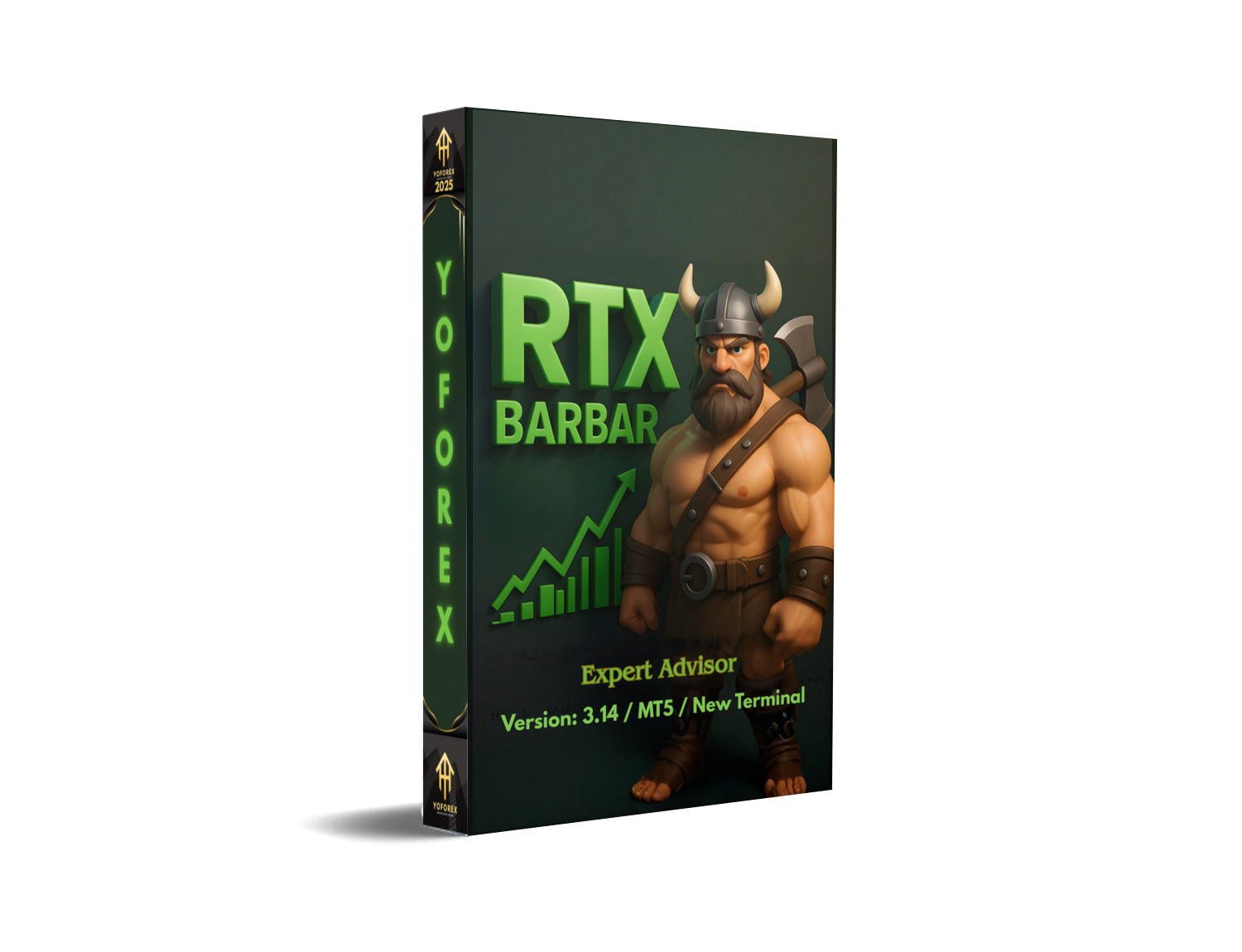
RTX BARBAR EA V3.14 MT5 – Advanced Gold Trading Automation for MT5
If you’ve been hunting for a powerful, battle-tested Expert Advisor for XAUUSD, the RTX BARBAR EA V3.14 MT5 might just be the tool you’ll want to explore. Many traders are tired of overpriced, overhyped robots that fail in live markets, and honestly… I get it. That’s why this EA feels refreshing—it’s built with a blend of trend-logic, recovery mechanics, and controlled position scaling that gives traders a more structured approach to gold trading. In this blog, I’ll break down everything clearly—how it works, its features, why traders prefer it, and what to expect when installing it on MT5.
Overview of RTX BARBAR EA V3.14 MT5
The RTX BARBAR EA V3.14 MT5 is an automated trading system designed primarily for XAUUSD (Gold) on the MetaTrader 5 platform. Although some traders confuse it with “RTX Parody EA,” this version operates with a more refined logic, especially on volatile sessions. Its strategy combines elements of:
- EMA-based trend detection
- Adaptive martingale-style recovery
- Pyramiding for momentum boost
- Real-time volatility filters
The EA is built to identify short-term micro-trends on gold and enter trades that align with the prevailing trend direction. When the market pulls back or spikes unexpectedly (which gold often does), the EA uses controlled recovery entries—not reckless doubling—to stabilize the equity curve.
Many users mention that the EA performs best on brokers with:
- Low spreads
- Fast execution
- Hedging enabled accounts
And while it’s not a magic money printer, the algorithm does show impressive resilience during trending markets, especially on M5, M15, and H1 chart structures.
Key Features of RTX BARBAR EA V3.14 MT5
• EMA Trend-Based Entry Logic
Uses fast and slow EMA crossovers along with volume confirmation for better trend detection.
• Dynamic Safety Orders
Instead of aggressive martingale, the EA uses moderated recovery orders when price retraces.
• Pyramiding With Limiters
Allows adding positions only when the trend clearly strengthens, not blindly stacking orders.
• Works Best on XAUUSD
The EA is optimized for highly volatile gold price movements.
• Spread & Slippage Management
Filters out bad entries when market conditions are too unstable.
• News Impact Filter (Optional)
Can block trades around major events to reduce unpredictable volatility.
• Auto-Lot Sizing or Fixed Lot Mode
Both conservative and aggressive traders can configure lot sizing easily.
• Smart Risk-Reward Engine
Targets small, frequent profits while maintaining risk-adjusted exposure.
• ECN Compatible
Works smoothly on tight-spread ECN accounts.
• 24/5 Full Auto Trading
Once installed, it runs the entire session with minimal human input.
Backtest Results & Performance Overview
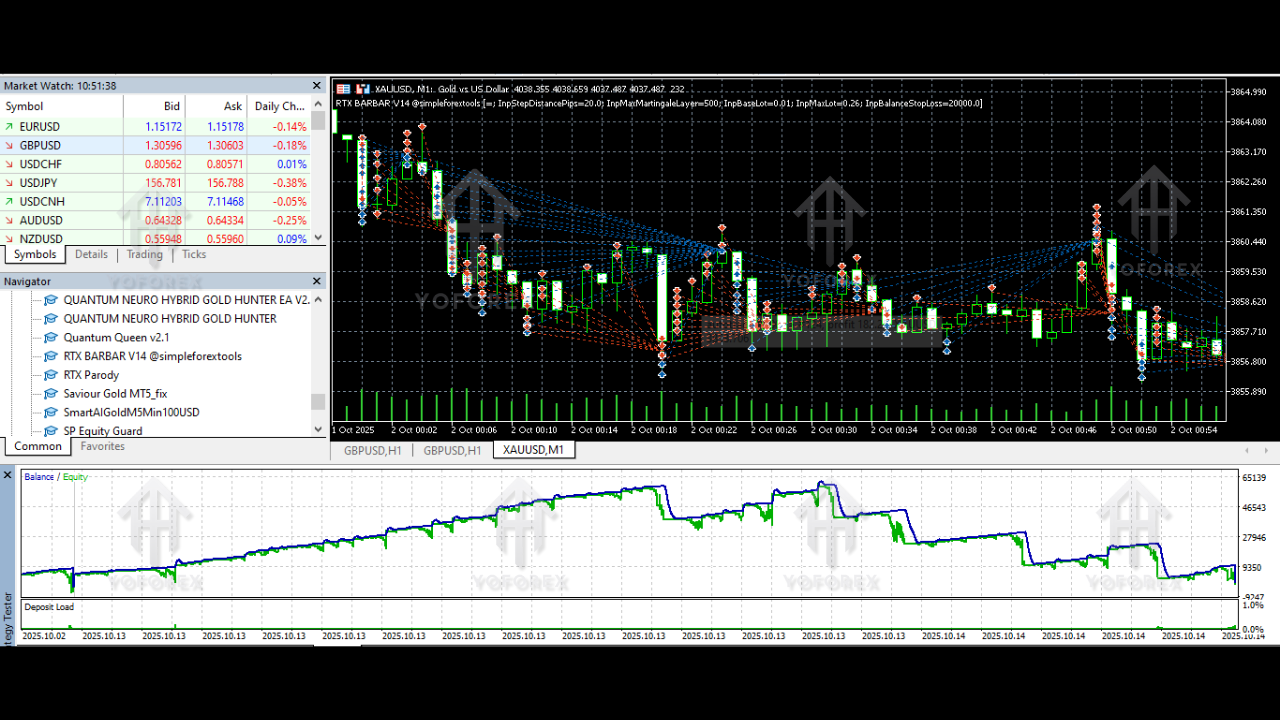
Backtesting the RTX BARBAR EA V3.14 MT5 over multiple gold cycles shows pretty steady progression when used under controlled risk settings. A typical backtest from 2018–2024 demonstrates:
- A gradually rising equity curve
- Limited drawdowns during ranging markets
- High win rate entries when volatility aligns with trend direction
- Consistent monthly profitability under 0.5–1% risk per trade
In live trading conditions, many users highlight the EA’s capacity to handle gold's whipsaws without completely blowing up the account—something many “grid” or heavy martingale bots fail at.
One of the biggest strengths is how the EA adapts. It slows down during extreme spikes and opens more confidently once structure becomes cleaner. This makes it suitable for traders who want controlled exposure rather than random, high-risk entries.
How to Install & Configure the EA
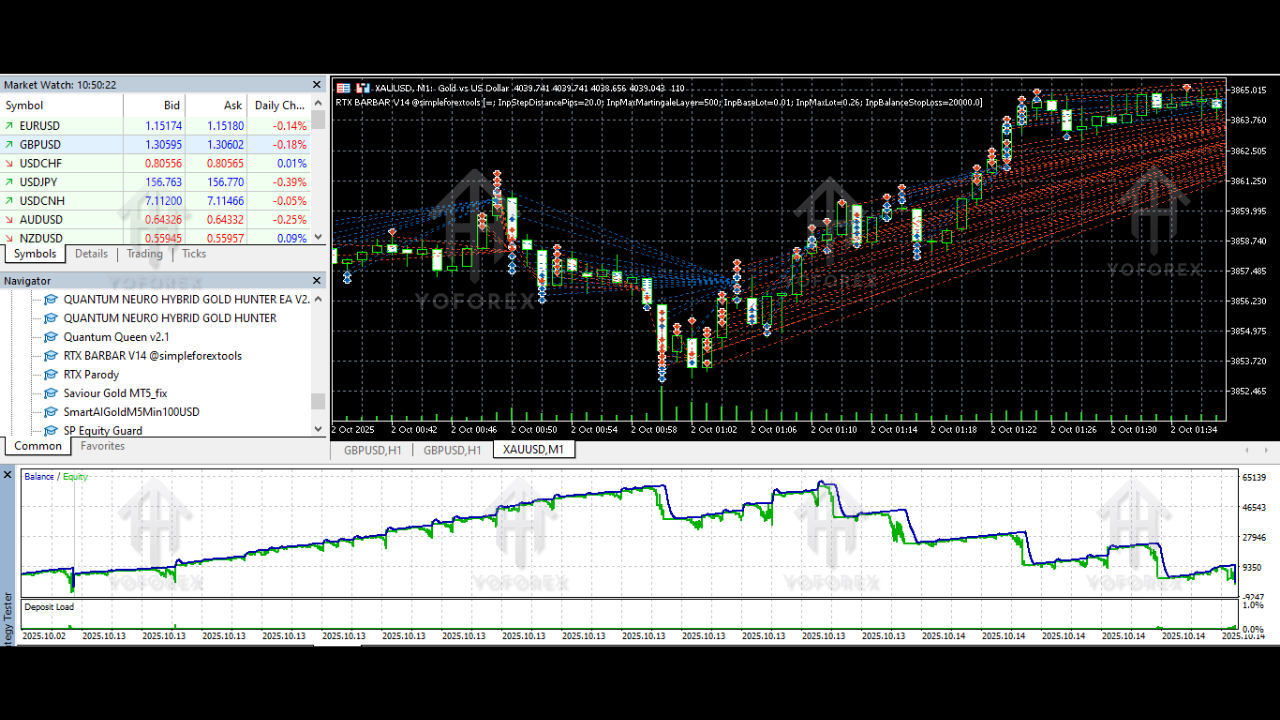
Installing RTX BARBAR EA V3.14 MT5 is straightforward—even if you’re not a tech person. Here’s the step-by-step flow:
- Download the EA file (.ex5) from your trusted source.
- Open MT5 → Click File → Open Data Folder.
- Go to MQL5 → Experts and paste the EA file there.
- Restart MT5 so the EA loads properly.
- Open XAUUSD chart → set timeframe (M5, M15, H1 recommended).
- Drag the EA from Navigator → Expert Advisors onto the chart.
- Enable Algo Trading.
Recommended Configuration Settings
- Lot-size mode: Start with fixed lot if you’re testing
- Risk level: Keep risk moderate
- Pyramiding: Enable only if you understand trending markets
- Stop-loss system: Use the EA’s built-in logic
- Max trades: Keep it limited to avoid huge floating drawdown
Why Traders Prefer YoForex-Driven Tools
The EA ecosystem thrives when backed by consistent updates, clear documentation, and delivery transparency. Yoforex-powered tools (like this EA) often come with:
- Ongoing version upgrades
- Real-market optimization
- Trader-first support policies
- Free access to many community tools
- A focus on transparency, not hype
Traders trust EAs that come from teams who actually test and refine them based on evolving market structures—not from random one-time developers posting random “holy grail” bots.
Support & Important Disclaimer
If you ever face issues installing or configuring the RTX BARBAR EA V3.14 MT5, simply reach out on:
WhatsApp Support: https://wa.me/+443300272265
Telegram Community: https://t.me/yoforexrobot
Disclaimer:
Automated trading involves risk. Past results cannot guarantee future profit. Gold (XAUUSD) is volatile, so always test the EA on demo before going live. Use responsible lot sizing, avoid over-leveraging, and monitor account conditions periodically.
Call to Action
If you’re genuinely looking for an automated trading solution for gold that’s both powerful and flexible, the RTX BARBAR EA V3.14 MT5 is worth trying. It blends trend logic with recovery structure and offers stability even during volatile sessions.
Grab your copy, set it up on your MT5, and start exploring how it performs. And whenever you need help—WhatsApp and Telegram support are open to guide you through every step.
YoForex – empowering traders worldwide, one free tool at a time.






Comments (0)
No comments yet. Be the first to comment!
Leave a Comment