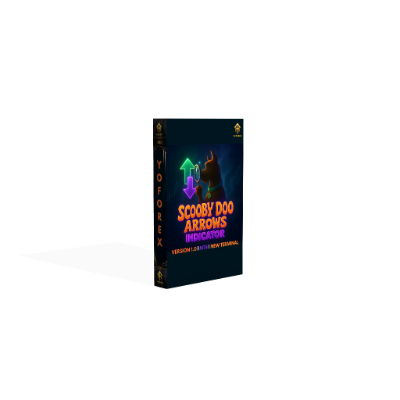
Scooby Doo Arrows Indicator V1.0 MT4 – Clear Buy/Sell Signals Without The Noise
Tired of messy charts and laggy confirmations? Same. That’s why the Scooby Doo Arrows Indicator V1.0 for MT4 aims to keep it super simple—clean up your chart, show only high-probability arrows, and let you focus on execution. It’s built for intraday traders who want fast, visual signals without diving into ten different sub-windows. Just arrows, alerts, and a few smart filters; no fluff. You’ll still use your own risk management, of course, but this tool cuts down the hesitation… coz half the battle is clarity, right?
Whether you scalp on M5 or ride intraday swings on M30/H1, the indicator highlights momentum shifts with up/down arrows and optional confirmations. It’s lightweight, beginner-friendly, and doesn’t force a strategy on you—use it with your favorite S/R levels, supply-demand zones, or price action patterns. And no, it’s not an EA; it won’t place trades for you. You stay in the driver’s seat.
What Is It, Exactly?
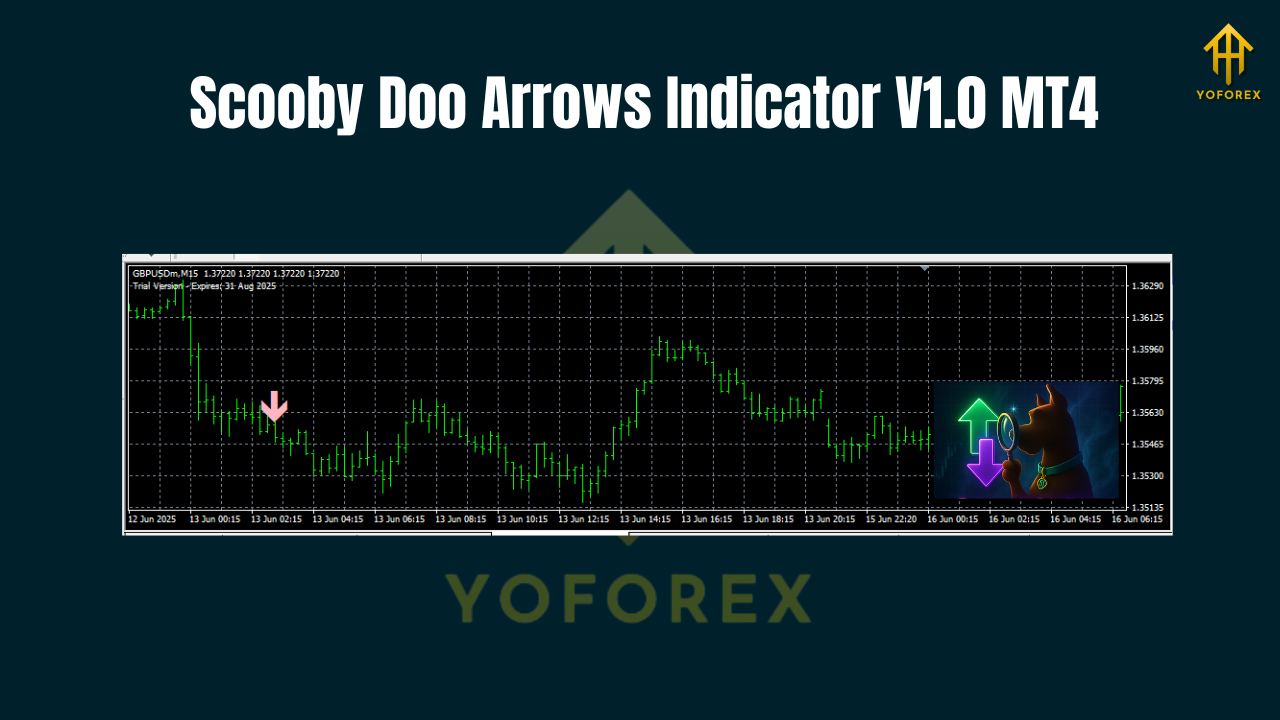
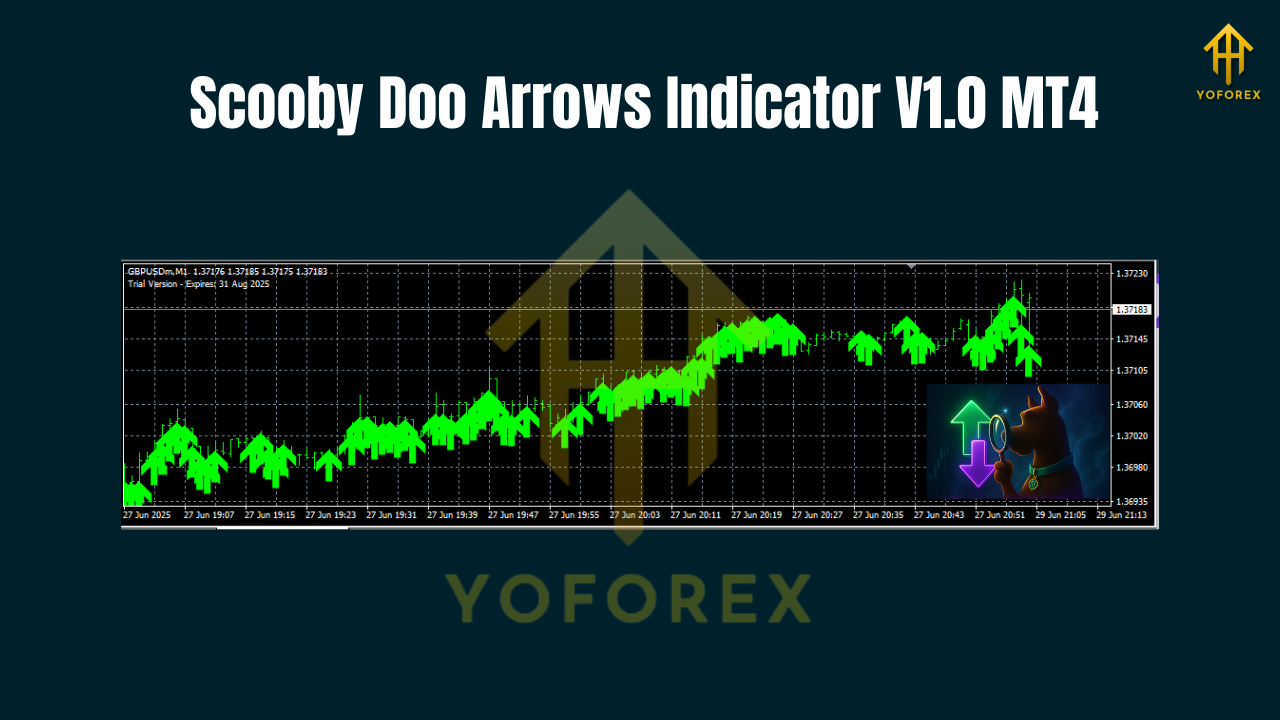
Scooby Doo Arrows V1.0 is a buy/sell arrow indicator for MetaTrader 4 that scans recent price action and volatility to mark potential entry spots. It mixes a directional bias filter (think trend detection) with impulse detection (spotting the push that often triggers short bursts of follow-through). The result is a chart that flags potential turns or continuations—without repainting after candle close. If you enable “Bar Close Confirmation,” an arrow only prints once the candle is locked, which helps reduce the “ghost arrow” problem many indicators suffer from.
Who it’s for:
- Scalpers who want quick, visual triggers (M5–M15).
- Intraday traders who prefer fewer, higher-quality signals (M30–H1).
- Beginners who need a straightforward read on direction.
- Advanced traders who want an on-chart signal layer to combine with their own edge.
Best markets: Major pairs with tight spreads—EURUSD, GBPUSD, USDJPY, USDCAD. You can test XAUUSD too if your broker’s spread and execution are good, but keep parameters a tad stricter.
Key Features You’ll Actually Use
- Arrow Signals (Buy/Sell): Clear on-chart arrows for potential entries.
- Bar-Close Confirmation (optional): Reduce noise/repaints by confirming at candle close.
- Trend Filter: Toggle a moving-average or structure-based filter to align signals with the prevailing move.
- Volatility Guard: Avoid signals during ultra-tight ranges or chaotic spikes.
- Multi-Timeframe Bias (MTF): Use H1 bias while trading M15, for example (optional).
- Smart Alerts: Pop-ups, push notifications, email—so you don’t babysit charts.
- Session Filter: Limit signals to London/NY if that’s your thing.
- No EA, No Martingale: Pure indicator. You decide risk and entries.
- Color/Size Controls: Make the arrows and labels visible on any theme.
- Lightweight: Won’t bog down your platform, even on multiple charts.
How It Works
Under the hood, the indicator looks for momentum shifts near logical areas (micro pullbacks, minor breakouts, or small reversal structures). When certain conditions line up—directional bias + impulse + acceptable volatility—an arrow prints. If you turn on Bar-Close Confirmation, the arrow won’t show until the candle finishes; this slightly reduces early entries but helps keep the chart “honest,” which many traders prefer.
Recommended time frames:
- M15 for scalping with fewer false starts than M1/M5.
- M30/H1 for intraday swings and cleaner structure.
Pair selection: Majors are best because of spreads and cleaner behavior. If you try gold or indices, tighten your filters, reduce position size, and expect more chop during news bursts.
A Simple Trading Workflow (Use As A Template)
- Pick Your Bias: Add a 50/100 EMA or your preferred trend line. Trade arrows that agree with the bias.
- Wait For The Arrow: When a signal prints, don’t chase; plan.
- Confirm With Price Action:
- For buys: look for higher lows or a break/retest.
- For sells: look for lower highs or a clean break/retest down.
4. Place Your Stop:
- For buys: below the recent swing low (or ATR-based).
- For sells: above the recent swing high.
5. Targets: Aim 1:1 first; scale at 1:1, then trail for 1:1.5–1:2 if momentum holds.
6. Avoid Rubbish Times: Use the Session Filter to stick to your best hours (London/NY overlap is popular).
7. News Caution: Pause around high-impact events; volatile spikes can fake any indicator, tho the volatility guard helps.
Settings That Matter (And Why)
- Signal Sensitivity: Lower = fewer, stronger arrows; higher = more frequent signals. Start middle, adjust per pair.
- Trend Filter: On for beginners (cuts counter-trend traps). Advanced users can toggle off for range tactics.
- Bar-Close Confirmation: On to cut noise; off if you want earlier entries (accept the risk).
- Volatility Threshold: Bump it up on choppy days; lower it when markets are smooth.
- MTF Bias: Try H1 bias when trading M15; it keeps you aligned with the “bigger” push.
- Alerts: Enable push notifications so you can step away without FOMO.
Installation & First-Time Setup (MT4)
- Copy the file: Place
Scooby-Doo-Arrows-V1.0.ex4into MQL4 → Indicators. - Restart MT4: Or right-click Indicators and hit Refresh.
- Attach To Chart: Navigator → Indicators → double-click Scooby Doo Arrows.
- Inputs:
- Start with defaults.
- Turn Bar-Close Confirmation = true for a cleaner read.
- Keep Trend Filter = true initially.
5. Save A Template: After styling colors/sizes, save as SCOOBY_ARROW.tpl for quick reuse.
Best Practices & Risk Notes
- Risk Per Trade: 0.5–1.0% is sensible for most; scale only after consistent results.
- One Chart, One Role: Don’t force it to do everything. Use it as a trigger layer, not a full system.
- Journal Religiously: Screenshot arrow + your confluence (S/R, structure, sessions). You’ll spot patterns quickly.
- Backtest → Demo → Live: Always practice and forward-test before risking real funds.
Disclaimer: Indicators assist decision-making; they don’t guarantee profits. Market conditions change. Trade responsibly.
Who Will Love This Indicator?
- Busy traders who want visual clarity and alerts.
- Structure-first traders who like confluence: arrow + break/retest + session edge.
- Newer traders who need a “clean chart compass” while they learn price action.
If you’re the type that thrives on signal + structure synergy—this will feel like a breath of fresh air.
Final Thoughts
The Scooby Doo Arrows Indicator V1.0 MT4 won’t replace a solid plan, but it will help you see opportunities sooner and cleaner. Keep your process simple: bias → arrow → confirm → execute. Start conservative, take screenshots, iterate. With a little discipline, this thing can become your “first alert” layer that cuts hesitation and keeps you focused on structure and risk.
Join our Telegram for the latest updates and support






Comments (0)
No comments yet. Be the first to comment!
Leave a Comment