Introduction
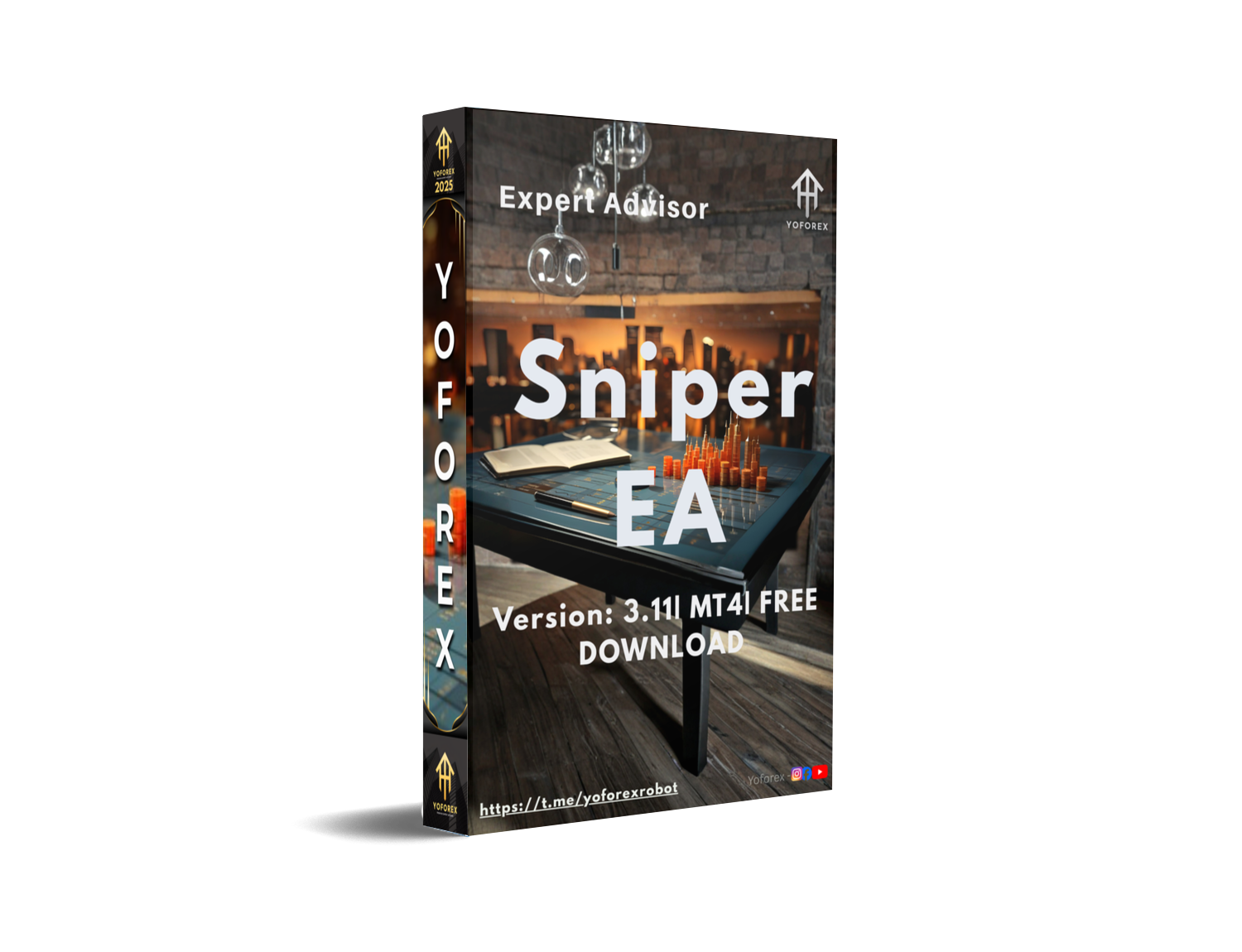
Sniper EA V3.11 MT4 is a precision-based Forex Expert Advisor built for traders who prefer clean entries over over-trading. Instead of jumping into random market moves, this EA waits for high-probability setups and executes trades automatically with predefined risk control. It’s ideal for traders who want automation without emotional pressure, and for those who value consistency more than flashy results.
Overview
Sniper EA V3.11 MT4 runs on the MetaTrader 4 platform and focuses on disciplined, rule-based trading. It uses internal trend and momentum filters to identify favorable market conditions before placing trades, always with Stop Loss and Take Profit applied. The EA avoids risky martingale or hedging techniques, making it suitable for long-term, steady trading across major currency pairs when used with proper risk settings.
How Sniper EA V3.11 MT4 Works?
• Scans the market continuously to detect high-probability trade zones
• Confirms trend direction and momentum before entering any trade
• Executes trades automatically only when conditions fully align
• Places Stop Loss and Take Profit on every order for risk control
• Avoids over-trading by filtering low-quality or choppy market phases
• Manages trades without martingale or hedging logic.
Key Features
• Fully automated trading for MetaTrader 4
• Precision-based entry logic (sniper-style execution)
• Uses Stop Loss and Take Profit on every trade
• No martingale, no dangerous lot multiplier
• Adjustable risk per trade (fixed lot or percentage-based)
• Works on major and selected minor currency pairs
• Built-in spread and volatility filters
• Trades only during optimal market conditions
• Handles multiple trades without over-exposure
• Beginner-friendly setup with advanced options for pros
• Optimized for low-spread brokers
• Stable performance across different market phases.
Installation & Setup Guide
- Download Sniper EA V3.11 MT4 from MQL5.software
- Open MetaTrader 4
- Go to File → Open Data Folder
- Navigate to MQL4 → Experts
- Paste the EA file there
- Restart MT4
- Attach the EA to your chosen chart
- Enable AutoTrading
- Adjust settings according to your risk preference.
Advantages
• High-precision entries with controlled risk
• No martingale, no aggressive lot multiplication
• Uses Stop Loss and Take Profit on all trades
• Suitable for long-term and steady account growth
• Reduces emotional and manual trading mistakes
• Simple setup, beginner-friendly configuration
• Works quietly in the background once attached
Disadvantages
• Slower profit growth compared to high-risk grid systems
• Requires patience during low-volatility market periods
• Performance depends on broker spread and execution quality
• Not designed for traders looking for very high daily trade counts
Who Should Use EA V3.11 MT4?
• Beginners who want safe automated trading
• Traders with full-time jobs and limited screen time
• Traders who prefer disciplined, rule-based strategies
• Users who want automation without dangerous recovery systems
• MT4 traders focused on consistency rather than fast gambling gains
Why Use Sniper EA V3.11 MT4?
• Trades with logic, not emotions
• Protects capital using predefined risk parameters
• Eliminates manual execution errors
• Designed for real market conditions, not curve-fitted hype
• Ideal for traders who value stability, structure, and patience.
Conclusion
Sniper EA V3.11 MT4 is best suited for traders who prefer a calm, disciplined, and risk-aware approach to automated trading. Rather than chasing fast profits, it focuses on precision entries, controlled exposure, and long-term stability. When used with proper settings and a reliable broker, this EA can be a solid choice for traders looking to automate their strategy while keeping risk firmly under control.
Support & Disclaimer
Support
If you need help installing or configuring your EA, or face any kind of bug, feel free to reach out on:
WhatsApp: Click here
Telegram Group: Join our community
Disclaimer:
Forex and gold trading involve risk. Past performance doesn't guarantee future results. Always test robots on demo before live trading and use proper risk management.
REFERRAL
Join the VIP Signals Telegram Channel for real-time expert trading signals and stay ahead in the forex market. Get personalized strategies by becoming a part of our Real Account Management Telegram Channel and optimize your trading experience. If you're aiming to Pass PropFirm Challenges , join our dedicated channel for tips and proven methods. Start managing your capital effectively with expert advice from our Funded Account Management Telegram Channel. For advanced traders, our HFT EA / Passing Telegram Channel offers high-frequency trading insights and strategies to boost your performance.
HAPPY TRADING






Comments (0)
No comments yet. Be the first to comment!
Leave a Comment