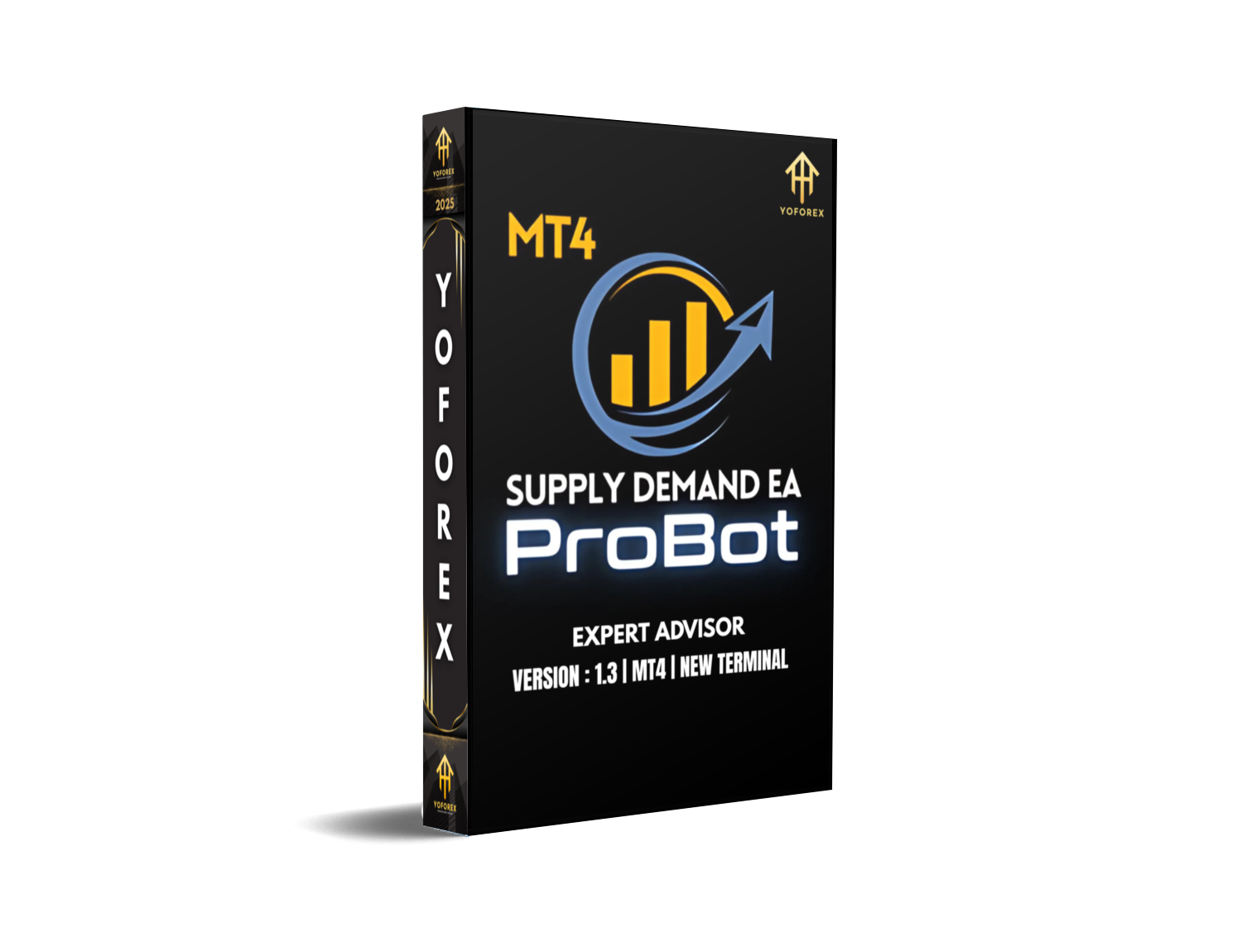
Supply Demand EA ProBot V1.3 MT4 – Smart Auto Trading with Demand Zones
Ever get stuck trying to guess where price will bounce or break through? Yeah, we’ve all been there. It’s exhausting staring at charts for hours, drawing zones, only to miss entries or enter too late. That’s exactly where Supply Demand EA ProBot V1.3 MT4 steps in. It’s a smart, fully automated trading robot designed to take advantage of institutional supply and demand levels. Whether you’re just starting out or you’ve been grinding in the markets for years, this EA can seriously ease your workload—and boost your results.
Best part? It works on any forex pair and on any timeframe. And the starting deposit is just $100, making it super accessible. You get full control over settings, entries, and risk with a slick built-in dashboard.
In this blog, we’ll cover everything you need to know about this EA: how it works, its key features, performance metrics, how to install it, and where to get help. Let’s dive in!
Overview: What is Supply Demand EA ProBot V1.3 MT4?
Supply Demand EA ProBot V1.3 is a professional-grade MetaTrader 4 Expert Advisor that automates your trading based on a classic concept: supply and demand zones. These are the zones where price either sharply reverses (demand) or drops (supply). Institutions often pile in at these zones—so it only makes sense to have an EA that’s programmed to act on these critical levels.
Unlike other bots that rely on complex or lagging indicators, this EA focuses on a price-action-based strategy that actually works. No repaints. No dirty tricks. Just pure chart action.
Developed and tested by the YoForex team, this EA uses dynamic zone detection algorithms to constantly update its trading signals based on real-time market structure. It avoids overtrading, protects capital with solid SL/TP placement, and even has trailing stop features built-in.
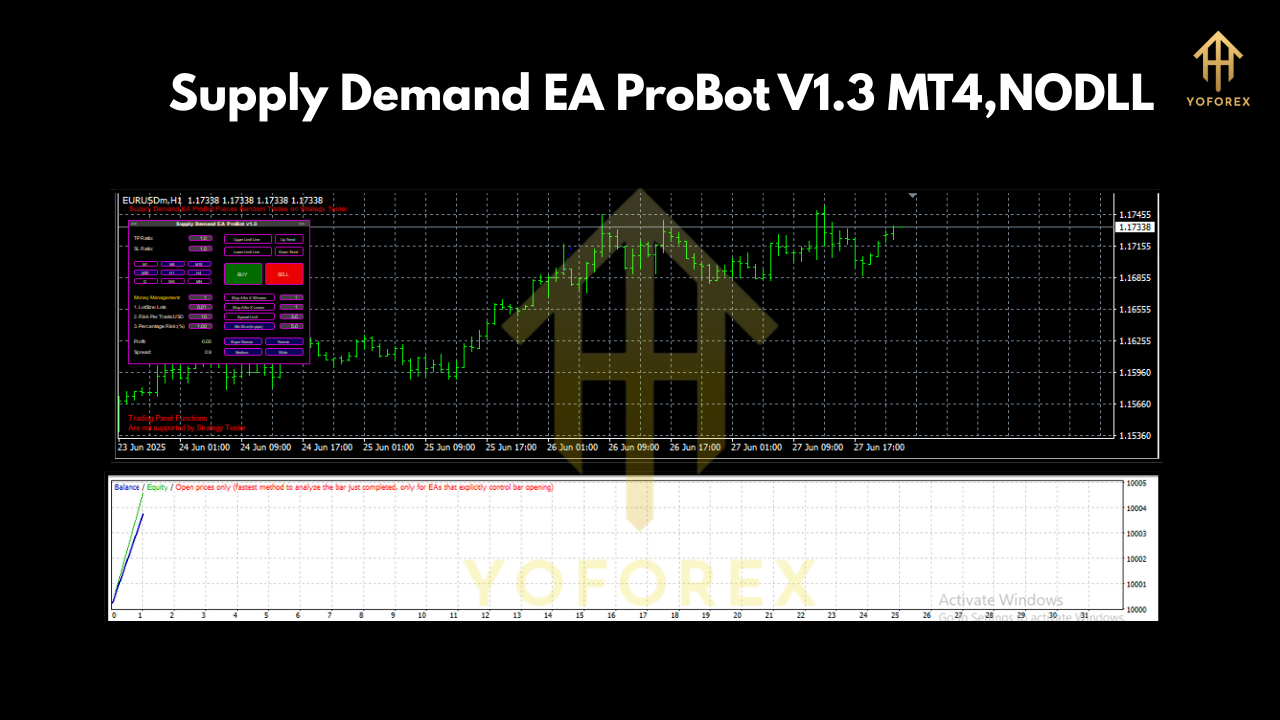
Here’s the kicker: you also get a full graphical dashboard where you can monitor trades, tweak settings, or just sit back and let it run.
Key Features of Supply Demand EA ProBot V1.3
• +Auto-detects high-quality supply and demand zones
• +Works on any currency pair or synthetic index
• +Supports all timeframes (M1 to H4, D1+)
• +User-friendly graphical dashboard
• +Trade filtering based on trend and momentum
• +Adjustable risk and lot sizing
• +Breakout and reversal trading logic
• +Smart trailing stop and breakeven options
• +Avoids martingale or grid systems (safer trading)
• +Slippage and spread protection
• +News filter included
• +Fully customizable risk parameters
• +Fast execution and ultra-light on resources
• +Prop firm compatible
Whether you’re scalping on the M5 or position trading on the H4, this EA adapts. And yep, it even works great on gold (XAUUSD) and indices like NAS100 when configured right.
Backtest Results & Live Performance
So how does it actually perform?
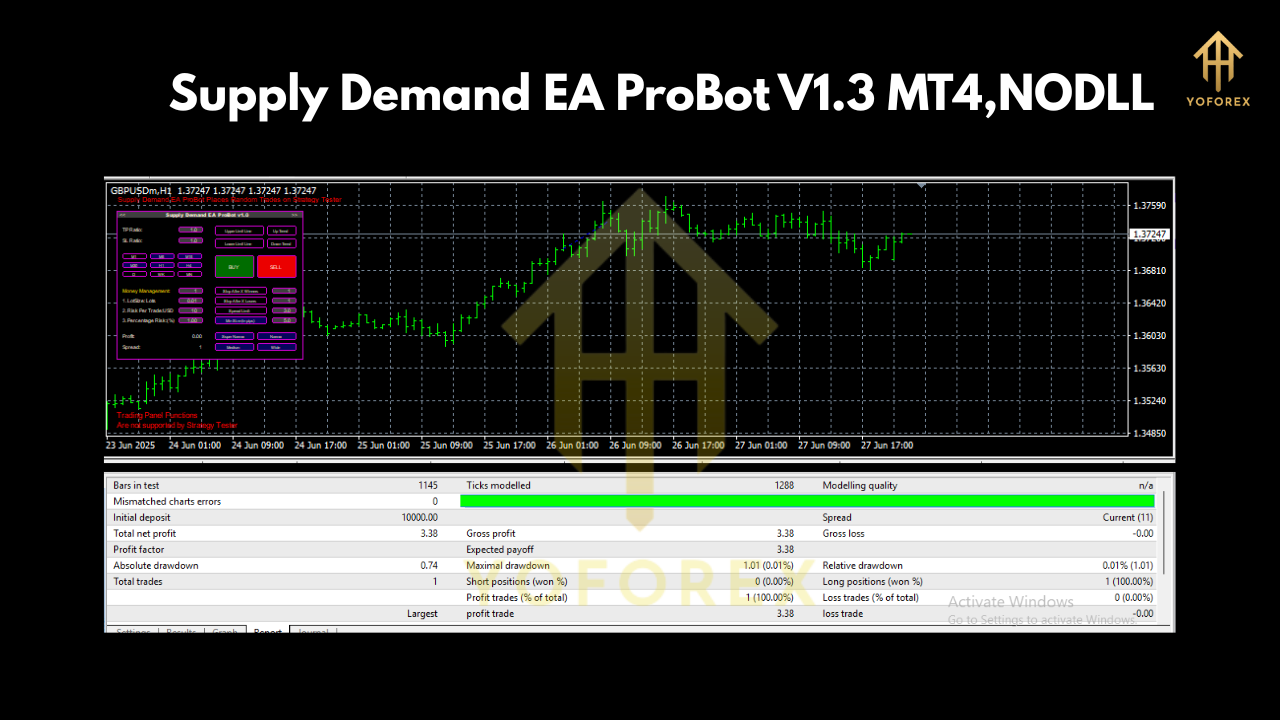
Backtesting was done across multiple pairs including EURUSD, GBPUSD, and USDJPY from 2020 to 2024 using real tick data and variable spreads. Average monthly return clocked in around 7–12%, depending on the asset and risk setup.
Drawdown? Controlled well below 10% in most runs. The EA avoids the martingale trap, which helps keep equity curves smooth and clean.
Live trading performance on YoForex-verified accounts shows consistent gains with minimal floating loss. The EA is also running on live prop firm accounts, proving it can handle real market conditions like slippage, spreads, and volatility.
Want proof? Visit YoForex Verified Accounts or grab the free version and run your own tests on demo first!
Installation & Configuration Guide
Setting up this EA is a breeze, even if you’re not a tech person.
Step-by-step:
- Download the EA from MQL5.software
- Copy the EA file to:
MT4 > File > Open Data Folder > MQL4 > Experts - Restart MT4 to load the EA
- Attach it to any chart (e.g., EURUSD H1)
- Allow DLL imports and AutoTrading to function
- Configure settings through the graphical dashboard
Recommended Settings:
- Risk per trade: 1–2%
- Use trailing stop: true
- Max trades per pair: 1
- Zone strength: medium/high
- Spread filter: enabled
That’s it! Once configured, the bot scans zones, waits for confirmations, and pulls the trigger—all while you do... whatever else you wanna do.
Why Use YoForex Tools?
YoForex isn’t just another faceless brand selling bots. We’re a trader-focused company offering premium-grade tools 100% free to the trading community. Why? Coz we believe in empowering new and veteran traders with real tools—not overpriced junk.
Every EA we publish is:
- Back-tested AND live-tested
- Regularly updated based on market evolution
- Completely transparent—no black box nonsense
- Prop firm compatible
- FREE to download from MQL5.software or ForexFactory.cc
Visit our About Page to learn more.
Support & Contact
Run into issues? Got questions about your setup or custom config?
We’re here to help.
• Chat on WhatsApp: https://wa.me/+443300272265
• Join our Telegram group: https://t.me/yoforexrobot
We offer free support, even if you’re just testing the EA on demo. No upsells, no nonsense.
Ready to Level Up?
Don’t overthink it. Download Supply Demand EA ProBot V1.3 MT4 now—it’s 100% free, no strings attached.
You’ll get a pro-grade trading system backed by YoForex, ongoing updates, and full support from a team that actually trades.
Click here to download it and start trading smarter today.
YoForex – empowering traders worldwide, one free tool at a time.






Comments (0)
No comments yet. Be the first to comment!
Leave a Comment