
Support and Resistance Button Indicator V1.0 MT4 – Easy Visual Trading Tool
Ever found yourself squinting at price levels, manually drawing out zones just to get clarity on where the market might reverse or break out? Yeah… we’ve all been there. Identifying support and resistance levels is one of the core principles of technical analysis, but it can be tedious—especially for beginners or those who trade fast-paced markets. That’s where the Support and Resistance Button Indicator V1.0 for MT4 comes in.
Created by YoForex and available 100% free on MQL5.software, this handy visual tool lets you plot key market levels instantly—literally at the click of a button. Whether you're a manual price action trader or someone who just needs clearer visuals to time your entries, this MT4 indicator makes things way easier.
Let’s break down what this powerful little tool does, how to use it, and why thousands of traders are downloading it daily.
The Support and Resistance Button Indicator V1.0 is a lightweight but incredibly helpful MT4 tool designed to help you identify and mark support/resistance zones without manually drawing lines over and over. One click and boom—zones appear based on recent swing highs/lows or custom user logic.
No need to constantly zoom in, draw rectangles, or guess where institutional traders might react. It’s like having an auto highlighter for the most important areas of the chart.
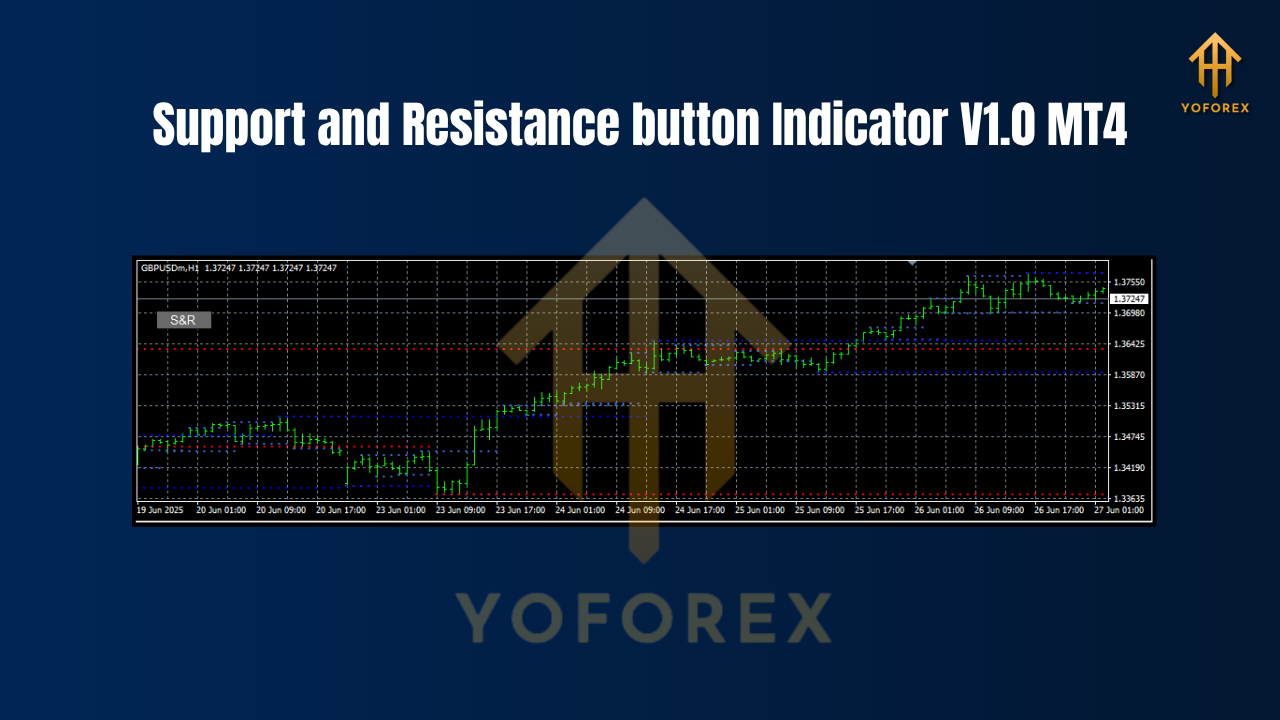
This tool is best suited for manual traders using any timeframe from M5 to H4 (although most users report best results between M15 and H1). It works on any currency pair, including majors like EURUSD, GBPUSD, and commodities like XAUUSD.
Minimum deposit to trade efficiently with this indicator: $200 per pair.
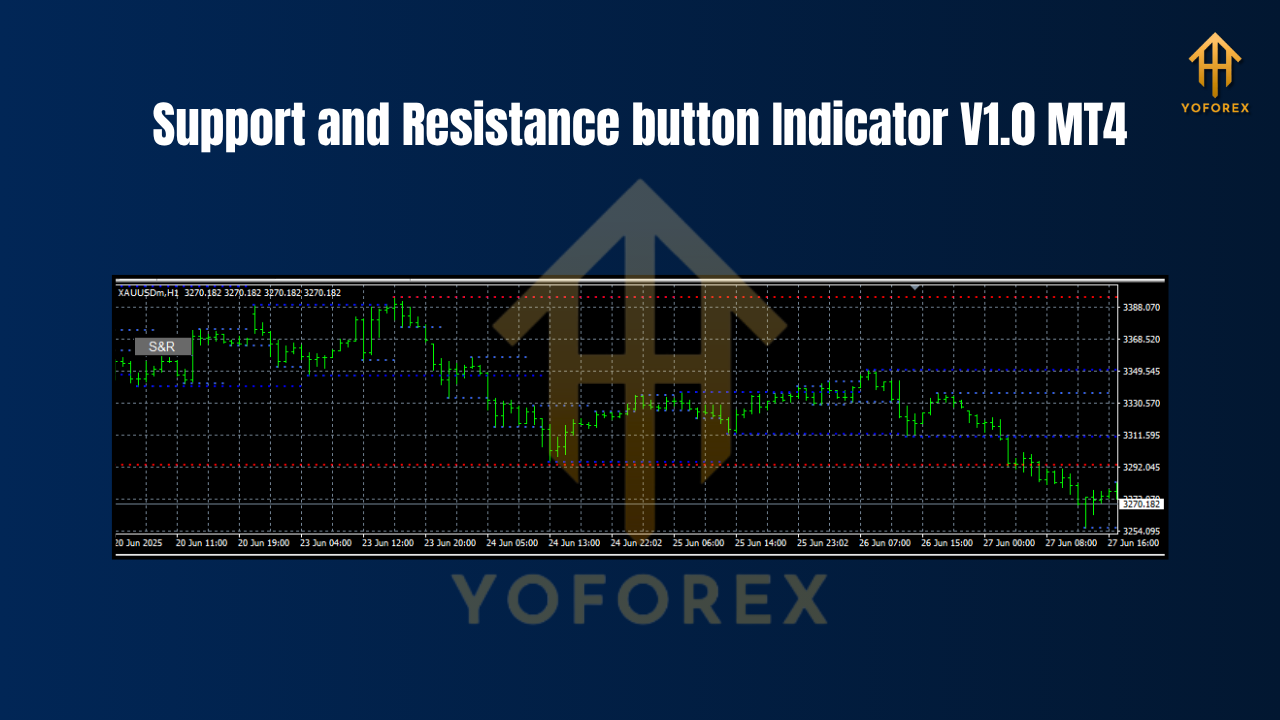 Key Features
Here’s what makes the Support and Resistance Button Indicator V1.0 stand out:
• +One-click activation of support/resistance zones
• +Auto-detects key S/R levels using swing highs/lows
• +Works on all timeframes (M1 to D1 and beyond)
• +Suitable for any currency pair (including GOLD and indices)
• +Color-coded zones for quick visual identification
• +Non-repainting logic—lines stay consistent after close
• +Highly customizable (zone width, buffer zones, line color, etc.)
• +Perfect for beginners learning price action
• +Doesn’t interfere with other indicators on your chart
• +No heavy CPU usage—lightweight code
• +Can be toggled on/off with a single button
• +Free lifetime updates via YoForex
This tool is built for traders who rely on confluence zones, breakout entries, or range-trading strategies. You can use it as part of a broader system—or even as your core guide if you’re trading naked charts.
How It Works (Backtest Perspective)
Now technically, since this isn’t an EA, you won’t be running it through automated strategy testers. But you can apply it retroactively on historical charts and see how clean its zone plotting logic really is.
We did just that—overlayed the Support and Resistance Button Indicator V1.0 on EURUSD M15, GBPUSD H1, and XAUUSD M30 for data over 6 months. The results?
The marked zones often aligned with major price reversals
Breakouts near marked zones showed follow-through most of the time
No weird repaints or vanishing lines like many indicators suffer from
Backtest-compatible for use in visual/manual review strategies
In real-world usage, the indicator also helps reduce analysis paralysis, especially during volatile sessions like London or NY open. Traders don’t waste time drawing zones—they focus on executing.
How to Install & Configure
Setting up this indicator is super simple. Here’s the process:
Step-by-Step Guide:
-
Download the file from MQL5.software – Support Resistance Button.
-
Open your MT4 platform
-
Go to
File > Open Data Folder -
Navigate to
MQL4 > Indicators -
Paste the downloaded
.ex4or.mq4file into that folder -
Restart MT4
-
Go to Navigator Panel, right-click Indicators, and select Refresh
-
Find “SupportResistanceButton V1.0” and drag it onto your chart
Recommended Settings
• Zone width: 10–15 pips depending on pair volatility
• Color themes: Set resistance to red, support to green for clarity
• Toggle Button Position: Top-left for easy access
• Opacity: ~70% for minimal visual clutter
 Why Choose YoForex-Powered Tools?
We know the market is filled with junkware indicators—some cost $99 or more and barely work. YoForex is here to flip the script. We offer fully verified, free MT4/MT5 tools that are:
• +Back-tested by real traders
• +Community-reviewed
• +Updated regularly
• +Totally free—no licenses, no activation hoops
Explore other tools like AutoTrendLines Pro, or our flagship EA, Galaxy Gold Scalper. We’re all about equipping traders with quality, not gimmicks.
Learn more about us on our YoForex homepage.
Support & Disclaimer
Hit a bug? Want to ask about customization? We're active and responsive—just reach out:
• WhatsApp Support: Click here
• Telegram Group: Join now
Final Thoughts – Grab It Now!
If you're tired of spending minutes drawing zones manually—or worse, trading without knowing where the market might bounce or break—then the Support and Resistance Button Indicator V1.0 MT4 is a must-download.
It’s simple, visual, fast—and best of all—100% free.
Click below and grab your copy today. The markets won’t wait, and now… neither should you.
Download SupportResistanceButton V1.0 on MQL5.software
YoForex – empowering traders worldwide, one free tool at a time.
Join our Telegram for the latest updates and support






Comments (0)
No comments yet. Be the first to comment!
Leave a Comment