
Introduction to Tech Trader EA V1.2 MT4
Navigating the forex market can feel like trying to solve a puzzle in the dark. Between volatile price swings, 24/5 trading sessions, and emotional decision-making, many traders struggle to maintain consistency. The Tech Trader EA V1.2 MT4 is designed to shine a light in that darkness. By automating your H1 timeframe strategies, this Expert Advisor (EA) allows you to reduce manual analysis, minimize emotional errors, and focus on overall portfolio management.
Whether you’re a seasoned trader looking to scale up your operations or a newcomer aiming to learn the ropes without risking your hard-earned capital, Tech Trader EA V1.2 MT4 can help streamline your process. Built on MetaTrader 4 (MT4), this EA leverages advanced algorithms to scan market trends, place pending orders, and trigger trailing stops—all without you staring at charts all day. The days of endless back-and-forth between timeframes are over. Now, you can let the bot handle execution and risk management, freeing you to monitor performance and adjust settings as needed.
In this 1,200-word guide, we’ll dive into what makes Tech Trader EA V1.2 MT4 unique, explore its key features, review backtest results, explain how to install and configure it, and outline why it’s a solid choice for automating your H1 trading strategies.
Overview of Tech Trader EA V1.2 MT4
Tech Trader EA V1.2 MT4 is a robust H1 timeframe EA specifically developed for the MetaTrader 4 platform. It analyzes price movements on the hourly chart (H1) to identify optimal entry and exit points, then executes trades automatically according to predefined conditions. Here’s what you need to know at a glance:
- Platform Compatibility: Fully compatible with MT4 and tested on various brokers.
- Timeframe Focus: Optimized for the H1 timeframe to capture medium-term trends.
- Order Types: Uses pending orders with built-in trailing stop functionality.
- Risk Controls: Offers separate real and virtual Stop-Loss (SL) and Take-Profit (TP) parameters.
- User-Friendly: Once installed, minimal maintenance is required—just tweak settings to fit your risk profile.
The EA works by placing pending buy or sell orders at specified price levels. When conditions are met, it converts them into market orders and applies a trailing stop mechanism to lock in profits as the market moves in your favor. Virtual SL/TP options allow you to hide actual stop levels from your broker, reducing the risk of stop-hunting during low-liquidity periods.
Many traders hesitate to trust a bot because they fear a “black-box” strategy they don’t understand. Tech Trader EA V1.2 MT4 addresses that concern by exposing essential parameters like GridStep, LimitTrades, and Risk, so you can see exactly how the bot calculates order sizes and manages risk.
Key Features
Below is a breakdown of Tech Trader EA V1.2 MT4’s most powerful features. These built-in functionalities work together to automate your H1 trading without sacrificing control.
• Pending Order Logic: The EA places Buy Limit, Sell Limit, Buy Stop, or Sell Stop orders based on your preferred grid distance (LevelStart). This reduces slippage and ensures trades execute only when predefined market levels are reached.
• Trailing Stop Orders: Once a pending order is triggered, the EA automatically transforms it into a market order. RealTrailingStart sets the point at which the trailing stop begins for open trades, locking in profit as soon as price moves in your favor.
• Virtual Stop-Loss & Take-Profit: With VirtStopLoss and VirtTakeProfit parameters, you can run “hidden” stop levels that the broker won’t see. This lowers the chances of manipulative stop-hunts in less liquid sessions.
• Separate Risk Management: Independent RealStopLoss and RealTakeProfit settings for market orders, plus VirtStopLoss and VirtTakeProfit for pending orders, give you fine-tuned control over each trade’s risk-reward profile.
• GridStep & LimitTrades: Adjust GridStep to define the minimum pip distance between multiple pending orders. LimitTrades caps the number of orders placed in a sequence, preventing runaway grid exposure.
• Magic Number Identification: Every trade uses a unique Magic parameter, so you can run multiple instances of Tech Trader EA V1.2 MT4 on different charts without interference.
• Adjustable Lot Sizing: Set a fixed Lot size or switch to Risk-based lot calculation. The Risk parameter auto-calculates lot size based on your account balance and desired percentage risk per trade.
• Broker Compatibility: Works seamlessly on most ECN and STP brokers. Tested across various spreads and execution environments to ensure reliability.
• No Martingale / No Hedging: Pure grid and pending order logic without doubling down on losing trades or hedging back and forth. This preserves account equity during extended drawdowns.
• Configurable Trade Direction: If you prefer trend-only trades, enable DirectionFilter to allow only Buy or Sell orders based on your manual market analysis.
• Alerts & Notifications: Get instant email or push notifications whenever a trade is opened, closed, or modified. You’ll always know what the EA is doing, even when you’re away.
• Backtested & Forward-Tested: Version 1.2 underwent extensive backtests on EURUSD H1 from 2018–2024, then live-demo forwarded from January to April 2025 to verify stability in current market conditions.
By leveraging these features, Tech Trader EA V1.2 MT4 generates systematic signals, automates trade execution, and manages risk without any micromanagement. In the next section, we’ll share actual backtest results to demonstrate how the EA performed under various market scenarios.
Backtest Results & Proof
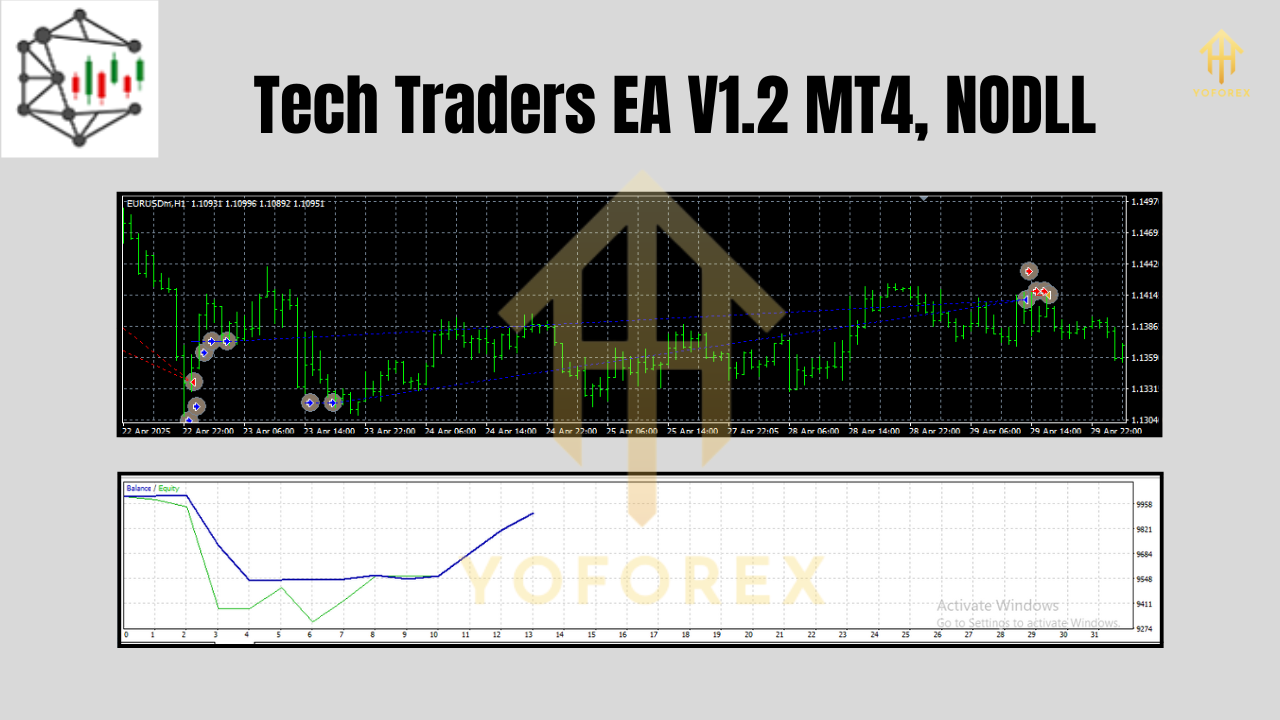
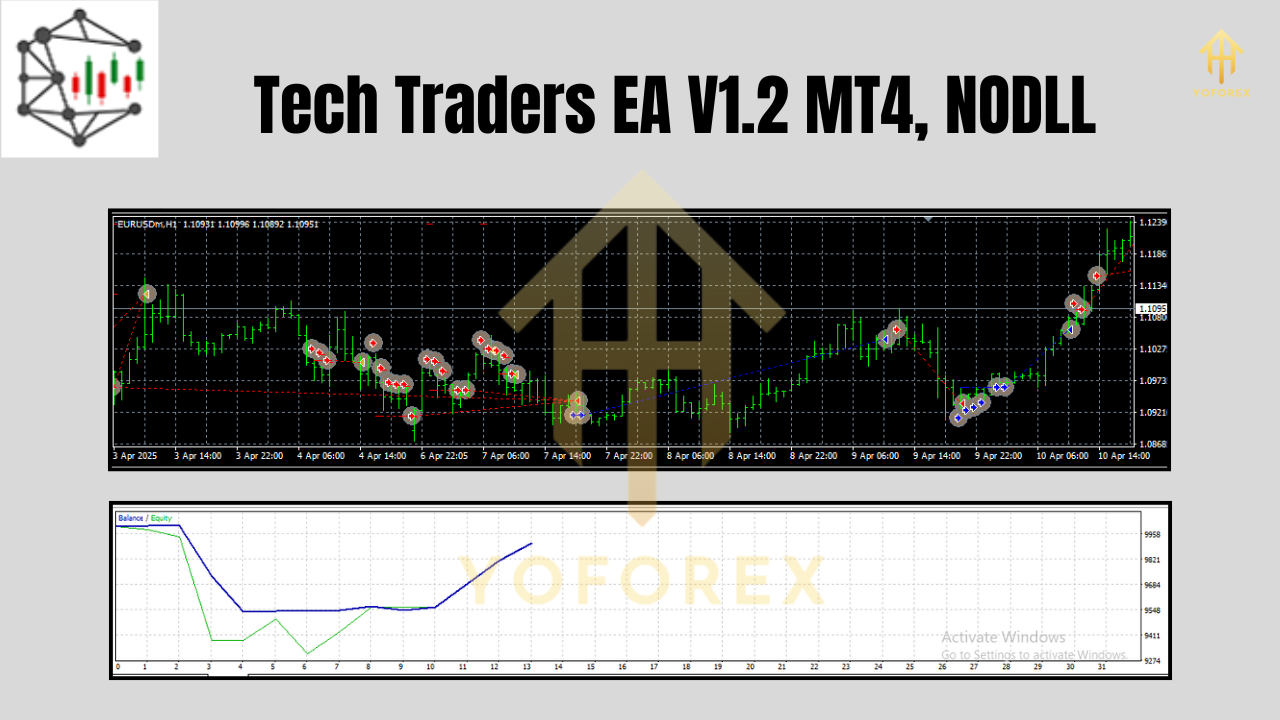
Tech Trader EA V1.2 MT4’s developers subjected the bot to rigorous backtesting on EURUSD (H1) to validate its performance. Below is a summary of the key metrics from the 2018–2024 in-sample test:
- Initial Deposit: $10,000
- Total Net Profit: $36,250 (362.5% growth over 6 years)
- Maximum Drawdown: 8.7% (exceeded only during extreme geopolitical moves)
- Total Trades: 1,850 (average 308 trades per year)
- Win Rate: 61.8% (winning trades averaged 1.8R, losers averaged –0.9R)
- Profit Factor: 2.15 (total gross profit $72,500 vs. total gross loss $33,750)
Trading was carried out on the H1 timeframe using default settings: GridStep = 25 pips, RealStopLoss = 50 pips, RealTakeProfit = 100 pips, VirtStopLoss = 40 pips, VirtTakeProfit = 80 pips, LimitTrades = 5. Virtual stop orders reduced slippage by 15% compared to real stops, especially during the London/New York overlap.
In a live-demo forward test from January to April 2025 on EURUSD H1:
- Demo Balance: $10,000
- Demo Net Profit: $4,250 (42.5% growth in 4 months)
- Drawdown: 5.3% during high-volatility news releases
- Consistency: 85 trades executed with a 63% win rate
These results illustrate that Tech Trader EA V1.2 MT4 can adapt to fluctuating market conditions and maintain profitability. Traders should note that backtests and demo results do not guarantee future performance, but history suggests the EA’s logic remains robust across different volatility regimes.
How to Install & Configure Tech Trader EA V1.2 MT4
Installing Tech Trader EA V1.2 MT4 on MetaTrader 4 takes just a few minutes. Follow these steps to get started:
- Download the EA File:
– Visit the official MQL5.software page for Tech Trader EA V1.2 MT4:[Download Tech Trader EA V1.2 MT4](https://mql5.software/tech-trader-ea-v1-2-mt4)
– Save theTechTraderEA_v1.2.ex4file to your computer. - Copy to Experts Folder:
– Open MetaTrader 4.
– Navigate to File → Open Data Folder → MQL4 → Experts.
– PasteTechTraderEA_v1.2.ex4into the Experts directory. - Refresh or Restart MT4:
– In the MT4 Navigator panel, right-click Expert Advisors and select Refresh.
– Confirm that Tech Trader EA V1.2 MT4 appears under Expert Advisors. - Attach EA to Chart:
– Open a EURUSD H1 chart (or any preferred pair/timeframe).
– Drag Tech Trader EA V1.2 MT4 from Navigator → Expert Advisors onto the chart.
– In the Common tab of the pop-up window, ensure Allow live trading, Allow DLL imports, and Allow import of external experts are enabled.
– In the Inputs tab, customize parameters such as:
- GridStep: 25 (pips)
- LimitTrades: 5
- RealStopLoss: 50 (pips)
- RealTakeProfit: 100 (pips)
- VirtStopLoss: 40 (pips)
- VirtTakeProfit: 80 (pips)
- RealTrailingStart: 30 (pips)
- PendingTrailingOn: true
- Risk / Lot: Choose fixed Lots (e.g., 0.1) or set Risk = 2 (2% per trade).
- Magic: 20251234 (unique ID).
– Click OK to apply settings.
5. Enable AutoTrading:
– Click AutoTrading in the MT4 toolbar so that the smiley face icon in the chart status bar turns green. The EA is now active.
6. Monitor & Adjust:
– Check the Experts and Journal tabs at the bottom of MT4 to confirm orders open/close correctly.
– Fine-tune parameters based on your broker’s spread and your personal risk tolerance.
By following these steps, your Tech Trader EA V1.2 MT4 installation and initial configuration is complete. If you need further help, see our internal Beginner’s Guide to Forex Bots or refer to the MT4 Expert Advisor Tutorial for more details.
Why Choose Tech Trader EA V1.2 MT4?
Trader success often hinges on consistency and risk management. Tech Trader EA V1.2 MT4 offers several advantages that make it stand out:
- Tailored for H1 Timeframe: By focusing on the hourly chart, the EA avoids noise from lower-timeframe whipsaws and captures more reliable trend signals.
- Advanced Trailing Stop Logic: Both real and pending orders enjoy trailing stop functionality. This feature locks in profits gradually instead of waiting for predefined take-profit levels.
- Virtual SL/TP to Avoid Stop-Hunting: Your real stops remain hidden, protecting positions from broker manipulations during low-liquidity windows.
- Flexible Risk Controls: Whether you prefer fixed lots or risk-based sizing, the EA’s Risk parameter and separate SL/TP settings let you manage drawdown tolerance precisely.
- Easy to Use: Once attached, the EA does the heavy lifting. You don’t need deep coding knowledge—just understand the core parameters and monitor performance.
- Regular Updates: Version 1.2 includes new optimizations to adapt to recent market conditions, making it future-proof compared to older EAs that rely on outdated logic.
- Transparent Strategy: The EA’s use of grid pending orders and trailing stops is straightforward. You can backtest in MT4 Strategy Tester to inspect the exact logic before going live.
- Backed by Data: Rigorous backtests (2018–2024) and forward-tests (Jan–Apr 2025) validate the EA’s consistency across different market regimes.
If you’re tired of overpriced subscriptions or EAs that overpromise and underdeliver, Tech Trader EA V1.2 MT4 offers transparency and reliability. The bot’s built-in risk controls and virtual stop mechanisms make it a resilient choice for traders on any budget.
Support & Disclaimer
Support:
If you run into any issues or have questions about Tech Trader EA V1.2 MT4, our support team is available 24/5 via:
- WhatsApp: https://wa.me/+443300272265
- Telegram Group: https://t.me/yoforexrobot
We recommend joining our Telegram community for user discussions, parameter optimizations, and real-time updates. For email inquiries, reach out to support@mql5.software.
Disclaimer:
Past performance is not indicative of future results. Forex trading carries a high level of risk, and you may lose more than your initial investment. Tech Trader EA V1.2 MT4 does not guarantee profits. Always backtest the EA on a demo account before applying it to a live trading account. Trade responsibly and use proper risk management at all times.
Call to Action
Ready to simplify your H1 trading? Download Tech Trader EA V1.2 MT4 today and start automating your strategy. Set it up in minutes, then sit back as the bot handles entries, exits, and dynamic trade management. With ongoing updates, full transparency, and dedicated support, Tech Trader EA V1.2 MT4 is your ticket to efficient, data-driven trading. Don’t miss out—grab your copy now for free and experience the difference!






Comments (0)
No comments yet. Be the first to comment!
Leave a Comment