
Introduction
The Trend Finder EA is a simple yet effective MetaTrader 4 (MT4) Expert Advisor designed to identify and trade based on market trends. This guide will walk you through the MQ4 source code, explaining how it works and how you can customize it for your trading strategy.
How the Trend Finder EA Works
The EA uses moving averages to determine the market trend. When the price is above a moving average, it signals an uptrend, and when below, a downtrend. The EA then opens buy or sell positions accordingly.
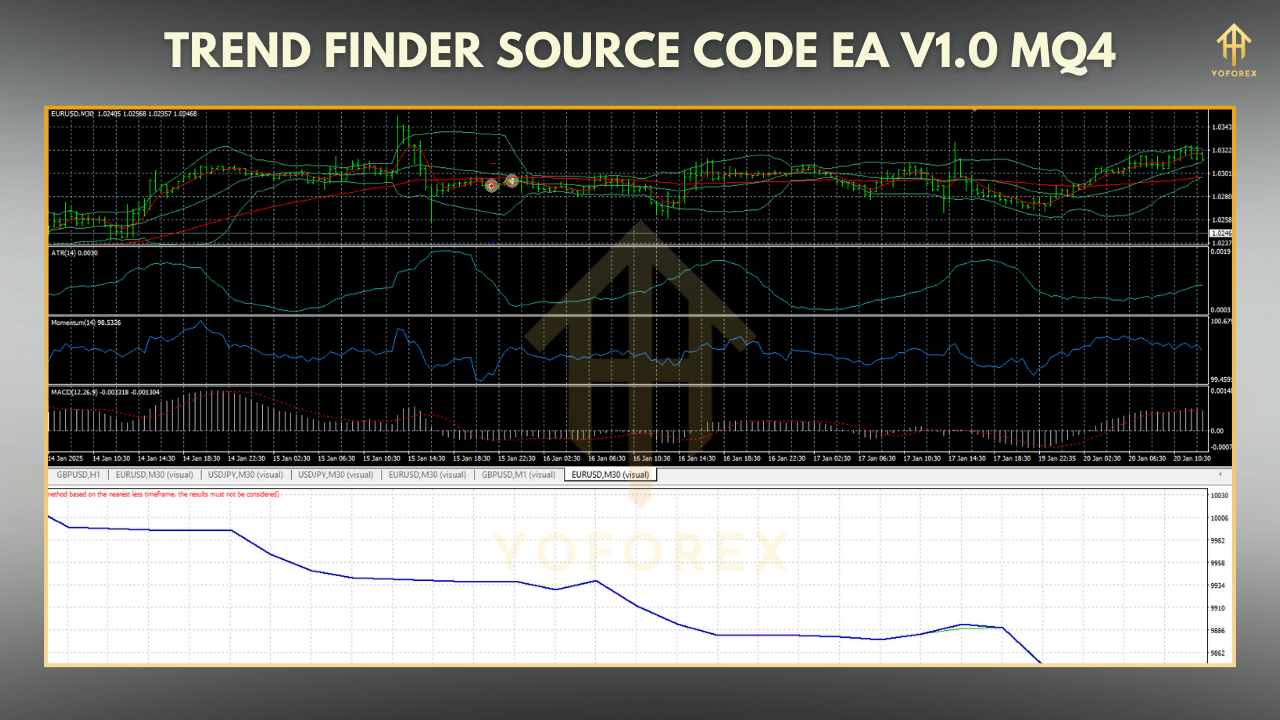
Key Features:
- Uses Moving Average (MA) for trend detection
- Simple entry and exit rules
- Customizable risk management
Explanation of the Code:
Input Parameters
MAPeriod: Sets the period for the moving average (default: 14).MAMethod: Defines the type of moving average (SMA, EMA, etc.).MAAppliedPrice: Determines which price (Close, Open, etc.) is used for the MA.LotSize,StopLoss,TakeProfit: Manage trade size and risk.
OnTick() Function
- Checks for open trades.
- Calculates the moving average value.
- Opens a buy trade if price is above MA, or a sell trade if below.
Order Management
CountOrders()ensures only one trade is open at a time.OpenOrder()executes trades with predefined stop loss and take profit.
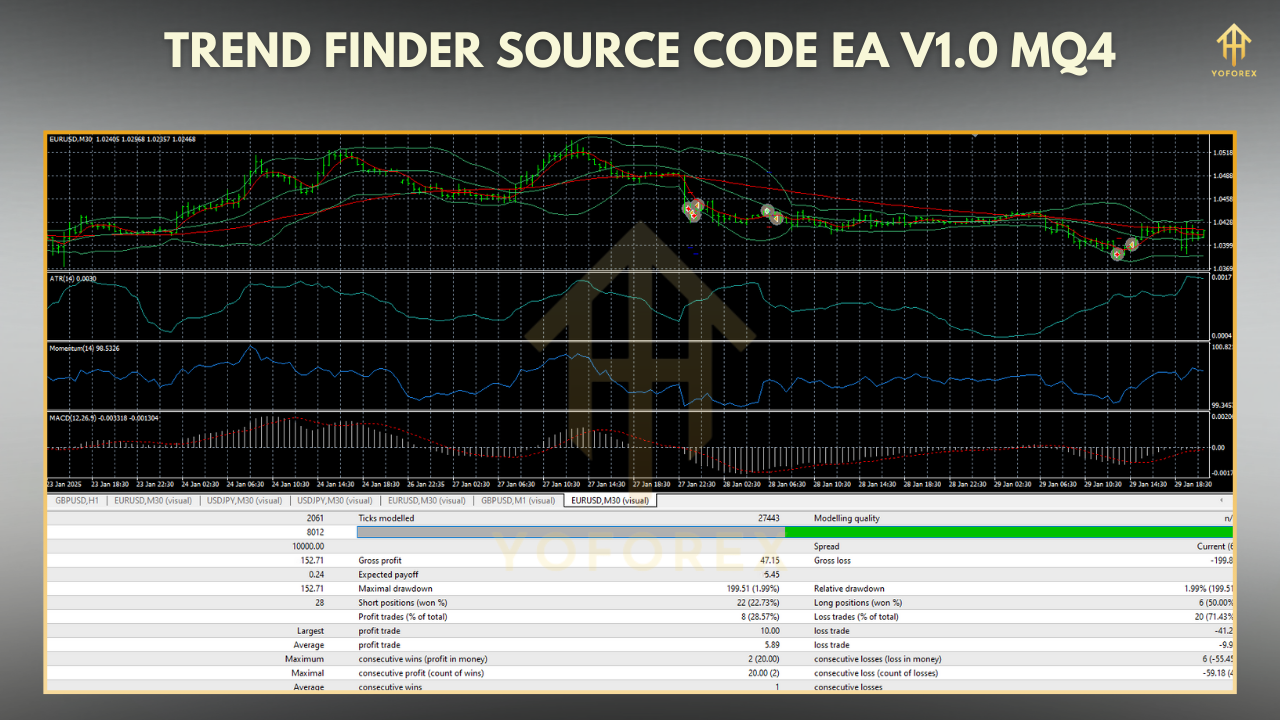
How to Use the Trend Finder EA
- Compile & Attach to Chart
- Copy the code into MetaEditor, compile, and attach to an MT4 chart.
- Customize Settings
- Adjust
MAPeriod,MAMethod, and risk parameters as needed. - Backtest & Optimize
- Test the EA in Strategy Tester before live trading.
Conclusion
The Trend Finder EA is a great starting point for beginners learning algorithmic trading. By modifying the moving average settings and risk parameters, you can adapt it to different trading styles.






Comments (0)
No comments yet. Be the first to comment!
Leave a Comment