TREND SIGNAL Indicator V2.0 MT4 — Smarter Trend Entries, Less Noise
If your charts feel like a noisy mess and you’re tired of second-guessing every candle, meet the TREND SIGNAL Indicator V2.0 MT4. This upgraded version cleans up the clutter, highlights the dominant direction, and gives you clearer, earlier entries with guardrails against whipsaws. Whether you scalp M15 or swing H1–H4, V2.0 helps you stay on the right side of momentum without turning your screen into a rainbow.
The promise is simple: make trend following feel calm, structured, and repeatable. You’ll still use your own risk rules, of course, but the TREND SIGNAL Indicator V2.0 MT4 does the heavy lifting—filtering trend, confirming pullbacks, and timing re-entries when the move resumes. Let’s break down how it works, how to use it, and the quickest way to install and configure it on MetaTrader 4.
What Is TREND SIGNAL Indicator V2.0 MT4?
At its core, the indicator blends an adaptive trend filter with multi-timeframe confirmation and a clean “go/slow” signal logic. V2.0 refines the underlying smoothing so you see quicker color shifts when momentum flips, but with enough hysteresis to avoid constant flip-flopping on choppy days. You get:
- A primary trend ribbon that instantly shows bullish vs bearish conditions.
- Pullback markers to help you buy dips/sell rallies in the prevailing direction.
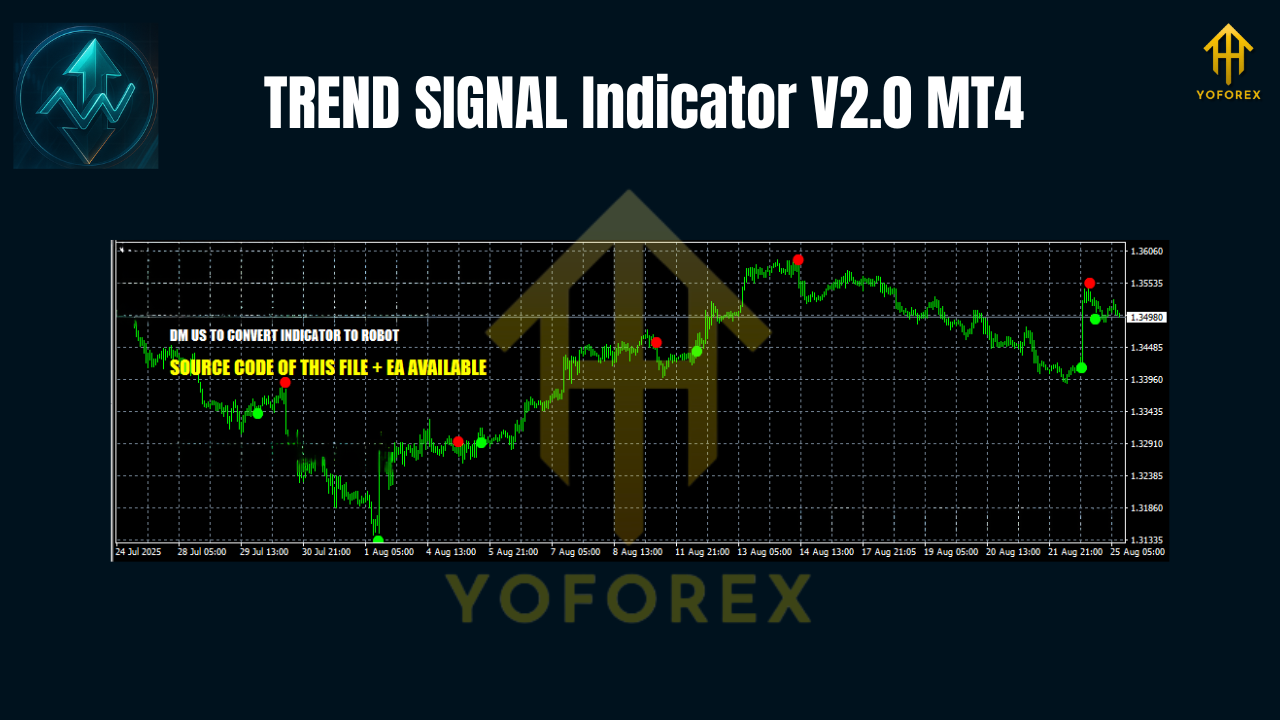
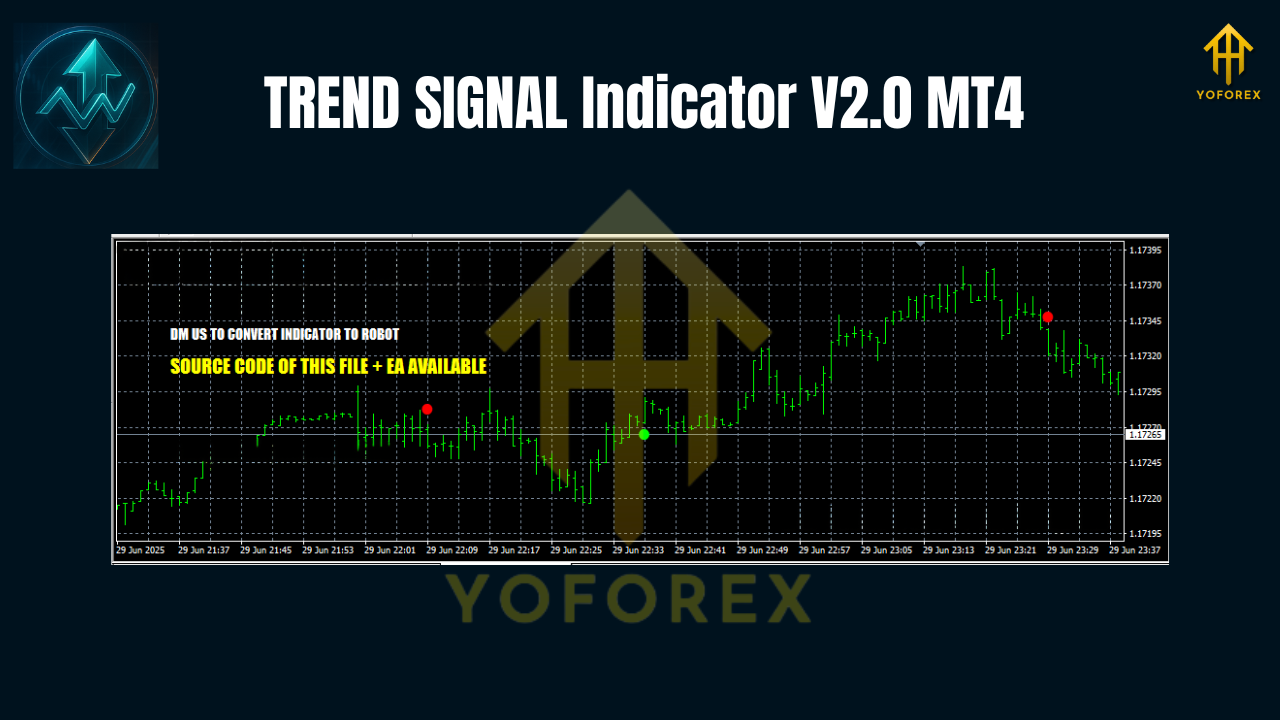
- Arrow prompts for entry timing when momentum re-aligns with the broader trend.
The result is a visual workflow: scan the ribbon, check confirmation, and act when the signal aligns. No guessing what three indicators are “trying to say” anymore—V2.0 condenses it into one glance.
Why V2.0 Matters
The first version nailed the concept; V2.0 dials in the execution. You’ll notice:
- Smoother transitions: fewer false reversals in range conditions.
- Sharper pullback detection: cleaner “resume” arrows after a dip or pop.
- Leaner CPU load: optimized calculations for multi-chart setups.
- Better alerts: desktop, email, and push (optional) with friendlier wording.
Most importantly, the TREND SIGNAL Indicator V2.0 MT4 keeps your strategy rules front and center—trend, pullback, continuation—so you can trade with consistency instead of vibes.
Key Features
- Multi-Timeframe Filter (MTF): Confirm M15 entries with H1 context (configurable).
- Adaptive Trend Ribbon: Color-coded bias reduces analysis time.
- Pullback Recognition: Marks shallow vs. deep retracements so you can choose aggression.
- Entry Arrows: Appear when momentum realigns with the parent trend after a pullback.
- Whipsaw Dampener: Volatility-aware smoothing curbs noisy flips in sideways markets.
- Signal Quality Meter: Lightweight on-chart gauge (0–100) to rate setup strength.
- Alert Suite: On-screen, sound, email, and mobile push (you choose).
- FIB-Aware Option: Optional confluence prompts near 38.2% / 61.8% zones.
- Session Filter: Optionally restrict signals to London/NY for tighter spreads.
- Minimalist UI: Fewer knobs, clearer defaults, faster learning curve.
Best Markets & Timeframes
The indicator is versatile, but here’s what most traders find comfortable:
- Pairs: EURUSD, GBPUSD, USDJPY, USDCAD, AUDUSD; index CFDs & gold also play well.
- Timeframes:
- M15–M30: Intraday momentum & pullback scalps.
- H1–H4: Swing entries with higher signal quality and fewer alerts.
- Market Conditions: Performs best in clean trends; the built-in dampener reduces—but can’t eliminate—chop risk. If it’s pure range, wait for a break and retest.
The Simple Playbook (Entry & Exit)
1) Identify Bias
If the trend ribbon is green, bias is long. If red, bias is short. No ribbon color? Stand aside.
2) Wait for a Pullback
Price pulls back toward the ribbon or a moving average you prefer (e.g., 20–50 EMA). Pullback markers will appear; deeper pullbacks often offer better R:R but fewer wins—your call.
3) Take the Continuation Arrow
Enter when you get an arrow in the direction of the ribbon and the MTF filter is aligned (e.g., M15 entry with H1 support).
4) Place Stops & Targets
- Stop: Recent swing low (for longs) or swing high (for shorts), or ATR-based (e.g., 1.5× ATR).
- Target: Fixed R:R (1.5–2.5R typical), or trail behind swing structure/ATR channel.
- Scale-outs (optional): Take partials at 1R and let runners trail for home runs.
5) Manage Like a Pro
If ribbon flips against you, cut quickly; the indicator’s job is to keep you aligned with the trend, not to rescue bad entries.
Risk & Money Management (Don’t Skip This)
- Per-Trade Risk: 0.5–1% is plenty; pros live to fight another day.
- Daily Loss Limit: Two losers in a row? Consider pausing; chop is probably rising.
- A/B Session Plan: Trade when spreads are tight and moves are clean (London/NY).
- No Signal, No Trade: If ribbon, pullback, and arrow don’t align—skip. Space = edge.
Remember, the TREND SIGNAL Indicator V2.0 MT4 improves signal quality, but it can’t control news spikes, liquidity vacuums, or broker conditions. That’s on us as traders—discipline first.
Installation (MT4)
- Download the
.ex4or.mq4file. - In MT4, go to File → Open Data Folder.
- Navigate to MQL4 → Indicators and paste the file.
- Restart MT4 or right-click Indicators in the Navigator and click Refresh.
- Drag TREND SIGNAL Indicator V2.0 onto your chart and click OK.
Configuration (Suggested Defaults)
- TrendPeriod: 50 (sets the core smoothing length).
- Sensitivity: Medium (Low = fewer, cleaner signals; High = more, faster signals).
- MTF_Confirm:
true(align entries with a higher TF bias). - MTF_Timeframe: H1 if trading M15/M30; H4 if trading H1.
- PullbackDepth: Medium (consider Deep for swing trading).
- Alerts: Enable on-screen + push; email optional.
- SessionFilter: On for London/NY if your broker widens spreads off-hours.
- ShowArrows:
true(they mark the continuation trigger). - ShowRibbon:
true(non-negotiable for clarity). - ColorScheme: Light or Dark to match your chart template.
Tweak one variable at a time and journal outcomes. Over-optimizing everything at once is a fast track to confusion.
Pro Tips
- Zoom Out First: If the higher timeframe is sideways, lower-timeframe signals will degrade.
- Confluence Wins: Combine the arrow with structure (break of minor swing), a trendline tap, or an ATR channel kiss.
- Avoid FOMO: If you missed the arrow and price has already pushed 1R, wait for the next pullback.
- News Awareness: Pause 5–10 minutes before major releases; the best trends often resume afterward.
Final Thoughts
Trading gets easier when your rules are visual. The TREND SIGNAL Indicator V2.0 MT4 takes the classic trend-pullback-continuation model and serves it up with less clutter and better confirmations. You still need a plan—risk per trade, session window, management rules—but V2.0 gives you a straightforward edge: trade with the trend, and time your entries when the market says “ready.”
If you’ve been hunting for an MT4 indicator that cuts noise without hiding price action, give the TREND SIGNAL Indicator V2.0 MT4 a proper spin on demo, map your playbook, then take it live with discipline. Clean charts, clean decisions.
Join our Telegram for the latest updates and support






Comments (0)
No comments yet. Be the first to comment!
Leave a Comment