
The forex market, with its vast opportunities and dynamic nature, continues to attract traders worldwide. For those seeking to automate their trading strategies, Expert Advisors (EAs) have become indispensable tools. Among the plethora of EAs available, the Peack BUY & SELL EA V2.0 MT5 stands out as a robust and versatile solution designed for trading the EUR/USD and GBP/USD currency pairs on the MetaTrader 5 (MT5) platform. This blog post dives deep into the features, setup, performance, and benefits of the Peack BUY & SELL EA V2.0, tailored for traders with a minimum deposit of $200 and operating on M1, M5, and H1 timeframes.
What is Peack BUY & SELL EA V2.0 MT5?
The Peack BUY & SELL EA V2.0 is a fully automated trading robot designed to execute buy and sell trades on the EUR/USD and GBP/USD currency pairs. Built for the MT5 platform, this EA leverages advanced algorithms to analyze market trends, identify high-probability trading opportunities, and execute trades with precision. Its compatibility with multiple timeframes—M1 (1-minute), M5 (5-minute), and H1 (1-hour)—makes it adaptable to various trading styles, from scalping to swing trading. With a low minimum deposit requirement of $200, it’s accessible to both novice and experienced traders looking to optimize their forex trading.
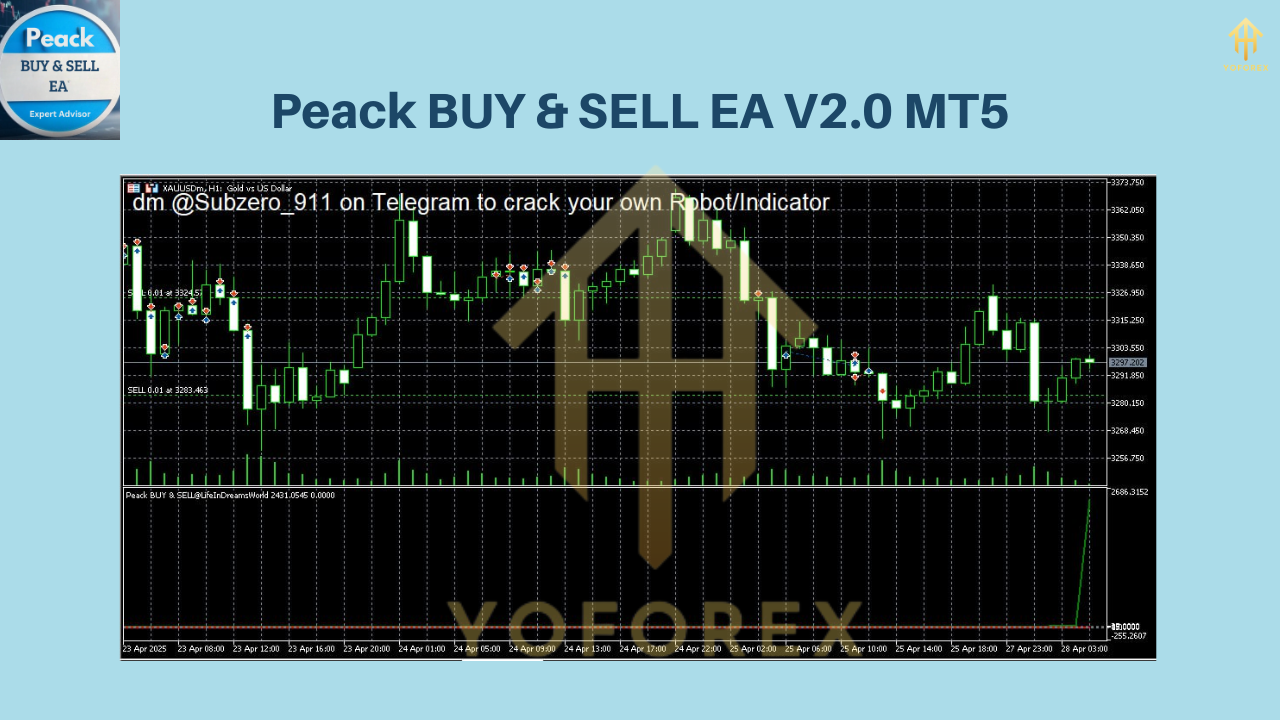 Key Features of Peack BUY & SELL EA V2.0
- Multi-Timeframe Compatibility: The EA operates effectively on M1, M5, and H1 timeframes, allowing traders to choose a timeframe that aligns with their risk tolerance and trading goals. M1 is ideal for scalpers seeking quick profits, M5 balances speed and stability, and H1 suits traders preferring fewer, more significant trades.
- Currency Pair Optimization: Specifically designed for EUR/USD and GBP/USD, two of the most liquid and volatile pairs in forex, the EA capitalizes on their price movements to maximize profitability.
- Low Minimum Deposit: With a minimum deposit of $200, the EA is accessible to traders with limited capital, making it an excellent choice for those starting their forex journey.
- Advanced Risk Management: The EA incorporates robust risk management features, including stop-loss and take-profit levels, to protect capital and secure profits. It avoids risky strategies like martingale or aggressive grid trading.
- User-Friendly Setup: The EA is easy to install and configure, even for traders with minimal technical expertise. It comes with preset files and clear instructions for seamless integration with MT5.
- 24/5 Trading: The EA trades round-the-clock, eliminating the need for constant monitoring and allowing traders to focus on strategy development or other priorities.
Why Choose Peack BUY & SELL EA V2.0?
The forex market is fast-paced and unpredictable, requiring traders to stay vigilant and make quick decisions. The Peack BUY & SELL EA V2.0 alleviates this pressure by automating the trading process. Here’s why it’s a game-changer:
- Consistency: Unlike manual trading, which is prone to emotional biases, the EA executes trades based on predefined rules, ensuring consistent performance.
- Time Efficiency: Automation frees up time, allowing traders to pursue other ventures while the EA handles market analysis and trade execution.
- Adaptability: Its multi-timeframe functionality makes it suitable for various market conditions, from high-volatility sessions to calmer periods.
- Affordability: The low entry barrier of $200 democratizes access to automated trading, enabling more traders to leverage advanced technology.
Setting Up Peack BUY & SELL EA V2.0 on MT5
Setting up the EA is straightforward, even for beginners. Follow these steps to get started:
- Open an MT5 Account: Choose a reputable broker that supports MT5 and offers low spreads for EUR/USD and GBP/USD. Ensure your account has at least $200 to meet the minimum deposit requirement.
- Download and Install MT5: If you haven’t already, download the MT5 platform from your broker’s website or MetaQuotes. Install it on your computer or use the web-based version.
- Acquire the EA: Purchase or download the Peack BUY & SELL EA V2.0 from a trusted source, such as the MQL5 marketplace or the developer’s website. You’ll receive an .ex5 file.
- Install the EA:
- Open MT5 and navigate to File > Open Data Folder > MQL5 > Experts.
- Copy the .ex5 file into the Experts folder.
- Restart MT5 to load the EA into the Navigator panel.
5. Configure the EA:
- Open a chart for EUR/USD or GBP/USD on your preferred timeframe (M1, M5, or H1).
- Drag the EA from the Navigator panel onto the chart.
- A settings window will appear. Adjust parameters such as lot size, risk percentage, stop-loss, and take-profit based on your risk tolerance. Alternatively, use the provided preset files for optimal settings.
- Enable AutoTrading by clicking the button on the MT5 toolbar.
6. Run the EA: Ensure your MT5 terminal is running on a stable internet connection or use a Virtual Private Server (VPS) for uninterrupted operation. The EA will begin analyzing the market and executing trades automatically.
Performance and Trading Strategy
The Peack BUY & SELL EA V2.0 employs a trend-following strategy combined with price action analysis to identify entry and exit points. It uses technical indicators such as moving averages, Relative Strength Index (RSI), and stochastic oscillators to filter out false signals and enhance trade accuracy. The EA’s algorithm is designed to adapt to changing market conditions, ensuring robust performance across different timeframes.
Expected Performance
While past performance is not a guarantee of future results, the EA has shown promising results in backtests and live trading environments. On the M1 timeframe, it can generate frequent trades with small profits, ideal for scalping. On M5 and H1, it produces fewer but potentially larger trades, catering to traders seeking stability. With proper risk management, traders can aim for monthly gains of 5-10%, depending on market conditions and account settings.
Risk Management
The EA’s built-in risk management tools are crucial for long-term success. Traders can customize:
- Lot Size: Start with a conservative lot size (e.g., 0.01 per $200) to minimize risk.
- Stop-Loss and Take-Profit: Set reasonable levels to protect capital and lock in profits.
- Risk Percentage: Limit the percentage of account equity risked per trade (e.g., 1-2%).
 Tips for Maximizing Success with Peack BUY & SELL EA V2.0
- Test on a Demo Account: Before deploying the EA on a live account, test it on a demo account to familiarize yourself with its behavior and fine-tune settings.
- Choose a Low-Spread Broker: Since the EA trades frequently, especially on M1, opt for a broker with tight spreads on EUR/USD and GBP/USD to reduce trading costs.
- Monitor Performance: Regularly review the EA’s performance and adjust settings as needed to align with market conditions.
- Use a VPS: A VPS ensures the EA runs continuously, even when your computer is off, preventing missed trading opportunities.
- Stay Informed: While the EA is automated, staying updated on major economic events (e.g., interest rate decisions, non-farm payrolls) can help you pause trading during high-volatility periods.
Recent Reviews and Community Feedback
Although specific reviews for Peack BUY & SELL EA V2.0 are limited, the forex trading community generally praises EAs designed for EUR/USD and GBP/USD for their reliability and performance. Traders appreciate the low $200 entry point, which makes automated trading accessible. However, some emphasize the importance of testing and optimizing settings to suit individual risk profiles. Always source the EA from reputable platforms like MQL5 to ensure authenticity and support.
Conclusion
The Peack BUY & SELL EA V2.0 MT5 is a powerful tool for forex traders seeking to automate their trading on EUR/USD and GBP/USD. Its multi-timeframe compatibility, low minimum deposit, and advanced risk management make it suitable for traders of all levels. By combining trend-following strategies with robust algorithms, the EA offers a balance of profitability and stability. Whether you’re a scalper on M1 or a swing trader on H1, this EA can enhance your trading efficiency and potentially boost your returns.
Join our Telegram for the latest updates and support






Comments (0)
No comments yet. Be the first to comment!
Leave a Comment