Introduction
In the fast-paced world of forex trading, efficiency and automation are key. The UNO Trade Copier EA V1.0 MT5 is a cutting-edge Expert Advisor (EA) designed to seamlessly copy trades from one MetaTrader 5 (MT5) account to another. Whether you're a fund manager, signal provider, or retail trader, this tool ensures instant trade replication with minimal latency.
This blog explores the features, benefits, and setup process of UNO Trade Copier EA V1.0, helping traders optimize their forex strategies with automation.
Why Use UNO Trade Copier EA V1.0 MT5?
1. Instant Trade Replication
The EA copies trades in real-time, ensuring that all positions are mirrored without delay. This is crucial for traders who rely on precise execution to maximize profits.
2. Multi-Account Copy Trading
Manage multiple MT5 accounts effortlessly. The EA allows one master account to control several slave accounts, making it ideal for fund managers and MAM/PAMM operators.
3. No DLL or External Software Needed
Unlike other trade copiers, UNO Trade Copier EA runs entirely within MT5, eliminating the need for additional plugins or risky DLL files.
4. Flexible Lot Size Adjustment
Users can set fixed lot sizes, percentage-based risk management, or multiplier-based copying, ensuring full control over trade volumes.
5. Supports All Order Types
The EA copies market orders, pending orders, stop-loss, and take-profit levels, ensuring complete trade duplication.
6. Low Latency & High Reliability
Built for speed and stability, the EA minimizes slippage and ensures trades are executed as per the master account.
How to Set Up UNO Trade Copier EA V1.0 MT5
Step 1: Download & Install
-
Purchase and download the EA from the official provider.
-
Copy the
.ex5file into theExpertsfolder of your MT5 terminal.
Step 2: Configure Master & Slave Accounts
-
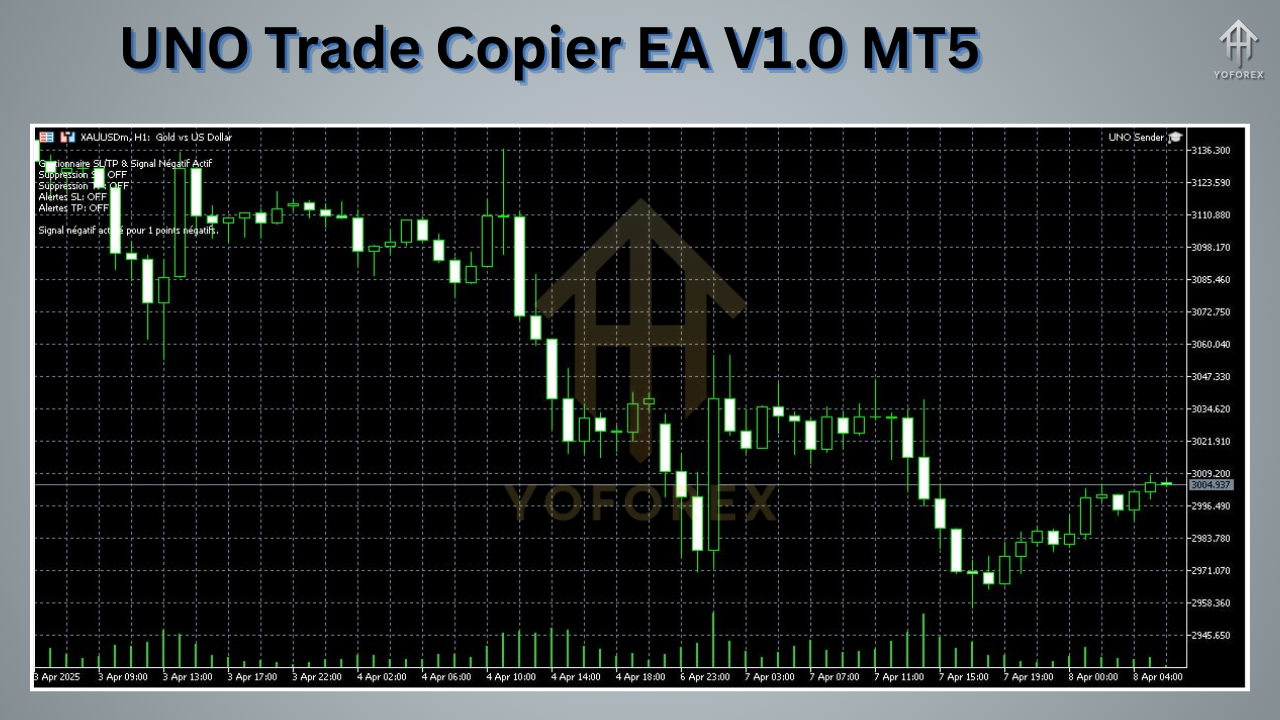
Master Account (Sender): Attach the EA to the chart where trades will be copied from.
-
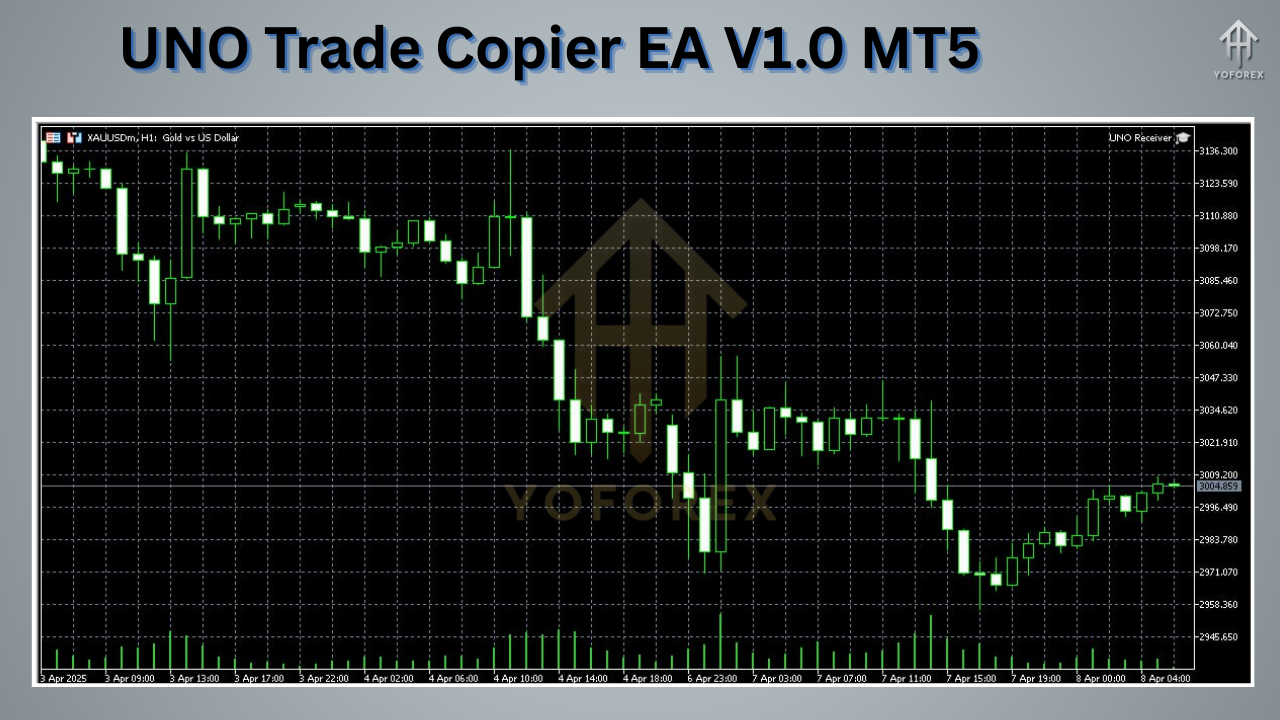
Slave Account (Receiver): Attach the EA to the chart where trades will be copied to.
Step 3: Adjust Settings
-
Magic Number: Ensures trades are copied only between specified accounts.
-
Lot Size Mode: Choose between fixed lots, percentage-based, or multiplier.
-
Symbol Mapping: Match different broker symbols if needed (e.g.,
EURUSDvs.EURUSDm).
Step 4: Start Copying Trades
Once configured, the EA will automatically replicate all trades from the master to the slave account(s).
Who Should Use UNO Trade Copier EA V1.0?
✅ Fund Managers – Easily distribute trades across multiple investor accounts.
✅ Signal Providers – Share your strategies with followers in real-time.
✅ Retail Traders – Mirror successful trades from expert traders.
✅ Hedge & Arbitrage Traders – Execute trades across different brokers instantly.
Advantages Over Manual Trading
???? Eliminates Human Error – No missed trades or incorrect lot sizes.
???? Saves Time – Automates repetitive tasks, allowing focus on strategy.
???? Scalability – Copy trades across unlimited accounts effortlessly.
???? Consistency – Ensures all accounts follow the same trading plan.
FAQs About UNO Trade Copier EA V1.0 MT5
Q1: Does it work with MT4?
No, this version is exclusively for MT5. However, MT4 versions may be available separately.
Q2: Is it compatible with all brokers?
Yes, as long as the broker supports MetaTrader 5, the EA will work.
Q3: Can I adjust lot sizes for different accounts?
Absolutely! You can set fixed lots, risk percentages, or multipliers per account.
Q4: Is there a free trial?
Check the official vendor for demo or trial options.
Final Thoughts
The UNO Trade Copier EA V1.0 MT5 is a game-changer for forex traders who want automated, accurate, and efficient trade copying. Whether you're managing multiple accounts or following a signal provider, this EA ensures seamless execution with zero manual intervention.
???? Upgrade your trading today – Get UNO Trade Copier EA V1.0 and experience hassle-free copy trading on MT5!






Comments (0)
No comments yet. Be the first to comment!
Leave a Comment