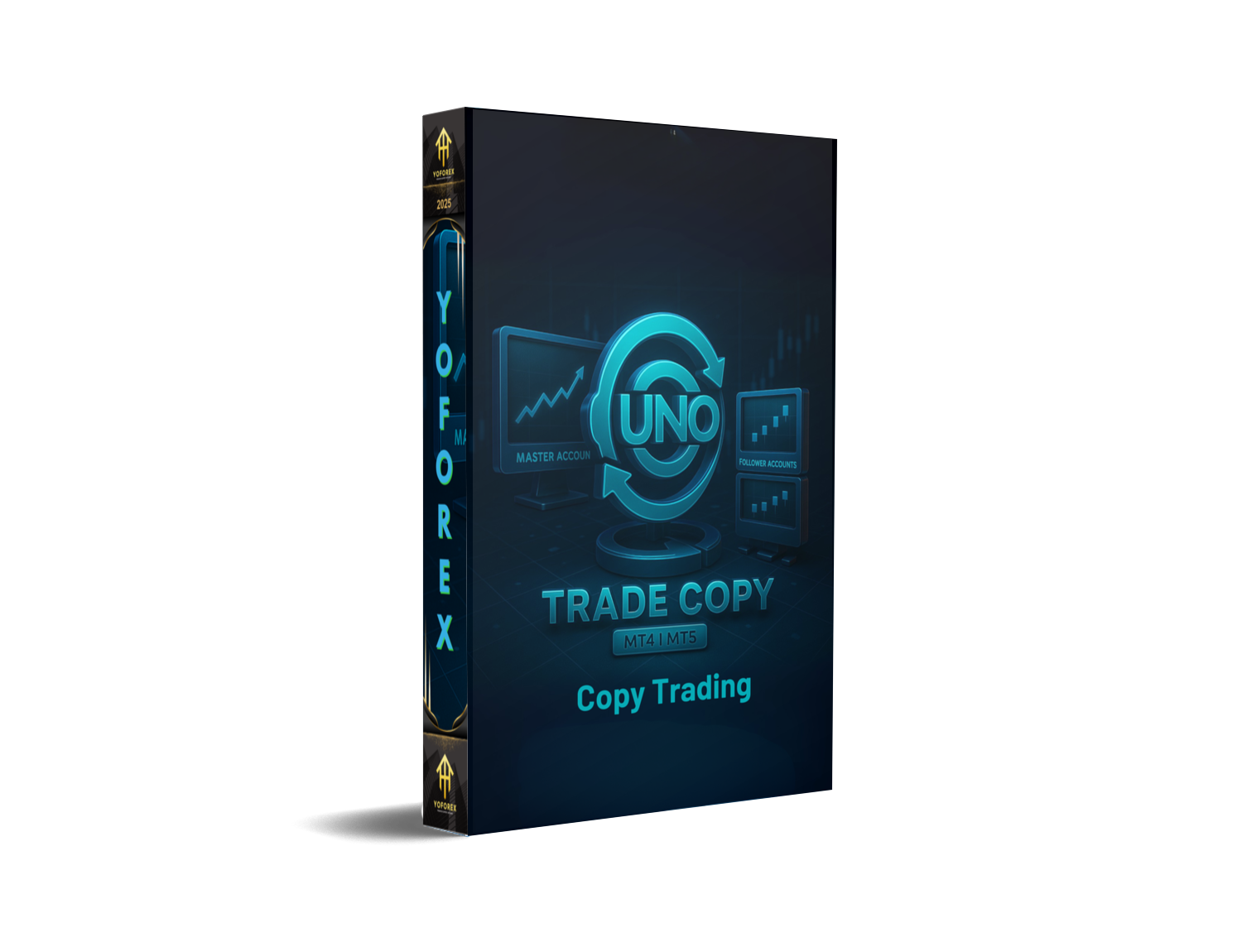
UNO Trade Copy: The Practical Guide to Faster, Safer Copy-Trading
If you’ve ever tried to manage multiple MT4/MT5 accounts at once, you know the pain—missed entries, late exits, and inconsistent sizing across accounts. A solid trade copier fixes that. UNO Trade Copy is designed to mirror trades from a “master” account to one or more “follower” accounts with low latency, clean risk control, and a dead-simple setup. In this guide, I’ll walk you through what it is, how it works, the key features you’ll actually use, and best-practice settings so you don’t blow up a follower just coz the master went full send on lot size.
What is UNO Trade Copy?
UNO Trade Copy is a master-to-slave (a.k.a. source-to-receiver) trade copier for MetaTrader. It takes market orders, pending orders, SL/TP updates, partial closes, and closes from your master terminal and replicates them on one or more follower terminals. You can run everything on a single machine (local copy) or across a LAN/VPS for teams. The goal is straightforward: keep every account aligned with the same entries and exits while respecting each account’s risk profile.
Who it’s for:
- Traders running multiple live or prop accounts
- Money managers who need consistent execution across investors
- Signal sellers who want automation without coding
- Advanced users testing portfolio allocations and hedging setups
How UNO Trade Copy Works (Without the Jargon)
- Master EA attaches to the source account/chart.
It listens for new orders, modifications, and closes. - Follower EA attaches to each target account/chart.
It receives “instructions” from the master and replicates them using your risk rules (e.g., fixed lot, balance-based, risk % per trade). - Mapping layer converts symbols/timezones if needed.
For example,XAUUSDon the master can map toGOLDon the follower. - Execution filter checks spreads, max slippage, trading hours, and news blocks (if you enable them). If conditions pass, the follower places or modifies the trade.
- Health checks keep everything in sync.
If a trade fails to copy, UNO flags it and retries based on your tolerance.
It’s basically a traffic controller for trades: high-speed and rule-driven.
Key Features You’ll Actually Use
- Ultra-low latency local copy with lean communication between terminals
- Multiple sizing modes: fixed lot, balance/ equity multiplier, risk % per trade
- Symbol mapping (e.g.,
US30→DJ30,XAUUSD→GOLD) - Magic number and comment filters so you only copy selected strategies
- Order type coverage: market, stop/limit pendings, modifications, partials
- Per-account risk caps (max lot, max concurrent trades, daily loss stop)
- Slippage, spread, and news filters to avoid bad fills in volatile minutes
- Reverse copy mode (optional) for hedge testing or strategy inversion
- Trade timing guardrails: avoid specific sessions or Fridays after X hour
- Equity guard & daily stop to pause copying after hitting thresholds
- Auto-sync SL/TP & break-even moves so followers mirror risk management
- Retry queue with alerts (MT terminal alerts + optional email/push) for failures
Installation & Quick Setup
Total time: ~5–10 minutes if MetaTrader is already installed.
Step 1 — Prepare your terminals
- Open your master MetaTrader (where the original trades are placed).
- Open your follower MetaTrader(s) (where trades will be copied).
- Make sure AutoTrading/Algo Trading is enabled in each terminal.
Step 2 — Attach EAs
- Attach UNO Trade Copy Master to a chart in the master terminal.
- Attach UNO Trade Copy Follower to a chart in each follower terminal.
- Keep both charts open (dedicated M1 EURUSD charts are common for stability).
Step 3 — Channel & security
- Set a unique Channel/Group Name (e.g.,
UNO_MAIN_ROOM). - (Optional) Set a Passcode so only authorized followers connect.
Step 4 — Symbol mapping
- If broker symbols differ, add mappings (e.g.,
XAUUSD=GOLD,GER40=DE40). - Save your profile so you don’t redo this later.
Step 5 — Risk mode
Choose one:
- Fixed lot (e.g., always 0.10 lots)
- Balance multiplier (e.g., follower trades are 0.5× or 2× of master size)
- Risk % per trade (lot auto-calculates from SL distance and % risk)
Step 6 — Filters & protections
- Spread max (e.g., 30 points on majors, 500 on gold depending on broker digits)
- Slippage tolerance (e.g., 2–5 points)
- Session window (e.g., avoid NFP hour, or Fridays after NY close)
Step 7 — Dry run
- Run through a quick test: open/close a small market order on the master.
- Confirm instant replication on each follower with the right lot size and SL/TP.
Best-Practice Settings (Save Yourself a Headache)
- Consistent leverage across accounts if possible; it keeps risk proportional.
- Start with fixed lots on followers until you trust fills and mapping.
- Use magic filters to copy only your main strategy—not every EA on the master.
- Define a daily loss limit (e.g., -3% to -5%) to auto-pause after a rough patch.
- Avoid copying scalps across slow VPS hops. If you must, lower slippage tolerance and increase max spread slightly to avoid rejections.
- For prop rules, enable max trade count and no-news window if news trading violates the firm’s policy.
Real-World Use Cases
- Prop firm mirroring: Pass a challenge on the master, replicate trades cleanly to other prop accounts with balance multipliers to keep risk consistent relative to equity.
- Investor cloning: Master trades on a live account; followers mirror with fixed lots suited to each investor’s comfort.
- A/B strategy tests: Copy only one EA by magic number to a follower to compare broker execution and slippage.
- Reverse mode experiments: Invert a mean-reversion system during trend days to evaluate hedged outcomes.
Risk Reminder (Important)
Copy-trading amplifies whatever your master does—good or bad. Use sane per-account risk caps, test on demo first, and keep an eye on spread/commission differences between brokers. Past performance doesn’t guarantee future results; trade responsibly and stay within your plan.
Final Thoughts
If you want consistency across accounts without babysitting each chart, UNO Trade Copy gives you a clean, fast, and flexible path. Keep the setup simple at first—fixed lots, one symbol, one follower—and scale out only after fills and risk look right. That way your focus stays on the strategy, not on clicking the same button five times in five terminals.






Comments (0)
No comments yet. Be the first to comment!
Leave a Comment