
Volume Scalper EA V3.0 MT4 — Precision M5 Scalping on Gold, USDJPY & US30
Feeling like you’re doing everything “right” yet getting chopped out by noise? You’re not alone. Scalping the fast M5 charts can be a grind—spreads, slippage, fake breakouts, and random spikes make it tough to stay consistent. Volume Scalper EA V3.0 for MT4 was built specifically to tackle those pain points on XAUUSD (Gold), USDJPY, and US30. It leans on a clean, volume-based entry logic with tight risk rules and avoids the usual landmines like grid, martingale, or risky hedging. In short, it aims to keep you in the highest-probability moves and out of the garbage—coz that’s what survival looks like on lower timeframes.
This post breaks down how the EA thinks, what to expect on M5, how to install and configure it, plus some smart ways to run it with discipline. I’ll keep it practical and straight—no fluff, just what matters for day-to-day trading.
What is Volume Scalper EA V3.0 MT4?
Volume Scalper EA V3.0 is an MT4 Expert Advisor designed for M5 scalping on Gold (XAUUSD), USDJPY, and US30. The logic focuses on volume expansion and momentum confirmation to time entries around micro-impulses. Rather than chasing every candle, the EA waits for a specific combination: a minimum volume threshold, a directional bias, and a micro-structure trigger that hints at follow-through. That mix is what gives it an edge in fast markets where seconds matter.
Key principles baked into the design:
- No grid. No martingale. No hedging. That means the equity curve isn’t propped up with position stacking. Drawdowns remain transparent and manageable.
- Volume-led timing. Entries favor moments when the order book is actually moving. Low-quality chop is filtered out more often than not.
- Risk concentration. The EA seeks shorter, high-conviction moves on M5—quick in, quick out—so exposure is limited.
- Symbol-aware behavior. Gold, USDJPY, and US30 all “breathe” differently. The EA handles their volatility profiles with tailored thresholds.
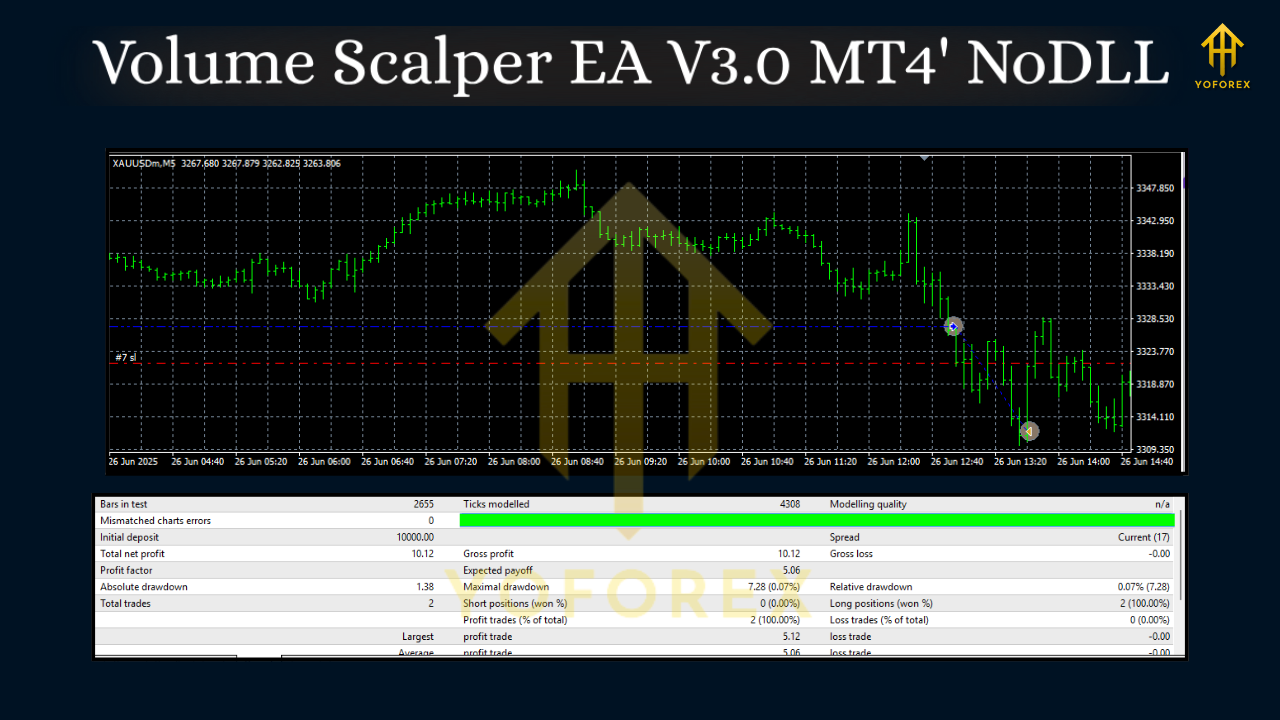
How It Trades (In Plain English)
Scalping on M5 is a balance between being early and being reckless. Volume Scalper EA V3.0 tries to be early enough to catch the impulse, but not so early that you buy the top of a wick. In practice, it looks for:
- Directional bias: A swiftly updating bias derived from recent micro-swings and session behavior.
- Volume kick: A confirmed uptick in volume (relative to the immediate past) that suggests real participation.
- Trigger structure: A compact pattern—think micro-breaks or retests—where risk can be tucked tight.
Once in, the EA manages exits via modest take-profit targets (scalper-style) and tight, adaptive stops. The goal is small, repeatable wins with strict risk per trade, rather than swinging for home runs. It’s deliberately boring, which is a compliment in algo-land.
Why Gold, USDJPY & US30?
- XAUUSD (Gold): Volatile, active during multiple sessions, and responsive to macro headlines. Great for volume-driven scalps, but needs discipline.
- USDJPY: Tends to trend cleanly when momentum kicks in; responds well to volume impulses around sessions and data prints.
- US30: Big swings, especially around NYSE open. Scalps can be swift; spreads and slippage must be respected.
All three are popular for M5 strategies precisely because they move enough to justify scalping… but they’ll punish over-trading. That’s why the EA’s filters and risk caps are a big deal.
Core Features (At a Glance)
- • M5 timeframe focus for XAUUSD, USDJPY & US30
- • Volume-based entries with momentum confirmation
- • No grid, no martingale, no hedging (risk stays visible)
- • Adaptive stop-loss logic with optional breakeven shift
- • Configurable take-profit targets (fixed or dynamic)
- • Spread & slippage guardrails (skip trades in bad conditions)
- • Session filters (optionally limit to London/NY hours)
- • News-time avoidance toggle (skip high-impact windows if you want)
- • Equity protection (daily stop or max drawdown cap)
- • Magic Number separation for multi-chart/multi-asset operation
- • Prop-firm friendly settings (risk-per-trade caps, daily loss guard)*
- • Trade logging with clear comments for audit and optimization
*Always verify your prop firm’s specific rules; settings are on you.
Recommended Setup & Settings
Account type & broker:
Pick a broker with tight spreads and fast execution, especially for Gold and US30. A low-latency VPS helps; milliseconds matter on scalps.
Leverage & capital:
Leverage 1:200 to 1:500 is common for scalpers, but you must keep risk per trade modest. Many traders start with 0.25%–0.75% risk per position. Keep it sane.
Symbols & charts:
Run separate M5 charts for XAUUSD, USDJPY, and US30. Use unique Magic Numbers so the EA can manage orders cleanly per chart.
Session control:
If you’re new, consider enabling London + NY sessions only. Liquidity and follow-through are usually better.
News filter:
If your broker MT4 has a news feed or you’re using an external utility, schedule no-trade windows around the highest-impact releases. Spikes can slip stops, especially on Gold and indices.
Stops & targets:
Start with fixed TP and adaptive SL. For example, a stop sized by recent range (ATR-style) and a take profit at 1.0R–1.5R. As you get comfortable, iterate.
Max daily trades:
Limit trade count to avoid over-fitting your day to noise. Something like 5–15 trades/day per symbol is a reasonable fence to start with—tho it depends on your risk.
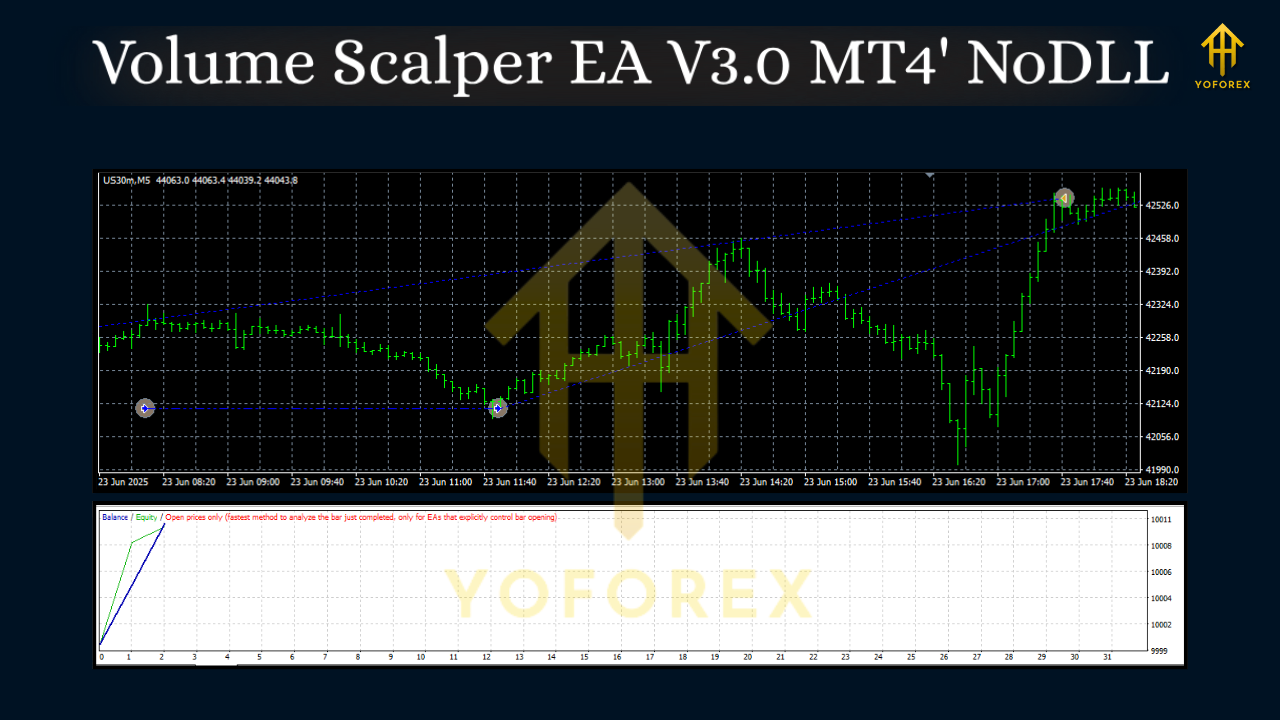
Realistic Expectations (No Hype)
Scalping is about execution quality and risk math. There will be small losing streaks—every system has them—so position sizing and equity protection are non-negotiable. The edge here is that Volume Scalper EA V3.0 MT4 avoids dangerous position-doubling and leans on volume confirmation. That doesn’t guarantee profits; it improves probabilities when market conditions cooperate.
Think in weeks and months, not just one session. Track stats by symbol and session to learn where the EA shines for you. And always test changes on demo or a small live account first.
Installation (Step-by-Step)
- Download the EA file (ex4) to your computer.
- Open MT4 → File → Open Data Folder → MQL4 → Experts and paste the file there.
- Restart MT4 or refresh the Navigator panel.
- Drag Volume Scalper EA V3.0 onto your M5 chart (XAUUSD, USDJPY, or US30).
- Enable Algo Trading and check Allow live trading in the EA settings.
- Set your risk %, TP/SL rules, session times, spread filter, and Magic Number.
- Start on demo, observe for a week or two, then go gradual on live.
Tips for Better Consistency
- Keep spreads under control. If spreads blow out (rollover, news), let the filter skip entries.
- Use a VPS. Shorter ping helps fill at your intended price more often.
- Don’t chase after you miss a trade. The next clean setup is always better than revenge-entries.
- Log everything. Export trades weekly; identify which symbol/session combos are paying you.
- Adjust TP/SL per symbol. Gold likes a different TP/SL profile than USDJPY; US30 is its own beast.
- Respect daily stops. A hard daily loss cap prevents one rough session from wrecking your month.
Who Is It For?
- Scalpers who want a rules-driven approach on M5 without grid/martingale.
- Day traders looking to automate entries/exits while keeping risk per trade tight.
- Prop-firm hopefuls who need discipline, daily loss caps, and transparent risk (verify firm rules).
- Busy traders who like short holding times and fewer overnight surprises.
Final Word
Volume Scalper EA V3.0 MT4 isn’t a magic button; it’s a disciplined scalping engine that respects risk and hunts for momentum where it actually exists—when volume shows up. If you can match it with solid broker conditions, a low-latency environment, and a steady head, it can be a very practical addition to your M5 toolkit. Test, iterate, and keep your edge simple. That’s the game.






Comments (0)
No comments yet. Be the first to comment!
Leave a Comment