
WHM PRO Indicator V1.0 MT4 – The Ultimate Trading Tool for Forex Traders
By: Aditi
Published on: Mar 28, 2025
Introduction
The WHM PRO Indicator V1.0 MT4 is a powerful trading tool designed to help Forex traders make informed decisions with precision. Whether you're a beginner or an experienced trader, this indicator provides real-time signals, trend analysis, and entry/exit points to maximize profitability.
In this blog post, we’ll explore:
✔ What the WHM PRO Indicator V1.0 MT4 is
✔ Key features and benefits
✔ How to install and use it
✔ Trading strategies for best results
✔ Why traders prefer this indicator
Let’s dive in!
What is the WHM PRO Indicator V1.0 MT4?
The WHM PRO Indicator V1.0 MT4 is a MetaTrader 4 (MT4)-based technical analysis tool that helps traders identify high-probability trade setups. It uses advanced algorithms to detect trends, reversals, and optimal entry points, making trading more efficient and less stressful.
Why Use the WHM PRO Indicator?
✅ Accurate Signals – Reduces guesswork with clear buy/sell alerts.
✅ User-Friendly – Easy to install and interpret, even for beginners.
✅ Customizable Settings – Adjust parameters to fit your trading style.
✅ Works on Multiple Timeframes – Suitable for scalping, day trading, and swing trading.
✅ No Repainting – Ensures signals remain reliable and do not change after appearing.

Key Features of WHM PRO Indicator V1.0 MT4
1. Real-Time Buy/Sell Signals
The indicator generates arrows or alerts to indicate optimal entry points:
- Blue Arrow = Buy Signal
- Red Arrow = Sell Signal
2. Trend Detection
It identifies uptrends and downtrends, helping traders align with market momentum.
3. Multi-Timeframe Compatibility
Works on M1, M5, M15, H1, H4, D1, and more, making it versatile for different trading styles.
4. Customizable Alerts & Notifications
Get pop-up alerts, email notifications, or mobile push alerts to never miss a trading opportunity.
5. Stop Loss & Take Profit Suggestions
The indicator provides recommended SL & TP levels, helping traders manage risk effectively.
How to Install WHM PRO Indicator V1.0 MT4
Follow these simple steps to install the indicator:
Step 1: Download the Indicator File
- Get the WHM_PRO_Indicator_V1.0.ex4 file from the provider.
Step 2: Open MT4 Platform
- Launch MetaTrader 4 on your PC.
Step 3: Install the Indicator
- Click File > Open Data Folder.
- Navigate to MQL4 > Indicators.
- Paste the .ex4 file here.
- Restart MT4.
Step 4: Attach to Chart
- Open a Forex chart.
- Go to Navigator > Indicators > WHM PRO Indicator V1.0.
- Drag and drop it onto the chart.
Step 5: Configure Settings (Optional)
- Adjust parameters like signal sensitivity, alerts, and colors as per your preference.
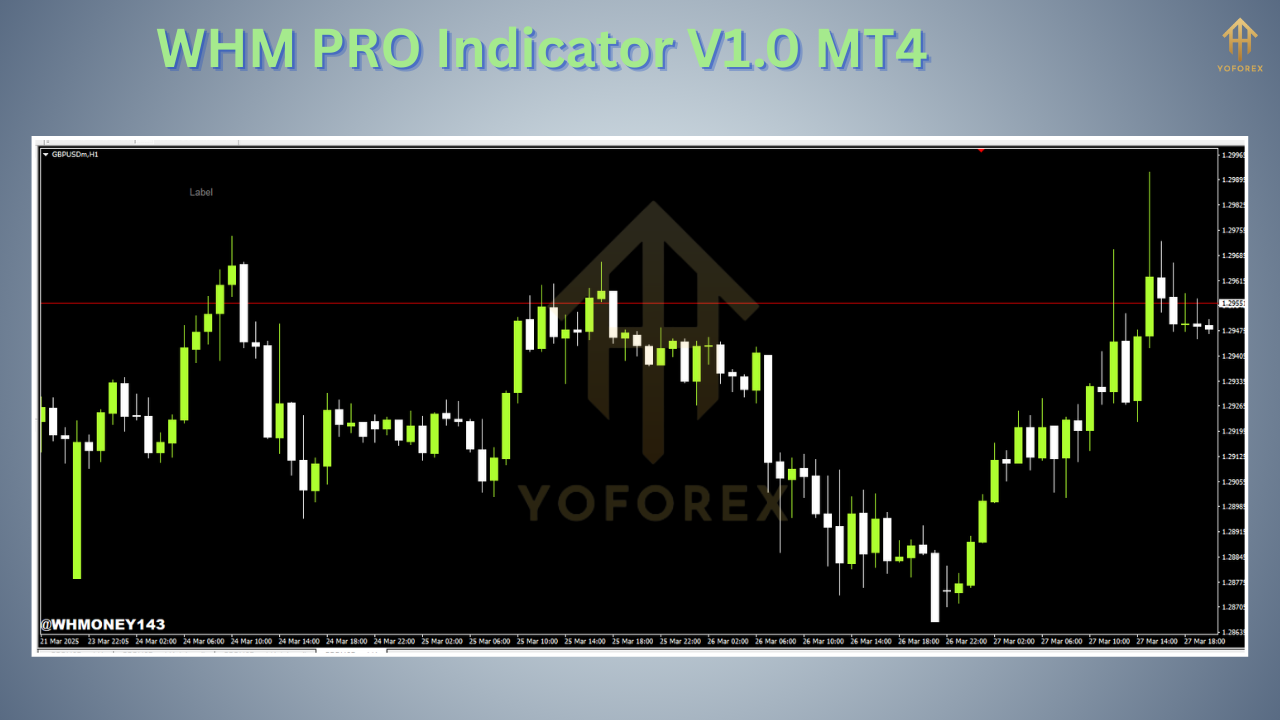
Best Trading Strategies with WHM PRO Indicator V1.0
1. Scalping Strategy (M1-M15 Timeframes)
- Use 5-15 minute charts for quick trades.
- Enter when a clear arrow signal appears.
- Set a tight stop loss (5-10 pips) and take profit at 1:1 or 1:2 risk-reward ratio.
2. Day Trading Strategy (H1-H4 Timeframes)
- Trade on 1-hour or 4-hour charts for better accuracy.
- Combine with support/resistance levels for stronger confirmation.
- Hold trades for a few hours to a day.
3. Swing Trading Strategy (D1 Timeframe)
- Works best on daily charts for long-term trends.
- Wait for strong trend confirmations before entering.
- Use wider stop losses to avoid premature exits.
Why Traders Love WHM PRO Indicator V1.0 MT4
High Accuracy – Minimizes false signals.
Saves Time – No need for manual analysis.
Beginner-Friendly – Simple to understand and use.
Works on All Currency Pairs – EUR/USD, GBP/USD, Gold, etc.
No Repainting – Signals stay fixed, ensuring reliability.
Final Thoughts
The WHM PRO Indicator V1.0 MT4 is a game-changer for Forex traders looking for consistent, high-quality signals. Its easy installation, customizable features, and multi-timeframe compatibility make it a must-have tool for both new and experienced traders.








Comments
No comments yet. Be the first to comment!
Leave a Comment