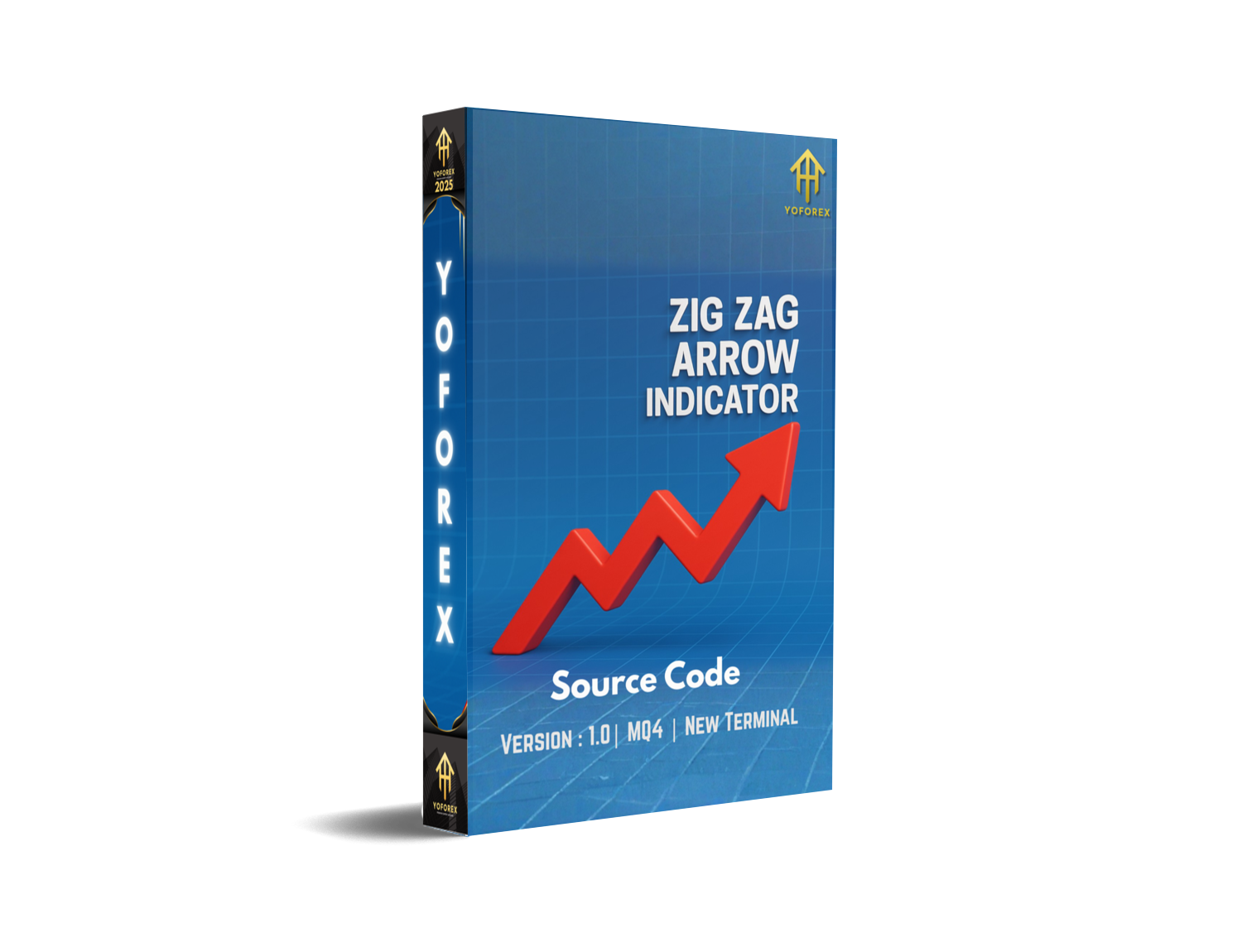
Zig Zag Arrow Indicator V1.0 MQ4 – Full Review and Guide
If you’ve ever stared at your MT4 chart wondering why every market swing feels confusing, don’t worry—you’re not alone. Traders across all experience levels struggle with identifying clean market structure, especially when emotions kick in. That’s exactly why tools like the Zig Zag Arrow Indicator V1.0 MQ4 exist. This indicator helps simplify the chart, remove noise, and highlight real swing highs and lows with clear arrows. And honestly, once you start using it, the clarity feels refreshing… almost like the market finally slows down for you.
This review walks you through everything about this indicator—how it works, how to set it up, the benefits it brings, and how you can combine it with real strategies for more confident decision-making. Since the tool is lightweight, MT4-friendly, and easy to read, even beginners can pick it up without breaking a sweat. But pro traders also use it to confirm structure shifts, trend reversals, and breakout zones.
Let’s dive in deeper and explore what makes Zig Zag Arrow Indicator V1.0 MQ4 a popular pick among technical traders.
What Is Zig Zag Arrow Indicator V1.0 MQ4?
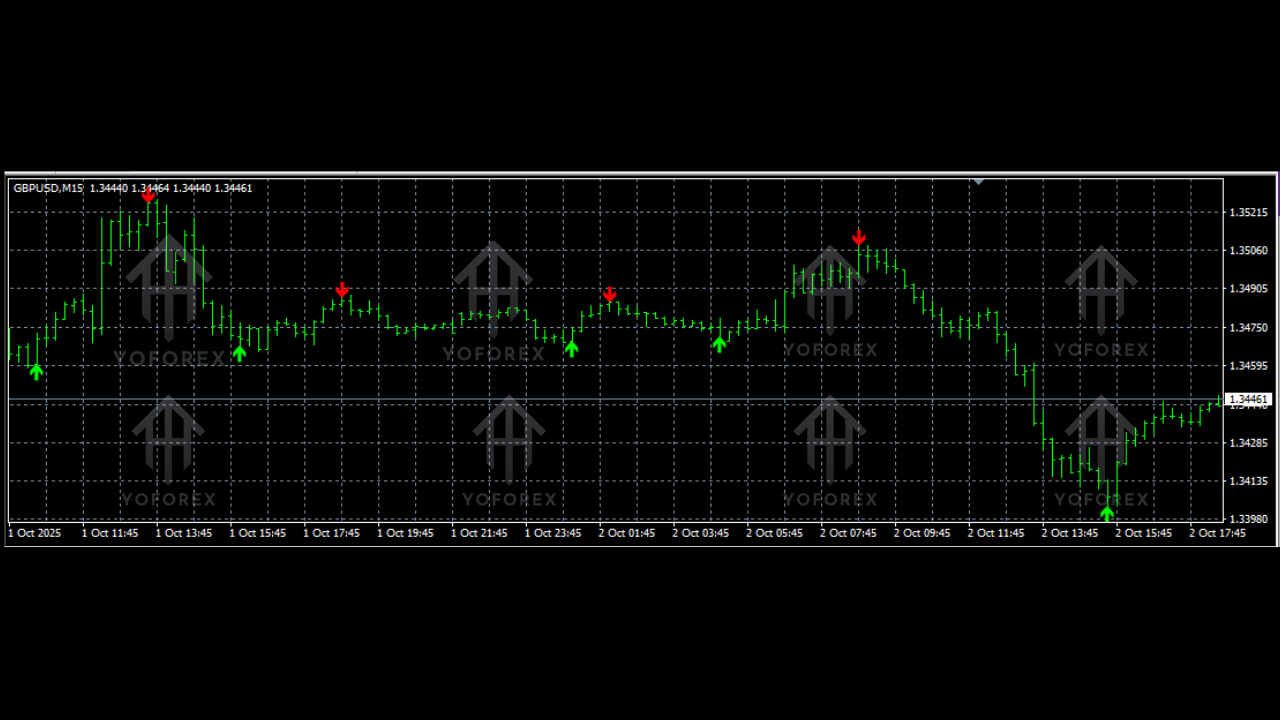
The Zig Zag Arrow Indicator V1.0 MQ4 is a market structure detection tool built for MetaTrader 4. It plots swing highs and swing lows by capturing significant price movements and ignoring small fluctuations that don’t matter. Instead of cluttering your screen, it gives you clean arrows marking reversal points.
These plotted arrows help traders identify:
- Trend direction
- Market turning points
- Potential breakout zones
- Key support and resistance areas
- Structural shifts during consolidation phases
One of the biggest advantages of the Zig Zag Arrow Indicator is that it doesn’t repaint excessively when configured with proper settings. Many new traders get confused by repainting indicators, but this one is much more stable because it waits for confirmed swings before painting arrows.
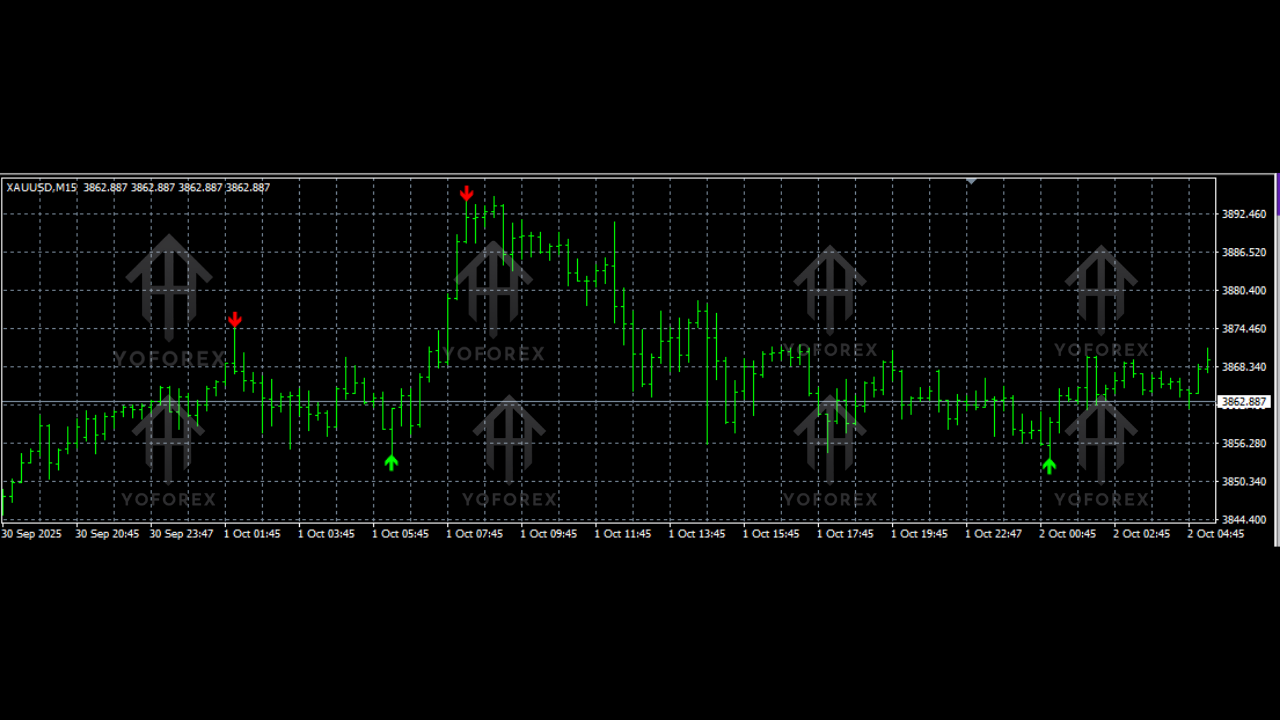
The indicator works with all MT4 pairs—forex, gold, indices, crypto, stocks—because it is based purely on price movement. You can apply it to any timeframe such as M1 for scalping or D1 for long-term trading.
Why Traders Prefer Zig Zag Arrow Indicator
Many traders gravitate toward this indicator coz it simplifies decision-making. Instead of guessing when a swing has formed, you get visual confirmation via arrows. It acts like a helper on the chart that says, “Hey, the trend just shifted here,” or “This is probably a pullback area.”
Some reasons traders trust this tool include:
- Clean, uncluttered charting
- Noise reduction in volatile markets
- Visual swing identification
- Better accuracy in spotting reversals
- Supports manual and automated strategies
Also, the indicator is extremely lightweight, so it doesn’t slow down MT4 even if you run multiple indicators or expert advisors simultaneously.
Key Features of Zig Zag Arrow Indicator V1.0 MQ4
Here are the major features that make this indicator stand out:
• Simple swing high and swing low detection
• Clean arrow-based signals
• Works on all MT4 assets and charts
• Adjustable sensitivity settings
• Helps identify early trend reversals
• Improves price action clarity
• Great for scalpers, intraday traders, and swing traders
• Works with support/resistance, order blocks, and smart money concepts
• No complex configuration required
• Reduces chart noise and emotional decision-making
• Compatible with other indicators like RSI, MACD, or Moving Averages
• Fully beginner-friendly
How Zig Zag Arrow Indicator Helps Improve Trading
The biggest advantage of this indicator is clarity. Markets move in swings, but raw price action can be confusing when the chart is full of wicks, small corrections, or fake moves. The Zig Zag Arrow Indicator isolates only major swing points, making it easy to read structure.
Trend Direction
When the indicator prints higher highs and higher lows, the chart is likely in an uptrend. When it prints lower highs and lower lows, it suggests a downtrend.
Potential Reversals
Arrows appear at swing extremes. These are often the areas where the market slows down, rejects zones, or prepares for a pullback.
Breakout Confirmation
When the price breaks above or below the indicator’s swing points, it gives strong confirmation of momentum continuation.
Support and Resistance Mapping
Each arrow is essentially a structural point, which later becomes a reference for key support and resistance zones.
Best Ways to Use Zig Zag Arrow Indicator in Your Strategy
1. Trend Following Strategy
Follow the arrows to identify higher highs or lower lows. Enter trades in the direction of the prevailing trend after pullbacks.
2. Reversal Trading
When an arrow forms at a major support or resistance level, wait for confirmation candles, then enter reversal positions.
3. Scalping
On M1, M5, and M15 charts, the indicator helps identify micro swings for quick entries and exits.
4. Swing Trading
Use arrows on H1, H4, or D1 charts to locate high-probability swing turning areas.
5. Combine With Smart Money Concepts
Use arrows to confirm liquidity grabs, order blocks, or breaker structures.
How to Install Zig Zag Arrow Indicator V1.0 MQ4
Installing the indicator is simple and takes less than 30 seconds. Here’s what to do:
- Download the MQ4 file.
- Open MT4 → Click File → Open Data Folder.
- Go to MQL4 → Indicators.
- Paste the indicator file into the folder.
- Restart your MT4 terminal.
- Go to Navigator → Indicators → Find Zig Zag Arrow Indicator V1.0.
- Drag and drop it onto your chart.
Once applied, you will instantly see arrows marking swing highs and lows based on default sensitivity.
Recommended Settings
While the default settings work well, many traders adjust the "Depth" and "Deviation" values to match their trading style.
- Larger values = fewer but stronger signals
- Lower values = more frequent swings for scalping
Experiment on demo charts to find your optimal configuration.
Performance and Practical Use
Since the Zig Zag Arrow Indicator is not a signal-only tool but a market structure tool, its strength lies in helping traders avoid confusion. When you rely strictly on raw candlesticks, it’s easy to misjudge swings, especially during volatile sessions. But with this indicator, the chart feels cleaner and decisions become more logical.
Traders often report better accuracy in:
- Identifying the main trend
- Knowing exactly where reversals happened
- Combining it with EMA or RSI for improved entries
- Avoiding emotional trades
- Improving breakout confirmation
While the indicator alone won’t guarantee profits, using it with strong risk management and a proper trading plan can definitely improve consistency.
Why You Should Consider Using It
The Zig Zag Arrow Indicator V1.0 MQ4 is ideal for:
- Beginners learning market structure
- Scalpers wanting fast clarity
- Swing traders needing clean reversal zones
- Price action traders
- SMC and ICT traders
It gives structure visibility and helps reduce confusion—something even experienced traders appreciate.
Conclusion
The Zig Zag Arrow Indicator V1.0 MQ4 is one of the simplest yet most effective market structure indicators available for MT4. If you want cleaner charts, clearer swing points, and easier decision-making, this is a great tool to try. Whether you're a beginner or a seasoned trader refining your strategy, the indicator helps you stay focused on real price movement instead of screen noise.
Use it wisely, combine it with confirmations, and always follow risk management.






Comments (0)
No comments yet. Be the first to comment!
Leave a Comment