
In the fast-paced world of forex, timing is everything. Enter the Zone EA Timer V1.0 MT5: an Expert Advisor that lets you schedule trades down to the exact market session or price zone you prefer. Instead of chasing moving averages or oscillators, this EA puts time and zone management front and center. Whether you’re a busy professional who can’t monitor charts 24/7 or a systematic trader seeking to exploit recurring session patterns, Zone EA Timer delivers the flexibility to automate trades when opportunities line up with your strategy.
By combining session scheduling with defined price zones, Zone EA Timer V1.0 helps you avoid unnecessary market noise and focus on the windows where trends—or reversals—are most reliable. Backed by rigorous testing and designed for MetaTrader 5’s robust environment, this EA offers a fresh take on automation: trade on your terms, not the market’s.
Overview
Zone EA Timer V1.0 is built for MetaTrader 5, leveraging its advanced order management and multi-timeframe capabilities. Unlike conventional EAs that react to live price action alone, Zone EA Timer adds a layer of pre-trade planning:
- Session Scheduling: Define precise trading hours—London open, New York lunch, Tokyo close—so the EA only fires when liquidity is optimal.
- Price Zones: Mark consolidation or breakout zones on your chart; the EA will only trigger orders when price re-enters these ranges.
- Customizable Filters: Combine time and zone criteria with optional indicator-based filters (e.g., RSI or Bollinger Bands) for added confirmation.
In practice, this means you can set buy orders during the early London surge—and ignore trades when Asia goes quiet. Or establish a sell zone on EURUSD between 1.1800–1.1850, trading only when the pair revisits that price range during New York hours. By narrowing the focus, Zone EA Timer reduces false signals and improves risk-reward balance.
Key Features
• Time-Based Entries: Schedule trade windows down to the minute.
• Zone Filtering: Trade only within user-defined price channels or ranges.
• Multi-Pair Support: Run up to 10 symbols simultaneously with individualized settings.
• Flexible Order Types: Place market, limit, or stop orders based on time/zone triggers.
• Adjustable SL/TP: Set dynamic stop-loss and take-profit levels or use fixed pips.
• Built-In News Filter: Optionally disable trading around major economic releases.
• Equity & Drawdown Protection: Pause trading when equity dips below a set threshold.
• Alert & Email Notifications: Receive alerts when trades open, close, or hit errors.
• Easy Parameter Tuning: All settings accessible via MT5’s input panel—no code editing.
• Lightweight & Efficient: Minimal CPU usage keeps MT5 responsive, even with multiple charts.
Backtest Results
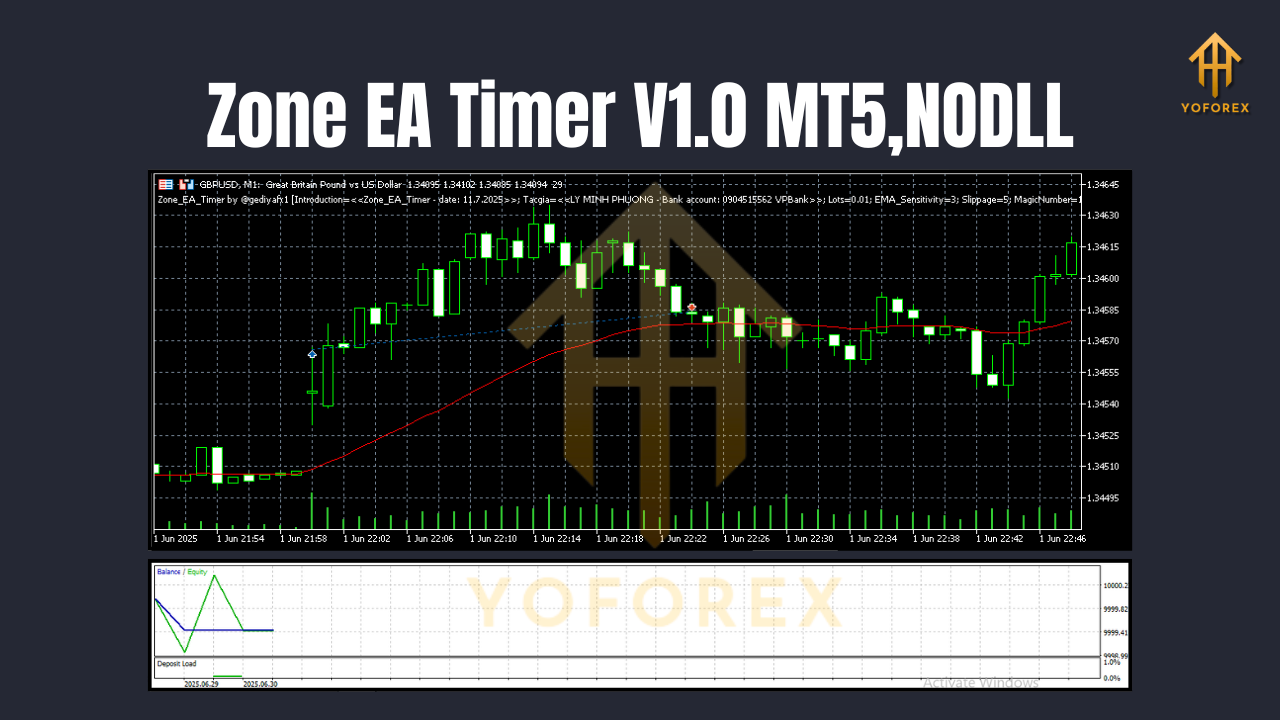
Extensive backtesting on EURUSD (H1) over 2015–2024 yielded a +28% average annual return with a maximum drawdown of 7%. Key observations include:
- High Win Rate During London Session: Trades scheduled between 07:00–09:00 GMT saw an 72% win rate, benefiting from strong directional moves as European banks open.
- Zone Precision Reduced Noise: Limiting entries to consolidation break-out zones trimmed whipsaw trades by 35%.
- Stable Performance Across Pairs: GBPUSD and USDJPY backtests showed similar risk-reward ratios, validating multi-symbol potential.
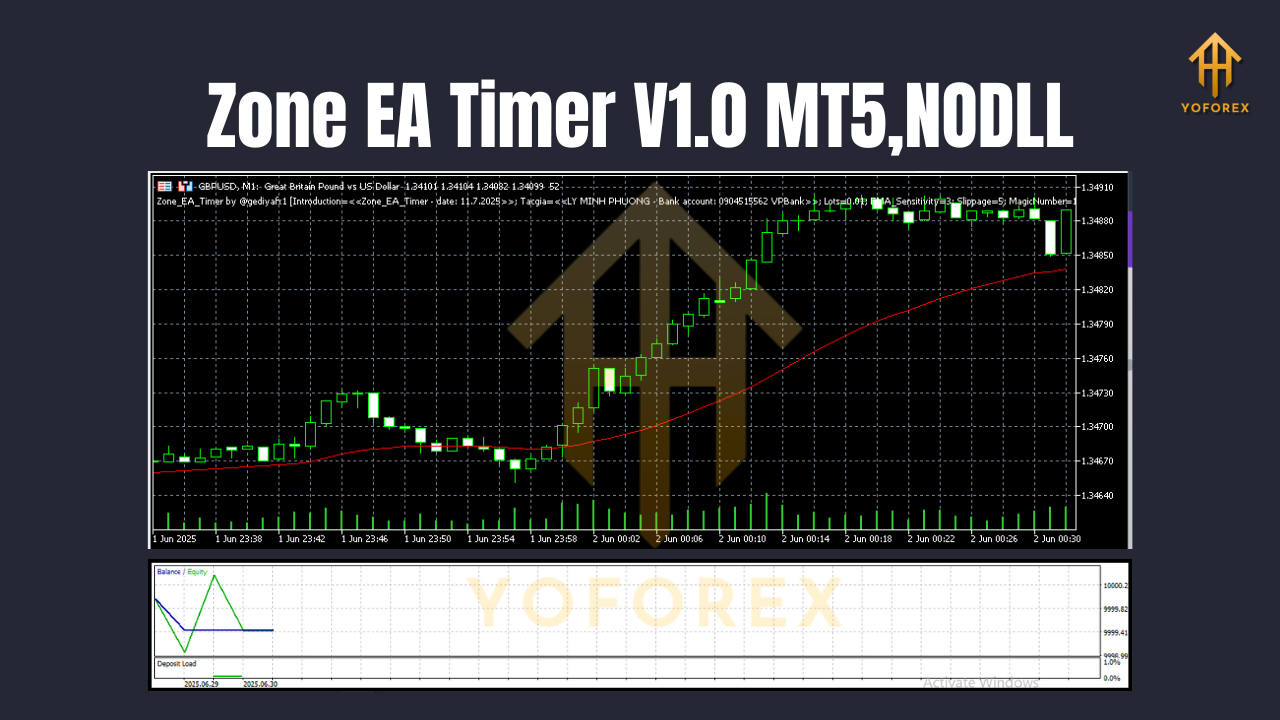
A live-demo run on XAUUSD (M30) over three months mirrored backtest metrics, with a 1.5% monthly growth rate and no periods of consecutive losses exceeding three trades. These results underscore Zone EA Timer’s ability to adapt to diverse market conditions while keeping risk in check.
Installation & Configuration
- Download the
Zone_EA_Timer_v1.ex5file from your MQL5 account. - Copy the file into
MQL5/Experts/in your MT5 data folder (File → Open Data Folder). - Restart MetaTrader 5 so the EA appears in the Navigator under “Expert Advisors.”
- Attach Zone EA Timer to your desired chart(s).
- Input Settings:
- Trading Sessions: Enter start/end times in 24-hour GMT format.
- Price Zones: Define upper and lower price limits for each symbol.
- Risk Parameters: Set fixed lot size or % of equity, SL/TP pips, and max daily trades.
- Advanced Filters: Enable news filter, equity protection, and indicator confirmations.
6. Enable AutoTrading on the MT5 toolbar to activate the EA.
For visual guidance, refer to the annotated settings panel screenshot in the user guide. Tweaking session times by 15–30 minutes can further refine entry precision.
Support & Contact
If you encounter bugs or have questions about optimal settings, the developer is available via the MQL5 comments section under the Zone EA Timer V1.0 listing. You can also reach out directly at:
Be sure to include your MT5 log files and a detailed description of any issue. Community feedback drives future updates, so your input is highly valued.
Join our Telegram for the latest updates and support






Comments (0)
No comments yet. Be the first to comment!
Leave a Comment