
Introduction
If you're exploring automated Forex trading, you've likely heard about the Zone Recovery EA. This powerful Expert Advisor (EA) for MetaTrader 4 uses a unique combination of grid trading and price zone recovery strategies to maximize profits. Many traders seek its MQ4 source code to customize and enhance its performance.
What is Zone Recovery EA?
The Zone Recovery EA is an automated trading system designed specifically for MetaTrader 4 (MT4). Unlike traditional trading robots, it doesn't rely on simple indicators or martingale strategies. Instead, it:
✅ Identifies key support/resistance zones
✅ Places multiple buy/sell orders in a grid pattern
✅ Recovers losses when price returns to profitable zones

How Does Zone Recovery EA Work?
The EA follows a three-step process:
Zone Identification
Detects strong support/resistance levels
Marks these as "recovery zones"
Grid Order Placement
Opens multiple trades at different price levels
Each new trade is placed at a fixed distance (GridStep)
Profit Recovery
When price returns to a zone, it closes trades for profit
Uses a smart exit strategy to lock in gains
Key Features of Zone Recovery EA
Grid Trading : Opens multiple orders at different price levels
Zone-Based Recovery : Exits trades when price returns to profitable zones
Customizable Risk : Adjustable lot size, max trades, stop-loss, and take-profit
Multi-Currency Support : Works on major Forex pairs (EUR/USD, GBP/USD, etc.)
MQ4 Source Code : Fully editable for customization
Step 1: Install the EA in MT4
- Download the Zone_Recovery_EA.mq4 file
- Copy it to MT4 > Experts folder
- Restart MT4 and drag the EA onto a chart
Step 2: Optimize Settings
- Backtest in MT4 Strategy Tester
- Adjust GridStep, LotSize, and MaxTrades
- Test on different currency pairs (EUR/USD recommended)
Step 3: Demo Test Before Going Live
- Run in a demo account for at least 1 month
- Monitor performance before risking real money
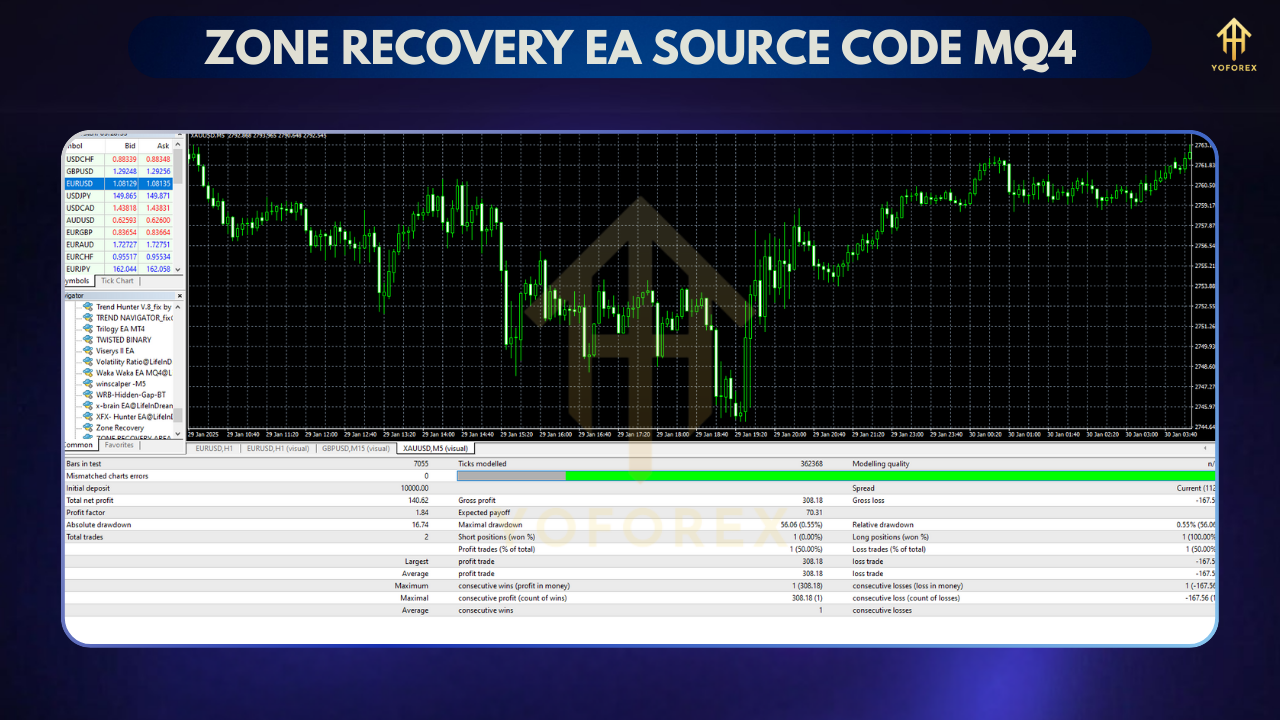
Pros & Cons of Zone Recovery EA
✅ Advantages
✔ Works well in ranging markets
✔ Lower risk than pure martingale
✔ Fully customizable via MQ4 code
❌ Risks
✖ Can struggle in strong trending markets
✖ Requires careful risk management
✖ Not a "set-and-forget" solution
Where to Get the MQ4 Source Code?
- Forex forums (ForexFactory, MQL5)
- GitHub repositories
- Paid EA marketplaces
Final Verdict: Who Should Use It?
This EA is best for:
- Intermediate traders who understand grid trading
- Coders who want to modify the strategy
- Patient traders willing to optimize settings
Not recommended for:
- Complete beginners
- Traders expecting "get-rich-quick" results






Comments (1)
thankx
Leave a Comment