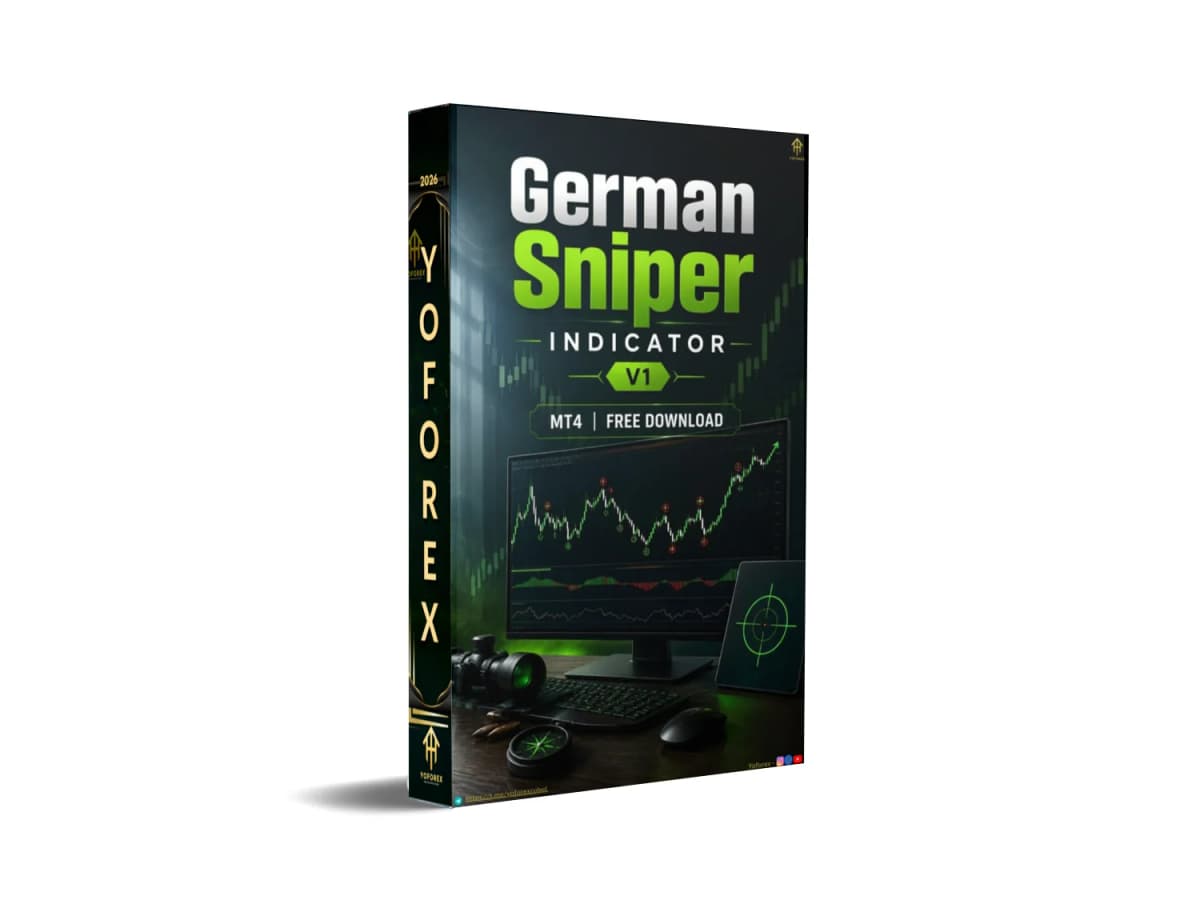
German Sniper Indicator V1 MT4: Stop Guessing Entries and Exits
Many traders lose consistency not because they lack a strategy, but because they cannot reliably mark precise entry zones, stop-loss levels, and take-profit targets in real time. Watching charts for hours, drawing subjective lines, and second-guessing every candle creates fatigue, missed moves, and emotional overrides.
Manual analysis works when you have unlimited screen time and perfect discipline. Most traders do not. They need a visual tool that highlights potential bounce or breakout zones, suggests where to place risk, and shows a clear profit target — without forcing constant interpretation.
German Sniper Indicator V1 MT4 addresses exactly this gap. It is an MT4 custom indicator that plots labeled entry lines, take-profit lines, and suggested stop-loss references directly on the chart.
Can German Sniper Indicator V1 MT4 Help With This?
Yes — within its documented scope.
The indicator displays:
- Yellow “SMART BUY ABOVE HERE” or “SMART SELL BELOW HERE” lines that mark potential entry zones based on prior price reaction areas.
- Blue “TAKE PROFIT HERE” lines that indicate suggested exit targets.
- Suggested stop-loss references tied to candle closes relative to the signal levels.
It does not open or close trades automatically. It supplies the visual structure so the trader can execute with defined risk and reward. Suitable for traders who want clearer, rule-based visual cues for scalping, day trading, or short-term swing setups on MT4 and who are willing to confirm signals with their own process.
How the Indicator Solves the Problem
Problem: Continuous manual scanning for support/resistance bounces and subjective SL/TP placement. Indicator function: Plots pre-calculated entry lines (SMART BUY ABOVE HERE / SMART SELL BELOW HERE) derived from prior reaction points and SuperTrend-style logic, plus matching take-profit lines. Practical benefit: The trader sees defined zones instead of blank charts. Entry becomes “wait for candle close above/below the line,” risk is referenced to the indicated SL, and exit is pre-marked. This reduces decision fatigue and supports more consistent application of the same rules across sessions.
Quick Product Snapshot
| Factor | Details |
|---|---|
| Platform | MetaTrader 4 (MT4) |
| Strategy | Visual entry + SL + TP based on reaction zones |
| Trading Style | Scalping, day trading, short-term |
| Pairs | Majors, minors, and other instruments |
| Timeframe | Any (works on shorter timeframes; many users prefer M30+) |
| Automation | Signal/levels only (manual or semi-auto execution) |
| Risk Management | Suggested SL and TP levels shown on chart |
| Configuration | Default settings common; color/line visibility adjustable |
| Best For | Traders seeking clear visual entry/exit structure |
Key Features Relevant to the Problem
Labeled entry lines (SMART BUY ABOVE HERE / SMART SELL BELOW HERE) What it does: Marks zones where price previously reacted; trader waits for candle close confirmation. Why it matters: Removes ambiguity about “where is the level.” What to verify: Non-repaint behavior after candle close and performance on your preferred pairs/timeframes on demo.
TAKE PROFIT HERE lines What it does: Plots a predefined profit target associated with the entry. Why it matters: Provides an objective exit instead of trailing emotion or arbitrary round numbers. What to verify: Whether the distance fits your risk-reward preference and broker spreads.
Suggested stop-loss references What it does: Indicates levels (often “candle should close below/above X”) for risk placement. Why it matters: Encourages predefined risk rather than moving stops after entry. What to verify: Actual distance relative to your account risk rules.
Optional support/resistance line display What it does: Can show additional horizontal structure via parameters. Why it matters: Adds confluence for traders who already use S/R. What to verify: Whether enabling it improves or clutters your chart.
Practical Use Case
A day trader who works during London or New York sessions cannot stare at charts continuously. They attach German Sniper Indicator V1 MT4 on M15 or H1 charts of major pairs. When a SMART BUY ABOVE HERE line appears, they wait for a candle close above it, place the stop according to the indicated reference, and target the TAKE PROFIT HERE line. Between signals they can step away knowing the next setup will be visually marked. All testing occurs first on a demo account with realistic spreads and commission.
No results are guaranteed; the example only illustrates workflow.
Where German Sniper Indicator V1 MT4 May Help
- Reduces time spent manually drawing and re-drawing levels.
- Supplies consistent visual structure for entries and exits.
- Supports disciplined execution by showing SL and TP in advance.
- Works across multiple pairs and timeframes once configured.
- Low chart clutter when only the labeled lines are enabled.
Where It May Not Help
- It does not eliminate market risk or guarantee profitable trades.
- It is not a fully automated Expert Advisor; trades still require manual or separate EA execution.
- Performance depends on market conditions, broker conditions, and the trader’s confirmation rules.
- It may generate fewer high-quality signals in strong trends or extreme volatility without additional filters.
- It still requires proper risk management, position sizing, and ongoing monitoring.
- Results vary by pair, timeframe, and settings; past visual appearance does not predict future outcomes.
Who Should Consider Buying German Sniper Indicator V1 MT4?
- Traders already comfortable with MT4 who want clearer visual entry/exit structure.
- Scalpers and day traders who prefer predefined levels over pure price-action discretion.
- Part-time traders who cannot monitor charts continuously and need marked setups.
- Users willing to test thoroughly on demo, adjust risk, and combine with their own filters if needed.
- Traders who value rule-based visual cues over black-box automation.
Who Should Avoid Buying It?
- Anyone expecting guaranteed profits or fully hands-free trading.
- Traders unwilling to test on demo or review actual broker conditions.
- Those who need a complete automated EA rather than a signal indicator.
- Absolute beginners who have not yet learned basic risk management and order placement.
- Users whose strategy requires multi-timeframe confluence or fundamental filters the indicator does not supply.
Problem-Solution Comparison
| Trading Need | Manual Approach | German Sniper Indicator V1 MT4 |
|---|---|---|
| Monitoring | Continuous chart watching | Lines appear when conditions are met |
| Execution | Subjective entry timing | Wait for close above/below labeled line |
| Consistency | Varies with fatigue and emotion | Same visual rules applied to every signal |
| Automation | None | Visual levels only (execution still manual) |
| Configuration | Manual drawing each session | Default or adjustable line visibility |
| Human Intervention | High for every decision | Lower for level identification; still required for trade management |
Before purchasing:
- Confirm the file is the MT4 .ex4 version compatible with your terminal build.
- Understand it provides visual levels, not automated trade execution.
- Check supported pairs and preferred timeframes on the product page.
- Review any available risk or drawdown notes.
- Verify broker compatibility (spread, execution type).
- Determine whether a VPS is needed for your usage (usually not required for an indicator).
- Plan to test all settings on a demo account first.
- Confirm support and update policy with the seller.
- Prepare your own risk rules (position size, max daily loss) independent of the indicator.
How to Get Started
- Review the full product specifications and screenshots on the listing.
- Confirm MT4 compatibility and file type.
- Purchase only if the features match your needs.
- Install the .ex4 file into the MT4 Indicators folder and refresh the Navigator.
- Attach to a chart and review default settings / line colors.
- Test extensively on a demo account with realistic conditions.
- Monitor signal frequency, SL/TP distances, and your own confirmation process.
- Consider live use only after you are satisfied with demo behavior and risk control.
FAQs
Can German Sniper Indicator V1 MT4 automate my trading?
No. It displays entry, SL, and TP levels. Trade execution remains manual or requires a separate EA.
Is it compatible with my MT4 setup?
It is designed for MetaTrader 4. Always confirm the exact build and file type on the product page before purchase.
Is it suitable for beginners?
It is beginner-friendly in visual clarity, but beginners must still understand order placement, risk management, and demo testing.
Can I test it before live trading?
Yes. Install on a demo account and evaluate thoroughly before any real-money use.
What should I check before buying?
Platform compatibility, exact features shown, supported instruments, seller support, and your own risk rules.
Does it require a VPS?
Not typically for an indicator. A VPS is more relevant if you later pair it with an automated EA.
Can settings be customized?
Line colors and some visibility options are commonly adjustable. Core logic is usually fixed to default.
Where can I purchase German Sniper Indicator V1 MT4?
Check the official product listing on the MQL5 Market or the seller’s authorized page linked from yoforexea.com/blog. Always verify the source.
CONCLUSION
If German Sniper Indicator V1 MT4 matches your need for clear visual entry, stop-loss, and take-profit structure on MT4, review the full specifications, install it on a demo account, and evaluate the signals under your own risk rules.
View Bot / Check Specifications / Get Started on the official listing.
Never trade live until you have confirmed compatibility, tested thoroughly, and defined position sizing independent of any indicator.
REFERRAL
Join the VIP Signals Telegram Channel for real-time expert trading signals and stay ahead in the forex market. Get personalized strategies by becoming a part of our Real Account Management Telegram Channel and optimize your trading experience. If you’re aiming to Pass PropFirm Challenges , join our dedicated channel for tips and proven methods. Start managing your capital effectively with expert advice from our Funded Account Management Telegram Channel. For advanced traders, our HFT EA / Passing Telegram Channel offers high-frequency trading insights and strategies to boost your performance.
Free Trading Tools
Download Expert Advisors & Indicators
Write for Us
Share your expertise with our community
Download Available
Get this trading tool for free