

I-Chop Zone INDICATOR V0.3 MT5 refers to an MT5 Chop Zone-style indicator that presents market conditions through a colored histogram. The available evidence describes trend and neutral-state interpretation, not verified trading performance. Treat it as a visual research aid, then inspect source code, assumptions, and test behavior before connecting it to an EA.
I-Chop Zone Indicator V0.3 MT5: definition and decision context?
The phrase describes an MT5 Chop Zone-style indicator intended to help display market movement conditions and separate active trends from more neutral phases. The available source presents it as a histogram shown in a separate indicator window, rather than as a complete trading system or an independently validated EA. the source description
That distinction matters for developers. A visual state can be read by a human, but an Expert Advisor needs an explicit rule for when a bar is considered confirmed, how a state change is sampled, and what happens when the value changes during a forming candle. None of those implementation details are established by the supplied evidence, so they should be treated as design questions rather than assumed features.
For an MQL5 workflow, begin by identifying the indicator buffer or buffers exposed by the file. Then decide whether an EA reads the last closed bar or the current bar. The evidence supports interpreting the displayed market-state concept, but it does not support a claim about accuracy, profitability, or future results. Keep the first version observable and easy to debug. Readers can use the site’s MQL5 EA checklist while documenting those decisions.
Who should consider I-Chop Zone Indicator V0.3 MT5?
This tool is most relevant to readers who want a compact visual condition filter and are willing to validate its behavior themselves. It may fit a developer prototyping an MT5 custom-indicator workflow, a trader comparing chart states manually, or an EA author testing whether a directional filter can be represented as a clear rule.
It is less suitable as a substitute for understanding execution logic. A downloaded indicator does not remove the need to inspect inputs, buffers, initialization behavior, and signal timing. If the intended use is an MT5 EA, write down the exact handoff between the indicator and the trading module before coding. The interface should make it possible to distinguish a missing value, a neutral state, and a genuine transition.
Readers searching for an MT5 expert advisor free download should separate two decisions: whether the indicator is useful for analysis, and whether any EA using it is technically sound. Those are different review tasks. Start with a demo or non-production environment, retain logs, and avoid treating a colored bar as an instruction to open a position. The About page provides context on this site’s editorial focus.
Benefits and practical limitations
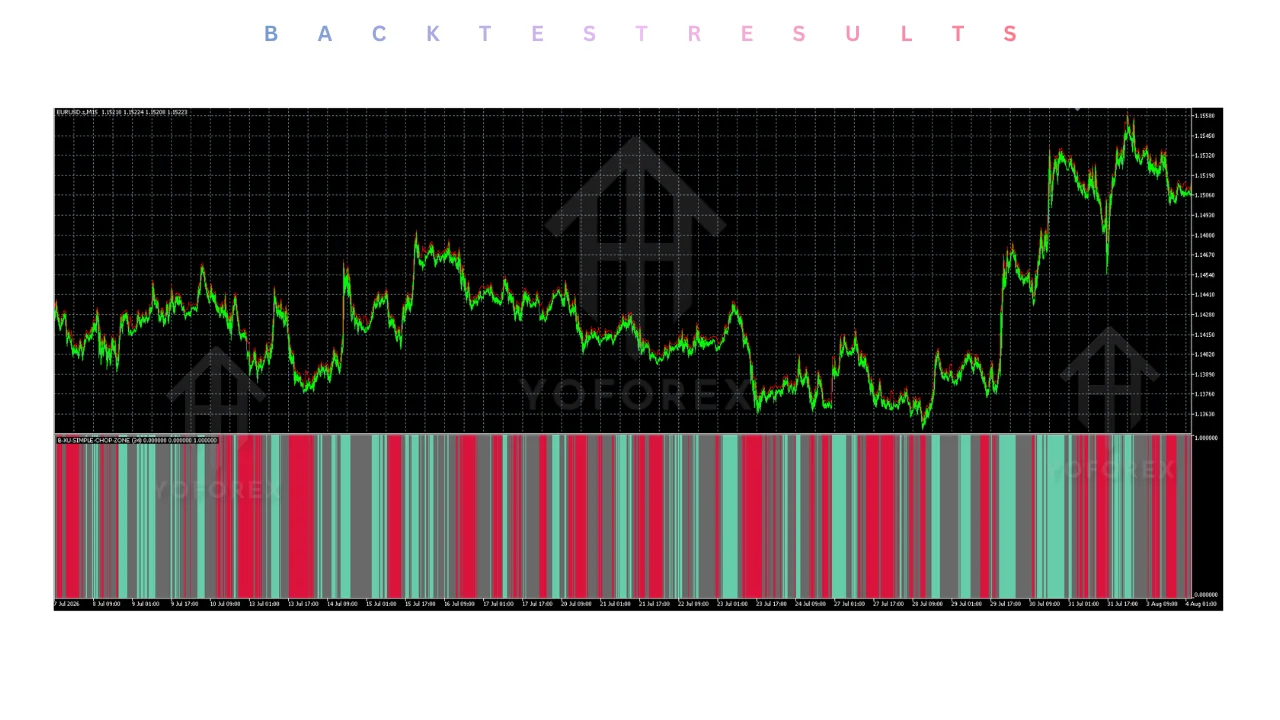
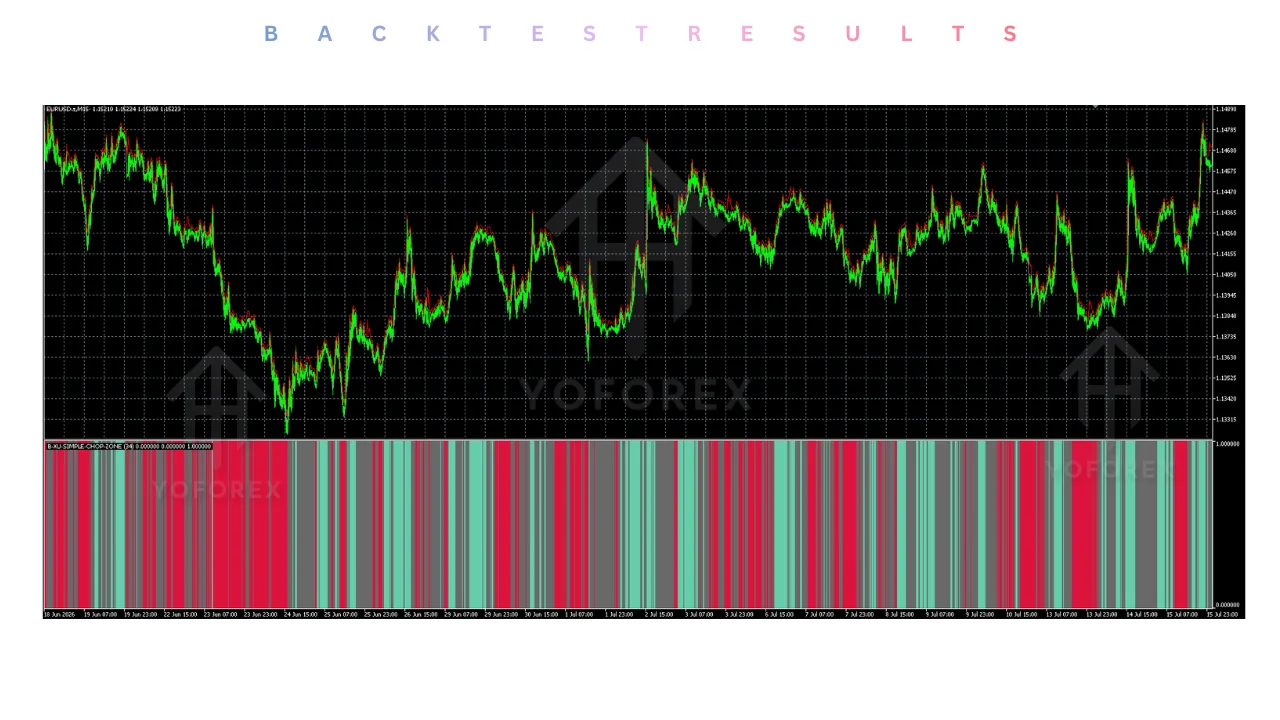
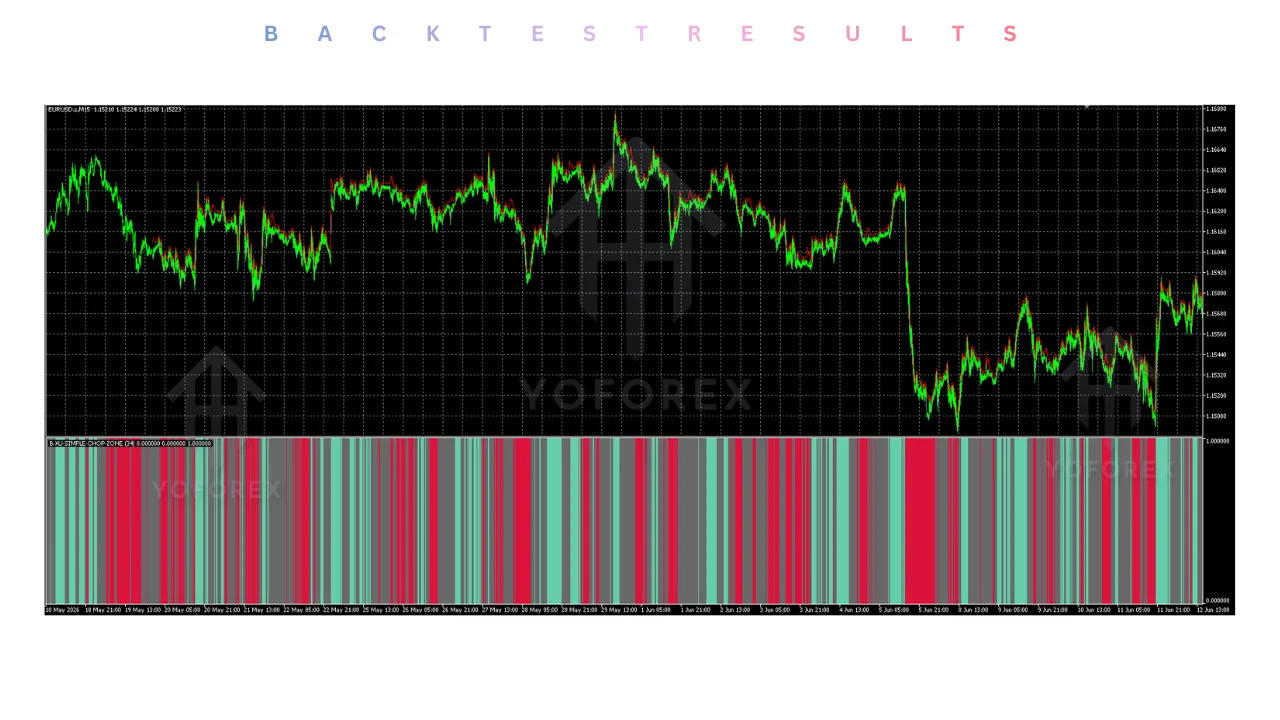
The main practical benefit is compression: a histogram can place a market-state cue in one dedicated area without requiring the reader to interpret several chart overlays at once. One available description says the display is intended to show whether momentum is bullish, bearish, or flat. the color-coded histogram account That can make a prototype easier to discuss, provided the visual convention is documented.
Potential benefits
- A separate visual state can simplify an initial chart review.
- Color categories can give an EA project a defined vocabulary for testing.
- A compact filter may help developers isolate one hypothesis at a time.
Practical limitations
- The supplied evidence does not establish predictive accuracy or trading performance.
- Color alone does not specify entry, exit, position-sizing, or execution rules.
- Unverified implementation details can create mismatches between chart display and EA reads.
For debugging, log the bar time, symbol, timeframe, buffer value, and interpreted state at the moment the EA reads the indicator. Compare that log with the chart rather than assuming the visual output and programmatic value are identical. This is a validation method, not evidence that the method produces a favorable result.
MT5 EA and the reader decision
An MT5 EA can use the indicator only after the visual states have been converted into explicit, testable conditions. The supplied product description says the indicator uses a color-coded histogram to show bullish, bearish, or flat momentum. the product’s momentum description That supports a filtering hypothesis, but it does not define a complete automated strategy.
In MQL5, keep the indicator-reading layer separate from order logic. The initialization stage should confirm that the custom indicator handle is valid and that required data can be copied. The tick-processing stage should avoid repeatedly acting on the same candle unless that behavior is deliberate. These are implementation safeguards for a maintainable EA, not claims about the named indicator’s internal code.
A useful test matrix changes one assumption at a time: closed-bar versus current-bar reading, a directional state versus a neutral state, and data availability during initialization. Record rejected signals as well as accepted ones. If the source file is unavailable or its buffers are undocumented, mark the integration as unresolved rather than filling the gap with a guessed buffer index. For infrastructure planning, compare the workflow with the site’s MQL5 VPS checklist.
MT5 Expert Advisor Free download and the reader decision
A free download should be treated as an input to a review process, not as proof that an EA or indicator is ready for live deployment. The supplied research includes pages describing free MT5 indicator access, but it does not establish a common file version, source-code quality, support arrangement, or independently audited result. the free-download page
Before installing any file, identify what you can inspect. For an indicator, that may include input names, output buffers, recalculation behavior, and compatibility with the terminal build. For an EA, it also includes trade permissions, symbol handling, error reporting, and recovery behavior. If those items cannot be checked, the correct conclusion is uncertainty, not approval.
Use a staged workflow: inspect the package, compile where source is provided, attach it to a non-production chart, and verify the displayed state against logged values. Only after the logic is understood should a developer consider a strategy-tester experiment. Do not convert an unverified download into a performance claim, and do not infer suitability from a download label. Readers can use Contact for site-related questions or visit Register for the site’s account flow.
For the latest pricing, licence terms, or to download , visit yoforex.net — the official YoForex platform where their Expert Advisors and related trading tools are listed.
Conclusion
I-Chop Zone INDICATOR V0.3 MT5 is best approached as a market-state visualization concept for MT5, not as a verified trading system. The cited descriptions support a colored histogram and trend-versus-neutral interpretation, while the supplied pack contains no independently audited performance evidence. the cited MT5 evidence
For a technical trader, the next step is controlled inspection: determine what the file exposes, document the state rules, and test the EA integration without assuming that a visual transition is a trading signal. Keep the risk disclaimer in view, especially when leveraged products are involved.
That approach also keeps the editorial conclusion proportionate to the evidence. The indicator may be useful for organizing a chart hypothesis, but readers still need to validate timing, data handling, execution behavior, and strategy assumptions independently. Further site material is available through the Market news / blog, while the source list below identifies the external evidence retained for this article.
Support & Disclaimer
Support
If you need help installing or configuring your EA, or face any kind of bug, feel free to reach out on:
WhatsApp: Click here
Telegram Group: Join our community
Disclaimer:
Forex and gold trading involve risk. Past performance doesn’t guarantee future results. Always test robots on demo before live trading and use proper risk management.
REFERRAL
Join the VIP Signals Telegram Channel for real-time expert trading signals and stay ahead in the forex market. Get personalized strategies by becoming a part of our Real Account Management Telegram Channel and optimize your trading experience. If you’re aiming to Pass PropFirm Challenges , join our dedicated channel for tips and proven methods. Start managing your capital effectively with expert advice from our Funded Account Management Telegram Channel. For advanced traders, our HFT EA / Passing Telegram Channel offers high-frequency trading insights and strategies to boost your performance.
Sources
- I - Chop Zone Indicator for MT5 – Free Download — yoforex.net
- I - Chop Zone Indicator V0.3 MT5 - Guide — yoforex.org
- I - Chop Zone MetaTrader 5 Indicator — yoforexea